Notification
Go to Home All Tools Compare Glossary Blog Contact
Be the first to rate
Unbiased, Instant Clarity

The Premium Yes / No Wheel.

Yes or No Wheel Decision Maker - Decision Tools

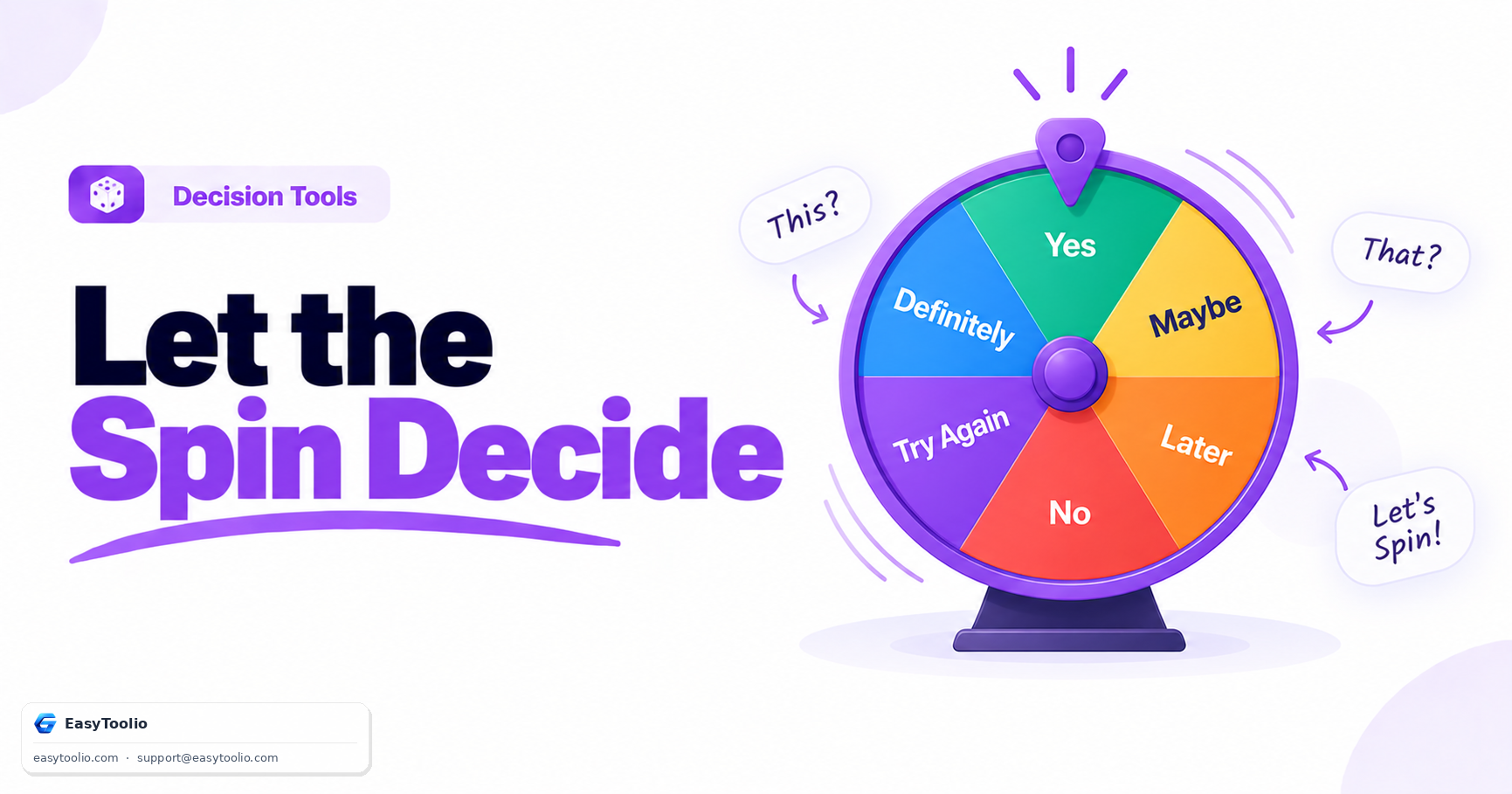
Stuck in an everyday dilemma? Write down your question, pick a custom bias mode, and spin or swipe the tactile glass wheel for your instant answer.

Your Current Dilemma

Optional: State your question for custom AI consultation later

Adjust Probability Bias

Set the physical weights of YES vs NO segments:

Synthesized Audio Plucks

Tactile ticking sound effects calculated in real-time

Copy Choice Report

Quickly share your chosen wheel output with friends.

Decision Outcome
?
Tip: You can swipe or flick the wheel with your finger to spin!

Decision Log & Past Spins

Your recent answers will appear here to log your path.

Smart Rationalization

AI Advisor Decision Counselor

Struggling to accept the outcome? Draft funny rationalizations, create pros & cons lists, or analyze decision structures.

Topics this feature will cover:

🎭 Funny Defense of My Outcome 📊 Balanced Pros & Cons List 🛡️ Simple Dilemma Reduction Rules

Be first to access it when it launches.

We'll notify you the moment AI Advisor goes live. One email, no spam.

Education

How Decision Wheels Help

1 What Is the Freudian Choice Trick?

Sometimes the anticipation of a random outcome reveals what you truly want. If you find yourself hoping for a specific result while the wheel is spinning, that reaction may help clarify your personal preference before the wheel even stops.

2 How Does Swipe Momentum Work?

Interactive decision wheels often use swipe or drag gestures to determine the initial spinning speed. Faster swipes create longer spins, providing a natural and engaging experience similar to spinning a physical wheel.

3 Are My Questions Compiled Online?

Decision wheels can operate entirely within your browser, allowing spins, outcomes, and custom options to be processed locally. This helps keep personal choices and decision-making activities private.

4 What Defines the Bias Multipliers?

Some decision tools offer optional weighting or bias settings that increase the likelihood of certain outcomes. These adjustments can influence probabilities while still maintaining the appearance of a normal wheel spin.

FAQs

Frequently Asked Questions

It uses a secure pseudo-random number generator (PRNG) executed directly in your web browser. This ensures that every spin has an exact 50/50 probability, completely free of bias or server-side manipulation.

For custom inputs, you can use our dedicated "Spin Wheel" tool where you can type in multiple custom names, choices, or numbers.

Yes. The randomness is generated using Javascript's Math.random() API, which provides a high-quality distribution of random floats mapped to binary YES or NO states.

No. All question thinking and wheel processing occurs client-side in your local browser tab. No database entries or tracking logs are created.

None. Like all tools on EasyToolio, the Yes or No Wheel is completely free, does not require a signup, and contains no hidden restrictions.

Workflow Suggestions

Recommended for Your Workflow

Category Showcase

More from Decision Tools

Platform Spotlight

Popular Tools on EasyToolio

Explore More Tools Like Yes or No Wheel

Loved the Yes Or No Wheel? Explore our suite of related utilities to boost your productivity even further.