Notification
Go to Home All Tools Compare Glossary Blog Contact
Be the first to rate
Security Suite

Password Generator

Password Generator

Create strong, randomly generated customizable passwords. 100% private, local generation using cryptographic APIs.

Privacy First Policy

Passwords are generated 100% locally on your browser using cryptographic random bytes. Nothing is stored, transmitted, or logged on our servers.

Settings & Presets

Password Length 16

Character Options

Generate Multiple Passwords

Password Strength

Entropy Evaluation Strong

Password Insights

Length 0
Entropy 0 bits
Uppercase Letters 0
Lowercase Letters 0
Numbers 0
Symbols 0
Estimated Crack Time Centuries

Generation History

Essential Password Security Tips

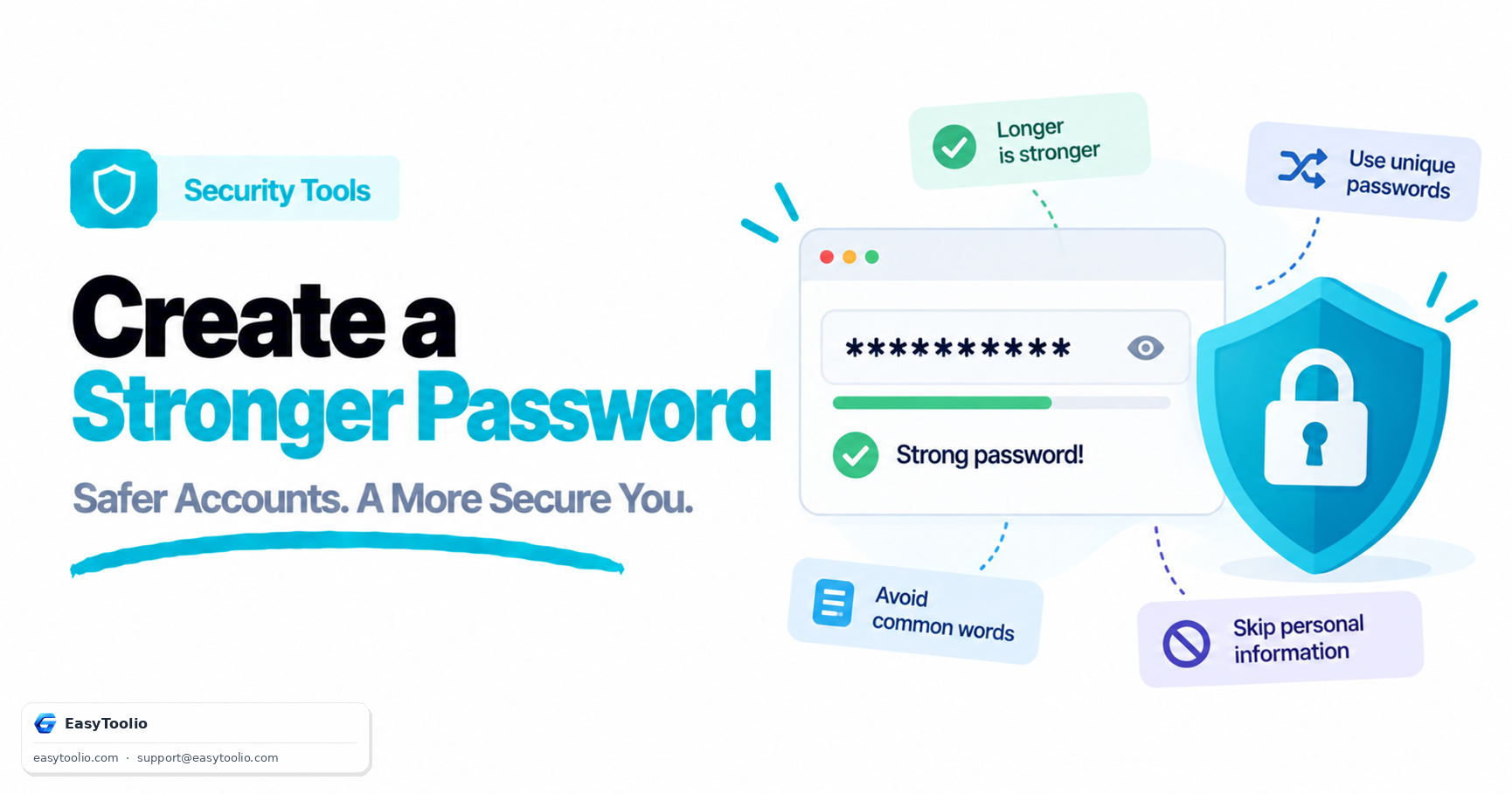
  • **Use unique passwords**: Never reuse the same password across multiple online accounts or logins.
  • **Enable Two-Factor Authentication (2FA)**: Add an extra security layer via SMS, apps, or physical keys.
  • **Avoid personal information**: Keep names, birthdays, pet names, or addresses out of your credentials.
  • **Use a password manager**: Keep track of complicated passwords with services like Bitwarden or 1Password.

Weak vs Strong Password Examples

Weak: password123

Brute-force software can guess dictionary words combined with basic numbers instantly (0 seconds).

Strong: T#8vQ!29zLp@5mX

Uses cryptographic random sequences with varying character types, taking supercomputers centuries to crack.

Cybersecurity Advisor

AI Advisor Security Expert

Get advice on password management, two-factor authentication, and keeping your online accounts safe.

Topics this feature will cover:

🔐 Best Password Managers 📱 Setting up 2FA 🛡️ Phishing Protection

Be first to access it when it launches.

We'll notify you the moment AI Advisor goes live. One email, no spam.

Education

Understanding Password Security

1 Unique Passwords Reduce Risk

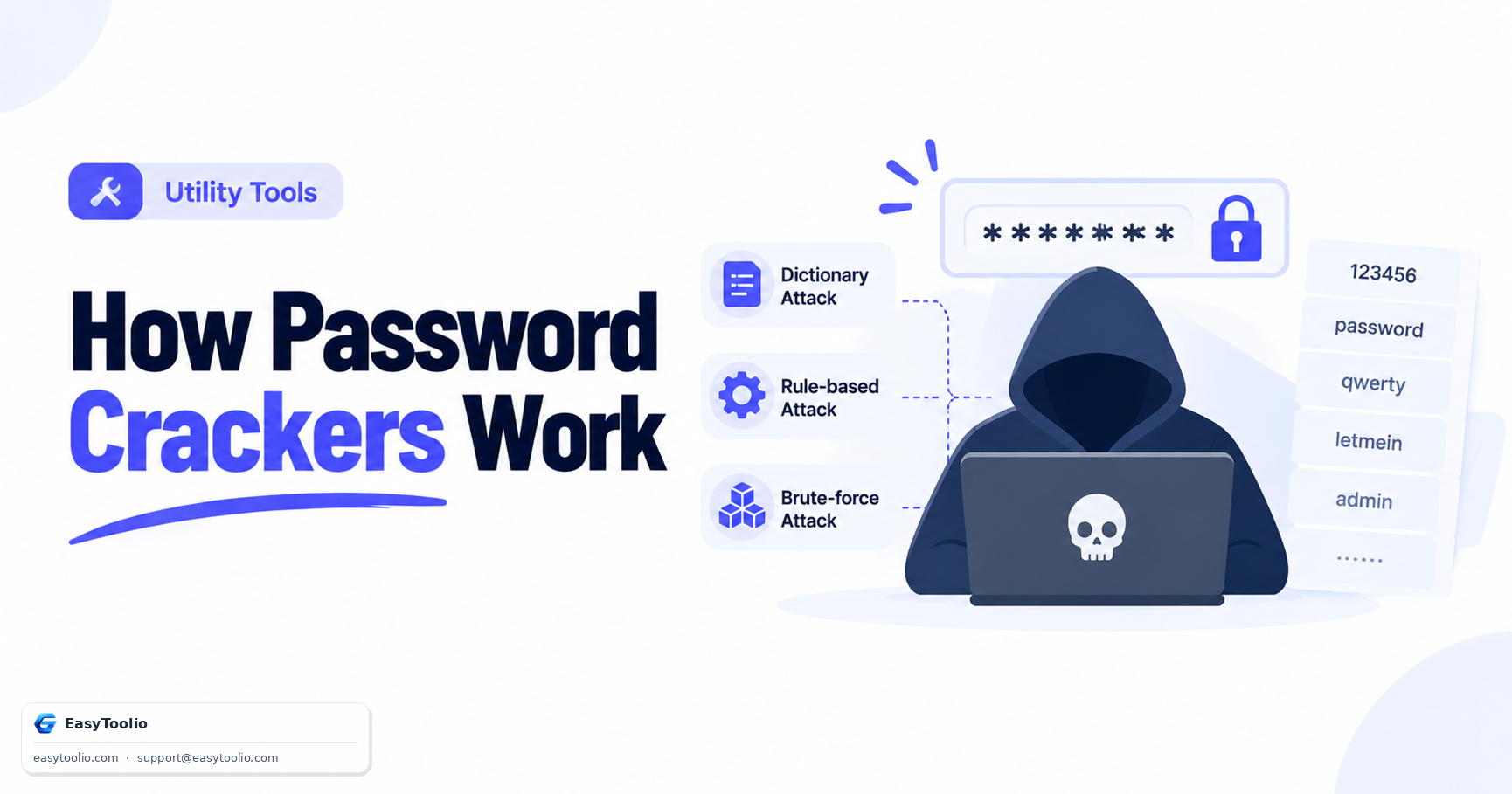
Using the same password across multiple accounts increases security risks. If one website experiences a data breach, attackers may attempt to use the leaked credentials on other platforms through credential-stuffing attacks.
2 Length Matters More Than Complexity

While symbols and numbers improve security, password length often provides the greatest protection. Longer passwords dramatically increase the number of possible combinations, making brute-force attacks far more difficult.

3 Password Managers Improve Security

Password managers allow users to generate and store unique passwords for every account. This eliminates the need to memorize dozens of credentials while improving overall account security.

4 Enable Multi-Factor Authentication

Even strong passwords can be compromised through phishing or data breaches. Multi-factor authentication (MFA) adds an additional verification step, significantly reducing the risk of unauthorized account access.

FAQs

Frequently Asked Questions

It uses the browser's built-in crypto.getRandomValues() API — a cryptographically secure random number generator — to pick characters from your selected character pool. No server is involved.

No. Everything runs entirely in your browser. No passwords, no logs, and no tracking data are ever transmitted or stored anywhere.

A strong password is long (16+ characters), uses a mix of uppercase, lowercase, numbers, and symbols, has no dictionary words, and is unique for each account.

Entropy measures how unpredictable a password is. It is calculated as log2(pool^length). Higher entropy means harder to crack — aim for 80+ bits for strong security.

Yes. Like all tools on EasyToolio, the Password Generator is completely free, requires no sign-up, and has no hidden limits.

Articles

Related Guides & Insights

Read our in-depth articles and guides related to this tool to help you make smarter decisions.

Workflow Suggestions

Recommended for Your Workflow

Platform Spotlight

Popular Tools on EasyToolio

Explore More Tools Like Password Generator

Loved the Password Generator? Explore our suite of related utilities to boost your productivity even further.