Notification
Go to Home All Tools Compare Glossary Blog Contact
Be the first to rate
Generators Suite

QR Code Generator

QR Code Generator

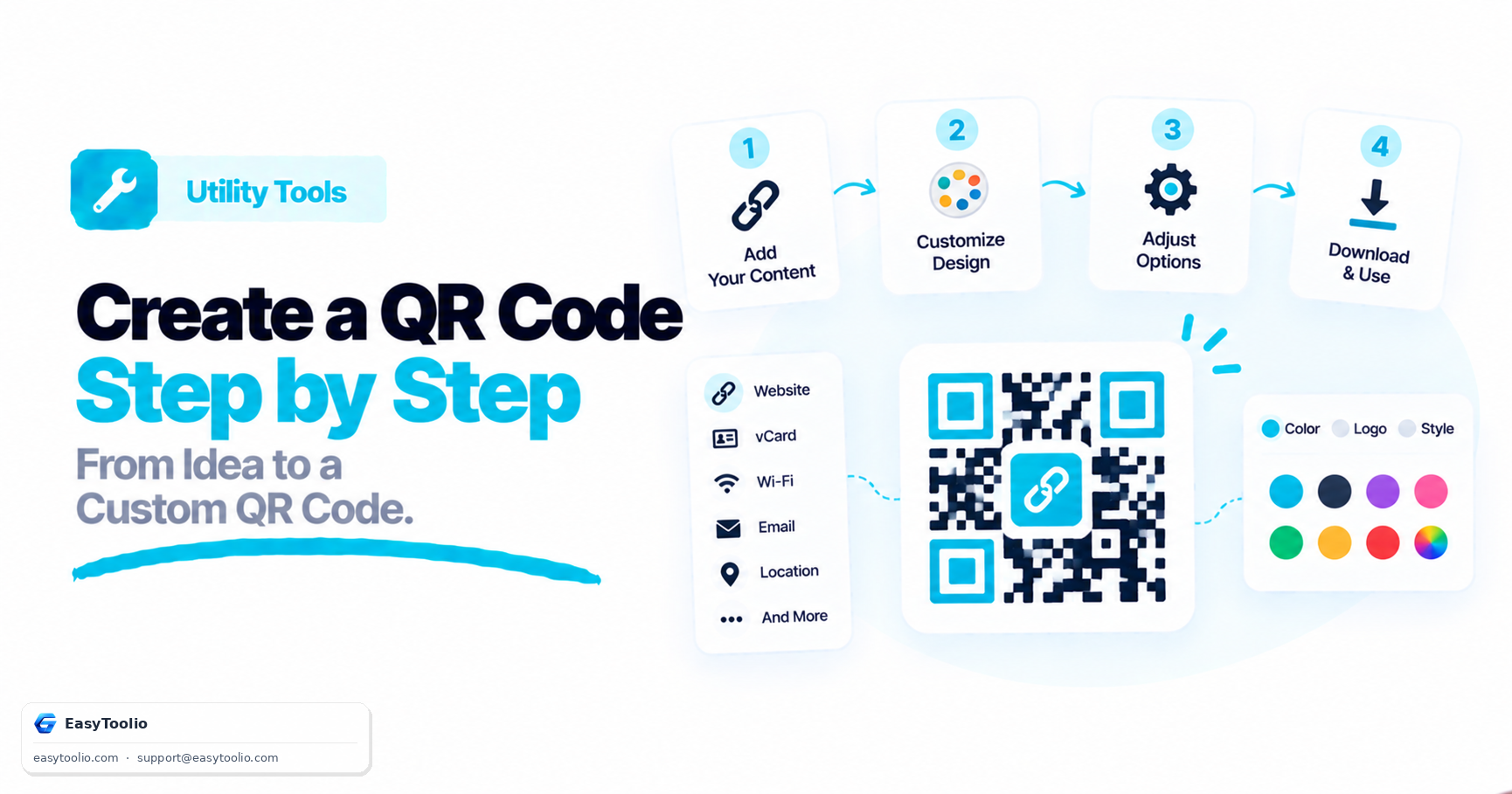
Generate custom QR codes with logos, custom colors, templates, and high-quality export options.

Secure Local Generation

All QR codes are generated completely inside your web browser. No data, URLs, credentials, or uploaded logos are ever transmitted to our servers, keeping your information private.

Enter QR Content

https://

Customize QR Code Styling

Color Options

QR Pattern & Corners

Brand Logo Integration

Logo Scale Factor 0.10

Resolution & Reliability

Live QR Preview

Loading engine...
Point camera to scan instantly

Design Templates

Download & Actions

Knowledge Hub

Deep Dive: Understanding QR Codes

What is a QR Code?

A Quick Response (QR) code is a matrix barcode invented in 1994 by the Japanese automotive company Denso Wave. Unlike standard 1D barcodes that encode data horizontally only, QR codes encode data horizontally and vertically, allowing them to store up to 300 times more information (including URLs, contact details, WiFi keys, and text blocks).

Business & Industry Use Cases

  • Restaurants & Cafes: Digitize printed menus to reduce overhead costs and simplify items editing.
  • Event Organizers: Print QR codes on digital/physical tickets for rapid, seamless gate scanning.
  • Retail & Product Packaging: Lead customers straight to user manuals, warranty registrations, or brand campaigns.
  • Hospitality: Share Wi-Fi credentials effortlessly in hotel rooms or lobbies without typing complex passwords.

Marketing & Engagement Benefits

QR codes enable "print-to-digital" marketing, turning physical flyers, banners, and billboards into direct digital channels. By adding tracking parameters to target URLs, marketers can monitor scan locations, client devices, and timestamps to calculate the exact ROI of offline advertisement assets.

QR Code Best Scanning Practices

  • High Contrast: Always keep the foreground color significantly darker than the background (avoid light-colored dots on light backgrounds).
  • Sufficient Size: Print codes at a minimum size of 2x2 cm (0.8"x0.8") for close scanning, and scale up for billboards.
  • Safe Padding: Maintain a clean border space ("quiet zone") around the code so camera algorithms can detect the corners.
  • Test Before Printing: Scan the QR code using multiple phone devices (iOS, Android) and camera apps before printing batch files.
Marketing Strategist

AI Advisor Marketing Advisor

Discover creative ways to use QR codes in marketing campaigns, menus, and digital business cards.

Topics this feature will cover:

📱 QR Code Marketing 🍽️ Digital Menus 📇 Digital Business Cards

Be first to access it when it launches.

We'll notify you the moment AI Advisor goes live. One email, no spam.

FAQs

Frequently Asked Questions

Yes. You can create unlimited QR codes for free and download them in high-quality formats such as PNG, SVG, PDF, and WebP.

No. Static QR codes do not expire and will continue working indefinitely as long as the linked content or destination remains available.

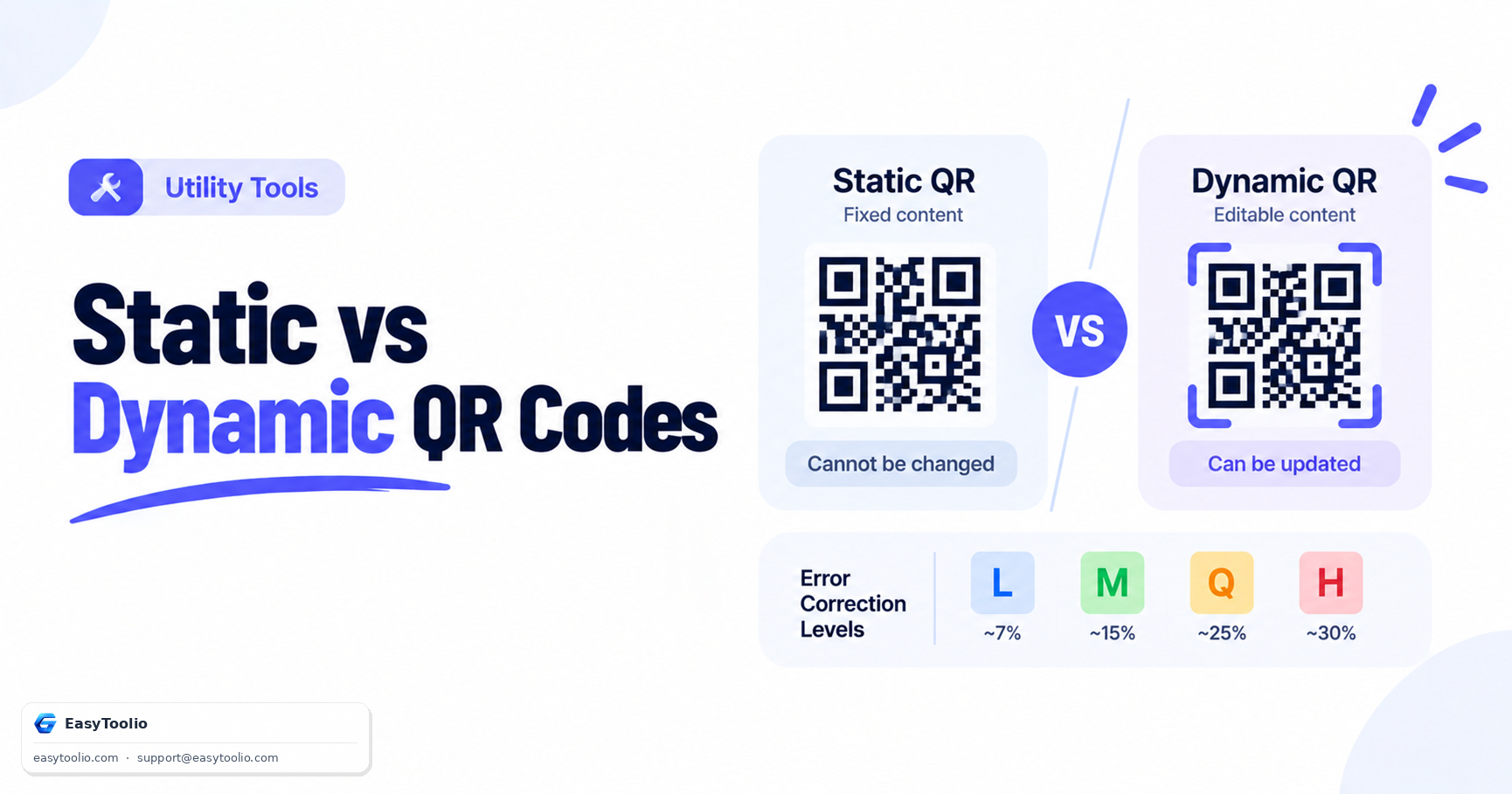
Static QR codes store information directly inside the code and cannot be edited later. Dynamic QR codes use a redirect link that can be updated after creation.

Yes. You can upload your business logo or brand icon and place it in the center of the QR code while maintaining scan reliability.

For standard QR codes, Medium (M) is usually sufficient. If you add a logo or design elements, choose High (H) or Quartile (Q) for better scan performance.

PNG is ideal for digital use, SVG is perfect for printing and scaling without quality loss, PDF works well for documents, and WebP provides smaller file sizes for websites.

Static QR codes do not include analytics. To track scans, clicks, locations, and devices, you would need a dynamic QR code service with analytics support.

For most printed materials, a minimum size of 2 x 2 cm is recommended. Larger sizes improve scanning distance and reliability.

Yes. Modern iPhone and Android devices can scan QR codes directly using their built-in camera applications without requiring additional software.

The QR code itself can be scanned offline, but online content such as websites, videos, or forms requires an internet connection to open.

Static QR codes cannot be modified after generation because the information is permanently encoded inside the code. You must generate a new QR code if the data changes.

QR codes themselves are safe, but users should only scan codes from trusted sources. Always verify the destination website before entering sensitive information.

Yes. QR codes are commonly used on business cards to instantly share contact details, websites, portfolios, social media profiles, or digital vCards.

Static QR codes will continue pointing to the original URL. If the destination changes, you will need to create and distribute a new QR code.

No. QR codes are generated directly in your browser, and your content is not uploaded or stored on our servers.

Articles

Related Guides & Insights

Read our in-depth articles and guides related to this tool to help you make smarter decisions.

Workflow Suggestions

Recommended for Your Workflow

Category Showcase

More from Utility Tools

Platform Spotlight

Popular Tools on EasyToolio

Explore More Tools Like QR Code Generator

Loved the Qr Code Generator? Explore our suite of related utilities to boost your productivity even further.