Notification
Go to Home All Tools Compare Glossary Blog Contact

Barcode Generator

Create custom barcodes in formats like Code 128, EAN-13, and UPC-A, with adjustable size, colors, and labels for retail or print.

Secure Local Generation
Notice
All barcodes are generated completely inside your web browser. No product IDs, serial numbers, SKU lists, or custom values are ever uploaded to our servers.

Barcode Parameters

Customize Barcode Style

Text Label Configuration

Dimensions & Sizing

Color Options

Live Barcode Preview

Ready for industrial laser scanning

Quick Industry Presets

Download & Actions

Knowledge Hub

Deep Dive: Understanding Barcode Symbologies

What is a Barcode Symbology?

A barcode symbology is a standardized mapping structure that defines how data is converted into physical black bars and white spaces. Different industries use different symbologies depending on character set support, data density constraints, and standard scanning equipment parameters.

Business & Industry Use Cases

  • Retail (EAN/UPC): Standardized retail product identifiers printed directly on packaging. Scan at point-of-sale systems worldwide.
  • Logistics & Shipping (ITF/Code 128): Printed on outer corrugated packaging cartons for fast bulk pallet shipping detection.
  • Warehouses (Code 39/Code 128): Ideal for tracking indoor inventory, bins, storage locations, and serial numbers.
  • Healthcare (Codabar): Traditionally used in medical blood banks, libraries, and automated clinical label tracing.

Barcode Printing & Scanning Best Practices

  • Quiet Zones: Keep ample margins (empty space) on both sides of the barcode. Scanners need this to differentiate where the barcode begins and ends.
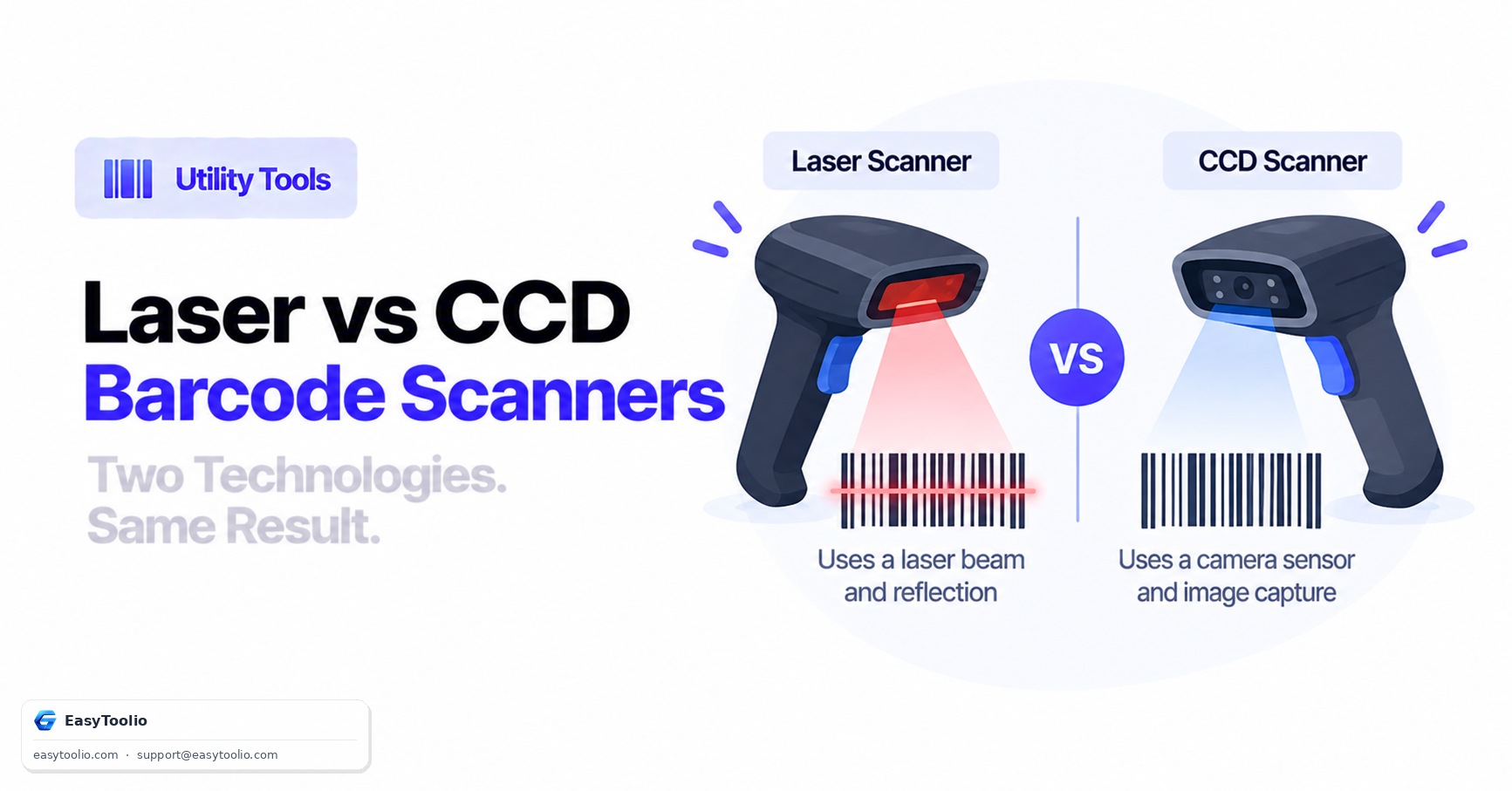
  • High Contrast Lines: Avoid colored lines on colored backgrounds. Use dark black, blue, or green lines on a clean white background. Never use red lines (many red laser scanners fail to detect red lines).
  • Scaling Factor: Ensure the barcode lines are sharp. Vector format (SVG) is highly recommended for label printers to avoid pixelated or blurry edges.
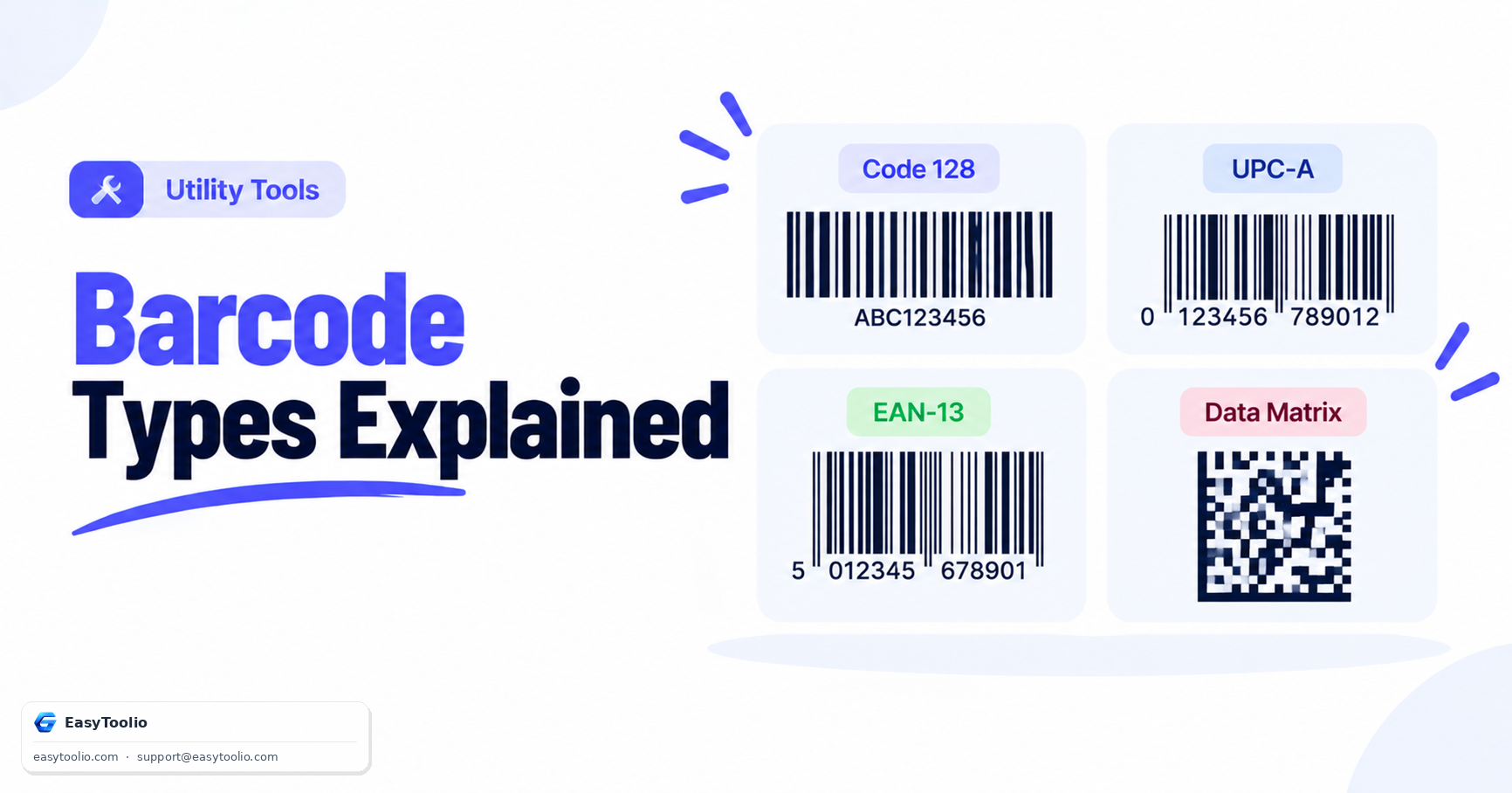
  • Valid Symbology Syntax: Always ensure EAN/UPC contains the exact expected digit count. UPC-A must be 12 digits, while EAN-13 must be 13 digits.
Retail & Inventory Expert

AI Advisor Retail Advisor

Ask AI
Education

How Barcode Symbologies and Scanning Work

01

What a Barcode Symbology Defines

A barcode symbology is the rule set that converts letters, numbers, or symbols into a pattern of parallel bars and spaces that a laser or camera scanner can decode. Each symbology supports a different character set and data density: Code 128 can encode any ASCII character, EAN-13 and UPC-A are strictly numeric formats used on retail packaging, and Codabar is common in libraries and blood banks. Choosing the right symbology depends on the data type being encoded and where the barcode will be scanned, for example a 12-digit UPC-A code such as 036000291452 printed on a grocery product.
02

Check Digits and Quiet Zones

Most numeric symbologies calculate a check digit automatically from the other digits so a scanner can detect a misread character, and every symbology needs a blank margin, called a quiet zone, on both sides of the bars so the scanner optics can locate where the pattern begins and ends. Entering an incomplete digit count for EAN-13 or UPC-A will produce a barcode that fails validation or does not scan correctly.

03

Bar Dimensions and Export Format

Bar width and height determine how far away and how reliably a barcode can be scanned, so industrial shipping labels typically use taller, wider bars than a small retail shelf tag. Exporting as SVG keeps the bars as vector paths that stay sharp at any print size, while a PNG export is locked to a fixed resolution and can blur when scaled up, causing scan failures at the printer.

04

Barcodes vs QR Codes for Different Data

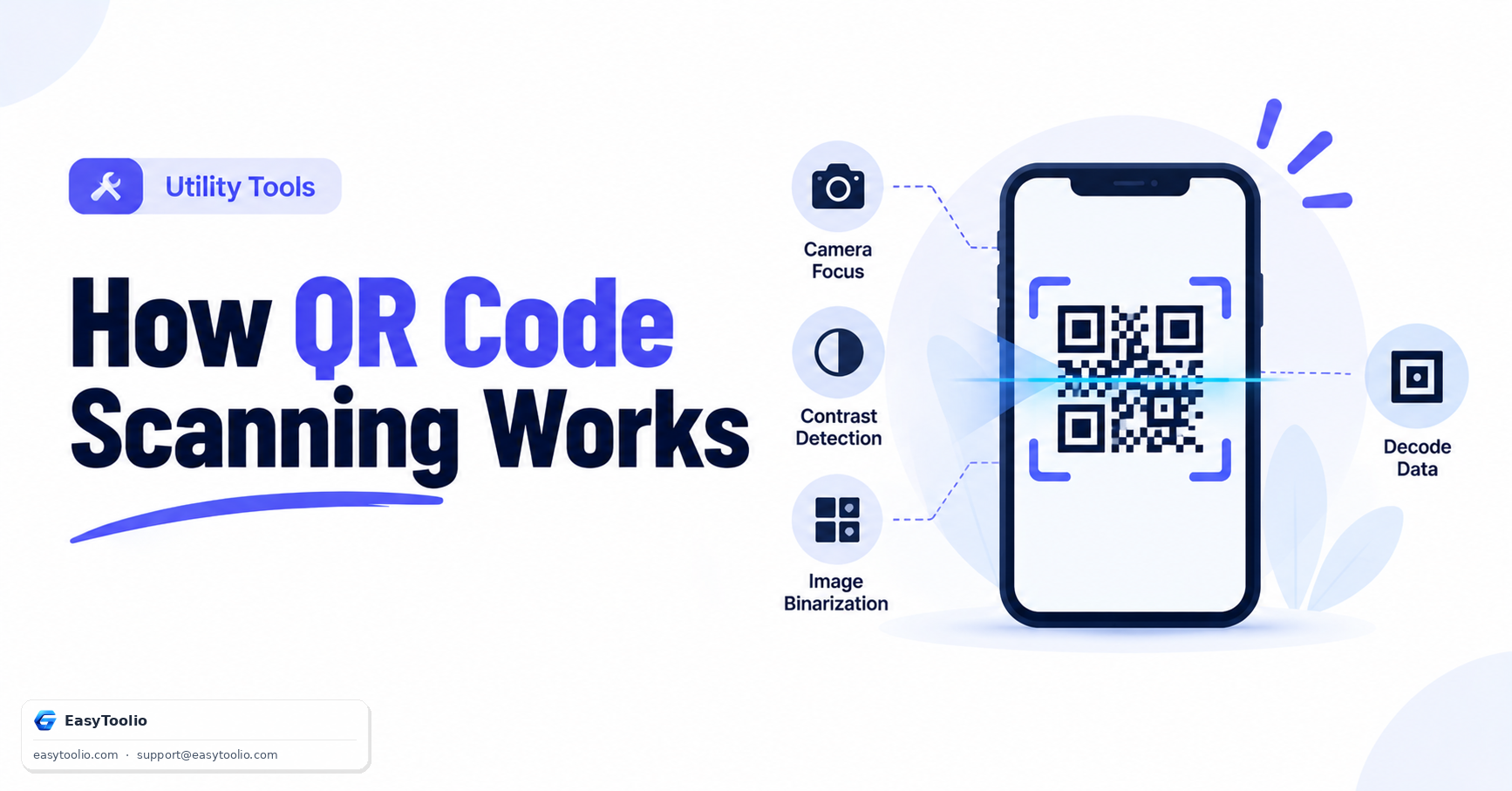
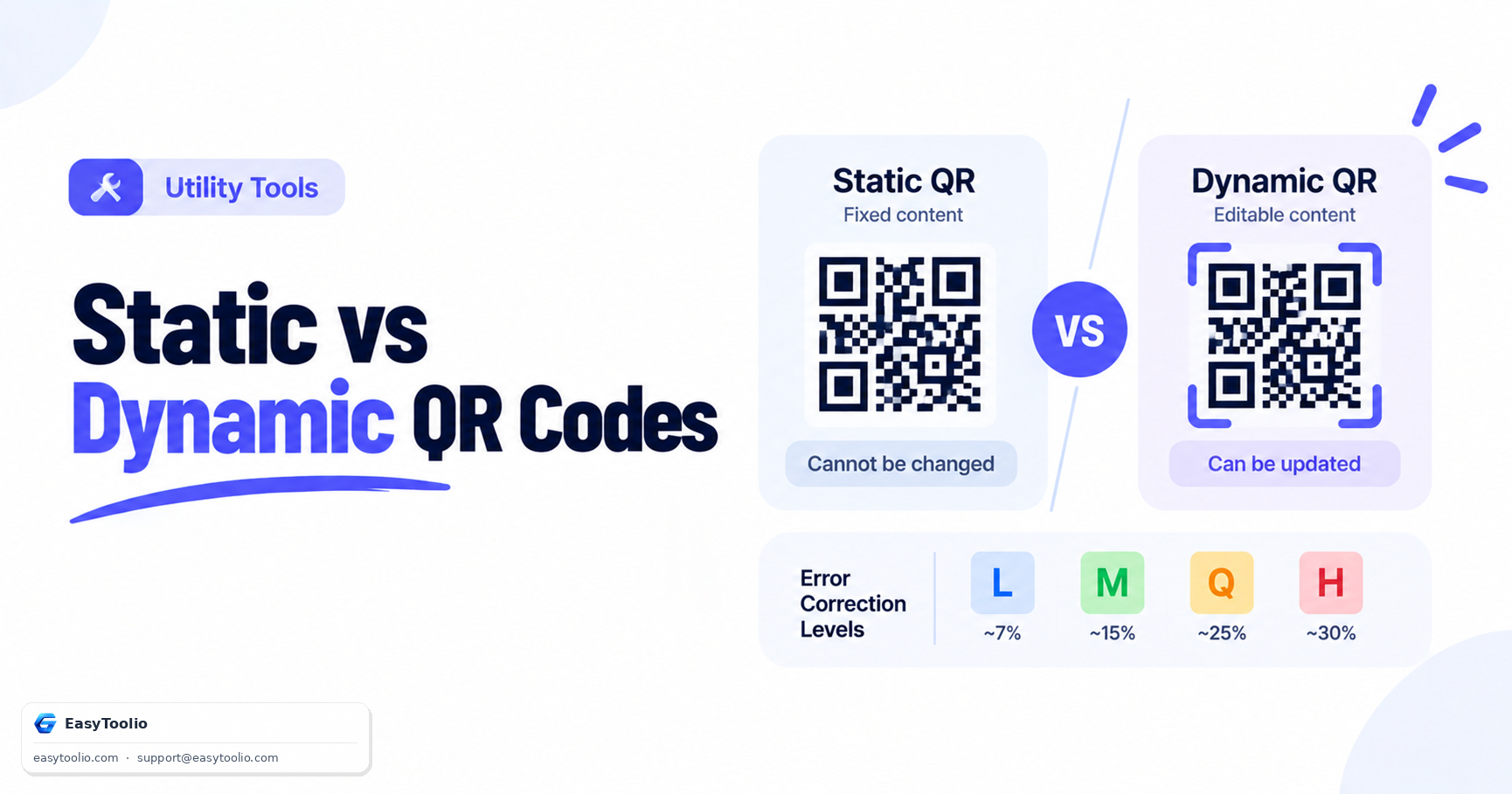
A one-dimensional barcode like Code 128 or EAN-13 stores data across a single horizontal axis and is best suited to short numeric or alphanumeric identifiers such as SKUs and product codes. When more information needs to fit in the same space, such as a URL, WiFi credentials, or a full contact card, a two-dimensional matrix code is the better fit. Use the QR Code Generator for those richer data types, and the Password Generator when a barcode needs to encode a randomly generated value.

Good to know

Questions, answered

Quick answers about how this tool works.

No. The generated barcodes are static and represent a direct mapping of the input string using a standardized barcode symbology. They will remain valid and scannable forever.

Use Code 128 for general alphanumeric data (SKUs, serial numbers, custom IDs). Use UPC-A or UPC-E for retail products in the US/Canada, and EAN-13 or EAN-8 for products globally. Use ITF for shipping/packaging barcodes and Code 39 for legacy industrial applications.

Yes, completely. All barcode generation logic is executed in your web browser using client-side JavaScript. No input data, SKUs, or generated images are ever uploaded to our servers, ensuring total privacy.

Our tool supports downloading in SVG (vector) format, which can be scaled to any size without losing quality or resolution. You can also export to PDF or use the 'Print' function directly to send the barcode to a label printer.

We support standard formats including CODE128, EAN-13, UPC-A, and ITF formats for retail and logistics.

Popular Tools on EasyToolio

Swipe

What do you need to work out next?

Search 190+ free tools by name, or pick a category below. Every one runs instantly in your browser — no signup, nothing to install.

More Utility Tools