Notification
Go to Home All Tools Compare Glossary Blog Contact
Be the first to rate
System Utilities

Internet Speed Test

Internet Speed Test

Measure your real-time download and upload speeds, latency (ping), jitter, and overall connection quality for streaming, gaming, and remote work.

Multi-Connection Accurate Runs Fully In-Browser Unlimited Free Tests
0 - - - -
Download
0.0 Mbps
READY TO TEST
Download - Mbps
Upload - Mbps
Latency (Ping) - ms
Jitter - ms

Connection Quality Ratings

4K Streaming -
Online Gaming -
Video Calls -
Remote Work -

Network & Client Specs

ISP Provider Detecting...
IP Address Detecting...
Node Location Detecting...
Web Browser Detecting...
Platform OS Detecting...

Speed Test Log

Time Ping DL UL
No previous tests logged.
Plan Your Bandwidth

How Much Speed Do You Actually Need?

Compare your result against real-world requirements for common activities to see where your connection stands.

Browsing & Email 1 – 5 Mbps
HD Video Calls 3 – 6 Mbps
HD Streaming 5 – 10 Mbps
Online Gaming 3 – 6 Mbps + low ping
4K Streaming 25+ Mbps
Cloud Backup 10 – 20 Mbps upload
Smart Home (10+ devices) 50+ Mbps
Multi-User Households 100+ Mbps
Knowledge Hub

Deep Dive: Understanding Network Performance

Core Speed Metrics

Evaluating connection quality goes far beyond download speed. Here are the core parameters that define your internet health:

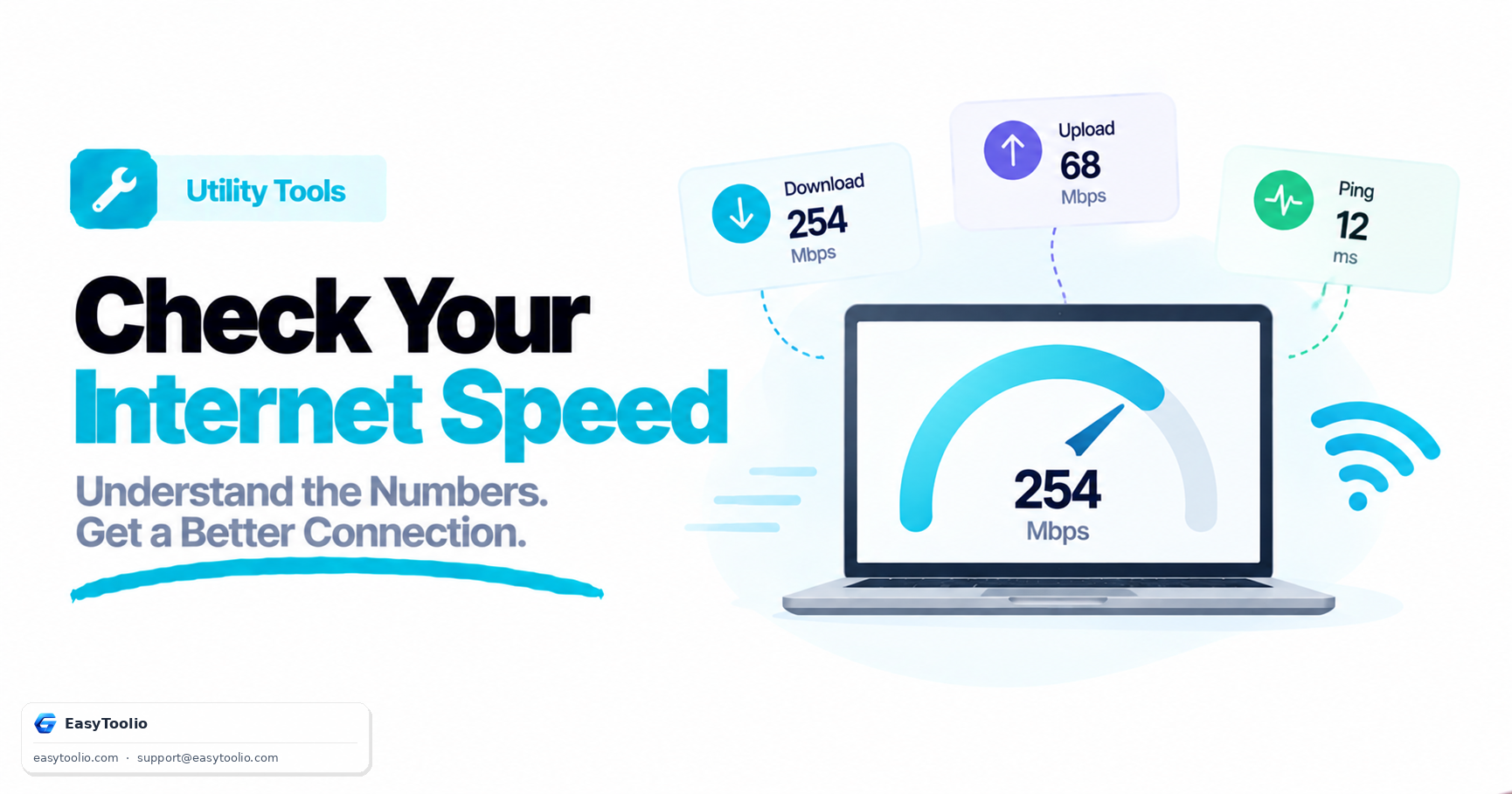
Download Speed

The speed at which data travels from the internet to your device. Higher download speeds are required for streaming HD/4K videos, loading websites, and downloading large documents.

Upload Speed

How fast your device sends files to the web. Critical when backup synchronization runs, during screen shares, video conferences, or uploading media.

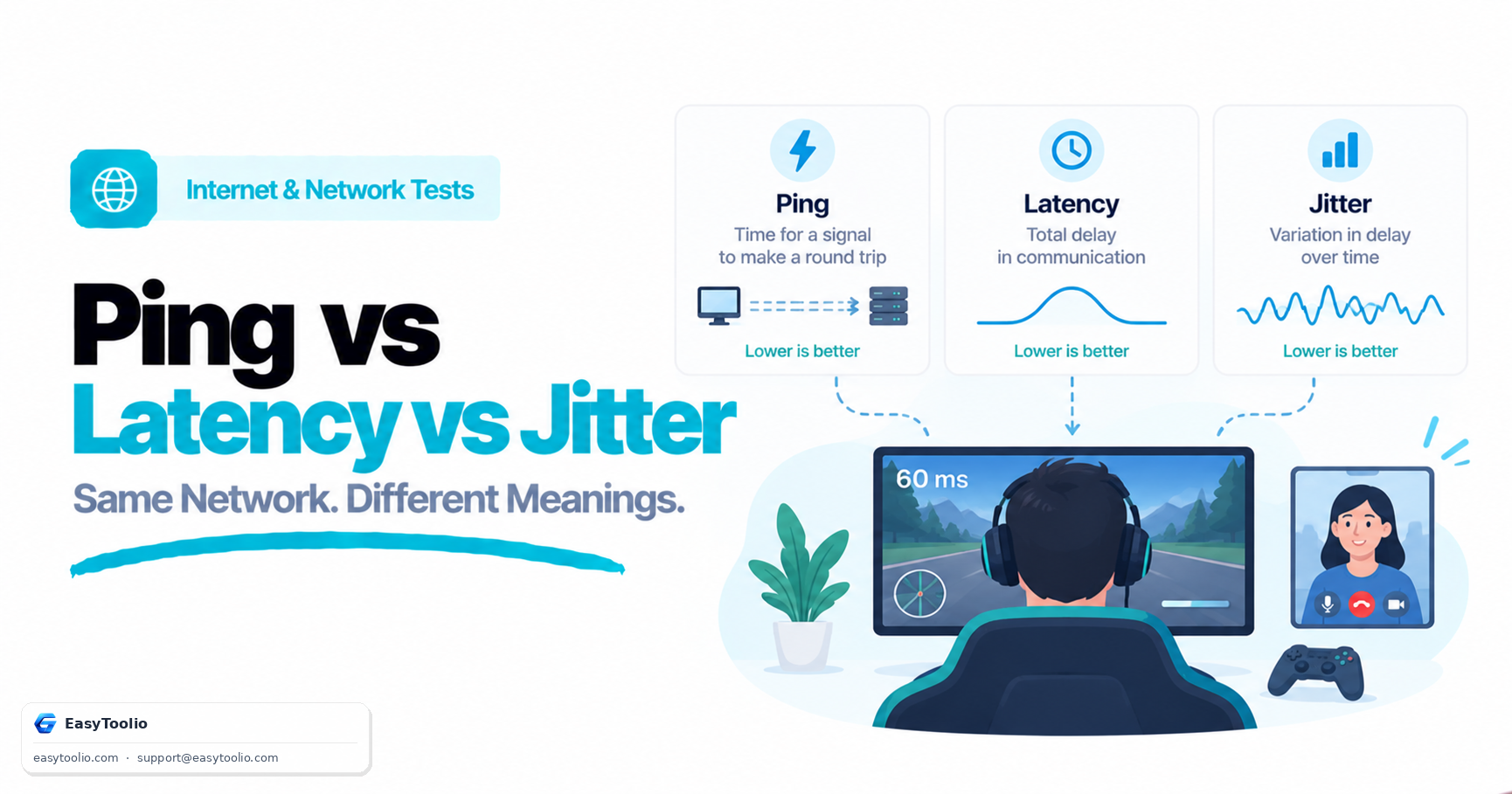
Latency (Ping)

The duration in milliseconds it takes for a data packet to travel to a destination server and return. Lower ping (under 30ms) is essential for online multiplayer games and fluid voice-over-IP calls.

Jitter

The variance in ping responses. Unstable lines with high jitter (above 15ms) create packet delivery delays, causing voice crackles and video buffering.

Troubleshooting Poor Speeds

If your speed test reports results lower than your service plan promises, try the following steps to identify local bottlenecks:

Swap to Ethernet

Wi-Fi signals weaken due to walls, distance, and interference from household devices. A physical LAN connection guarantees pure line speed.

Reboot Hardware

Modems and routers accumulate cache logs and memory leaks. Restarting them forces the hardware to establish fresh, optimized carrier connections.

Control Bandwidth Usage

Background downloads, system updates, and automated cloud backups (Google Drive, iCloud) consume significant bandwidth during testing.

Disable VPN Proxies

Virtual Private Networks encrypt data packets and route them through extra proxy servers, which increases ping times and often reduces throughput by 10-30%.

FAQs

Frequently Asked Questions

The speed test sends and receives chunks of binary data using HTTPS requests to measure the elapsed transfer time. It dynamically increases request sizes to saturate your bandwidth, providing an accurate, real-time calculation of your connection's throughput in Megabits per second (Mbps).

Download speed measures how fast data can travel from the internet to your device (important for streaming or browsing). Upload speed measures how fast data travels from your device to the internet (critical for video calls, backup uploads, and streaming games).

Ping (or latency) measures the reaction time of your connection, indicating how quickly your device receives a response after sending a request. It is measured in milliseconds (ms). Lower ping means a more responsive connection, which is crucial for real-time online gaming and live voice/video calls.

Jitter is the variation in latency over time. A highly unstable connection will experience high jitter, leading to buffering, audio distortion, or dropped frames during VoIP calls and gaming, even if the overall download speed is high.

Try moving closer to your Wi-Fi router, connecting via an Ethernet cable, pausing other active downloads/streaming on your network, restarting your modem/router, or closing background applications consuming bandwidth.

Articles

Related Guides & Insights

Read our in-depth articles and guides related to this tool to help you make smarter decisions.

Workflow Suggestions

Recommended for Your Workflow

Category Showcase

More from Utility Tools

Platform Spotlight

Popular Tools on EasyToolio


Explore More Tools Like Internet Speed Test

Loved the Internet Speed Test? Explore our suite of related utilities to boost your productivity even further.