What Is My IP Address, and Why Does It Matter?
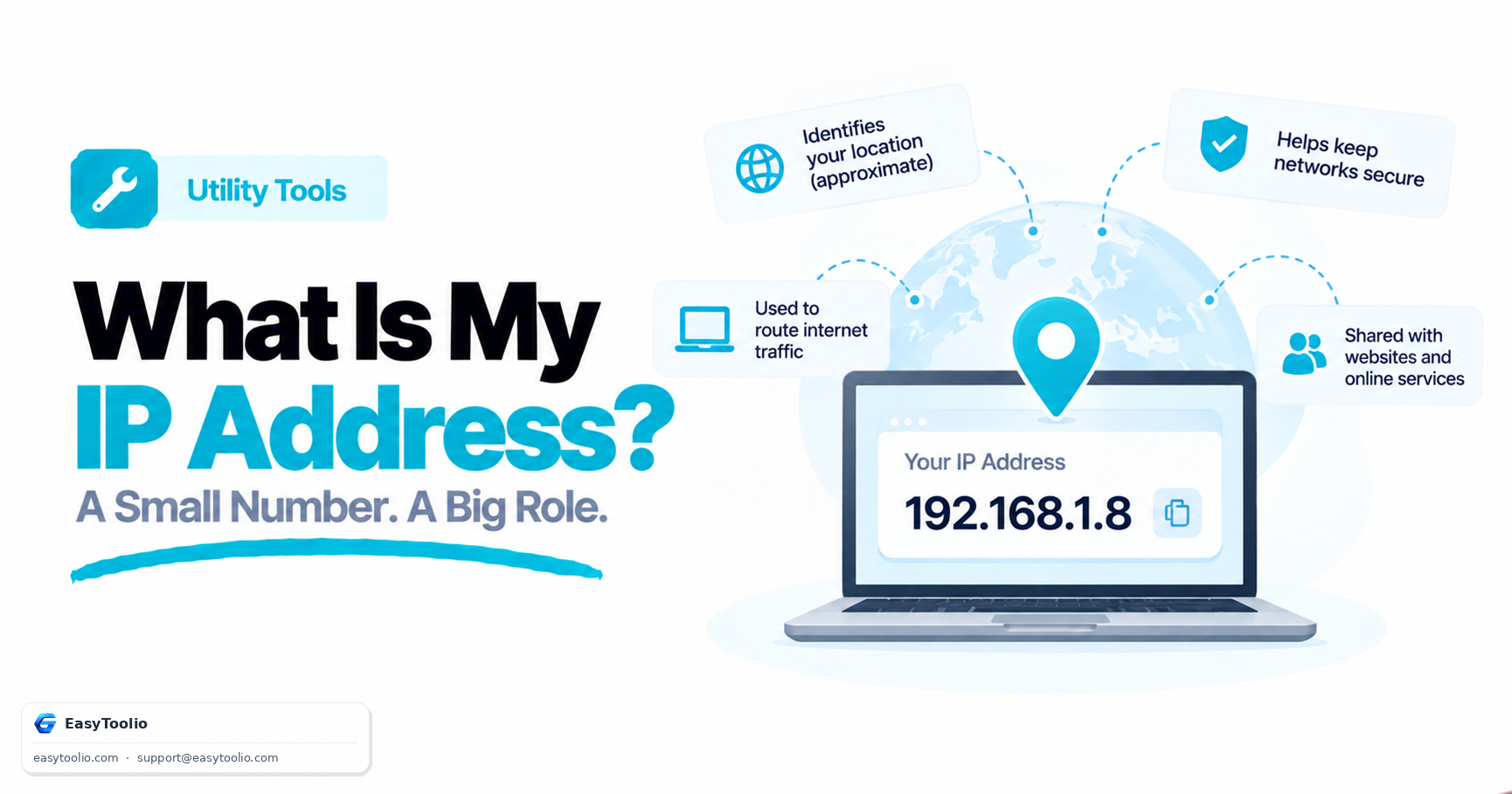
Every device on the internet has an IP address — a numeric label that routes traffic to and from you. Here is what your IP reveals, what it does not, and when you should actually care about it.
Instantly look up any IP address (IPv4 or IPv6) or your own to view geolocation info, country, city, coordinates, timezone, ISP provider, ASN, and visual map layout.
IP geolocation databases link blocks of IP addresses to physical geographic locations. When an organization (like an ISP or datacenter) registers IP prefixes with regional internet registries (RIRs like ARIN, RIPE, APNIC), they provide address coordinates. Geolocation providers index this data to match IP queries to country, state, city, and approximate latitude/longitude. Note that these lookups reflect network routers and gateways, rather than your exact residential GPS position.
Your public IP address is visible to every server and router along your transmission path. While exposing an IP does not reveal personal details (like your name or phone number), it allows websites to pinpoint your city and log your activity. Using a VPN, Tor proxy, or iCloud Private Relay redirects your data through intermediary nodes, masking your native IP with the proxy's server IP to protect your browsing privacy.
The internet is a network of networks. An Autonomous System (AS) is a massive collection of connected IP routing prefixes controlled by a single administrative entity (like Comcast, Google, or AWS). Each Autonomous System is assigned an Autonomous System Number (ASN)—a unique ID that global routing protocols (like Border Gateway Protocol, or BGP) use to calculate routing paths across the web.
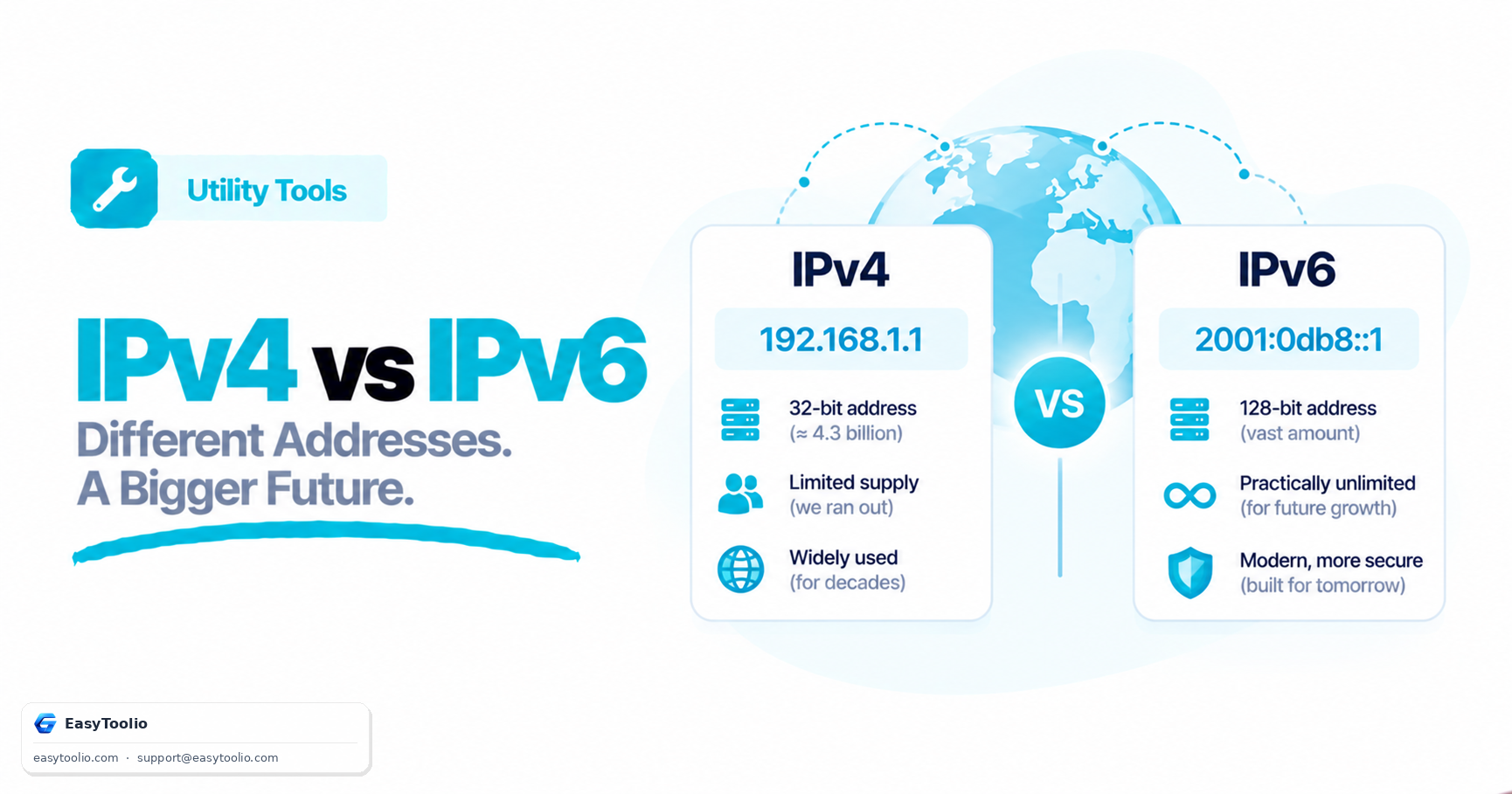
The classic IPv4 addressing standard uses a 32-bit layout yielding about 4.3 billion possible IP allocations. Due to the rapid growth of smart devices, these allocations have been exhausted. The newer IPv6 standard resolves this with a 128-bit structure formatted as eight groups of hexadecimal numbers. IPv6 provides 340 undecillion addresses, guaranteeing that every device on earth can have a unique, direct routing address.
The tool queries a public geolocation registry API containing mappings between IP address allocations, network blocks, ISPs, and registered physical locations. Geolocations represent estimations based on network endpoints, not a precise GPS location of the user device.
IPv4 uses 32-bit addresses formatted as four decimal blocks (e.g. 192.168.1.1), accommodating about 4.3 billion unique addresses. IPv6 uses a 128-bit address format containing hexadecimal groups (e.g. 2001:db8::ff00:42:8329), providing a virtually unlimited supply of addresses for modern devices.
An Autonomous System Number is a unique identifier assigned by internet registries to large networks (like ISPs, telecom providers, or cloud platforms) that control routing policies for blocks of IP addresses. It helps map routing pathways.
Yes. On page load, the tool automatically queries your active public connection address and populates all ISP, Location, and coordinates parameters.
Once coordinates (Latitude and Longitude) are retrieved, our tool embeds a client-side OpenStreetMap interactive layout, rendering a pin precisely over the registered network node.
Read our in-depth articles and guides related to this tool to help you make smarter decisions.
Every device on the internet has an IP address — a numeric label that routes traffic to and from you. Here is what your IP reveals, what it does not, and when you should actually care about it.
IPv4 gave the internet about 4.3 billion addresses — and we ran out. IPv6 fixes that with a number so large it is hard to picture. Here is how the two standards actually differ.
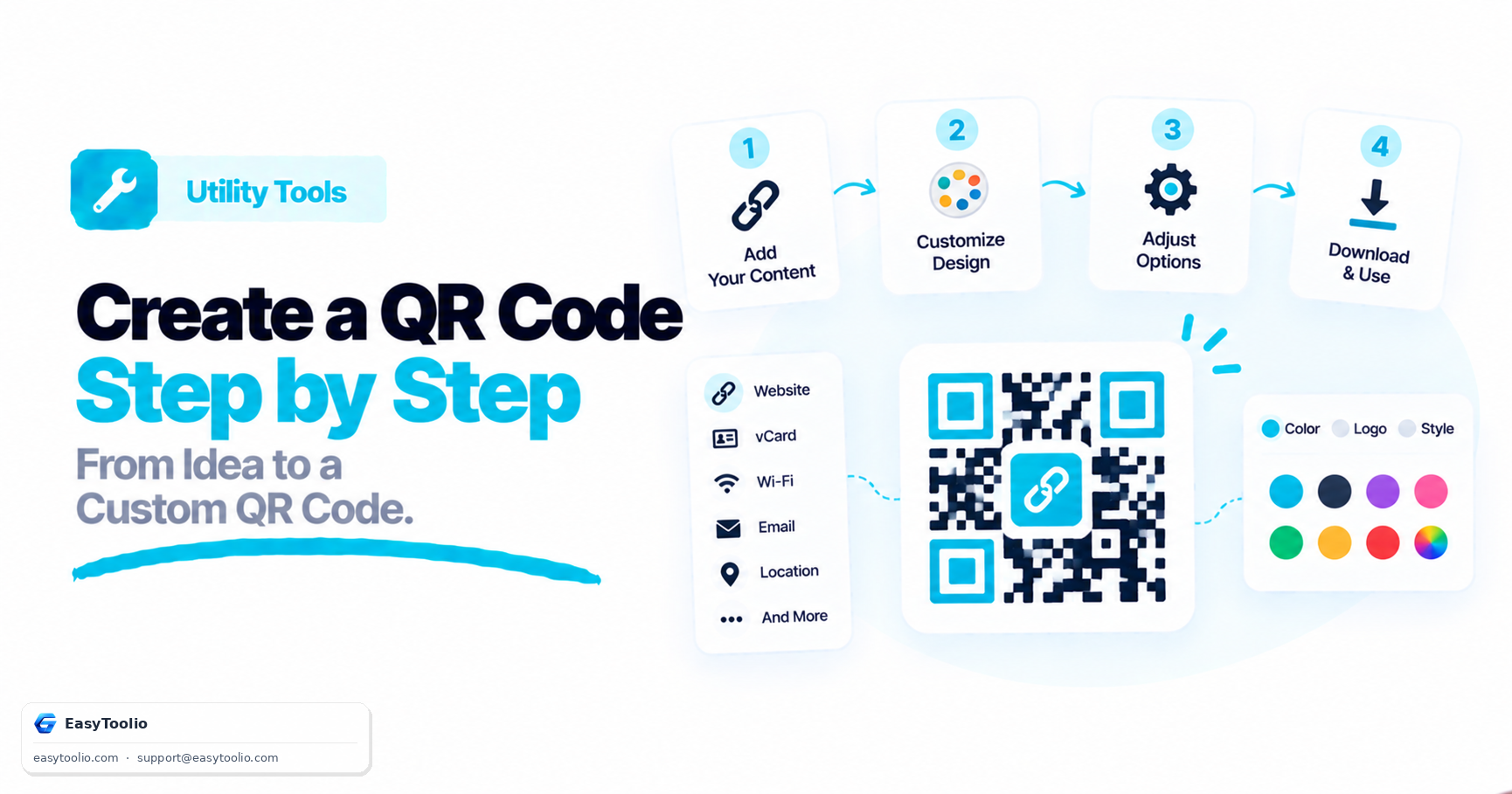
Want to create a custom QR code for your website, Wi-Fi network, or business card? Follow this comprehensive, step-by-step guide to design, style, and export a high-performing QR code using Toolio's Free QR Code Generator.
Measure your real-time download and upload speeds, latency (ping), jitter, and overall connection quality for streaming, gaming, and remote work.
Inspect comprehensive details about your web browser, operating system, screen/viewport resolution, device type, language, timezone, cookies, and network connection.
Instantly check your physical screen resolution, active viewport size, device pixel ratio, color depth, browser window outer dimensions, and current orientation.
Generate custom QR codes with logos, custom colors, templates, and high-quality export options.
Generate RFC-compliant UUIDs (v1, v4, v5, v7) instantly. Supports bulk generation, formatting customization (uppercase, no hyphens), validation, and export to TXT, CSV, or JSON.
Generate custom barcodes with options to customize size, width, height, colors, format, and labels. Supports formats like Code 128, Code 39, EAN-13, EAN-8, UPC-A, UPC-E, ITF, and Codabar.
Measure your real-time download and upload speeds, latency (ping), jitter, and overall connection quality for streaming, gaming, and remote work.
See how systematic small savings grow into monumental long-term fortunes. Compute compound schedules instantly with zero registration required.
Convert any baseline salary metric instantly across multiple frequencies. Factor in working times, holidays, and unpaid vacations to reveal your effective time value with intelligent AI diagnostics.
Unleash the mathematical force of compounding. Model initial capital, recurring contributions, variable compound intervals, and analyze exponential progress instantly.
Easily add or subtract GST taxes with customizable percentages. Designed with large touch interfaces optimized specifically for mobile-first tax management.
Loved the Ip Address Lookup? Explore our suite of related utilities to boost your productivity even further.