Notification
Go to Home All Tools Compare Glossary Blog Contact
Be the first to rate
Client Diagnostics

User Agent Parser

User Agent Parser

Analyze and parse browser user agent strings. Extract browser details, operating system, rendering engine, device type, CPU architecture, and bot detection results instantly.

Enter User Agent

Interactive Examples

Click any preset User Agent string below to load and analyze its digital footprint instantly.

Parser Results

Local Real-time Parsing
Browser N/A
Operating System N/A
Device Type N/A
Rendering Engine N/A
CPU Architecture N/A
Bot Detection N/A
Raw User Agent String
N/A
Knowledge Hub

Deep Dive: User Agent Parsing & Compatibility Testing

Understanding User Agent Strings

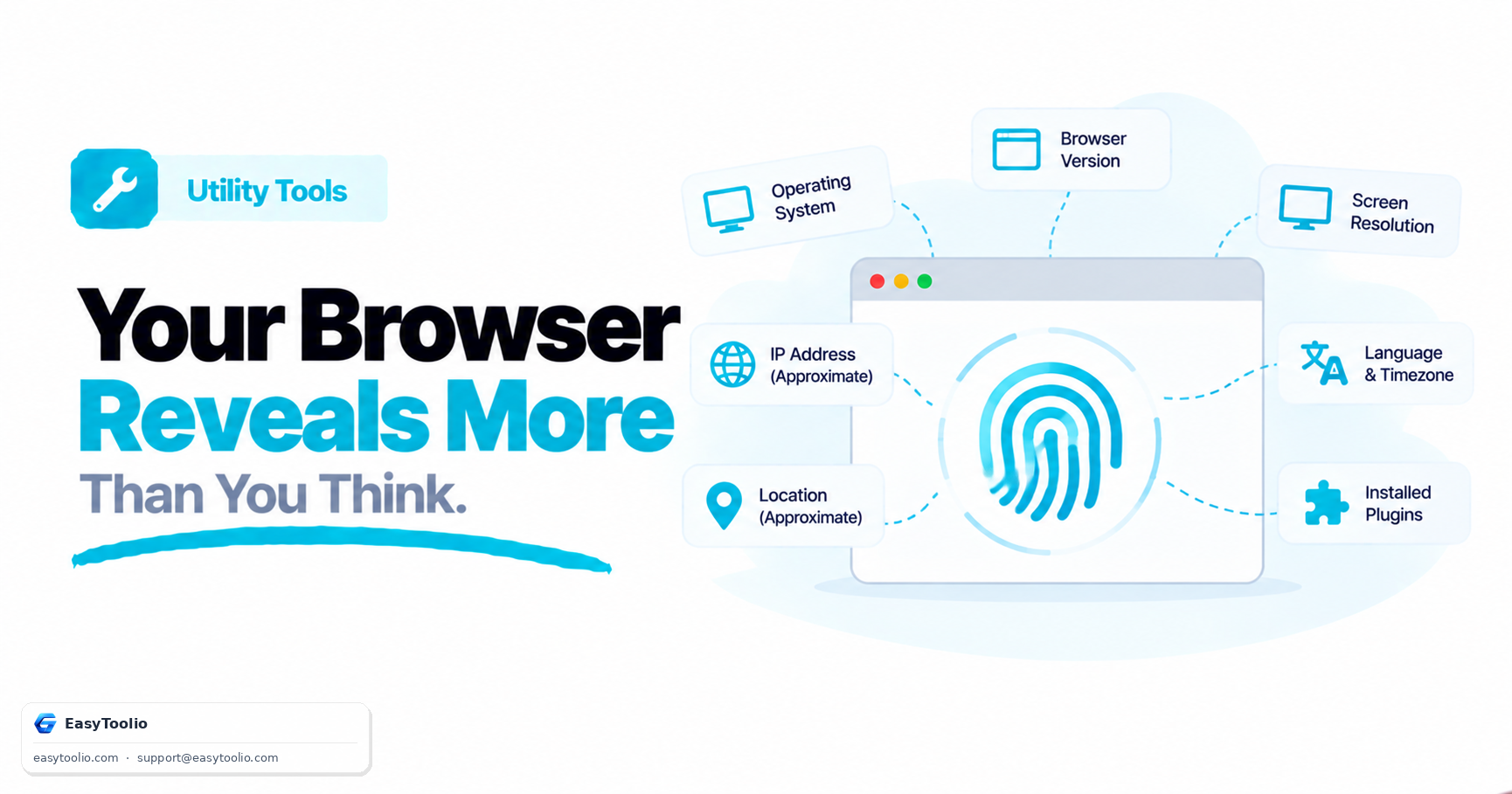
A User Agent is a string of text that your web browser sends to every website you visit. It acts as a declaration of identity, listing the browser name, rendering engine, and operating system.

Web servers use this header to determine if they should serve mobile-optimized layouts, warn about unsupported versions, or apply specific styling workarounds for rendering engine quirks.

Browser Compatibility Testing

Developers use User Agent spoofing (changing the User Agent string) to test how a website behaves on different devices. For example, testing how an application behaves when hit by a mobile Safari client or a Googlebot indexer.

By parsing these strings, developers can run telemetry and build compatibility matrices to track which versions of engines (like WebKit or Blink) are accessing the system, ensuring layouts stack properly.

The Shift to User Agent Client Hints

Because traditional User Agent strings are long, messy, and contain enough details to passively track users (fingerprinting), modern browsers are adopting User Agent Client Hints (UA-CH).

UA-CH allows browsers to expose details in a clean, key-value HTTP header format. High-entropy information (like full version numbers or CPU build architecture) is only shared if explicitly requested by the server, boosting privacy.

FAQs

Frequently Asked Questions

A User Agent string is a header sent by your browser to web servers. It identifies the browser name, version, rendering engine, operating system, and hardware architecture, allowing servers to customize or optimize the response for your device.

No. The User Agent Parser runs entirely inside your browser via local JavaScript. Your strings are never stored, logged, or uploaded to any remote API, ensuring absolute privacy.

Historically, early browsers (like Netscape/Mozilla and Safari) had features that web servers checked for. To avoid being blocked by servers that only recognized Netscape or Safari, newer browsers added those names to their User Agent strings to maintain backward compatibility. This is known as User Agent spoofing.

The parser checks the User Agent against a curated list of keywords and patterns used by search engines (like Googlebot, Bingbot, Baidu), social networks (Facebot, Twitterbot), and automated scripts (curl, wget, python). If a pattern matches, the parser flags the request as a bot/crawler.

User Agent Client Hints are a modern alternative to the traditional User Agent string. They provide the same information (browser, OS, device) but in a more structured, secure, and privacy-conscious manner, reducing the risk of passive browser fingerprinting.

Articles

Related Guides & Insights

Read our in-depth articles and guides related to this tool to help you make smarter decisions.

Workflow Suggestions

Recommended for Your Workflow

Category Showcase

More from Utility Tools

Platform Spotlight

Popular Tools on EasyToolio

Explore More Tools Like User Agent Parser

Loved the User Agent Parser? Explore our suite of related utilities to boost your productivity even further.