1D linear barcodes are scanned millions of times a day at retail checkout counters, warehouse docks, and shipping depots. Two fundamentally different scanning technologies handle nearly all of that volume: laser scanners and CCD / 2D imager scanners — and the difference between them explains why some scanners can read a barcode off a phone screen and others can't.
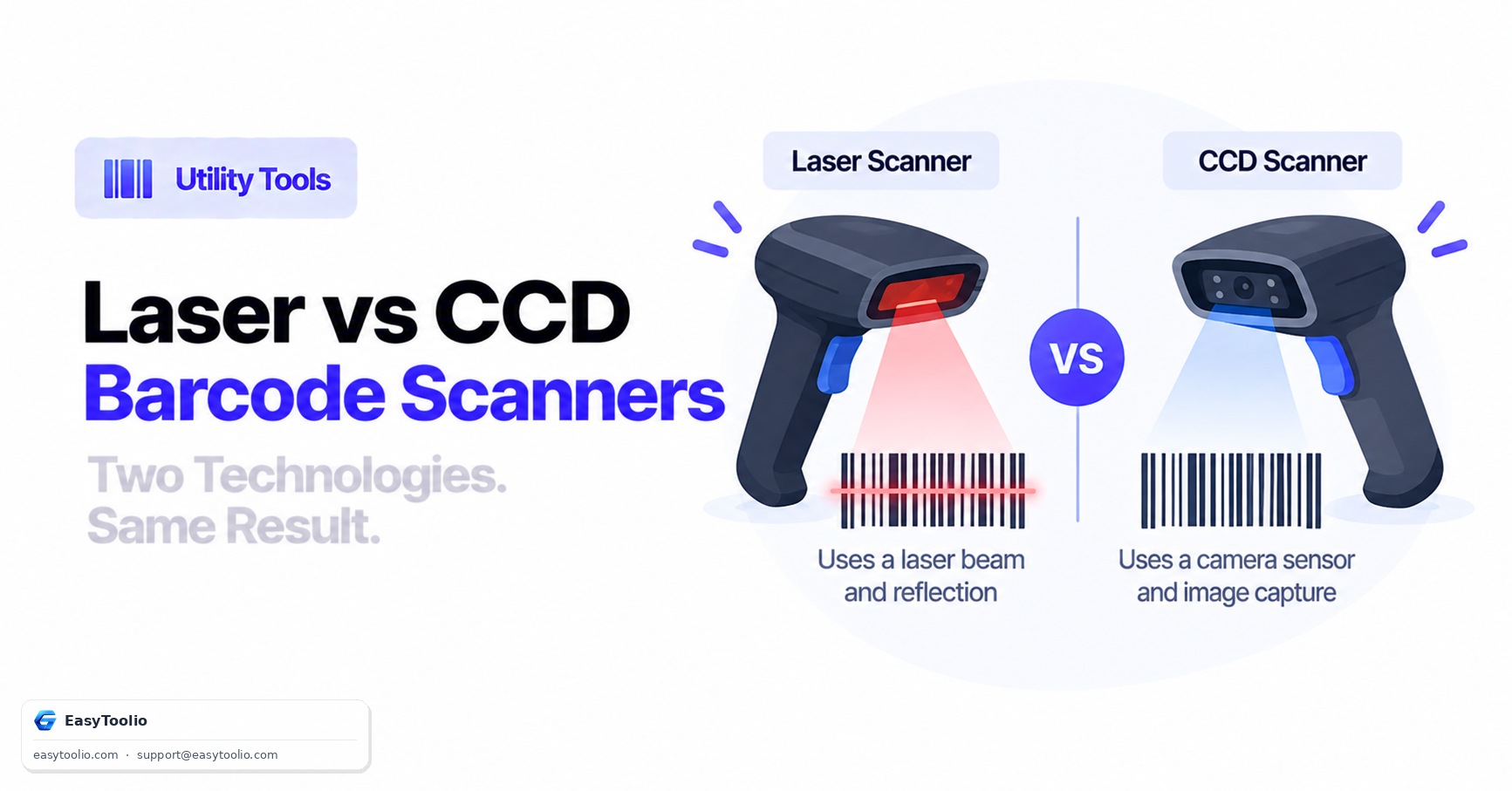
Direct Answer: Laser barcode scanners sweep a single oscillating red laser beam across a barcode and measure the intensity of light reflected back with a photodiode — white bars reflect strongly, black bars absorb light. CCD (or 2D imager) scanners instead capture a full digital photograph of the barcode using a camera sensor, then decode the bar pattern with digital image processing software. Laser scanners generally cannot reliably read a barcode displayed on a glossy smartphone screen, because the screen's glass surface reflects the laser beam at the wrong angle; camera-based imagers read screens easily since they simply photograph whatever is in frame.
Laser Scanners vs. CCD / 2D Imagers
| Feature | Red Laser Scanner | CCD / 2D Camera Imager |
|---|---|---|
| Light source | A single oscillating red laser diode | LED illumination array + CMOS/CCD image sensor |
| How it reads | Measures reflected light intensity along one scan line | Captures a 2D image, then processes it digitally |
| Can scan phone/tablet screens? | Usually no — glass reflects the laser beam away from the sensor | Yes — it's simply photographing whatever is in frame |
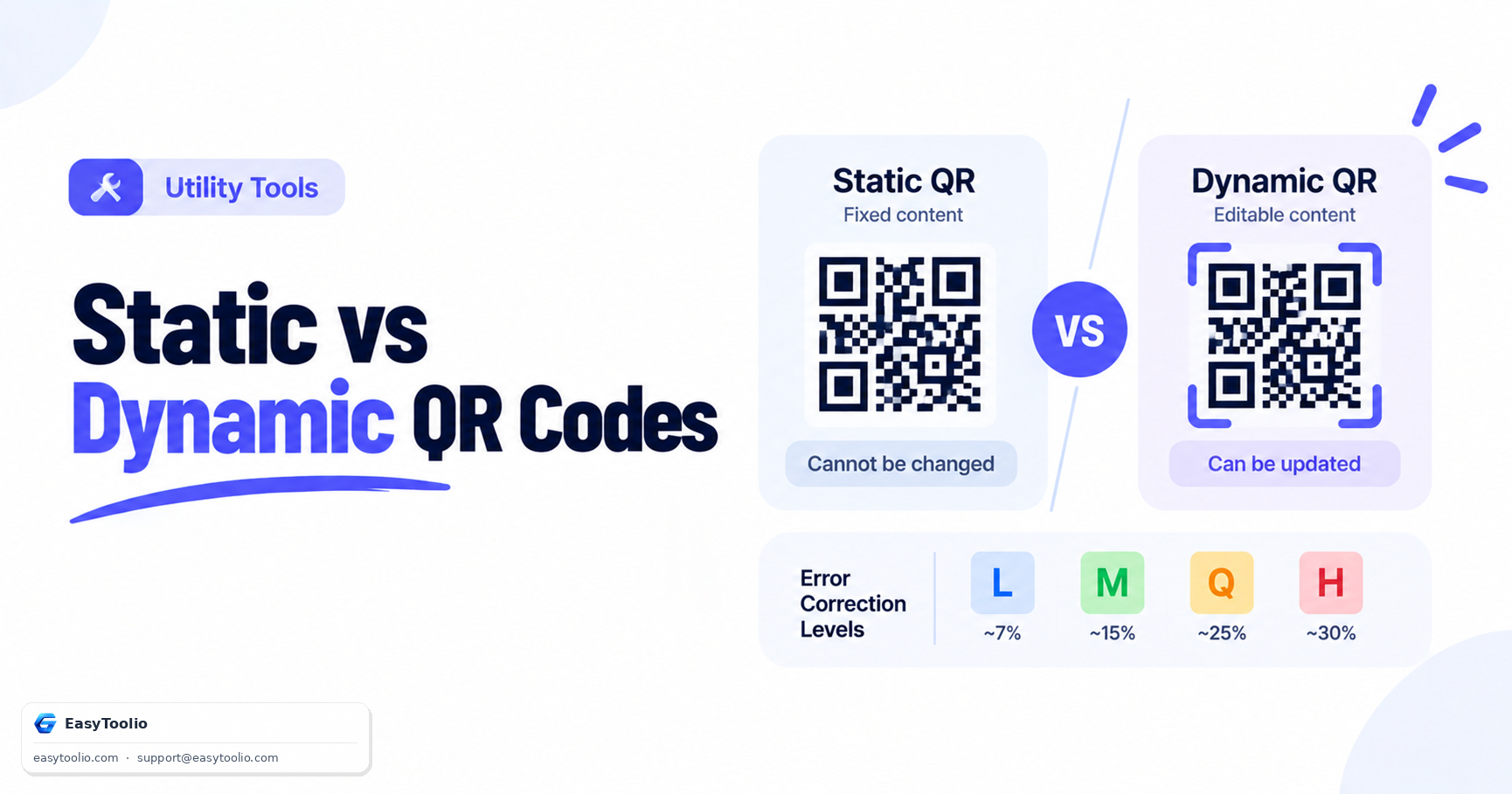
| Can read 2D codes (QR, Data Matrix)? | No — a single scan line can't capture a 2D pattern | Yes — the whole matrix is captured in one image |
| Typical scan range | Long — up to 30+ feet on industrial models | Short to medium — typically 1 to 3 feet |
| Moving parts | Yes — a vibrating mirror or rotating prism sweeps the beam | No — fully solid-state |
| Common failure mode | Specular glare off glossy or curved surfaces | Poor lighting or motion blur during the exposure |
| Typical use case | High-volume, fixed-position retail lanes; long-range warehouse scanning | Mobile scanning apps, mixed 1D/2D environments, phone-screen tickets |
How a Laser Scanner Decodes a Barcode
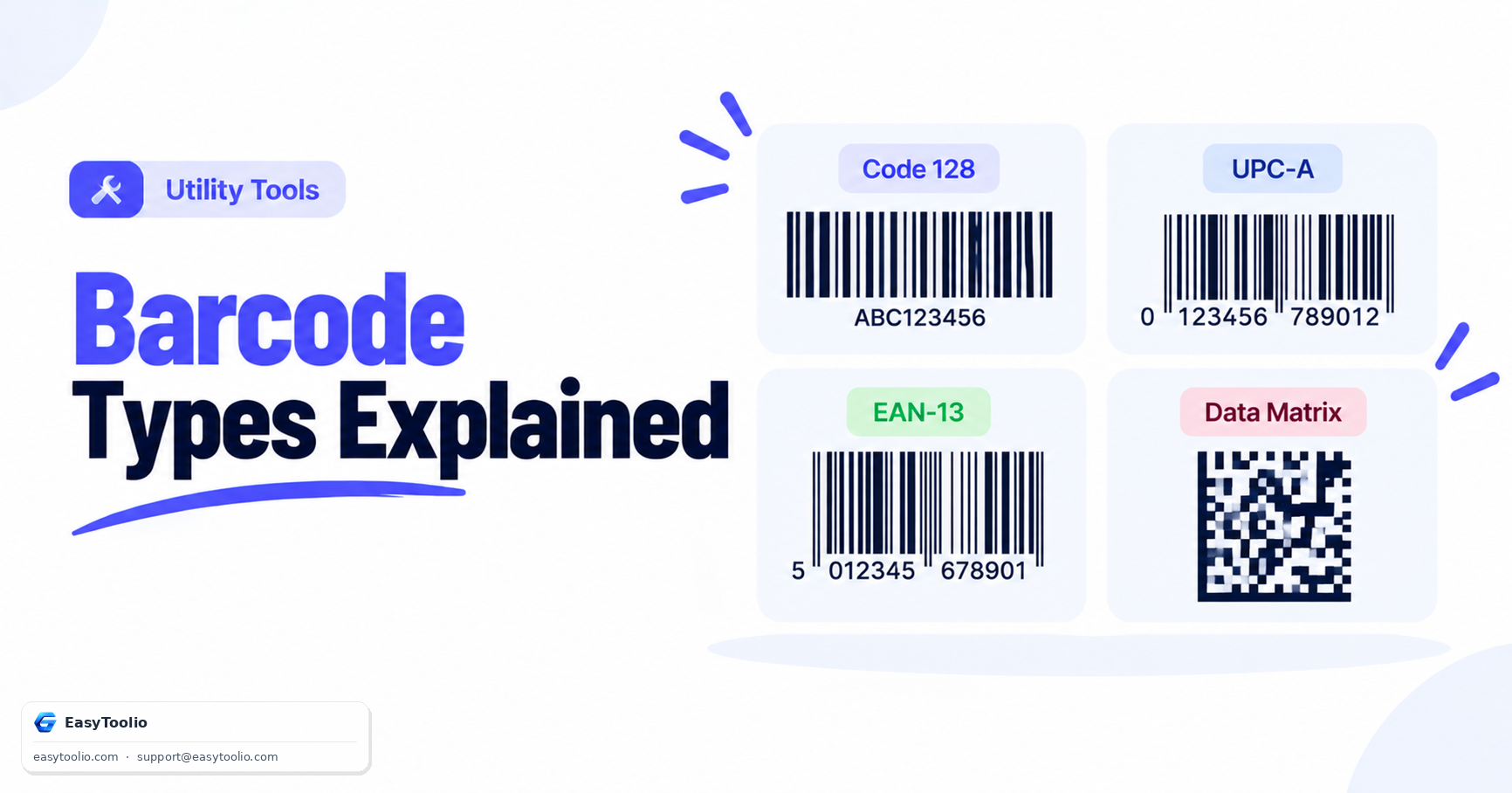
As the oscillating laser beam sweeps left to right across a barcode (for example a Code 128 or EAN-13 symbol), the photodiode inside the scanner generates a continuously varying analog voltage signal:
Laser sweeps across bars ──► White bar reflects strongly ──► High voltage signal
                              Black bar absorbs light      ──► Low voltage signal
The scanner's onboard microprocessor doesn't just detect "black" or "white" — it precisely times how long each high or low voltage segment lasts. In 1D symbologies, that timing directly encodes the data: each character is represented by a specific sequence of bar and space widths, so measuring the ratio of narrow-to-wide pulses lets the decoder reconstruct exactly which character each group of bars represents. A single omnidirectional laser scanner typically uses a rotating multi-faceted mirror to sweep the beam in several different angles simultaneously, so the barcode doesn't need to be held in a specific orientation to be read.
How a CCD / 2D Imager Decodes a Barcode
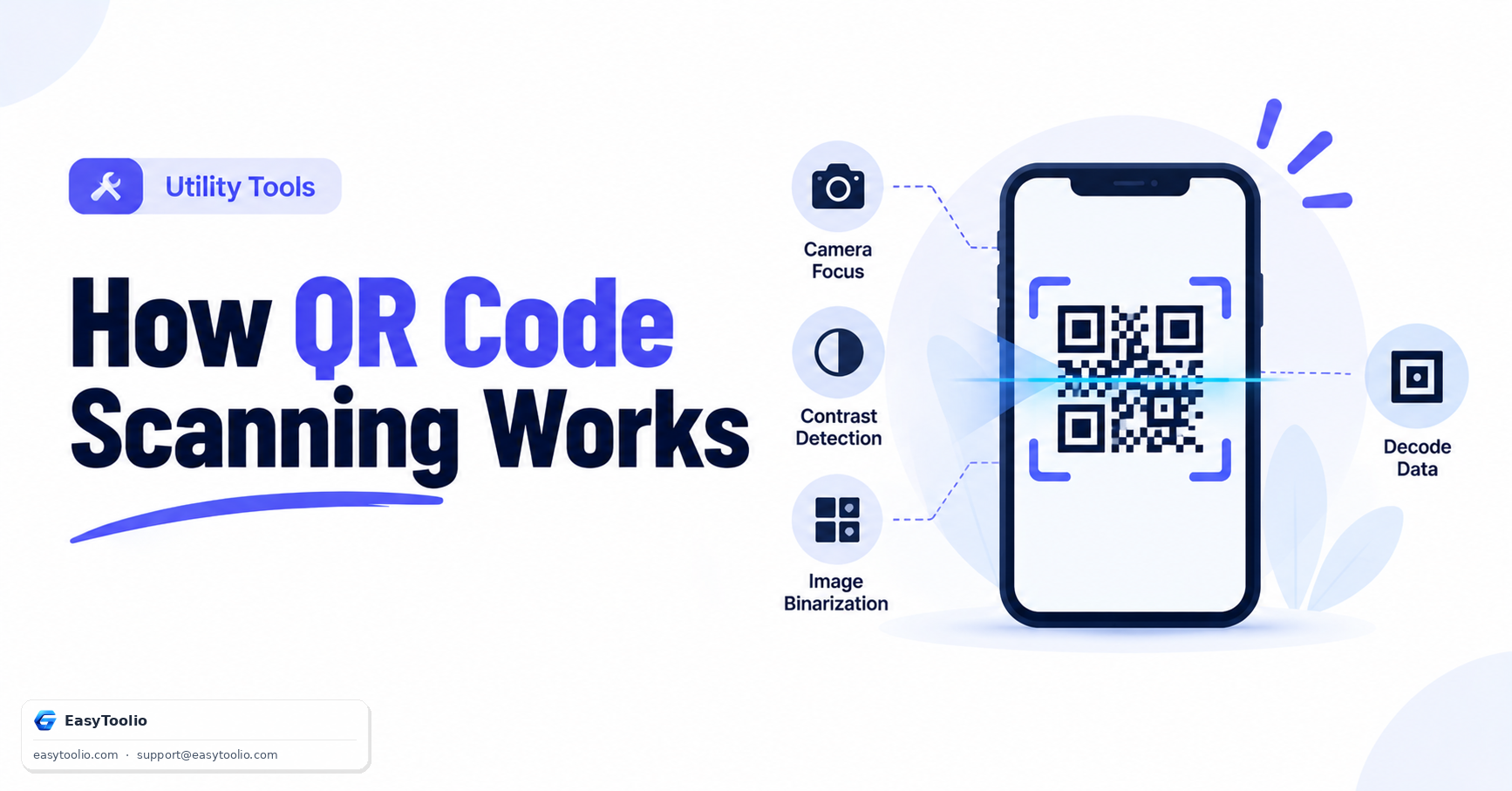
A camera-based imager works more like a miniature version of the QR-scanning pipeline: it captures a full grayscale image of the target area, applies binarization (converting the image to pure black and white pixels), then scans across rows of that binary image to measure bar widths in exactly the same way a laser scanner measures timing — except entirely in software, from a static image, rather than from a live analog signal. Because the entire 2D area is captured at once, the same hardware can locate and decode a barcode anywhere within the frame, at a slight angle, or even multiple barcodes in a single image — something a single-line laser scanner cannot do without a mechanical sweep across each one individually.
Why Lasers Struggle With Screens (and Curved Surfaces)
A laser scanner's photodiode expects reflected light to bounce back along a fairly predictable path from a matte, flat barcode surface. A phone or tablet screen's glass layer is glossy and often slightly curved, and — critically — actively emits its own light rather than simply reflecting the incoming laser. This combination frequently sends the reflected laser beam away from the photodiode entirely, or floods the sensor with the screen's own backlight, both of which corrupt the timing signal the decoder relies on. Camera-based imagers avoid this problem because they don't depend on measuring reflected light intensity at a specific angle — they photograph the code directly, the same way they'd photograph a printed label.
Choosing Between Laser and Imager Scanners
- High-volume fixed retail checkout with only 1D barcodes — laser scanners remain common and cost-effective, and their long range and speed are well suited to a stationary lane.
- Any environment with digital tickets, boarding passes, or mobile coupons — a 2D imager is required, since these are frequently displayed on phone screens.
- Mixed 1D/2D environments (retail moving toward QR-based loyalty programs, digital receipts, or product QR codes alongside traditional barcodes) — 2D imagers handle both symbologies with the same hardware.
- Long-range warehouse or dock-door scanning — laser scanners still hold an advantage at extended distances where imager resolution and lighting become limiting factors.
Scan any product barcode from a live camera feed or an uploaded image using our web barcode scanner, generate custom 1D product and shipping codes with the barcode generator, scan 2D QR codes via the QR code scanner, and generate QR codes with the QR code generator. For the mathematics behind the check digit these scanners validate on every read, see our EAN-13 checksum guide.
Frequently Asked Questions
Why are barcode scanner lasers almost always red?
Red laser diodes (around 650nm wavelength) are inexpensive, durable, and produce high contrast against standard black ink on white paper backgrounds, which is why they became the default choice for decades of retail scanning hardware.
Can a laser scanner read a QR code?
No. A laser scanner reads along a single line, which can only capture a 1D barcode's linear bar pattern. A QR code's data is arranged in a 2D grid, requiring a camera-based imager that captures the entire matrix in one frame.
Why do some modern retail scanners make a different sound or flash a pattern of red lines?
That crosshatch or multi-line pattern is an omnidirectional laser scanner using a rotating mirror to project the beam at many angles simultaneously, so a cashier doesn't have to precisely align the barcode with a single scan line.
Are CCD/imager scanners replacing laser scanners entirely?
In new deployments, largely yes — 2D imagers now cost roughly the same as laser scanners while also handling QR codes and phone screens, so most new point-of-sale hardware ships with imager technology. Laser scanners remain common in older installed retail hardware and in long-range industrial applications.
Does scanner type affect how a barcode's check digit is validated?
No. Both laser and imager scanners recover the same underlying digit sequence from the bar widths; the check-digit validation happens afterward, in software, regardless of which hardware technology captured the raw pattern.
References: GS1 Barcode Verification & Equipment Guidelines.