Token pricing looks simple until the first invoice, at which point most teams discover two things they did not expect: their input token count was much higher than the text they sent, and output tokens were the majority of the bill despite being a minority of the tokens.
Both are predictable. Here is the model, and then three worked examples.
Direct Answer: GPT-6 Astra bills on four separate rates per million tokens: $10 input, $1 cached input, $12.50 cache write, and $50 output. Output costs five times input, and reasoning tokens are billed at the output rate — so verbosity and reasoning effort are pricing decisions, not just quality ones. Your input count is not just your user message: OpenAI bills the full rendered context, which includes system and developer messages, every tool definition you attached, the entire prior conversation history, and any images. Two discounts materially change the math: prompt caching bills repeated prefixes at 0.1× the input rate, and the Batch API takes 50% off for non-urgent work. As a planning rule of thumb, English text runs roughly 4 characters or 0.75 words per token.
The four prices you are billed on
| Token type | Price per million | When it applies |
|---|---|---|
| Input | $10.00 | Standard, uncached context you send |
| Cached input | $1.00 | A prefix already in cache and reused — 0.1× the standard rate |
| Cache write | $12.50 | Writing a prefix into cache — 1.25× the standard rate |
| Output | $50.00 | Everything the model generates, reasoning tokens included |
Most cost surprises come from misunderstanding rows one and four.
What actually counts as an input token
This is the single most common source of "my bill is 4× what I calculated." OpenAI bills the model's full rendered context, not the last thing you typed. That includes:
- Your system message
- Any developer messages
- Every tool/function definition attached to the request — on every request
- The entire prior conversation history you resend
- Any images you supply
- OpenAI-provided instructions that form part of the rendered context
Three consequences worth internalising:
Tool definitions are a per-request tax. Fifteen verbose function schemas might be 6,000 tokens. At $10 per million that is $0.06 per call, which is $600 across 10,000 calls — for definitions the model mostly did not use. This is what Astra's tool_search tool exists to fix.
Conversation history compounds quadratically. In a stateless chat API you resend the whole transcript each turn. A twenty-turn conversation does not cost twenty units of input; turn 20 alone carries the weight of turns 1 through 19. Costs grow with the square of conversation length, not linearly.
Images are tokens. Astra accepts image input, and images are converted to a token count based on their dimensions. A conversation with a dozen screenshots in it is carrying a substantial invisible input bill on every subsequent turn.
The reliable way to see the truth is to read the usage object on a real response rather than estimating. Fire the exact request through our API Tester and inspect the response; if the body is dense, paste it into the JSON Formatter and read usage.prompt_tokens, usage.completion_tokens and the cached-token field. Those numbers are what you are billed on. Everything else is an estimate.
Output tokens are where the money is
At $50 per million against $10 for input, one output token costs the same as five input tokens. Since reasoning tokens bill at the output rate, reasoning effort is a direct cost multiplier.
A concrete illustration. Same task, two configurations:
| Terse, low effort | Verbose, high effort | |
|---|---|---|
| Input tokens | 3,000 | 3,000 |
| Output tokens (incl. reasoning) | 400 | 4,000 |
| Input cost | $0.030 | $0.030 |
| Output cost | $0.020 | $0.200 |
| Cost per call | $0.050 | $0.230 |
A 4.6× difference from configuration alone, on identical input. This is why "set reasoning effort per route" is the highest-value cheap optimisation available: much of most applications' traffic is classification and extraction that does not need high.
Worked example 1: a support assistant
2,000 requests/day, 30 days. Each request: 1,200-token system prompt, 400-token user message, 600-token response.
- Input per request: 1,600 tokens → 60,000 requests × 1,600 = 96,000,000 tokens → 96 × $10 = $960
- Output: 60,000 × 600 = 36,000,000 tokens → 36 × $50 = $1,800
- Monthly total: $2,760
Note that output is 27% of the tokens and 65% of the cost. Also note that the 1,200-token system prompt is identical on all 60,000 calls — 72 million tokens of pure repetition. Which brings us to caching.
Worked example 2: the same assistant, with caching
The 1,200-token system prompt clears the 1,024-token minimum cacheable prefix, so it is already eligible. But the saving scales with prefix size, so assume we also attach 2,800 tokens of policy documentation that changes daily rather than per-request, giving a stable 4,000-token prefix.
Per day: one cache write of 4,000 tokens, then 1,999 cached reads.
- Cache writes: 30 days × 4,000 = 120,000 tokens → 0.12 × $12.50 = $1.50
- Cached reads: 30 × 1,999 × 4,000 = 239,880,000 tokens → 239.88 × $1.00 = $239.88
- Uncached input (user messages): 60,000 × 400 = 24,000,000 → 24 × $10 = $240
- Output: unchanged at $1,800
- Monthly total: $2,281.38
Without caching, that 4,000-token prefix would have cost 240,000,000 × $10/M = $2,400 instead of $241.38 — a saving of roughly $2,159/month on a prefix you were already sending. The mechanism is covered properly in Prompt Caching Explained.
Worked example 3: long-context document analysis
One-off analysis of a 600,000-token document corpus, 8,000-token output:
- Input: 0.6 × $10 = $6.00
- Output: 0.008 × $50 = $0.40
- Total: $6.40 per run
Entirely reasonable once. Now run it 5,000 times a month for different users: $32,000. If the corpus is the same each time, caching drops the input component to roughly $600 plus write costs. If the corpus differs per user, you want retrieval — sending the 15,000 relevant tokens instead of 600,000 takes the input cost per run from $6.00 to $0.15.
The general lesson: a large context window is a capability, not a strategy. Use it for genuinely one-off analysis. For anything repeated, cache the stable part or retrieve the relevant part.
Model tiering: usually the biggest lever
| Model | Input / MTok | Output / MTok | Context |
|---|---|---|---|
| GPT-6 Astra | $10.00 | $50.00 | 1,050,000 |
| GPT-5.6 Sol | $4.00 | $20.00 | 1,050,000 |
| GPT-5.6 Terra | $2.00 | $12.00 | 1,050,000 |
| GPT-5.6 Luna | $0.20 | $1.20 | 1,050,000 |
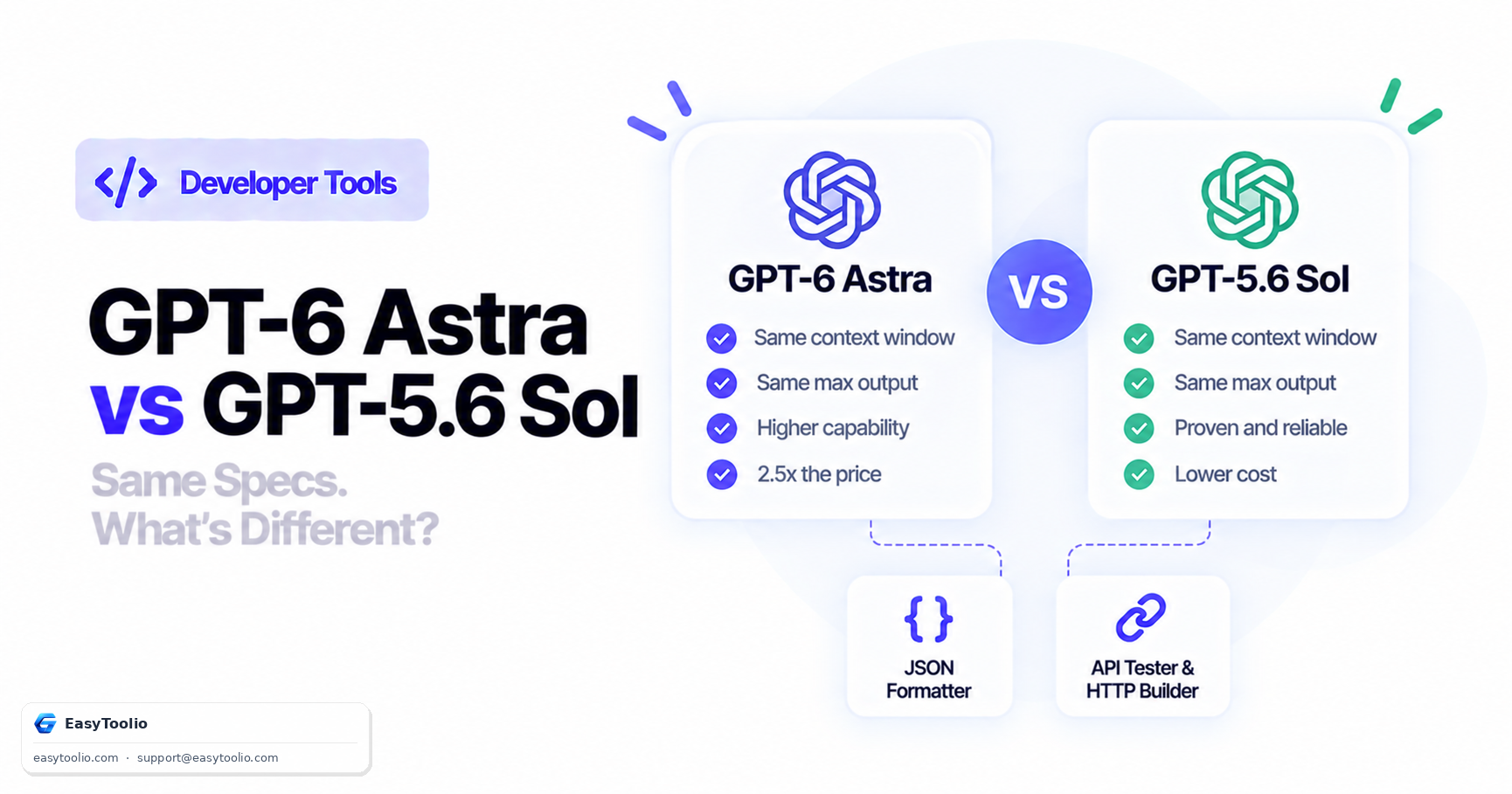
Every one of those models has the same context window and the same 128,000-token output cap. Luna's input rate is a fiftieth of Astra's. If any meaningful share of your traffic is classification, routing, extraction or summarisation, routing it to Luna will save more money than every prompt optimisation you will ever do.
The pattern that works in practice: a cheap model triages and handles the easy majority, and escalates only the hard cases to Astra.
The Batch API
50% off both input and output, with a 24-hour completion window. Anything not blocking a user belongs here: evaluations, backfills, bulk enrichment, nightly summaries, dataset generation. On the worked example 1 workload, moving it entirely to batch would take $2,760 to $1,380.
Estimating before you build
You do not need to write code to size a workload. English text runs roughly 4 characters or 0.75 words per token — that is OpenAI's own published rule of thumb.
Our AI Token Counter & API Cost Calculator does this end to end: paste the prompt, pick the model, set your expected output length and request volume, and it returns cost per request, per 1,000 requests and per month — with the cached-token share carved out of the input total rather than billed twice. It runs entirely in your browser, so the prompt is not uploaded anywhere.
If you would rather do the arithmetic yourself, paste a representative prompt into our Word Counter and divide the word count by 0.75. For code, JSON and non-English text the character-based route is more reliable — the Character Counter gives you the count to divide by 4. The two methods diverge for exactly the reasons covered in How Many Words Is 1,000 Tokens?.
Then multiply out:
input_cost  = (input_tokens  / 1_000_000) * 10.00
cached_cost = (cached_tokens / 1_000_000) *  1.00
write_cost  = (write_tokens  / 1_000_000) * 12.50
output_cost = (output_tokens / 1_000_000) * 50.00

monthly = (input_cost + cached_cost + write_cost + output_cost) * requests_per_month
Estimate to decide whether to build. Measure usage to decide what to optimise.
Frequently Asked Questions (FAQs)
Why is my input token count higher than the text I sent?
Because you are billed on the full rendered context: system and developer messages, every attached tool definition, the whole conversation history you resent, and any images. The usage object on the response shows the real number.
Are reasoning tokens billed separately?
They are billed at the output rate — $50 per million on Astra. They are not free, and they are usually the reason a high-effort call costs several times a low-effort one.
Does prompt caching cost extra?
Writes cost 1.25× the standard input rate ($12.50/M) and reads cost 0.1× ($1.00/M). A prefix written once and reused once totals 1.35× the ordinary input cost, versus 2× for sending it twice uncached — so it pays off from the second call onward.
What is the minimum prompt size for caching to apply?
1,024 visible input tokens for GPT-5.6 and later models. Below that, caching does not engage.
Can I combine the Batch API discount with prompt caching?
They are independent mechanisms and both reduce cost on the dimensions they apply to. Batch discounts the per-token rates; caching reduces the effective rate on a repeated prefix. Verify the combined behaviour on a small batch before budgeting around it.
How do I set a spending limit?
Configure usage limits in your OpenAI account billing settings, and check your usage tier — Tier 1 allows 500 requests and 500,000 tokens per minute, which is itself a practical ceiling on how fast you can spend.
The short version
Four rates: $10 input, $1 cached, $12.50 cache write, $50 output. Output is 5× input and includes reasoning tokens. Your input bill covers the entire rendered context, not just your message — which is why tool definitions and conversation history quietly dominate long-running applications.
In order of impact: tier your models, batch what can wait, cache what repeats, and set reasoning effort per route. Then read usage on real responses instead of trusting your estimate.
If you have landed here before deciding whether you need the flagship at all, GPT-6 Astra Explained covers the specifications and the trade-offs.
If you are still choosing a model, GPT-6 Astra vs GPT-5.6 Sol prices the upgrade decision out; for subscription-versus-API, see Is GPT-6 Astra Free?.
Sources: OpenAI API model reference for gpt-6-astra, gpt-5.6-sol, gpt-5.6-terra and gpt-5.6-luna (per-token rates, context windows, rate limits); OpenAI prompt caching guide (1,024-token minimum, 0.1× reads, 1.25× writes, rendered-context billing); OpenAI Batch API guide (50% discount, 24-hour window); OpenAI Help Center (the ~4 characters / ~0.75 words per token estimate). Cost examples are calculated from those published rates.