If you are sending the same system prompt, the same tool definitions and the same reference documents on every request — and almost every production application is — you are paying full price for identical work over and over. Prompt caching bills that repetition at a tenth of the rate, and switching it on is mostly a matter of prompt ordering rather than code.
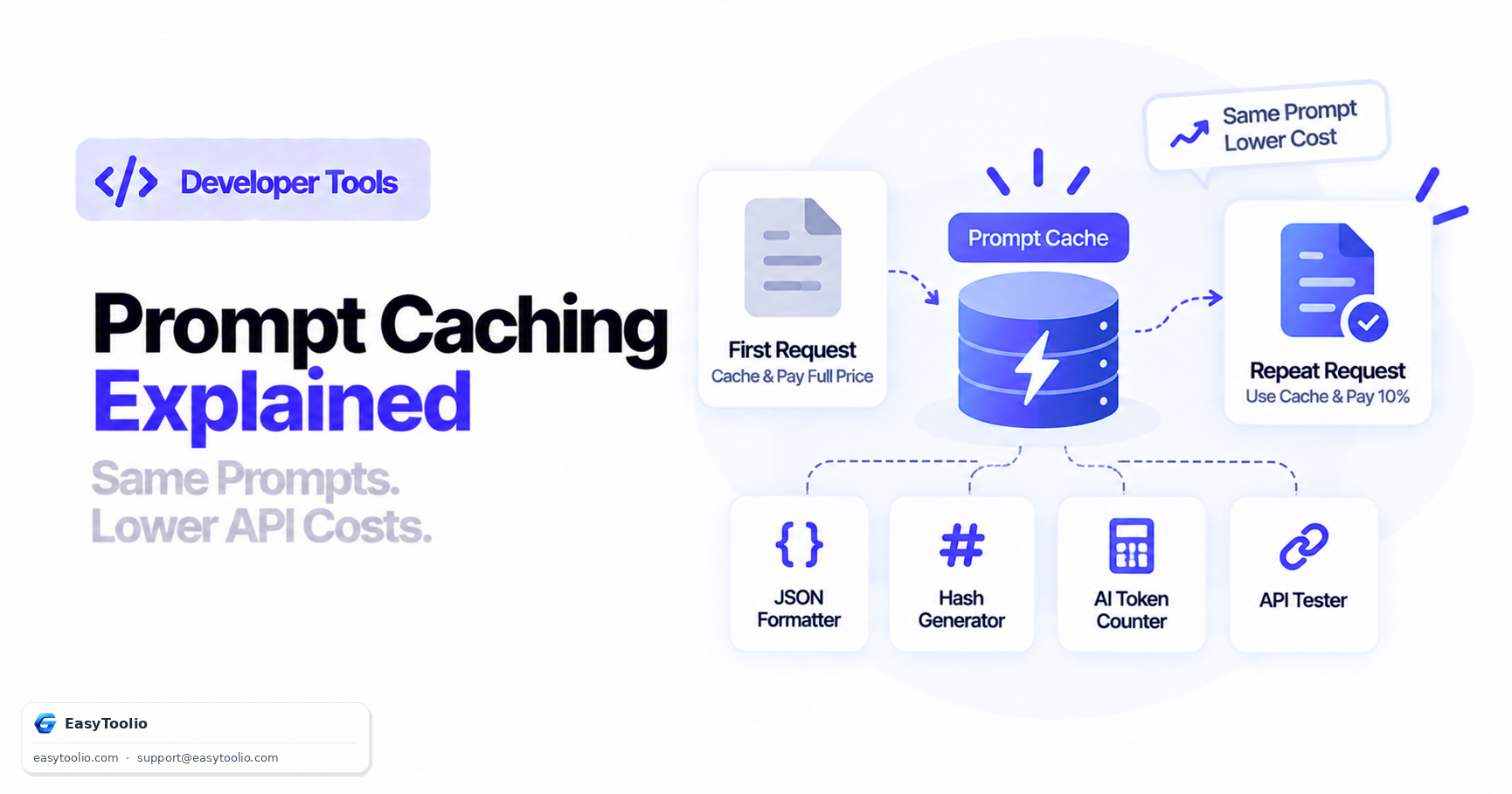
Direct Answer: Prompt caching stores the computed key-value tensors for an unchanged prefix of your prompt so repeated requests skip recomputing it. On GPT-5.6 and later models, cached input reads bill at 0.1× the standard input rate (a 90% discount) and cache writes at 1.25×, with a minimum cacheable prefix of 1,024 visible input tokens and retention of at least 30 minutes after the most recent write or reuse. Writing a prefix once and reusing it once already costs 1.35× the ordinary input price versus 2× for sending it twice uncached, so it pays off from the second call. What is cached is the model's full rendered context prefix — OpenAI-provided instructions, developer messages, tool definitions and conversation history — which means the single rule that determines your hit rate is: keep everything stable at the front of the prompt and put everything variable at the end.
What is actually being cached
A common misconception is that caching stores responses. It does not — you are not getting the same answer back, and identical prompts still produce fresh generation.
What is cached is the key-value (KV) tensors for a prefix of your prompt: the intermediate computation the model performs while reading your input. Reading 20,000 tokens of system prompt and reference material is real work, and if the next request starts with the identical 20,000 tokens, that work can be reused rather than repeated.
Two consequences follow directly from it being a prefix cache:
- It only works from the beginning. A stable block in the middle of your prompt, preceded by something variable, cannot be cached. The variable content invalidates everything after it.
- It must be byte-identical. Not semantically similar. Not "basically the same." One changed character at position 400 invalidates the entire prefix from that point on.
The billing math
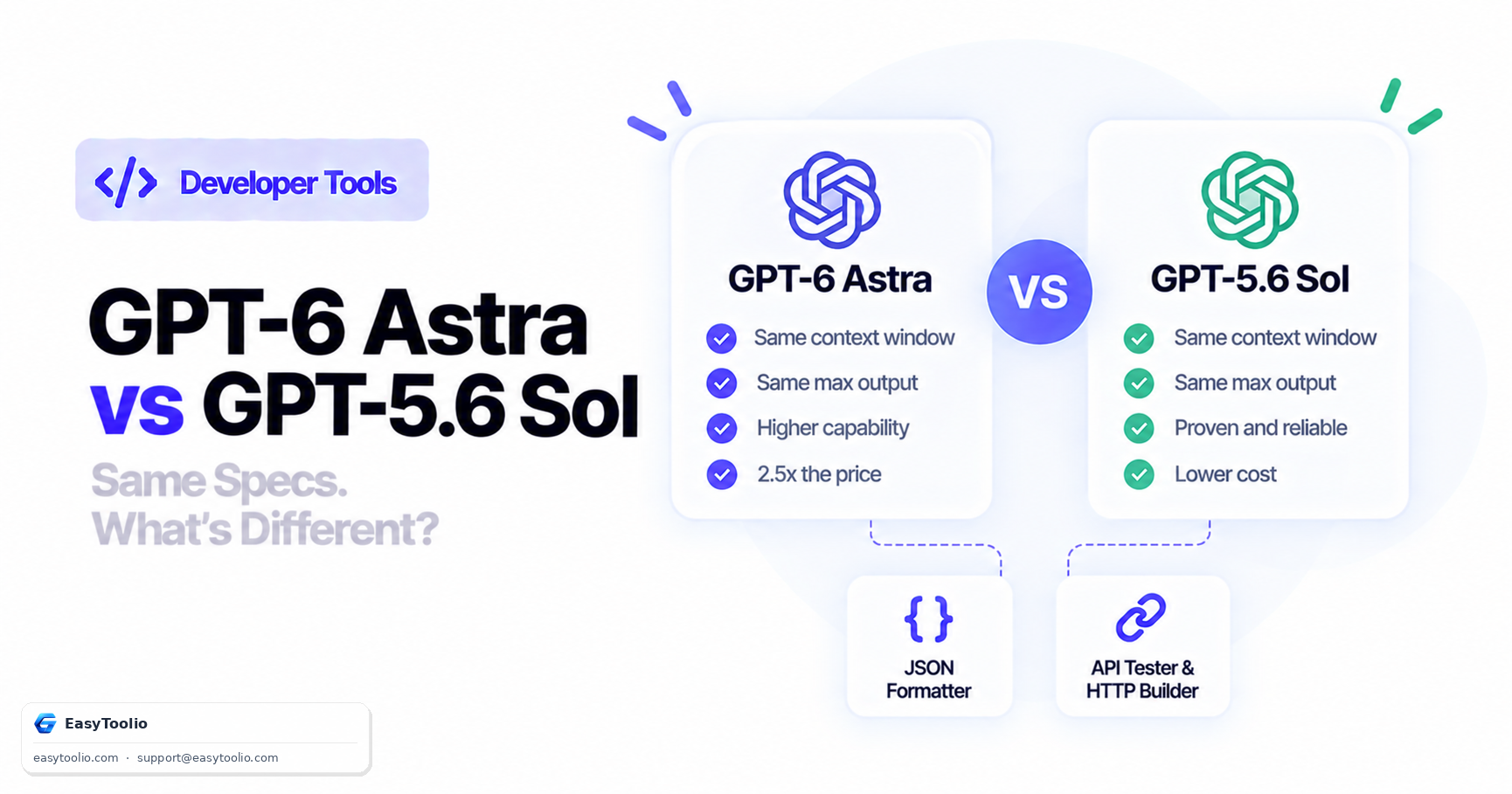
| Token type | Rate multiplier | GPT-6 Astra | GPT-5.6 Sol |
|---|---|---|---|
| Standard input | 1× | $10.00 / MTok | $4.00 / MTok |
| Cached input (read) | 0.1× | $1.00 / MTok | $0.40 / MTok |
| Cache write | 1.25× | $12.50 / MTok | $5.00 / MTok |
The break-even calculation is worth committing to memory, because it settles the "is this worth the effort" question immediately.
Sending a prefix twice with no caching costs 2× its base price. Writing it once (1.25×) and reading it once (0.1×) costs 1.35×. So caching is already cheaper on the second request, and from there the gap widens fast:
| Requests reusing the prefix | Uncached total | Cached total | Saving |
|---|---|---|---|
| 1 | 1× | 1.25× | −25% (worse) |
| 2 | 2× | 1.35× | 33% |
| 10 | 10× | 2.15× | 79% |
| 100 | 100× | 11.15× | 89% |
| 1,000 | 1,000× | 100.25× | 90% |
The saving converges on 90%, which is the read discount. One important read of that first row: for a genuinely single-use prompt, caching costs you 25% more. It is an optimisation for repetition, not a free win.
The three constraints
Minimum 1,024 tokens. On GPT-5.6 and later, the cacheable prefix must be at least 1,024 visible input tokens. A 600-token system prompt will not cache no matter how often you send it. Earlier models varied their threshold based on request settings such as tools, images and reasoning effort.
Retention of at least 30 minutes. Cached entries persist for at least 30 minutes after the last write or reuse. This is a floor, not a guarantee of eviction at 30 minutes — actively reused prefixes stay warm. The practical implication is that steady traffic keeps the cache alive for free, while a job that runs hourly will pay the write cost on nearly every run.
Prefix matching at breakpoints. On an incoming request, OpenAI walks the cache lookup boundaries from longest prefix to shortest, looking for an available match. You get the longest matching prefix that exists, which is why a small change near the start is so much more damaging than one near the end.
The one rule: stable content first
This is the whole technique.
✅ CACHE-FRIENDLY ORDER
   1. System prompt                (never changes)
   2. Tool / function definitions  (changes on deploy)
   3. Reference documents          (changes daily)
   4. Few-shot examples            (rarely changes)
   ─── cacheable prefix ends here ───
   5. Conversation history         (grows per turn)
   6. Current user message         (changes every request)
❌ CACHE-HOSTILE ORDER
   1. "Current time: 2026-09-09T14:22:07Z"   ← invalidates everything
   2. "User: Priya Sharma (id 8842)"         ← invalidates everything
   3. System prompt
   4. Tool definitions
   5. Reference documents
   6. Current user message
The second ordering has a 0% hit rate forever, and the mistake is invisible — nothing errors, the application works perfectly, and you pay full price on every token indefinitely.
Anti-patterns that silently kill your hit rate
A timestamp in the system prompt. The most common one by a wide margin. Injecting the current time at the top of a prompt guarantees a unique prefix on every request. If the model needs the time, put it at the end, next to the user message.
Per-user data at the front. Names, IDs, account details, locale. Every user gets their own cache entry, so your effective hit rate collapses to per-user repetition instead of global repetition. Move it after the shared prefix.
Non-deterministically ordered tool definitions. If you build your tools array from a dictionary or set whose iteration order is not stable, the serialised JSON differs between processes and you get scattered misses that are extremely hard to diagnose. Sort the array explicitly.
Reformatting between requests. Different JSON serialisation settings, different indentation, a trailing newline in one code path and not another. Byte-identical means byte-identical.
A/B testing prompt variants at the front. Two variants means two cache entries and half the hit rate on each. If you must test, vary the tail.
Session IDs or request IDs in the prefix. Same problem as timestamps. These belong in metadata or at the end.
If you suspect one of your prompt-assembly paths is producing subtly different output from another, the quickest way to prove it is to hash the rendered prefix from both paths and compare — our Hash Generator will give you a SHA-256 digest of each, and if the digests differ, so does your cache key. It turns "I think these are the same" into a yes-or-no answer in about twenty seconds.
A worked cost example
A support assistant with a 12,000-token stable prefix (system prompt, eight tool definitions, product documentation), 8,000 requests a day, 30 days. Assume the prefix is rewritten once a day when documentation is refreshed.
(To run these numbers for your own prefix size, model and request volume, our AI Token Counter & API Cost Calculator has a cached-token slider that shows the split directly.)
Without caching:
- Prefix input: 240,000 requests × 12,000 tokens = 2,880,000,000 tokens
- At $10 / MTok = $28,800/month
With caching:
- Cache writes: 30 × 12,000 = 360,000 tokens → 0.36 × $12.50 = $4.50
- Cached reads: 30 × 7,999 × 12,000 = 2,879,640,000 tokens → 2,879.64 × $1.00 = $2,879.64
- Total: $2,884.14/month
A saving of roughly $25,916 per month on a prefix that was already being sent, achieved by ordering the prompt correctly. Nothing about the model, the quality or the behaviour changes.
How to verify you are actually getting hits
Do not assume. Measure.
Every response carries a usage object reporting how many input tokens were served from cache. Send two identical requests back to back through our API Tester — the second one should show a substantial cached-token count — and read the response in the JSON Formatter so the nested usage breakdown is legible.
What to look for:
- Second request shows zero cached tokens → your prefix is under 1,024 tokens, or something at the front is varying between requests.
- Cached count is much lower than your prefix size → the match is terminating early. Something a few hundred tokens in is changing; that is where to look.
- Hits during bursts, misses when traffic is quiet → retention expiry. Expected behaviour on low-volume endpoints, and the reason a cron job every 45 minutes caches worse than one every 5.
Track cached tokens as a percentage of input tokens as an ongoing metric. It regresses quietly whenever someone adds a variable to the top of a prompt, and nothing else will tell you.
Frequently Asked Questions (FAQs)
Does prompt caching change the model's output?
No. It reuses computation over the input prefix; generation still runs fresh. You are not being served a cached answer.
Do I need to enable prompt caching?
It applies automatically to eligible requests on supported models — there is no flag to set. Your job is to structure the prompt so a stable prefix of at least 1,024 tokens actually exists.
Why am I being charged more than the standard input rate?
Cache writes cost 1.25× the standard rate. If your prefix is being rewritten constantly — because it keeps changing, or because traffic is too sparse to keep it warm — you will pay more than you would with no caching at all.
How long does a cached prefix last?
At least 30 minutes after the most recent write or reuse on GPT-5.6 and later. Actively reused prefixes stay available longer.
Does conversation history get cached?
Yes, if it sits inside the cacheable prefix. Because history is append-only, a growing conversation naturally extends its own cacheable prefix — each turn can reuse the cached computation for all previous turns, which is why long conversations benefit from caching more than short ones.
Can I cache across different models?
No. Cache entries are specific to a model, so routing the same prompt to a different model means a fresh write.
The short version
Cached input reads cost a tenth of standard input. The mechanism is a byte-exact prefix cache with a 1,024-token minimum and at least 30 minutes of retention, and the only real skill involved is putting stable content first and variable content last.
Check your prompt assembly for a timestamp or a user ID at the top — that one bug is worth thousands of dollars a month at volume, and it never throws an error. Then track cached tokens as a share of input tokens so you notice when it regresses.
For where caching sits among the other levers, see GPT-6 Astra API Cost Explained.
Sources: OpenAI prompt caching guide (KV tensor caching, 1,024-token minimum for GPT-5.6 and later, 0.1× read rate, 1.25× write rate, ≥30 minute retention, longest-prefix lookup, rendered-context contents, the 1.35× versus 2× comparison); OpenAI API model reference for gpt-6-astra and gpt-5.6-sol (per-token rates). Cost examples are calculated from those published rates.