Notification
Go to Home All Tools Compare Glossary Blog Contact

JSON Validator

Validate JSON online against the strict RFC 8259 spec, catching trailing commas, duplicate keys, and mismatched brackets fast.

Load Sample:

JSON Lint Target

1
Drop JSON file here Maximum size 5 MB
Linter Parameters:

Awaiting Payload

Enter JSON data on the left to begin checking syntax constraints.

Structural Checks Checklist:
Trailing commas check
Awaiting
Double quotes checking
Awaiting
Duplicate object keys
Awaiting
Bracket pairing & nesting
Awaiting
Diagnostics Viewport:
Parsed payload line numbers will load here.

Structure & Complexity Metrics

Real-time breakdown of structural objects and character counts for performance metrics.

Payload Size 0 B
Characters 0
Line Count 0
Total Objects 0
Total Arrays 0
Object Keys 0
Leaf Values 0
Nesting Depth 0

Recent Validation Drafts

Access recent JSON validation logs saved automatically in your browser.

No draft history found. Run lint validations to save draft histories.
Verifying

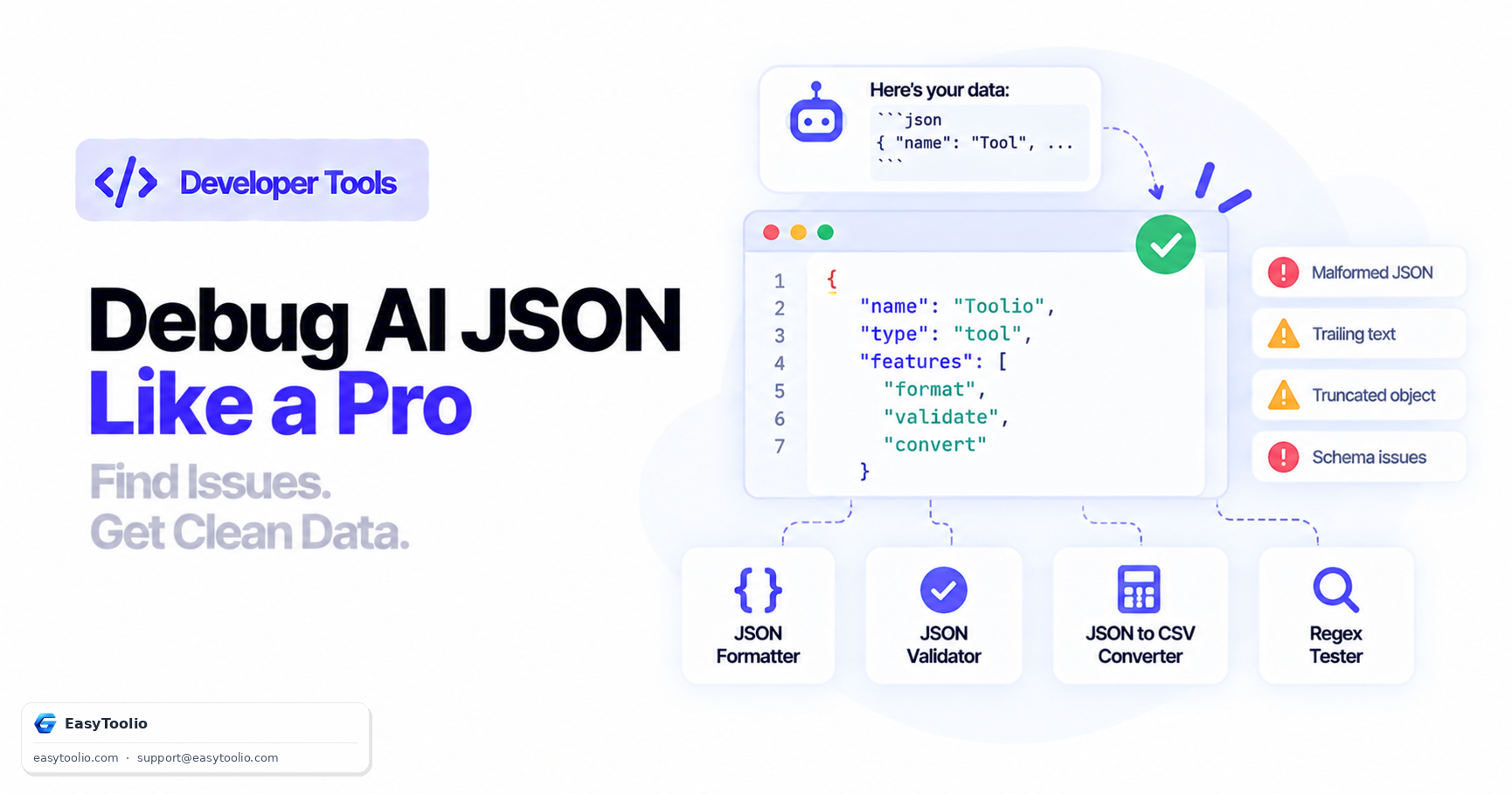
AI JSON Debugger

Ask AI
Education

How JSON Validation and Diagnostics Work

01

RFC 8259 Compliance Basics

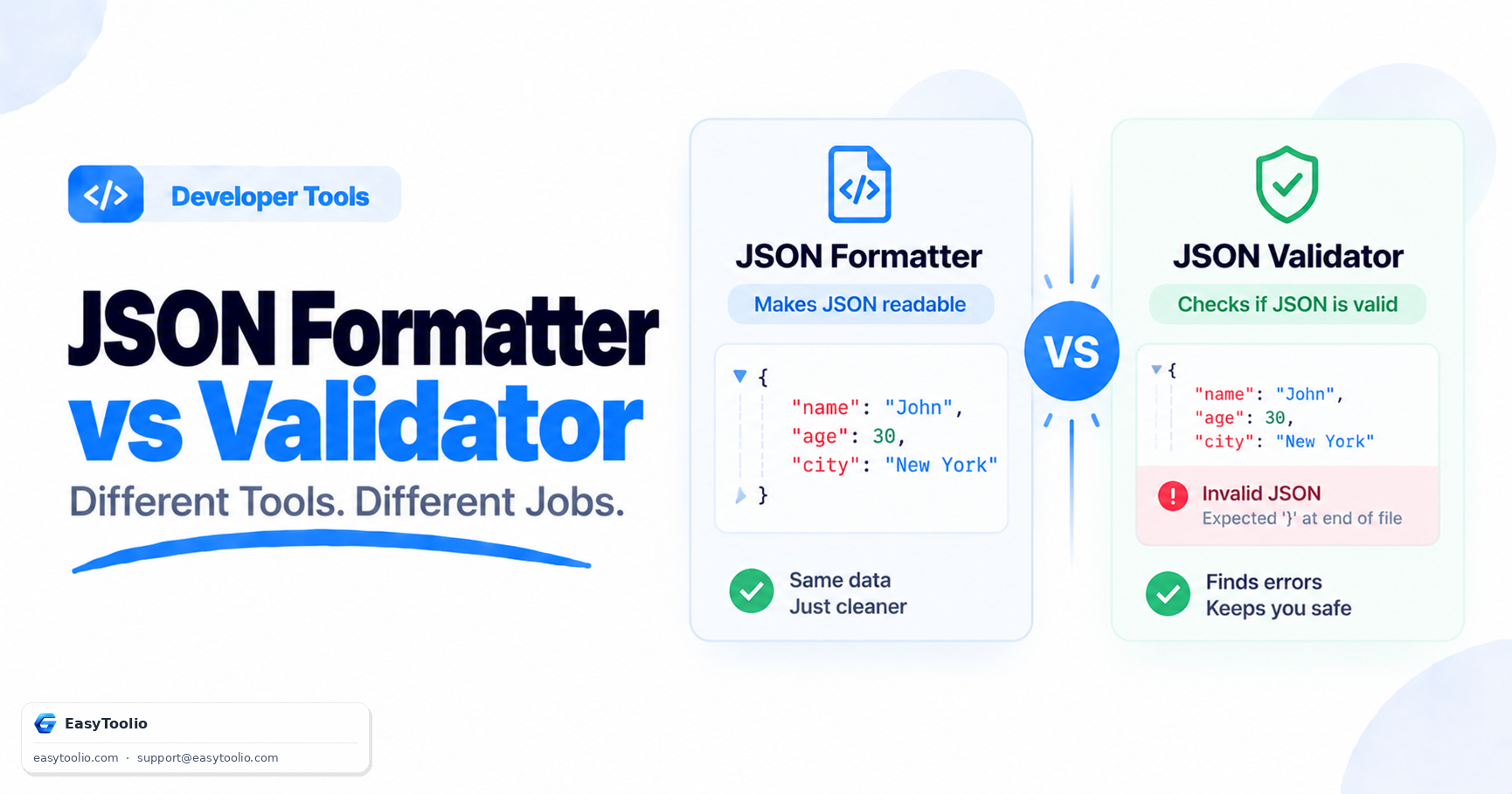
RFC 8259 is the formal specification that defines valid JSON syntax: object keys and string values must use double quotes, arrays and objects cannot end with a trailing comma, and comments are not part of the standard. A payload that violates any of these rules will fail to parse in strict environments even if it looks correct at a glance.

02

Why a Custom Tokenizer Catches More Than JSON.parse

JavaScript's built-in JSON.parse() silently keeps only the last occurrence of a duplicate key and simply throws a generic error on malformed syntax without pointing to the cause. This validator instead tokenizes the text character by character, so it can flag single-quoted strings, unquoted keys, mismatched or unbalanced brackets, trailing commas, and duplicate object keys individually, each reported with the exact line and column number.

03

Validation Example

Given an input like {'id': 123, "title": 'Design Patterns'}, strict mode immediately flags the single-quoted values as an RFC compliance violation and suggests replacing them with double quotes. A payload with a repeated key such as {"theme":"dark","theme":"light"} is separately caught by the duplicate-key checklist item even though JSON.parse would accept it silently.

04

When to Use Related Developer Tools

Once a payload passes validation, switch to the JSON Formatter to beautify or minify it for storage or transmission. For tabular exports, the JSON to CSV Converter and CSV to JSON Converter convert validated records between spreadsheet and JSON formats.

Good to know

Questions, answered

Quick answers about how this tool works.

If a JSON payload has syntax errors, our custom tokenizer analyzes the string character-by-character. It highlights the exact line in the editor, and displays a validation banner detailing the line number, column number, and the specific syntax violation.

The validator checks for RFC 8259 compliance, which forbids comments, single quotes, unquoted keys, duplicate keys, trailing commas inside arrays or objects, and incorrectly formatted numeric values.

JavaScript's native JSON.parse() resolves duplicate object keys by overwriting earlier occurrences with the final one. Our custom parsing engine strictly checks for duplicates to prevent silent configuration bugs.

Select the Diff tab in the workspace. Enter your original JSON in the first editor and the modified JSON in the second editor. The tool will parse, format, and display a line-by-line comparison highlighting additions and removals.

Yes. All parsing, validation, linting, and diff calculations occur locally in your browser memory. No data is sent to external web servers, making it compliant with strict enterprise data privacy rules.

Popular Tools on EasyToolio

Swipe

What do you need to work out next?

Search 190+ free tools by name, or pick a category below. Every one runs instantly in your browser — no signup, nothing to install.

More Developer Tools