Notification
Go to Home All Tools Compare Glossary Blog Contact

SQL Formatter

Format and beautify SQL queries with custom indentation and keyword casing, or minify them for production, all processed locally in your browser.

Best on Desktop Client-Side (Private)
SQL
Input
Ready
Drop SQL file to import Processed 100% locally in your browser
Status: Ready
Local Browser (Zero Server Log)
Education

SQL Formatting, Dialects & Query Readability

01

Why SQL Beautification Matters

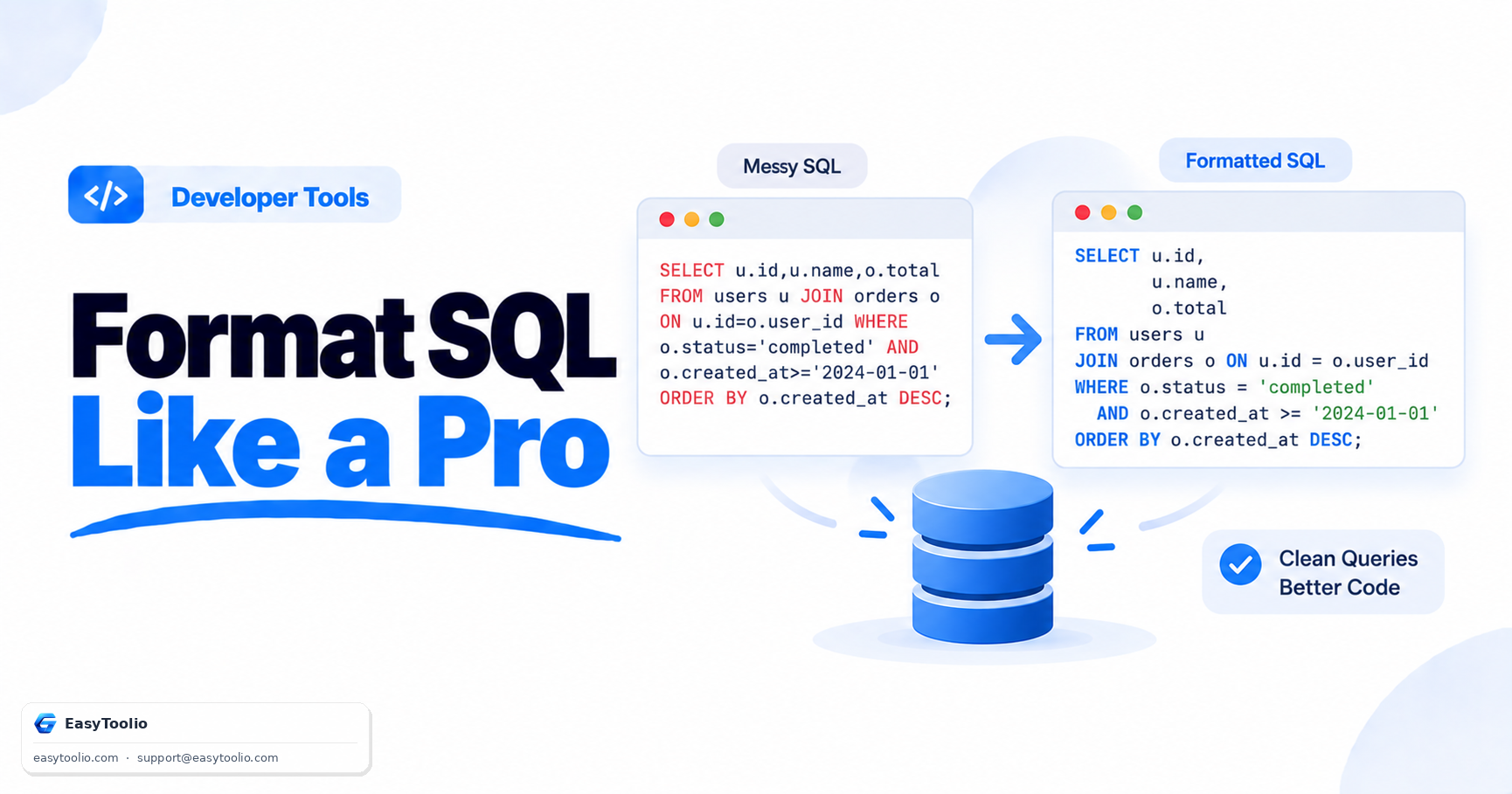
Dense single-line queries hide JOIN graphs, filter predicates, and nested subqueries. Formatting puts SELECT, FROM, JOIN, WHERE, GROUP BY, and ORDER BY on consistent lines with predictable indentation so reviews and debugging stay readable.
02

Dialect-Aware Formatting

MySQL, PostgreSQL, SQLite, SQL Server (T-SQL), and Oracle PL/SQL each have distinct quoting, comments, and extensions. This workspace formats with the sql-formatter parser for the dialect you select — identifier quoting, dollar-quoted strings, TOP, RETURNING, and similar constructs are handled only when that dialect actually supports them.

03

Formatter Parser vs Database Validation

Parse errors here come from the formatting engine for the selected dialect (unexpected tokens, line, and column). That is not the same as running the statement on a real database. A query can format cleanly and still fail at runtime, and some vendor-specific syntax may not parse even when a server would accept it.

04

Keyword Casing, Indentation & Multi-Statement Scripts

Uppercase keywords are a common team convention; preserve or lowercase if your codebase already has a style. Scripts with multiple statements are split on semicolons (and T-SQL GO batches) so each statement is formatted independently with a blank line between them.

05

Beautify vs Minify

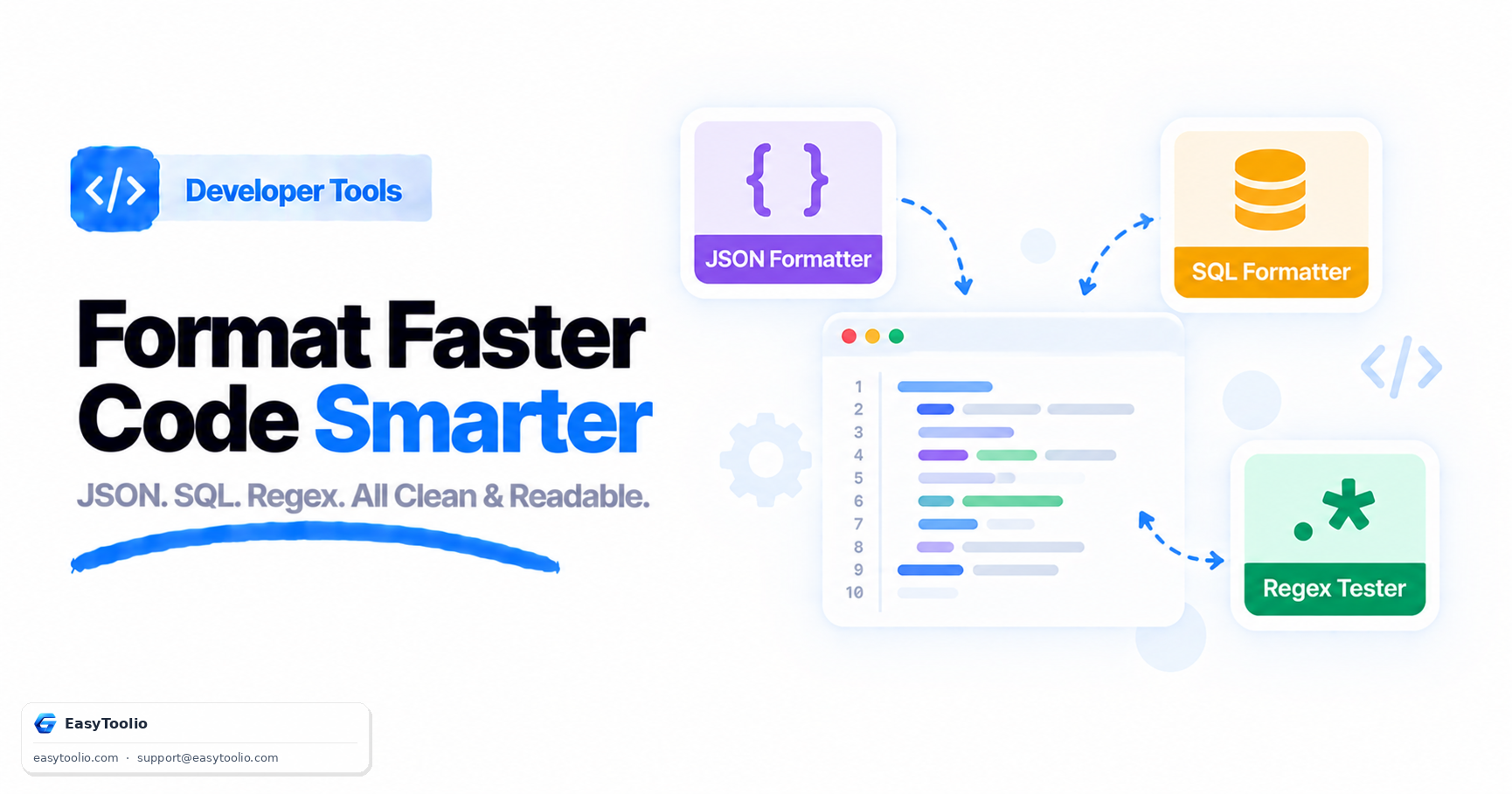
Beautify restores line breaks and indentation for humans. Minify collapses whitespace (and optionally comments) into a compact script while keeping string literals and quoted identifiers intact — useful for embeddings, migrations, or storage, not for reading.

06

100% Browser-Local Processing

Formatting, minification, search, and file import run in your browser. Queries never leave this page. Companion tools include the <a href="/json-formatter" class="text-brandBlue-400 hover:underline font-semibold">JSON Formatter</a>, <a href="/xml-formatter" class="text-brandBlue-400 hover:underline font-semibold">XML Formatter</a>, and <a href="/csv-to-json" class="text-brandBlue-400 hover:underline font-semibold">CSV to JSON Converter</a>.

Good to know

Questions, answered

Quick answers about how this tool works.

No. It never connects to a database. Formatting, minifying, and diagnostics all run locally in your browser.

No. A successful format means the selected dialect’s formatter parser could read the script. It does not guarantee the statement will run on a specific server, respect permissions, or pass schema checks.

Standard SQL (ANSI), MySQL, PostgreSQL, SQLite, Microsoft SQL Server (T-SQL), and Oracle (PL/SQL). Only these dialects are listed because the formatter engine has real parsers for them.

Yes when you format. Minify strips comments by default so the output stays compact; turn on “Keep comments when minifying” in Options if you need them.

What do you need to work out next?

Search 244+ free tools by name, or pick a category below. Every one runs instantly in your browser — no signup, nothing to install.

More Developer Tools