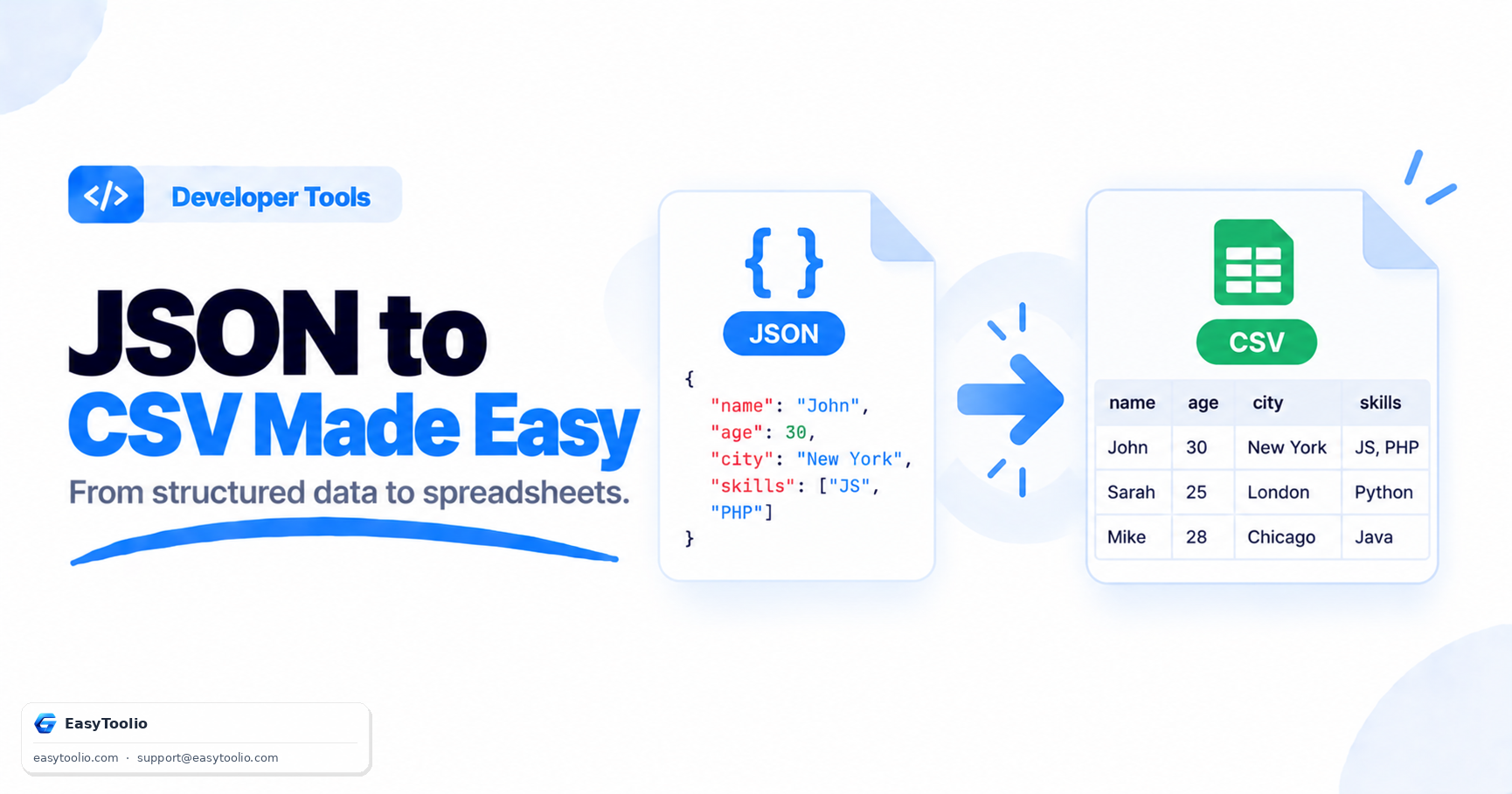
JSON and CSV are both everywhere in modern data workflows, but they're built on fundamentally different shapes. JSON is designed to represent nested, hierarchical relationships; CSV is designed to represent flat, tabular rows and columns. Converting between them sounds trivial until you actually try it on real-world data with nested objects and arrays — that's when the interesting problems show up.
The Structural Difference Between JSON and CSV
JSON (JavaScript Object Notation) stores data as key-value pairs that can nest arbitrarily deep — an object can contain another object, which can contain an array of more objects, and so on. This makes JSON a natural fit for representing complex, real-world entities like a customer record with a nested address object and an array of past orders.
CSV (Comma-Separated Values), by contrast, is strictly two-dimensional: a fixed set of column headers, and one row per record, with each cell holding a single flat value. There is no native way to represent nesting in CSV — everything has to be flattened into that grid before it can be written as rows and columns.
Why People Need to Convert JSON to CSV
The most common reason is that JSON API responses need to land somewhere non-developers can work with them — importing into Excel or Google Sheets so a business or marketing team can filter, sort, and pivot the data without touching any code. Analysts feeding data into BI and reporting tools (which often expect tabular input) also need this conversion, since most spreadsheet-style tools don't parse nested JSON natively. It's also common when sharing data exports with non-technical stakeholders who are comfortable opening a CSV in Excel but wouldn't know what to do with a raw .json file. You can convert instantly using the JSON to CSV Converter instead of writing a script for a one-off export.
The Core Challenge: Flattening Nested Structures
Converting JSON to CSV means taking every nested key and turning it into a single flat column, usually using dot notation to preserve the original structure's meaning. Here's a small before-and-after example:
Before (nested JSON):
{
  "id": 101,
  "name": "Aarav Sharma",
  "address": {
    "city": "Pune",
    "pincode": "411001"
  }
}
After (flattened CSV):
| id | name | address.city | address.pincode |
|---|---|---|---|
| 101 | Aarav Sharma | Pune | 411001 |
The nested address object's two fields became two separate flat columns, address.city and address.pincode, using dot notation to show they originally belonged together. This is the standard approach most JSON-to-CSV converters use to keep the flattened output traceable back to its original nested shape.
Common Pitfalls When Converting JSON to CSV
Arrays of varying length across records. If one customer record has 2 past orders and another has 5, a converter has to decide how to represent that — usually by either creating numbered columns (orders.0.id, orders.1.id, etc., leaving unused ones blank) or by flattening arrays into a single delimited string within one cell. Neither approach is perfect, and the "right" one depends on what you plan to do with the output.
Deeply nested structures. JSON that nests four or five levels deep produces increasingly long, unwieldy column names once flattened (user.profile.settings.notifications.email), which can make the resulting CSV harder to read even though it's technically correct.
Special characters needing escaping. Any value that itself contains a comma, quote mark, or line break needs to be properly quoted and escaped in the CSV output, or it will corrupt the column structure when the file is opened. A description field containing a comma, for instance, must be wrapped in quotes so spreadsheet software doesn't misinterpret it as a column break.
When to Go the Other Way: CSV to JSON
The reverse conversion is just as common in practice. If you have a spreadsheet of data — say, a list of product SKUs and prices — and you need to send that data as the body of an API request, you'll typically need it in JSON format first, since most modern APIs expect structured JSON payloads rather than raw CSV text. This comes up frequently when bulk-uploading data through an API, feeding spreadsheet exports into automated pipelines, or migrating data between systems that speak different formats. The CSV to JSON Converter handles this direction, turning each row into a JSON object keyed by the column headers.
Frequently Asked Questions
Q: Why can't CSV represent nested JSON data directly? A: CSV is a strictly flat, two-dimensional format of rows and columns, with no native way to express hierarchy, so nested JSON objects and arrays must be flattened into individual columns before they fit into a CSV file.
Q: What happens to arrays inside a JSON object when converting to CSV? A: Converters typically either create numbered columns for each array position or combine the array's values into a single delimited string within one cell — the best choice depends on how consistent the array lengths are across your data.
Q: When would I need to convert CSV back into JSON? A: Commonly when you have spreadsheet data that needs to be sent as a JSON payload to an API, such as bulk-uploading product or user records into a system that only accepts structured JSON input.