Notification
Go to Home All Tools Compare Glossary Blog Contact

QR Code Scanner & Reader

Scan and decode QR codes online using your camera, uploaded image file, or screenshot with 100% private client-side processing.

100% Private Client-Side Decoding Engine

QR Code Scanner & Reader

Scan and read QR codes online using your camera, image file, or screenshot. Decode URLs, Wi-Fi credentials, contact cards (vCards), text, and emails privately in your browser.

Live Camera Scanner Viewport

Click "Start Camera Scanner" to begin

Camera permissions will be requested by your browser. Video frames are decoded locally.

Decoded Result

Waiting for Scan...
Start the camera scanner or upload/paste an image to read a QR code.
Education

Complete Guide to QR Code Matrix Decoding & Security

01

What is a 2D QR Code Matrix?

QR codes (Quick Response codes) are 2-dimensional matrix barcodes capable of storing URLs, plaintext, Wi-Fi authentication keys, vCard contact details, and cryptographic tokens in black and white square modules.

02

Webcam Camera vs File Upload Scanning

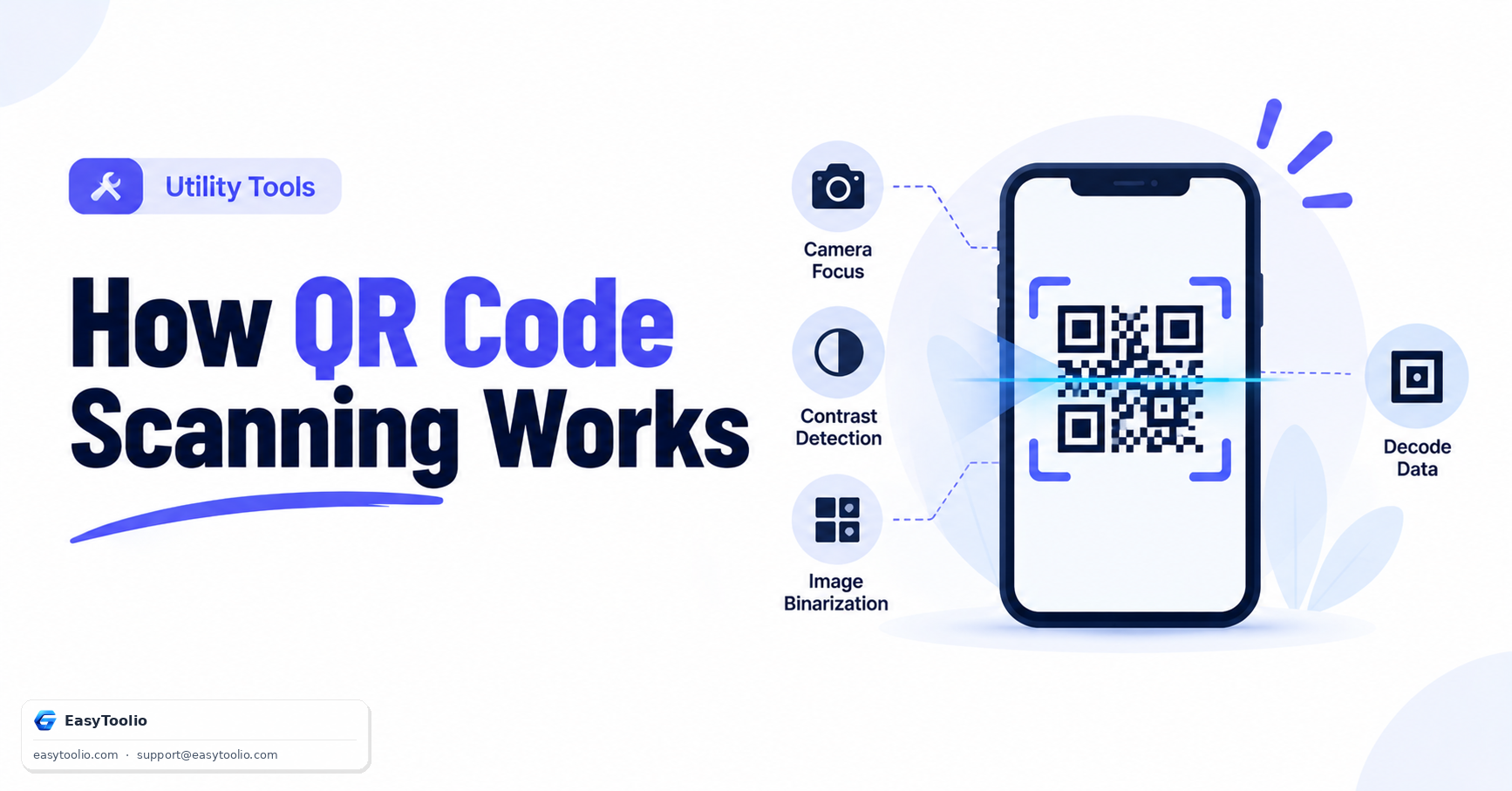
Scan QR codes directly using your smartphone camera or desktop webcam, or upload saved image screenshots (PNG, JPG, WebP). Automated image preprocessing contrast adjustments ensure instant decoding.

03

Safety & URL Malicious Redirection Inspection

Scanning QR codes with our tool displays the raw decoded text or target destination URL before you open the link. This prevents malicious QR code phishing (Qishing) attacks.

04

Reed-Solomon Error Correction Capability

QR codes feature built-in Reed-Solomon error correction (L, M, Q, H). This allows codes to be decoded accurately even if up to 30% of the QR matrix surface is smudged, torn, or covered by logos.

05

100% In-Browser Privacy Protection

All canvas pixel sampling and QR matrix extraction take place 100% locally inside your web browser memory. No camera frames or uploaded images are sent to cloud servers.

06

Explore Related QR & Barcode Utilities

Create custom QR codes with vector logos using our <a href="/qr-code-generator" class="text-cyan-400 hover:underline font-semibold">QR Code Generator</a>, scan 1D retail barcodes via <a href="/barcode-scanner" class="text-cyan-400 hover:underline font-semibold">Barcode Scanner</a>, generate product barcodes with <a href="/barcode-generator" class="text-cyan-400 hover:underline font-semibold">Barcode Generator</a>, and compress images using <a href="/image-compressor-converter-resizer" class="text-cyan-400 hover:underline font-semibold">Image Compressor</a>.

Good to know

Questions, answered

Quick answers about how this tool works.

Click the "Image File Upload" tab, then drag and drop your photo or screenshot file onto the upload zone to decode the QR payload instantly.

Yes! It automatically parses Wi-Fi payload formats (WIFI:S:SSID;T:WPA;P:Password;;) and provides one-click copy buttons for Network Name and Password.

Yes! Unlike native phone cameras that auto-open links automatically, our scanner displays the decoded text/link first so you can inspect it safely before clicking.

No! Video frames are analyzed transiently in client-side HTML5 canvas memory. Nothing is transmitted over the network.

What do you need to work out next?

Search 244+ free tools by name, or pick a category below. Every one runs instantly in your browser — no signup, nothing to install.

More Utility Tools