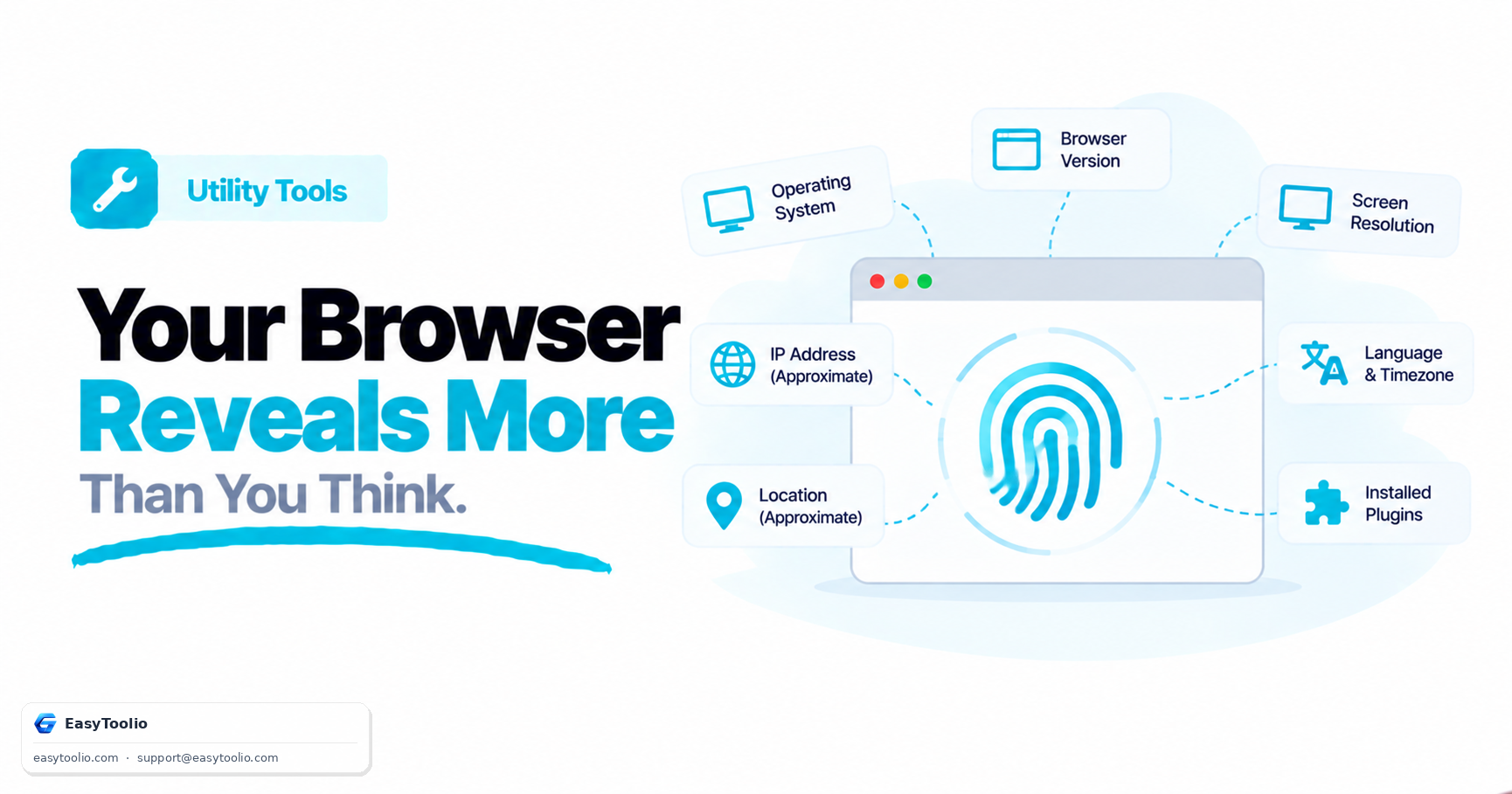
Every time you access a website, your browser presents a digital introduction. Part of this introduction is a text string called the User-Agent. While most users never see it, the User-Agent and other browser signals are used by web servers to determine your device type, customize layouts, and track your web activities.
Here is a deep dive into what your browser reveals about your device, how User-Agent strings work, and the rise of advanced browser fingerprinting.
Anatomy of a User-Agent String
A User-Agent is a header sent by your browser with every HTTP request. Historically, it is a complicated, messy string containing backwards-compatible keywords. For example, a modern Chrome browser on Windows 11 might send a User-Agent like this:
Mozilla/5.0 (Windows NT 10.0; Win64; x64) AppleWebKit/537.36 (KHTML, like Gecko) Chrome/120.0.0.0 Safari/537.36
Deconstructing this string:
Mozilla/5.0: A historical prefix used to indicate compatibility with Netscape's rendering engine. Almost all modern browsers still include it.Windows NT 10.0; Win64; x64: Identifies the operating system as Windows 10/11 (64-bit).AppleWebKit/537.36: The layout engine used by Safari and Chrome.KHTML, like Gecko: Indicates compatibility with Safari/Gecko engines.Chrome/120.0.0.0: The specific browser name and major version number.Safari/537.36: Chrome identifies itself as Safari to ensure websites designed for Safari render correctly.
Why Websites Read Your Browser Environment
Web developers and servers analyze these parameters for several practical reasons:
- Responsive Web Design: Ensuring that a mobile user gets a touch-friendly, vertical layout, while a desktop user gets the full-featured interface.
- Feature Compatibility: If a website uses modern web features (like WebGL or CSS Grid), it can check the browser version to determine whether to enable them or serve a simplified fallback.
- Security and Fraud Detection: Identifying outdated browsers that have known security vulnerabilities, or blocking bots and scrapers that send non-standard User-Agent strings.
- Analytics: Helping web developers see what percentage of their audience uses Chrome, Safari, macOS, or Android, allowing them to prioritize optimization efforts.
Beyond the User-Agent: What is Browser Fingerprinting?
In recent years, privacy advocates have focused on browser fingerprinting—a sophisticated technique used to track devices across the internet without relying on cookies.
While you can delete cookies or browse in "Incognito Mode," browser fingerprinting is stateless. It gathers a combination of hardware and software parameters to construct a unique ID for your device. These parameters include:
- User-Agent & Client Hints: Basic browser and OS details.
- Screen Resolution & Viewport Size: The physical and logical dimensions of your display.
- Installed Fonts: The list of typography fonts loaded on your system.
- Language & Timezone: Your default locale settings.
- Canvas and WebGL Fingerprinting: How your specific graphics card renders text and 3D shapes. Because graphics drivers and hardware render images with microscopic pixel variations, this is highly unique.
- AudioContext API: How your system's audio card processes sound frequencies.
When combined, these data points create a fingerprint that is unique to your device (often 1 in a million), allowing ad networks to track you across different websites even if you clear your browser cache.
How to Protect Your Browser Privacy
If you want to minimize the amount of tracking data your browser exposes:
- Use Privacy-focused Browsers: Browsers like Brave and Firefox have built-in fingerprinting protections that randomize Canvas and WebGL rendering outputs, making your device blend in with others.
- Avoid Too Many Extensions: Paradoxically, installing too many browser extensions makes your browser more unique, as scripts can enumerate your installed add-ons.
- Use Anti-Detect Browsers: For advanced privacy, developers and marketers use specialized browsers (like Multilogin or GoLogin) that let users customize and cycle through virtual browser profiles and User-Agents.
- Use Privacy Extensions: Add-ons like Privacy Badger or uBlock Origin block the tracking scripts that perform fingerprinting queries in the background.
Frequently Asked Questions
Q: Can clearing cookies or using Incognito mode stop browser fingerprinting? A: No. Fingerprinting is stateless and does not rely on cookies — it combines signals like screen resolution, installed fonts, and Canvas/WebGL rendering quirks to identify your device regardless of browsing mode.
Q: What does the "Chrome/120.0.0.0 Safari/537.36" part of a User-Agent string actually mean? A: It identifies the browser as Chrome version 120 while also labeling itself as Safari — a legacy compatibility trick so websites built for Safari's WebKit engine still render the page correctly.
Q: Which browsers offer the best built-in fingerprinting protection? A: Brave and Firefox both randomize Canvas and WebGL rendering outputs, making your device blend in with others instead of exposing a unique fingerprint.