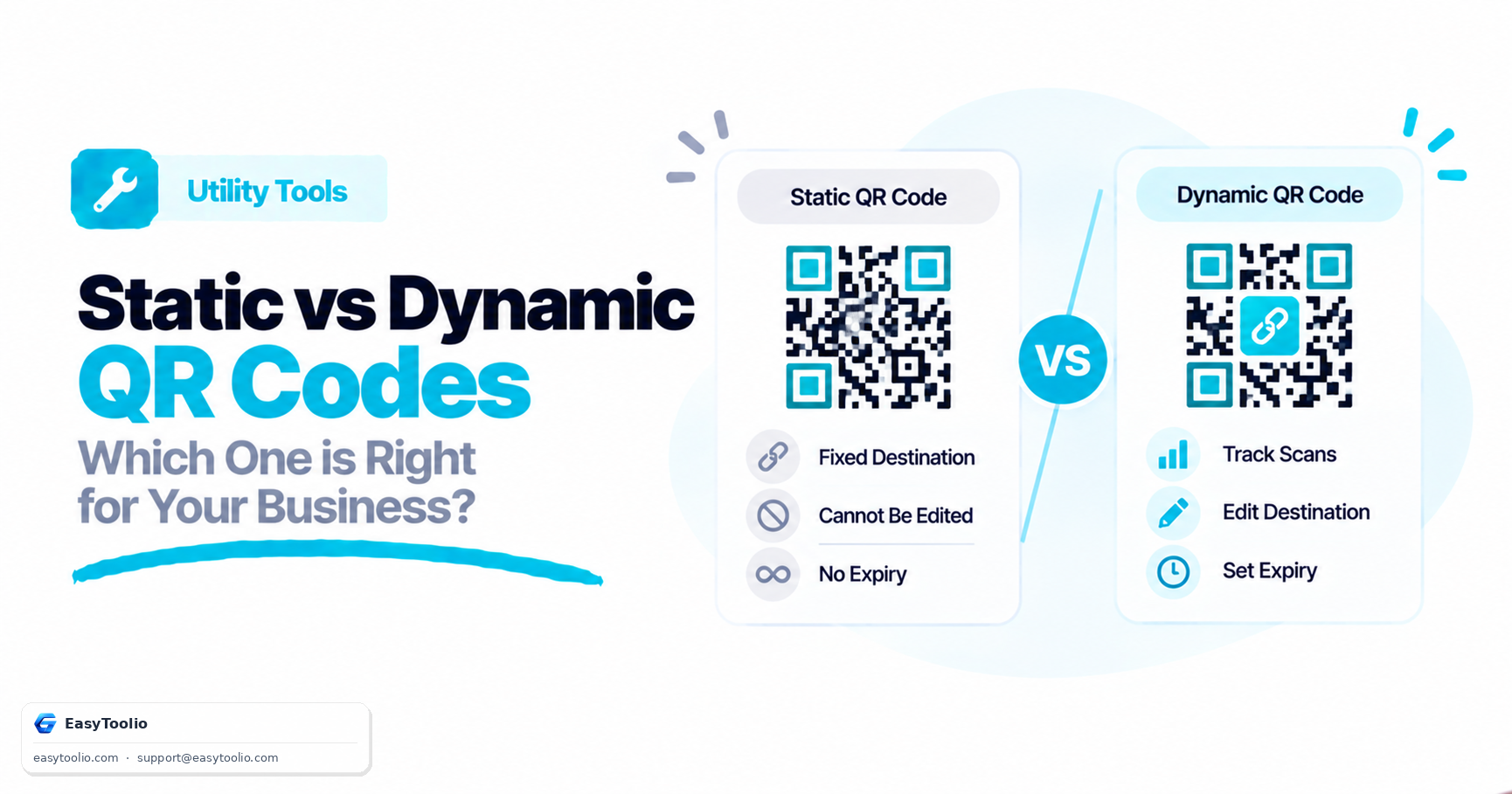
When generating a QR code, one of the first decisions you need to make is whether to generate a Static or a Dynamic QR code. While they look similar on paper, their underlying architecture, capabilities, and ideal use cases are entirely different.
Here is a breakdown to help you choose the right format for your project.
1. What is a Static QR Code?
A static QR code encodes information directly into the visual pattern. The pixels you see represent the actual alphanumeric characters of the URL, text, or configuration details.
Characteristics:
- Permanent Data: Once generated, the content inside cannot be edited or updated. If you print a static QR code pointing to
mysite.com/promoand that link changes, the printed code is permanently broken. - Data Density Complexity: The more information you store (e.g., a long URL or a full contact card), the more complex and dense the dot pattern becomes. High-density patterns require larger print sizes to scan reliably.
- No Tracking: There is no redirect server in the middle, meaning you cannot track metrics like the number of scans, geographic location, or scan times.
- Lifetime: They never expire. They will work forever as long as the hardcoded destination remains online.
2. What is a Dynamic QR Code?
A dynamic QR code does not encode the final destination directly. Instead, it encodes a short redirection URL hosted on a redirect server, which then instantly routes the user to the target destination.
Characteristics:
- Editable Destinations: You can update the target URL at any time, even after the code is printed. For example, a restaurant can update their digital menu link weekly without ever needing to reprint the QR codes on tables.
- Consistent Visual Density: Because it only encodes a short redirect link, the visual pattern remains clean, simple, and low-density regardless of how long the final destination URL is. This makes it scan much faster, even at small sizes.
- Scan Analytics: The redirect server can count scans, detect user device types, track scanning times, and estimate location data.
- Service Dependent: Dynamic QR codes rely on a server to perform the redirection. If the service provider goes down or your subscription expires, the QR code will stop redirecting users.
3. Comparison Summary
| Feature | Static QR Code | Dynamic QR Code |
|---|---|---|
| Editable Content | No | Yes |
| Visual Density | Grows with data size | Remains simple and clean |
| Scan Tracking | No | Yes |
| Internet Dependency | No (for text, WiFi, vCard) | Yes (always routes via a server) |
| Subscription / Fee | Free forever | Often requires a paid service |
| Lifespan | Unlimited | Dependent on redirect server |
4. When to Use Each Type
Choose a Static QR Code if:
- The data is permanent: Pointing to a home page URL that will not change, a plain text message, or sharing local configurations.
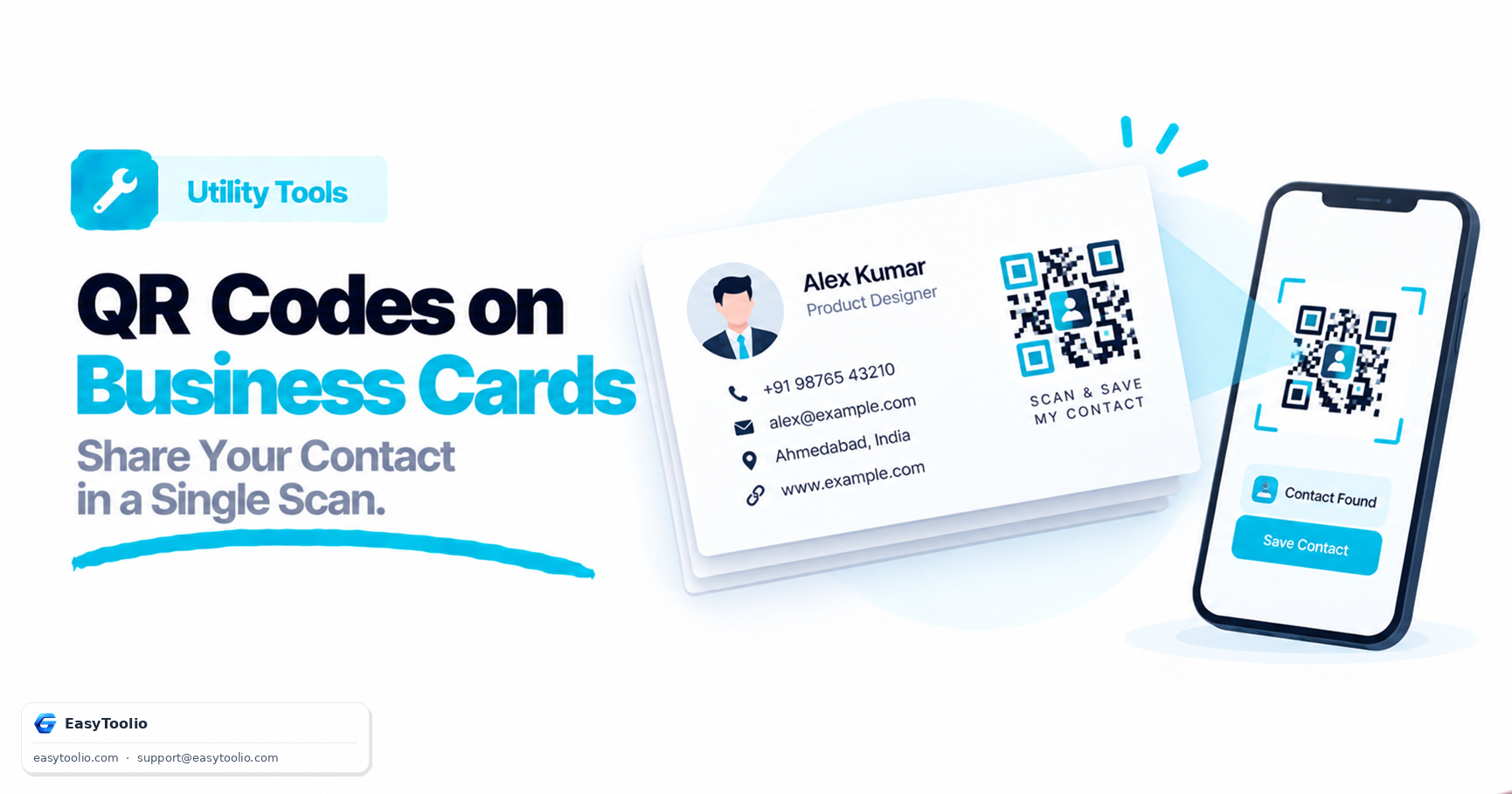
- Privacy is paramount: Sharing home Wi-Fi details (SSID/Password) or offline contact information (vCard) directly with users without passing through a tracking server.
- No tracking is needed: Simple personal projects or offline systems.
Choose a Dynamic QR Code if:
- You are running marketing campaigns: Track ROI, clicks, and scan performance.
- The destination link might change: PDF documents, event details, seasonal promotions, or food menus.
- Space is extremely limited: Printing small codes on packaging or product labels where a low-density pattern is required for quick scans.
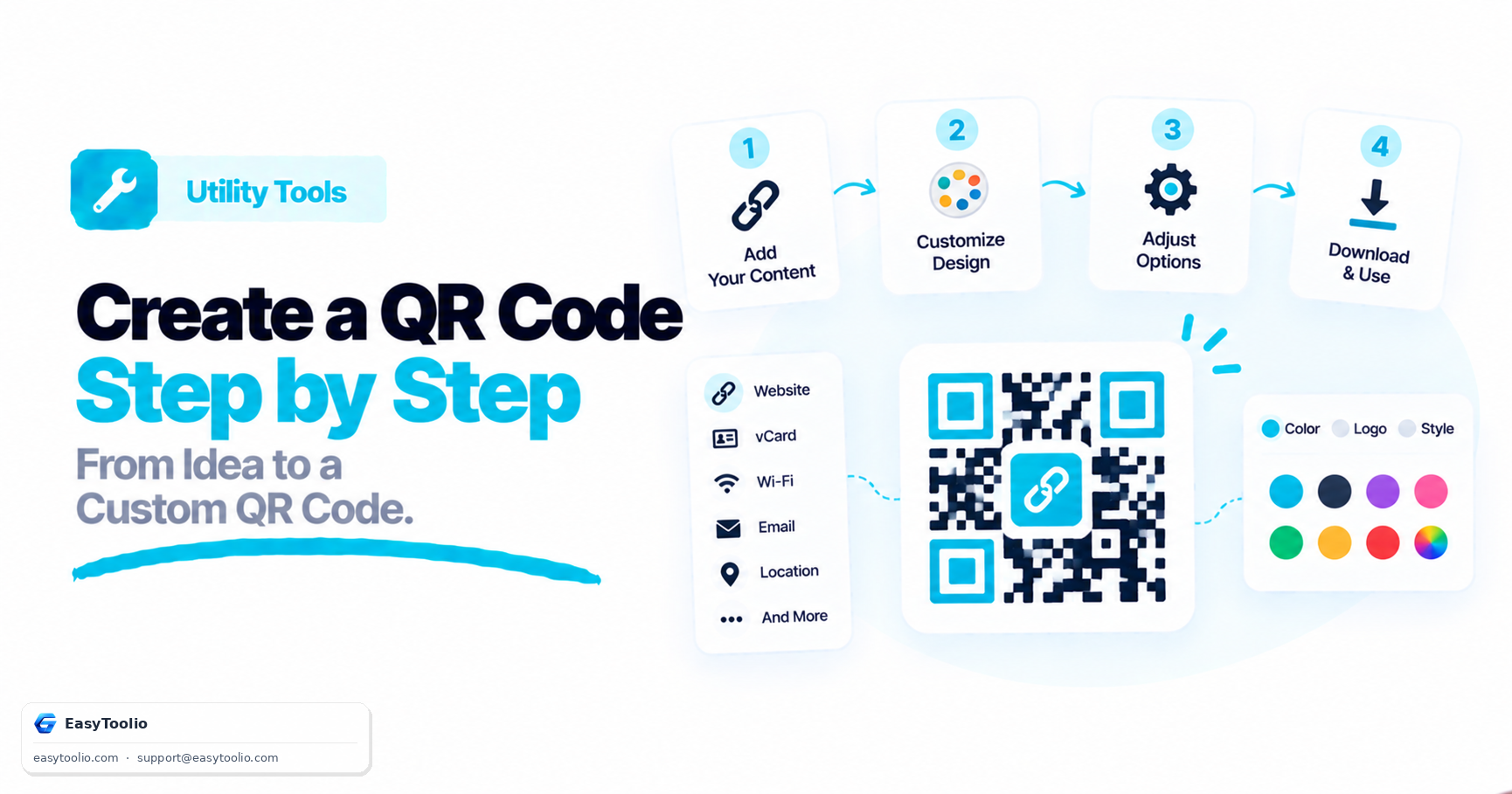
Ready to generate your first code? Learn the step-by-step process of using our design tools in our guide: How to Create a QR Code: A Step-by-Step Customization Guide.
Frequently Asked Questions
Q: Can I edit the destination of a QR code after it has already been printed? A: Only with a dynamic QR code — it encodes a short redirect link you can update anytime, whereas a static QR code hardcodes the destination permanently into the pattern.
Q: Do static QR codes expire? A: No, static codes work forever as long as the destination stays online since there is no third-party redirect server involved; dynamic codes stop working if the service provider's server goes down or the subscription lapses.
Q: Which type of QR code should I use for a marketing campaign? A: A dynamic QR code, since it lets you track scan counts, device types, and scan timing — data a static QR code cannot provide.