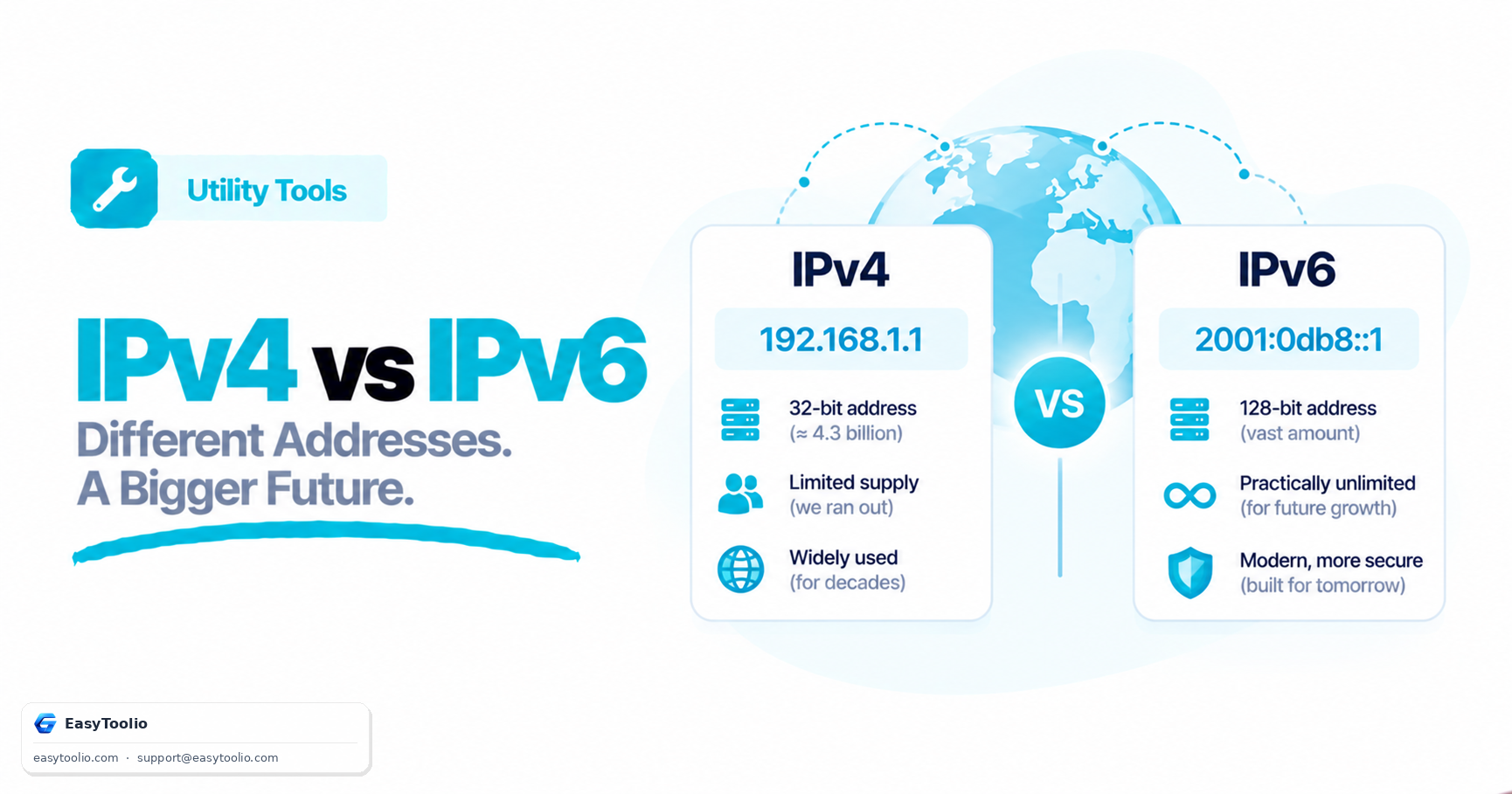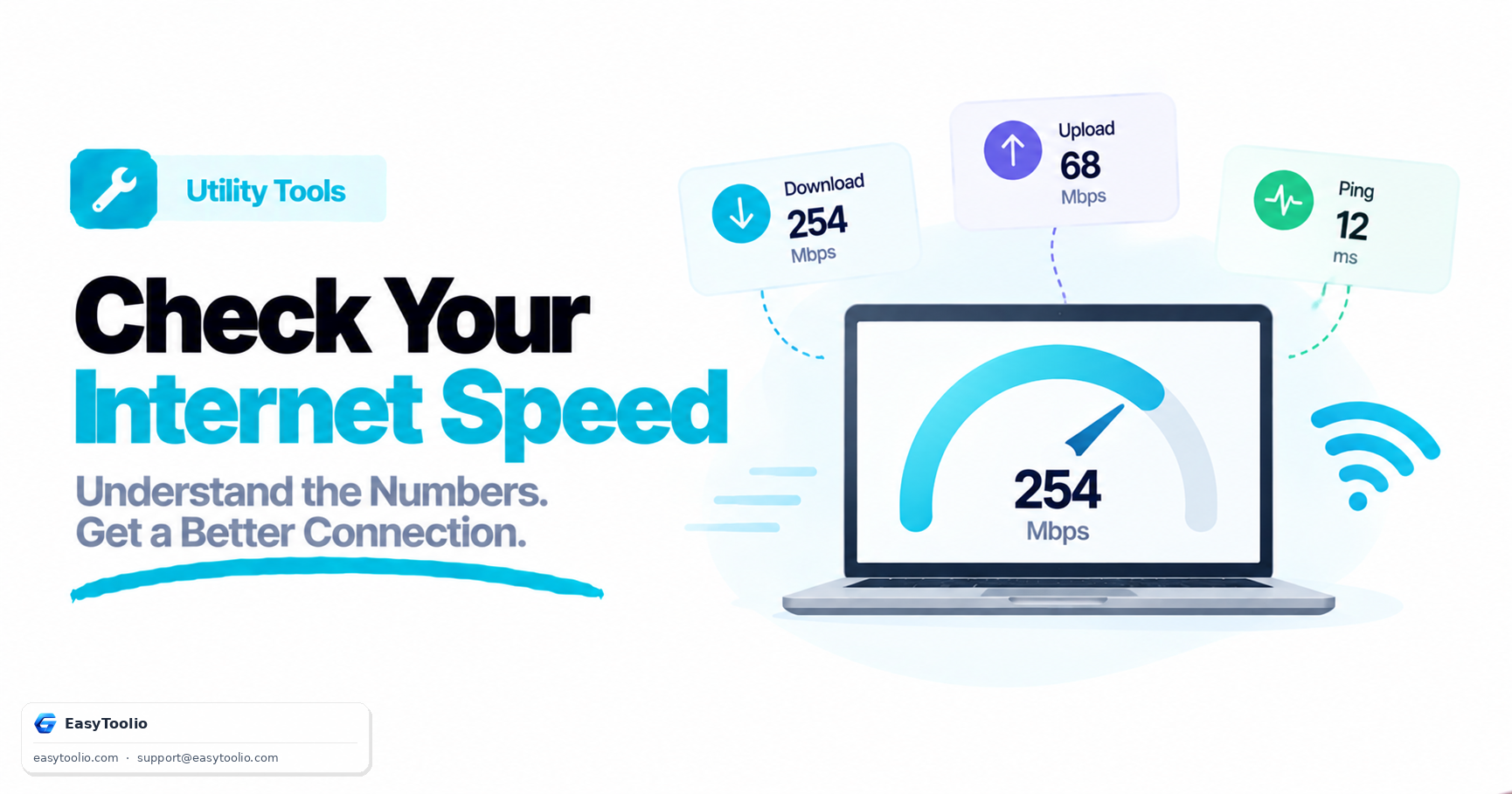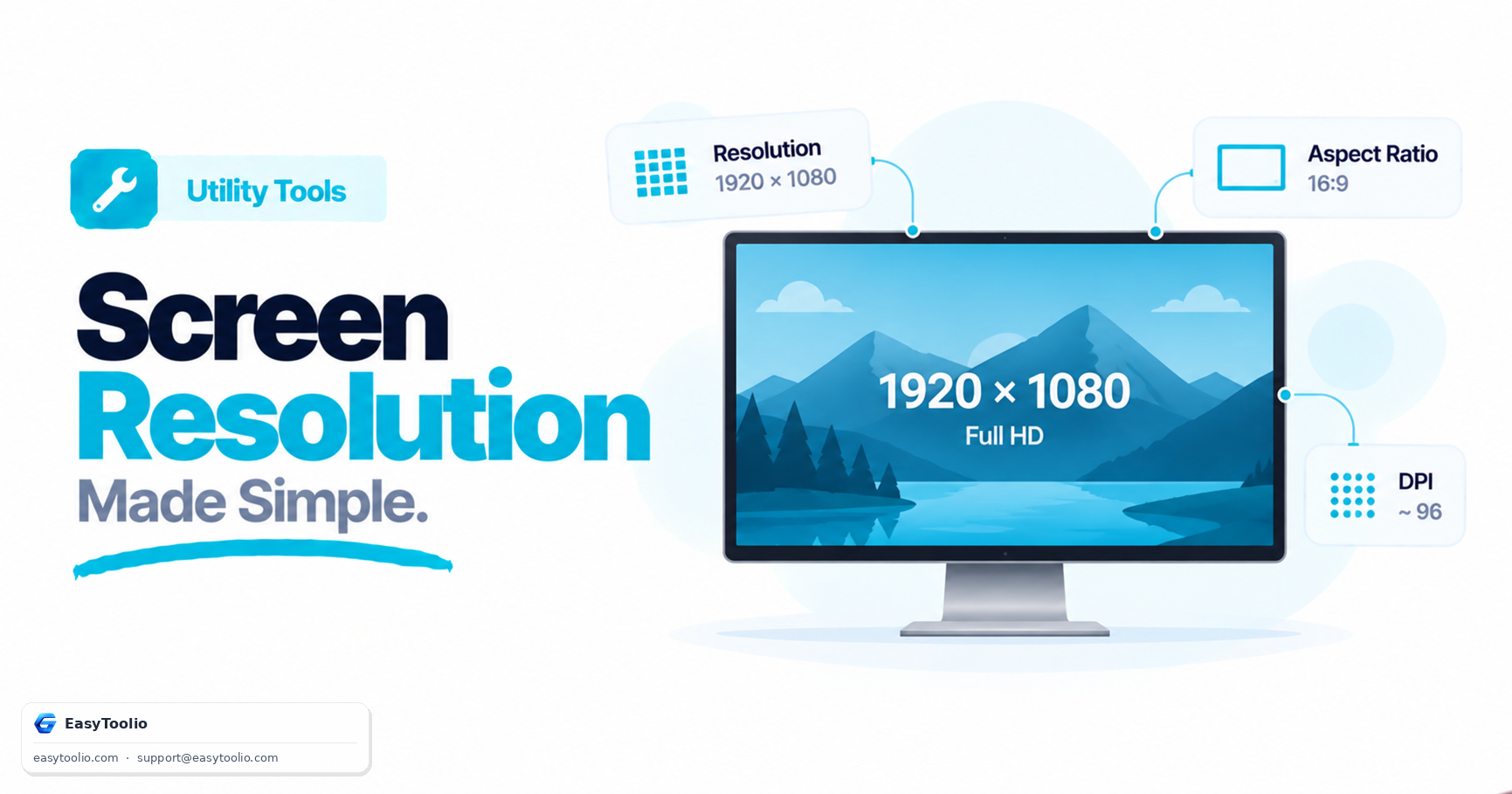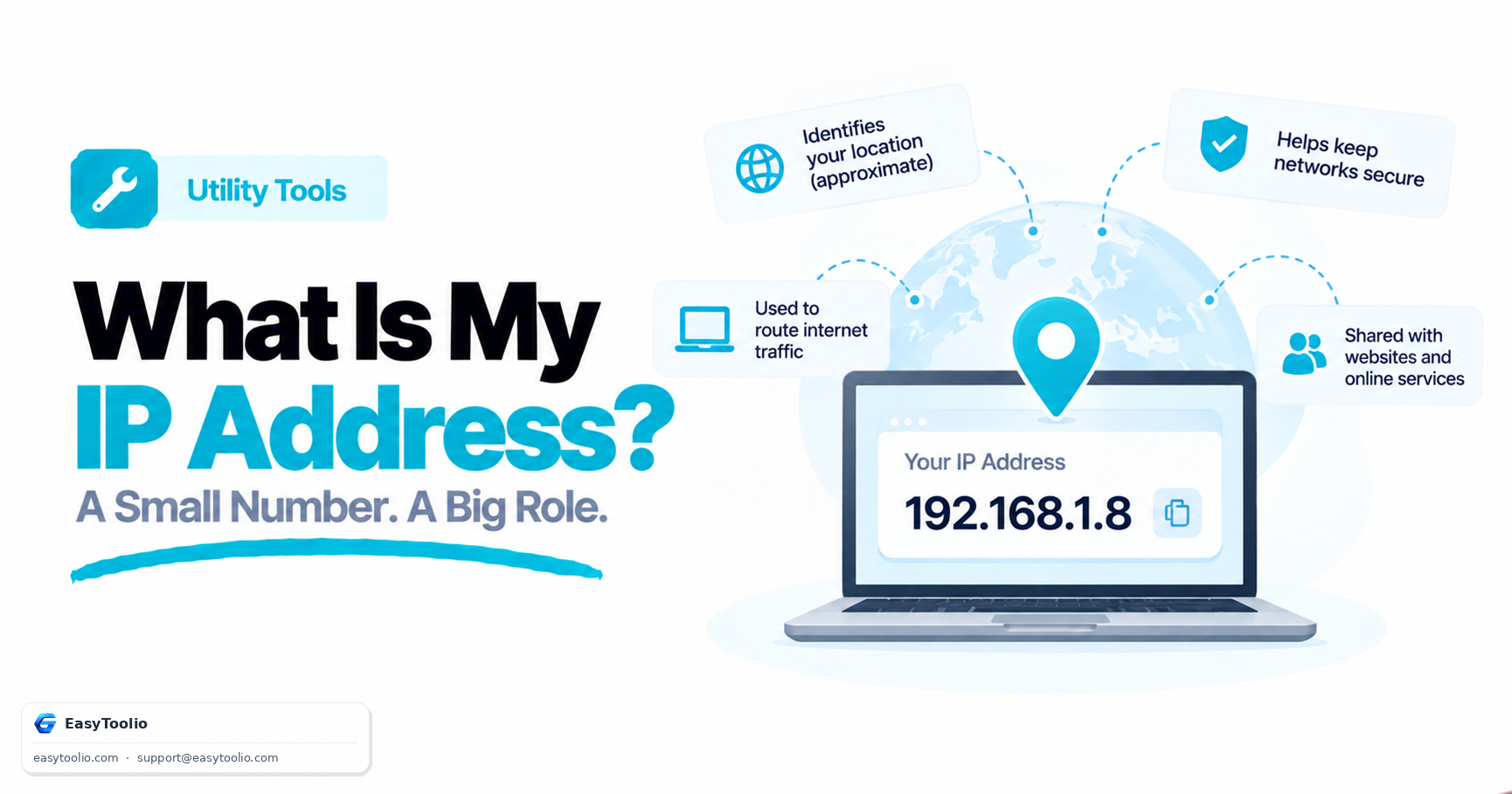
Every time you load a website, stream a video, or send an email, your device is exchanging data with servers scattered around the world. For that data to find its way back to you, it needs an address — and that address is your IP address.
An IP (Internet Protocol) address is a numeric label assigned to your device or network by your Internet Service Provider (ISP). It works much like a physical mailing address, instructing the internet's routing infrastructure where to deliver packets of data. Without it, no digital exchange could occur.
The Two Faces of IP Addresses: Public vs. Private
To understand how your internet connection works, it is important to distinguish between public and private IP addresses.
1. Public IP Addresses
Your public IP address is the address assigned to your home or office router by your ISP. This address is unique across the entire global internet. Every server you connect to (such as Google, Netflix, or Toolio) sees this public address. It acts as the gateway representing your entire local network to the outside digital world.
2. Private IP Addresses
Behind your router, you likely have multiple devices connected—your laptop, smartphone, smart TV, and smart home appliances. Each of these is assigned a private IP address by your router (using DHCP). Private IP addresses are only visible within your local network. They typically follow standard ranges defined by RFC 1918:
192.168.0.0–192.168.255.255(very common for home routers)10.0.0.0–10.255.255.255(common in large enterprise networks)172.16.0.0–172.31.255.255
By using NAT (Network Address Translation), your router translates private addresses to your single public IP address when communicating with the internet, allowing dozens of devices to share one public connection.
What Your Public IP Address Actually Reveals
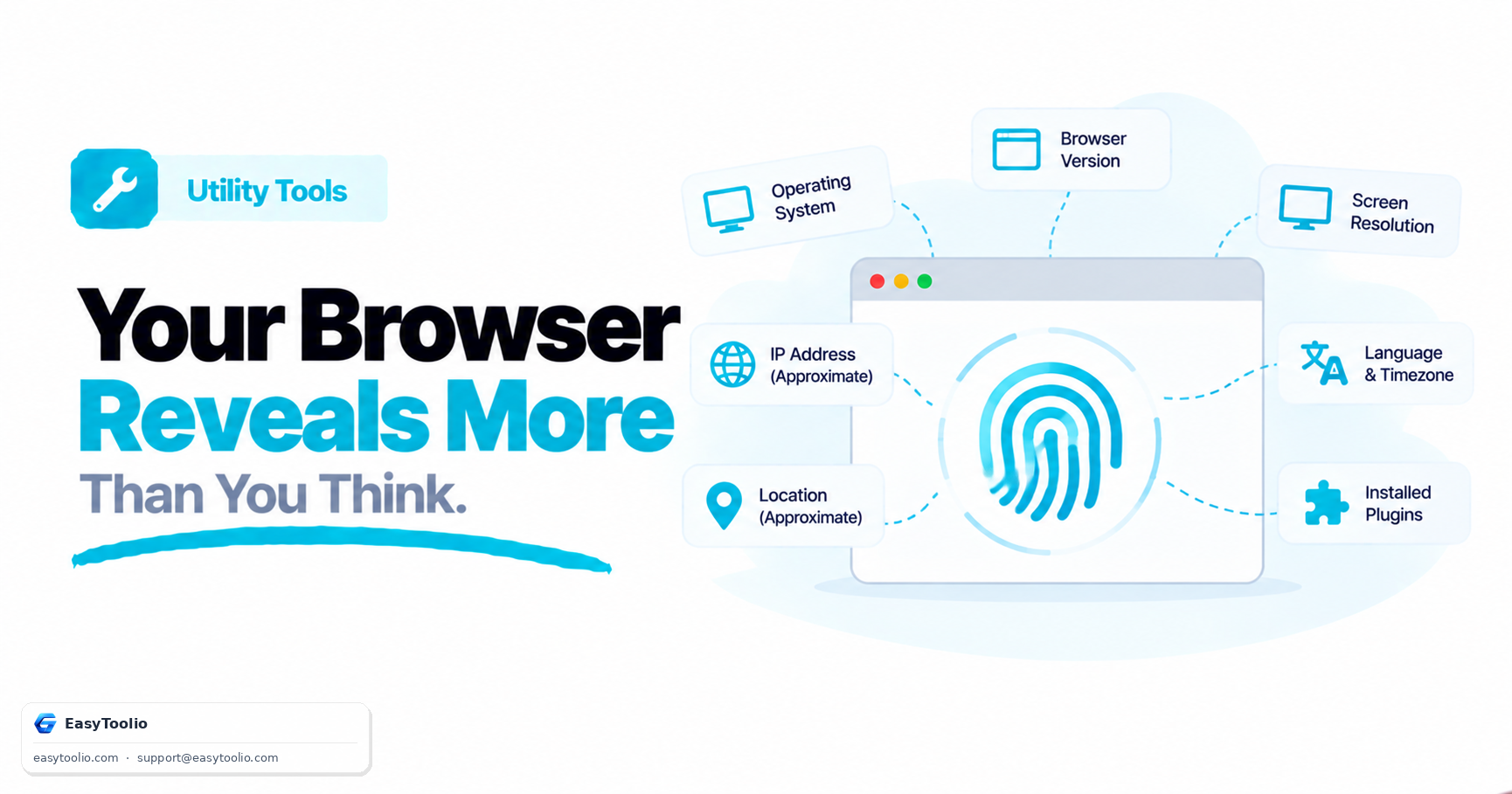
There are many myths about what people can see when they know your IP address. A public IP address on its own reveals:
- Your Approximate Location: Geolocation databases (like MaxMind or IP2Location) map IP address ranges to specific cities, regions, and postal codes. It does not show your physical street address or apartment number.
- Your Internet Service Provider (ISP): The company that registered the IP block.
- Your Network Type: Whether the connection is residential broadband, mobile data, a hosting/cloud provider, or a known VPN/proxy exit node.
- Autonomous System Number (ASN): The identifier of the network operator routing your traffic.
What it cannot reveal is your name, email address, physical address, browsing history, or personal files. Only your ISP has a log connecting your IP address to your personal customer account, and they are legally prohibited from sharing that info without a court order or subpoena.
Common Security Risks and How to Protect Yourself
While an IP address does not expose your identity, it can still be targeted by malicious actors:
- DDoS (Distributed Denial of Service) Attacks: If an attacker knows your public IP address, they can flood your network with traffic, overwhelming your router and taking you offline.
- IP Geotargeting: Ad networks and sites track your location via IP to show localized ads or restrict access to regional content (geo-blocking).
- Port Scanning: Hackers scan public IPs looking for open, unprotected ports on routers or home servers to gain access.
How to Hide or Change Your IP Address:
- Use a VPN (Virtual Private Network): A VPN encrypts your traffic and routes it through a server in another location. Websites you visit will only see the VPN server's IP address.
- Use a Proxy Server: Similar to a VPN, a proxy routes your web requests through another server, hiding your real address, though usually without encryption.
- Use the Tor Network: Tor routes traffic through three separate encryption nodes, making it virtually impossible to trace back to your source IP.
- Request a Dynamic IP Change: You can often get a new IP address from your ISP simply by unplugging your modem for 10–15 minutes, which forces the ISP network to lease you a new address.
Why You Should Check Your IP Address
Checking your IP address is a crucial troubleshooting step for network administrators and everyday users:
- Troubleshooting Connectivity: Confirming that your router is receiving a valid public IP from your ISP.
- Firewall Configuration: Many cloud services (like AWS, GitHub, or secure databases) require you to allowlist your public IP to gain access.
- Verifying VPN Integrity: If your IP lookup shows your actual location and ISP while your VPN is turned on, you have an "IP Leak," meaning your traffic is bypassing the secure tunnel.
- Configuring Port Forwarding: Needed for self-hosted game servers, IP cameras, or media servers.
Frequently Asked Questions
Q: Can someone find my exact home address just from my IP address? A: No. Geolocation databases like MaxMind map IP ranges to a city or region, not a street address or apartment number. Only your ISP holds a record linking the IP to your account, and it cannot share that without a court order or subpoena.
Q: What is an "IP leak" and how do I know if my VPN has one? A: An IP leak happens when your VPN is on but a lookup tool still shows your real location and ISP instead of the VPN server's. Run an IP address lookup while connected to your VPN — if it still matches your actual ISP, your traffic is bypassing the secure tunnel.
Q: How can I get a new public IP address from my ISP? A: Most home connections use dynamic IPs, so unplugging your modem for 10–15 minutes often forces your ISP to lease you a new address when it reconnects.