When shopping for a new monitor, television, laptop, or smartphone, you are flooded with specifications: "1080p," "4K," "Retina," "DPI," and "Logical Viewport." Understanding these terms is essential for designers, developers, and consumers alike.
Here is an educational guide explaining the mechanics of screen resolution, the difference between physical and logical viewports, and how screen density affects display quality.
What is Screen Resolution?
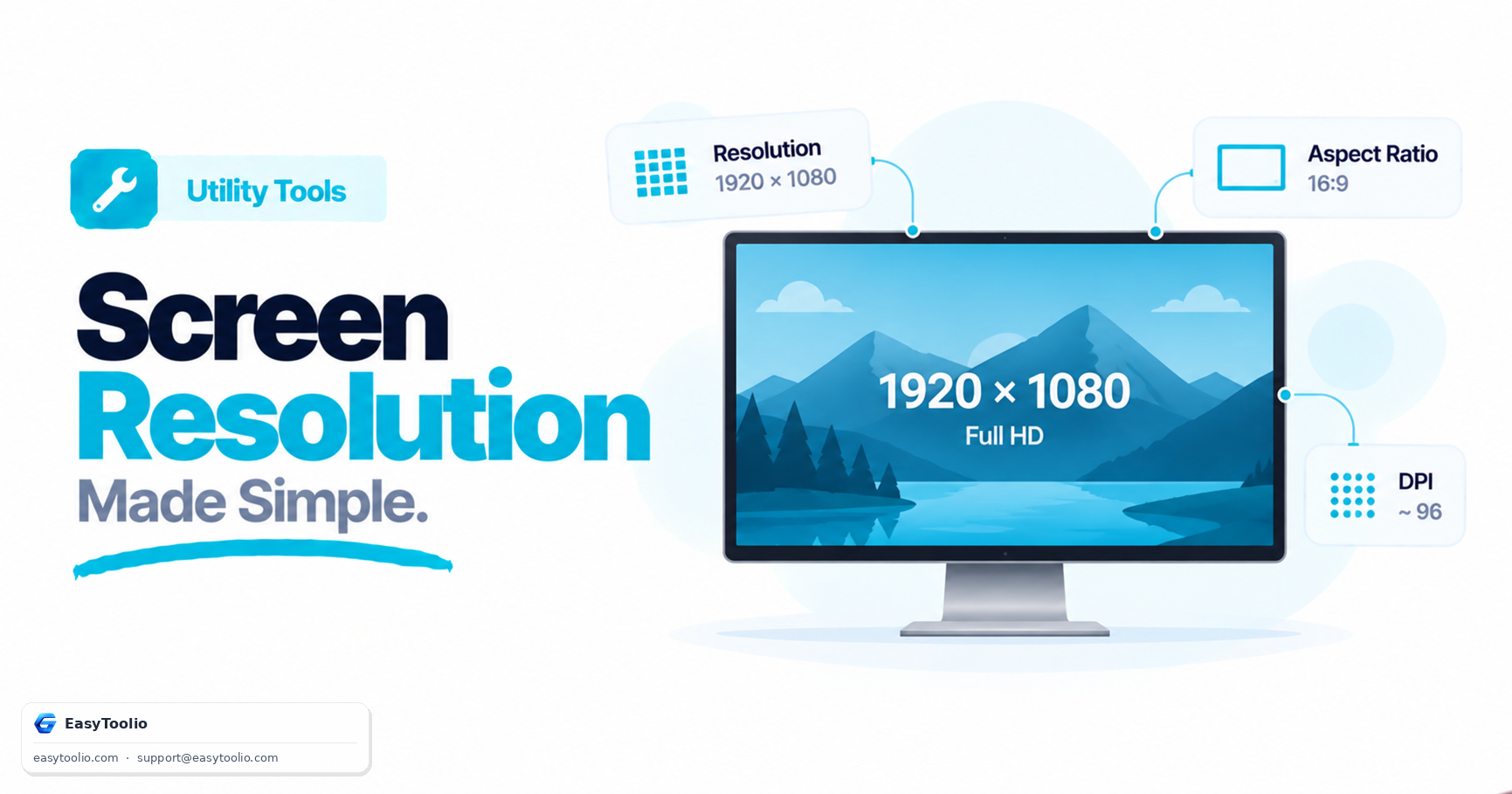
At its core, screen resolution is the number of individual colored dots (pixels) that a screen can display, represented as Width × Height. For example, a standard Full HD monitor with a resolution of 1920 × 1080 has 1,920 pixels running horizontally across the screen and 1,080 pixels running vertically, yielding approximately 2,073,600 total pixels.
Here is a quick reference table of standard resolution tiers:
| Standard | Resolution | Common Aspect Ratio | Primary Use Case |
|---|---|---|---|
| HD / 720p | 1280 × 720 | 16:9 | Budget monitors, older video streams |
| Full HD / 1080p | 1920 × 1080 | 16:9 | Standard laptops, monitors, TV broadcasts |
| Quad HD / 2K / 1440p | 2560 × 1440 | 16:9 | Gaming monitors, professional laptops |
| 4K / Ultra HD (UHD) | 3840 × 2160 | 16:9 | High-end TVs, premium computer monitors |
| 8K Ultra HD | 7680 × 4320 | 16:9 | Next-gen TVs, cinema editing suites |
Physical Resolution vs. Logical Viewport (The Developer's Dilemma)
If you are a web designer or developer, physical resolution is only half the story. You must also understand Logical Viewport Size and the Device Pixel Ratio (DPR).
- Physical Pixels: The actual hardware pixels built into the glass of the screen.
- Logical Pixels (CSS Pixels): The pixels used by web browsers to scale layouts.
- Device Pixel Ratio (DPR): The ratio between physical pixels and logical pixels.
DPR = Physical Pixels / Logical Pixels
For example, an iPhone 13 Pro has a physical screen resolution of 1170 × 2532 pixels. If a web browser rendered pages at that resolution, text and buttons would be microscopic and impossible to read on a small 6.1-inch screen. Instead, the browser runs at a logical viewport size of 390 × 844 pixels, using a DPR of 3.0. This means every single logical CSS pixel is rendered using a 3×3 grid of physical pixels, resulting in incredibly sharp text and graphics without altering the layout size.
Understanding Screen Density: PPI and DPI
Two screens can have the exact same resolution but look entirely different in terms of sharpness. This is because of pixel density, measured in PPI (Pixels Per Inch) or DPI (Dots Per Inch).
PPI = Diagonal Resolution in Pixels / Diagonal Screen Size in Inches
- High PPI (e.g. 300–400+ PPI): Found on modern smartphones. Because the physical screen is small, the pixels are packed tightly together, making individual pixels invisible to the human eye. This is the concept behind Apple's Retina display standard.
- Low PPI (e.g. 90–110 PPI): Found on large desktop monitors. If you stand too close, you can see the individual pixels or jagged edges on text.
Why Checking Your Screen Parameters is Useful
Using a screen resolution lookup tool helps you extract these parameters instantly:
- Design and QA Testing: Designers need to check viewport dimensions to ensure layouts are truly responsive and scale correctly across mobile, tablet, and desktop breakpoints.
- Optimal OS Scaling: Operating systems (like Windows or macOS) allow you to scale your display (e.g. 125% or 150%). Checking your viewport size lets you see how your scaling configuration changes the rendering workspace.
- Buying Hardware: Knowing your current display's PPI helps you decide if upgrading to a higher resolution monitor is worth the investment.
Frequently Asked Questions
Q: Why doesn't my iPhone display at its full 1170 x 2532 physical resolution? A: Browsers render at a logical viewport size instead — 390 x 844 for the iPhone 13 Pro — using a Device Pixel Ratio of 3.0 to map each CSS pixel onto a 3x3 grid of physical pixels, keeping layouts readable while text stays sharp.
Q: What counts as a "Retina" or high-PPI display? A: Roughly 300–400+ pixels per inch, typically found on smartphones where the pixels are packed tightly enough into a small screen that individual pixels become invisible to the eye.
Q: Why do two monitors with the same resolution look different in sharpness? A: It comes down to pixel density (PPI) — the same 1920 x 1080 resolution packs pixels tighter on a small laptop screen than when stretched across a large desktop monitor, changing how sharp the image appears.