Notification
Go to Home All Tools Compare Glossary Blog Contact
Be the first to rate
Design Diagnostics

Screen Resolution Checker

Screen Resolution Checker

Instantly check your physical screen resolution, active viewport size, device pixel ratio, color depth, browser window outer dimensions, and current orientation.

Active Viewport Detecting... CSS logical pixels
Screen Resolution Detecting... Physical hardware pixels
Device Pixel Ratio Detecting... DPR scale factor

Screen Coordinates

Screen Width -
Screen Height -
Available Width -
Available Height -
Viewport Width -
Viewport Height -
Browser Window Outer Width -
Browser Window Outer Height -
Device Orientation -
Color Depth -

Responsive Breakpoints

Mobile / Extra Small (xs) < 640px
-
Small Tablet (sm) 640px - 768px
-
Medium Tablet (md) 768px - 1024px
-
Laptop / Desktop (lg) 1024px - 1280px
-
Large Desktop (xl) 1280px - 1536px
-
Ultra-wide Screen (2xl) >= 1536px
-
Knowledge Hub

Deep Dive: Screen Resolutions & Breakpoints

Logical vs. Physical Pixels

Web display sizes are parsed in two distinct pixel layouts:

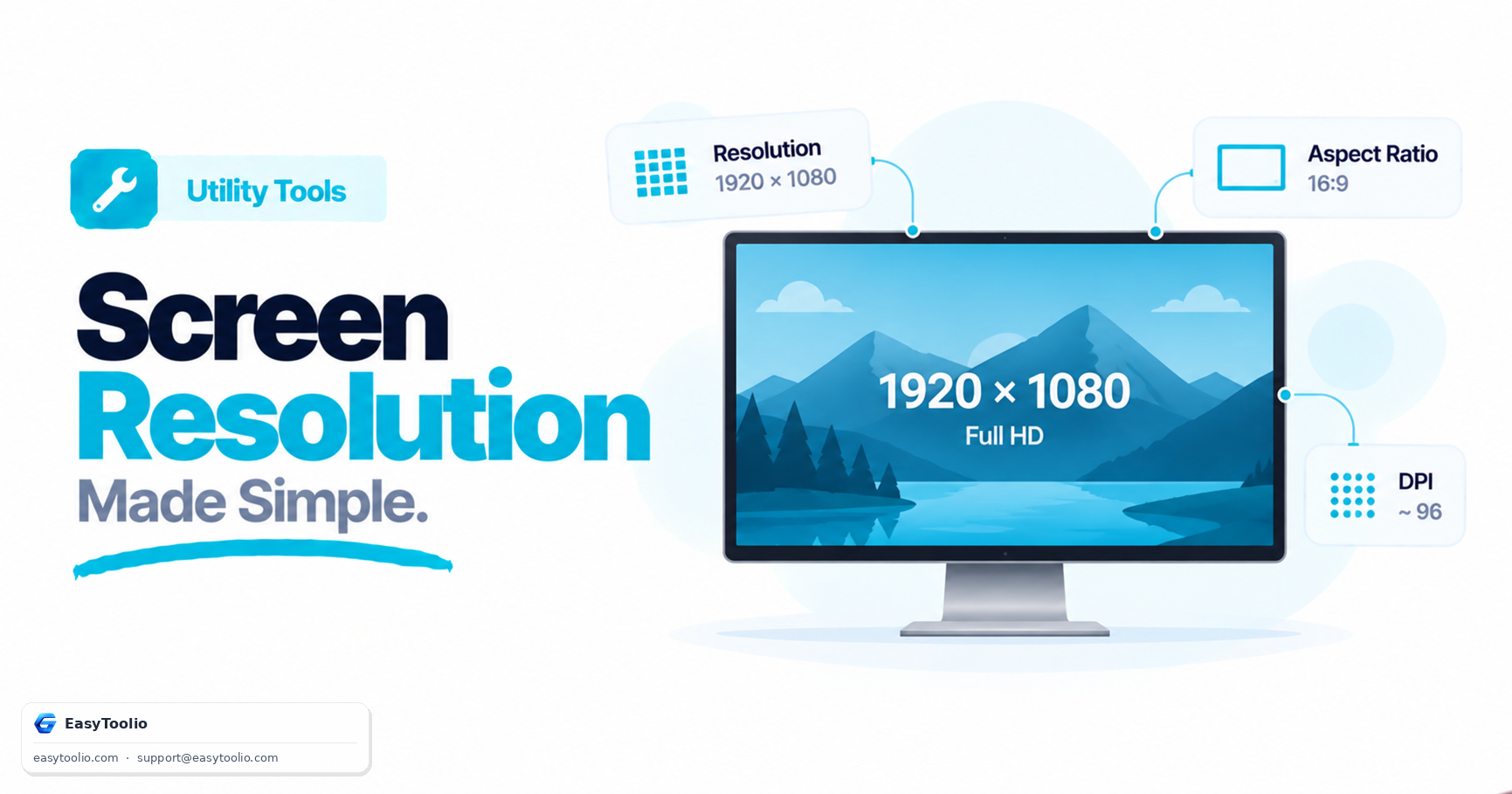
  • Physical Pixels: The actual hardware tiny LEDs present on your physical screen. A standard 1080p monitor has 1920x1080 physical pixels.
  • Logical Pixels (CSS): The virtual coordinate grid used by browsers to render layout elements. This keeps content at a legible size. On standard screens, logical and physical pixels are identical.
  • Device Pixel Ratio (DPR): The multiplier that maps physical pixels to logical pixels. High-density screens (like Apple Retina or modern smartphone screens) use a DPR of 2.0 or 3.0, mapping 4 or 9 physical pixels to render a single crisp logical CSS pixel.

Designing for Breakpoints

CSS framework utilities structure layout layouts according to specific breakpoints. This allows components to scale or stack gracefully depending on screen size. Here are the typical framework standards:

  • Mobile-First Design: Designing for small screens first, then using media queries to expand columns, navigation bars, and margins as viewport sizes scale upwards.
  • Fluid Grid Systems: Using percentages, CSS Grid, and Flexbox rather than hardcoded pixel dimensions to ensure containers flow naturally into the active viewport bounds.
  • Testing Layouts: Quality engineers resize windows or use simulator tools to verify that media query breakpoints adapt without broken borders, overflow lines, or overlapping elements.
FAQs

Frequently Asked Questions

Physical resolution is the total number of hardware pixels on the screen (e.g. 3840x2160 on a 4K display). CSS resolution (viewport size) is the number of logical pixels used by the browser to scale content (e.g. 1920x1080). High-DPI screens use multiple physical pixels to render one logical CSS pixel for sharper text and graphics.

Device Pixel Ratio is the ratio between physical hardware pixels and logical CSS pixels. A Retina display or high-density mobile screen typically has a DPR of 2.0 or 3.0, meaning a 100px wide box occupies 200 or 300 physical hardware pixels.

Viewport size represents the canvas size inside the browser window where the page is visible. Resizing your browser window, opening developer tools, or toggling mobile device simulation immediately updates the viewport dimensions.

Standard responsive frameworks define breakpoints to rearrange layouts: Mobile/Extra Small (<640px), Small/Tablet (640px - 768px), Medium/Large Tablet (768px - 1024px), Desktop (1024px - 1280px), Large Desktop (1280px - 1536px), and Ultra-wide (>=1536px).

It evaluates the width and height of the viewport: if the width is greater than or equal to the height, the orientation is "Landscape"; otherwise, it is "Portrait". On mobile devices, it also listens to orientation change events.

Articles

Related Guides & Insights

Read our in-depth articles and guides related to this tool to help you make smarter decisions.

Workflow Suggestions

Recommended for Your Workflow

Category Showcase

More from Utility Tools

Platform Spotlight

Popular Tools on EasyToolio

Explore More Tools Like Screen Resolution Checker

Loved the Screen Resolution Checker? Explore our suite of related utilities to boost your productivity even further.