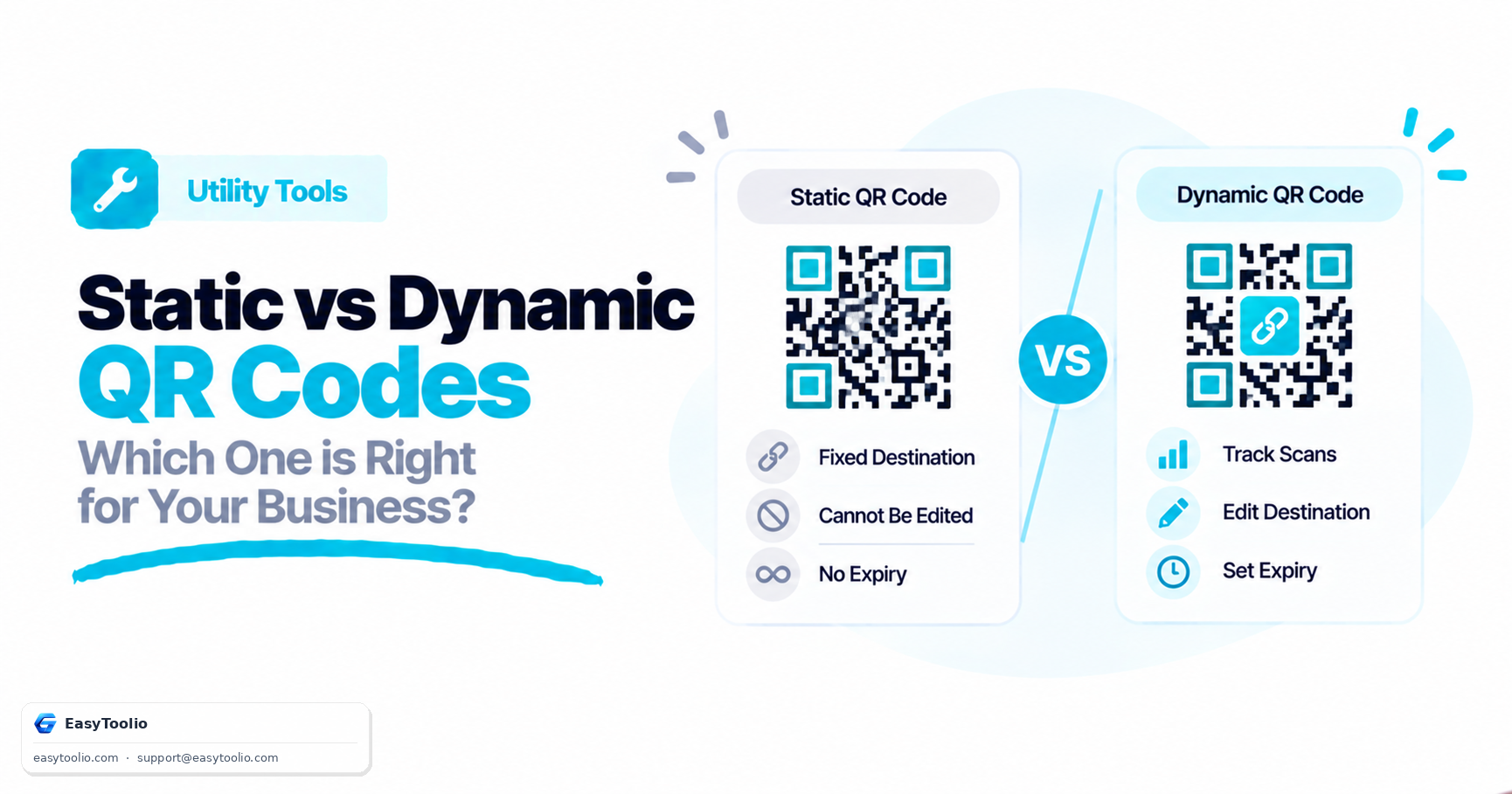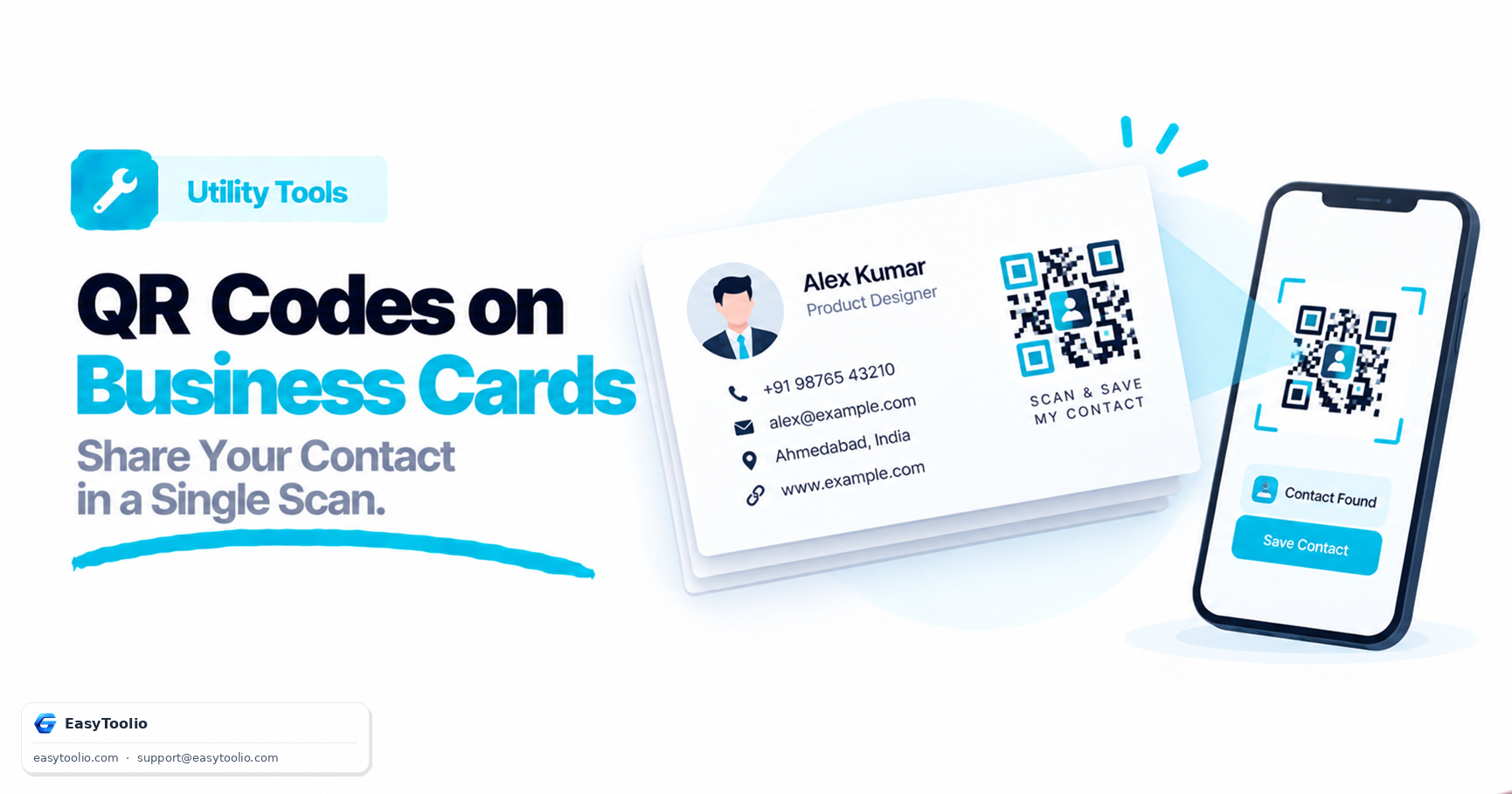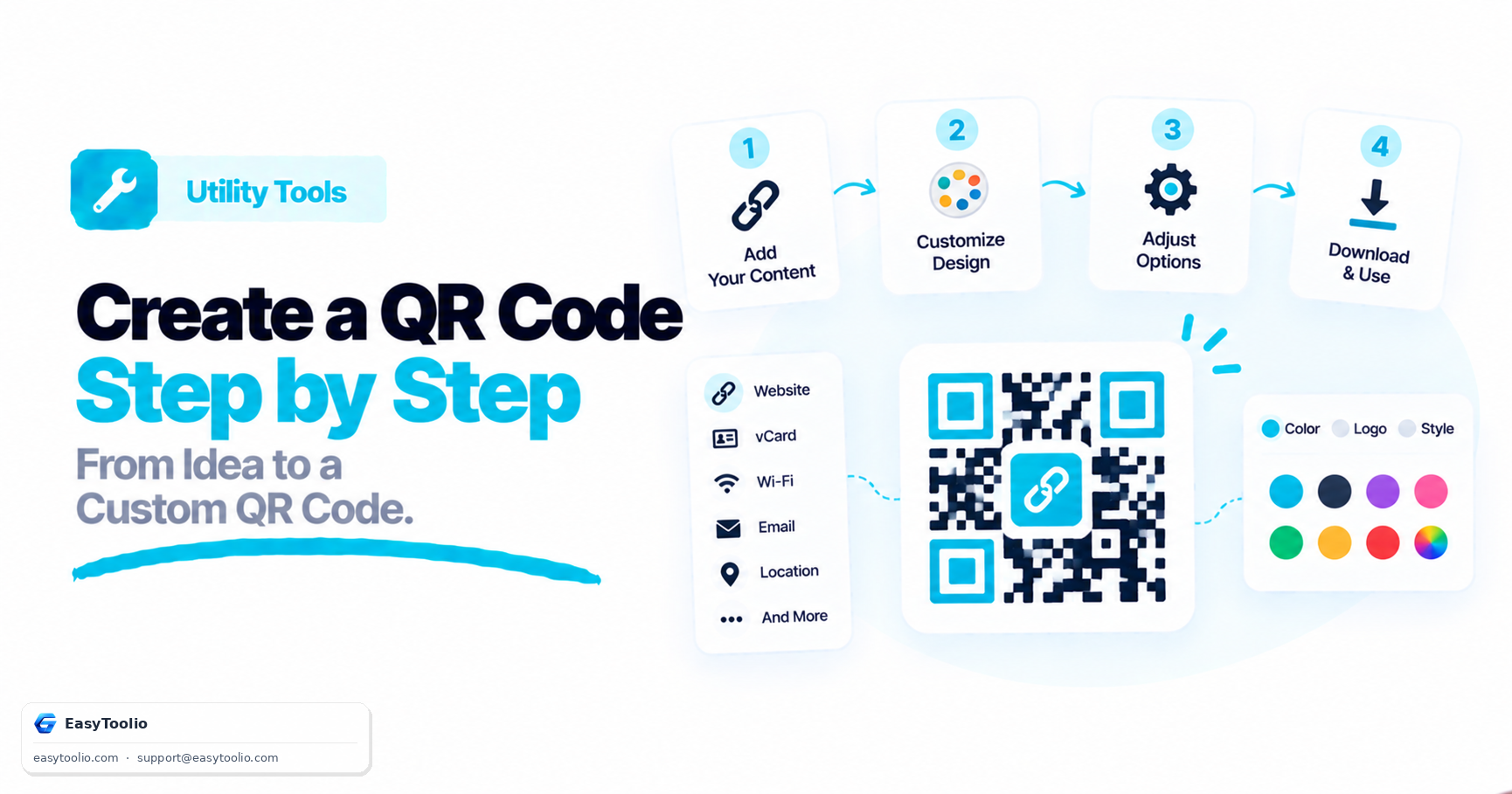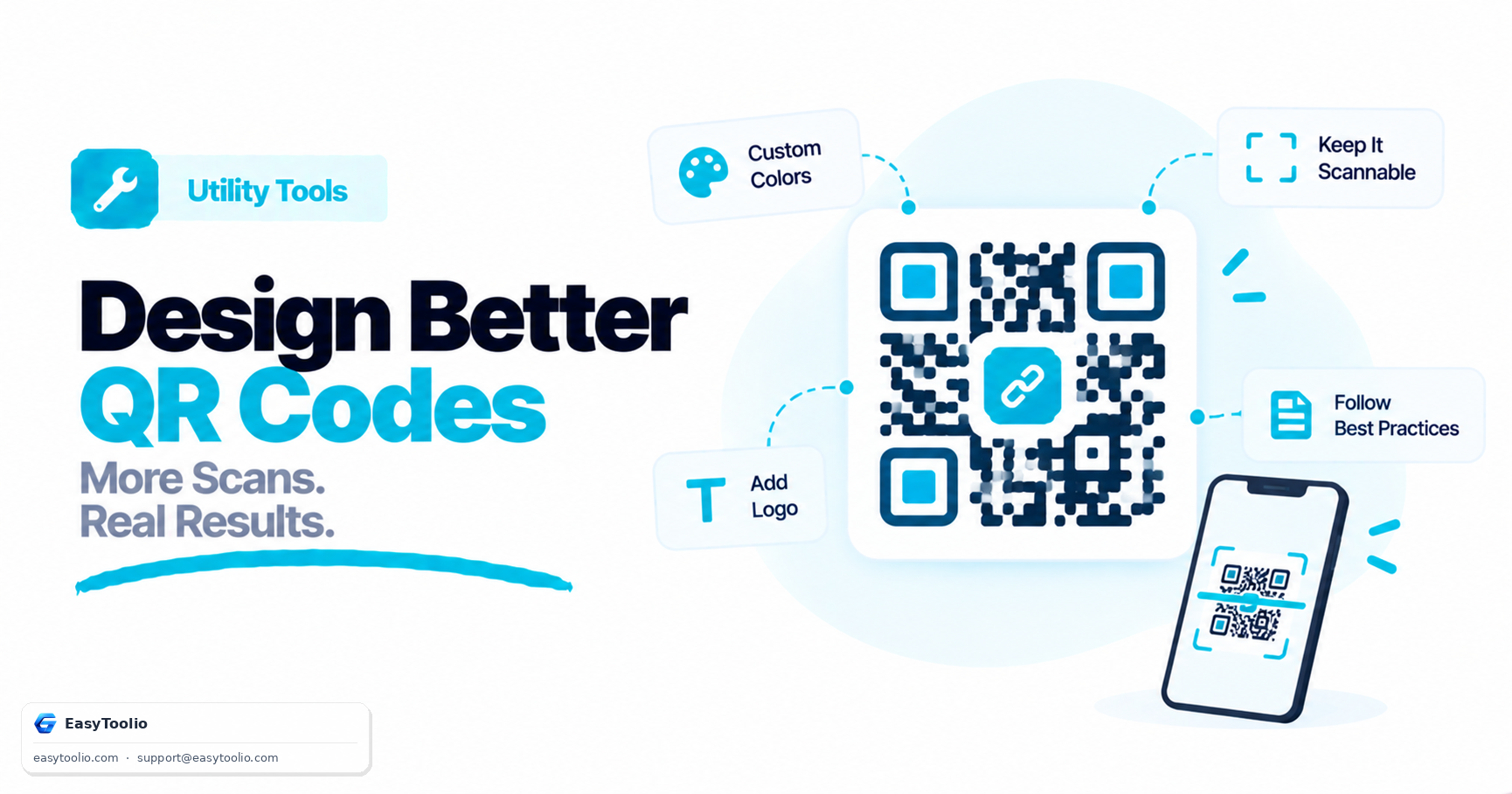
QR codes don't have to be boring black-and-white grids. Modern generator tools allow businesses and designers to customize QR codes with custom colors, gradients, rounded corners, and central logos. However, visual freedom comes with technical constraints. If you design a QR code incorrectly, camera sensors will struggle to decode it.
Here are the essential design best practices to ensure your custom QR codes look stunning and scan reliably every time.
1. Prioritize Color Contrast (The Golden Rule)
QR code scanners work by measuring the contrast difference between the light modules (background) and the dark modules (foreground dots).
- Rule of Thumb: The foreground (dots) must always be significantly darker than the background.
- Avoid Light-on-Light: Pastel colors on a white background, or white dots on a light grey background, will fail to scan.
- Inverse QR Codes: While some modern readers can decode "inverted" QR codes (white dots on a black background), many legacy scanners and built-in smartphone cameras struggle with them. Stick to a dark foreground and a light background for maximum compatibility.
2. Safely Incorporating Your Logo
Adding a logo inside the center of your QR code is a fantastic way to build brand trust and increase scan rates. Scanners rely on Error Correction Levels to handle partial obstructions:
- What is Error Correction (ECC)? QR codes contain redundant data blocks. If a portion of the QR code is dirty, torn, or covered by a logo, the scanner reconstructs the missing parts.
- Choose the Right Level:
- Low (L): Recovers ~7% of data (not recommended for logos).
- Medium (M): Recovers ~15% of data (good for very small, simple icons).
- Quartile (Q): Recovers ~25% of data.
- High (H): Recovers ~30% of data (best choice when placing custom logos).
- Don't Cover Key Anchors: Never let your logo overlap the three large square locator patterns in the corners. These are critical for scanners to align and scale the image.
3. Choose the Right Export Format
Where you plan to use the QR code dictates which file format you should download:
- SVG (Vector): The absolute best format for print media (business cards, banners, packaging). You can scale a vector file to billboard size without losing any sharpness or introducing blur.
- PNG (Raster): Ideal for digital displays, email signatures, websites, or slide presentations. Make sure to download a high-resolution version.
- PDF: Great for distributing documents or printing flyers directly.
4. Size and Scanning Distance Guidelines
A QR code printed too small will have its dots merge together when viewed through a phone lens. Use these minimum size guidelines:
- Small items (Business Cards): Minimum size of 2.0 x 2.0 cm (0.8 x 0.8 inches).
- Standard flyers or brochures: Minimum size of 3.0 x 3.0 cm (1.2 x 1.2 inches).
- Scanning distance ratio: The ratio between the scanning distance and the size of the QR code should ideally be 10:1. For example, if a user will scan the code from a distance of 100 cm (about 3 feet), the QR code should be at least 10 cm (4 inches) wide.
5. Test Before You Print
Always test your customized design on multiple devices (iOS, Android, older phone models) and under different lighting conditions. A design that scans instantly on a bright, high-resolution desktop screen might fail when printed on matte paper under dim restaurant lighting.
To learn how to design, style, and customize your own QR codes, check out our comprehensive walkthrough: How to Create a QR Code: A Step-by-Step Customization Guide.
Frequently Asked Questions
Q: What error correction level should I use if I add a logo to my QR code? A: High (H), which recovers about 30% of the data — the most redundancy available — so the code still scans reliably even with a logo covering part of the pattern.
Q: What is the ideal ratio between scanning distance and QR code size? A: About 10:1. For example, a code meant to be scanned from 100 cm away should be printed at least 10 cm wide.
Q: Should I export my QR code as PNG or SVG? A: Use SVG for print media like business cards and banners since it scales to any size without blurring; use PNG for digital displays, emails, and websites.