Notification
Go to Home All Tools Compare Glossary Blog Contact
Be the first to rate
Date & Work Analytics

Working Days Calculator

Working Days Calculator

Compute working days or business days between dates. Exclude specific weekends and customize public holidays to get precise business timelines.

Enter Date Parameters

Include Start Date

Treat start date as working if not weekend/holiday

Include End Date

Treat end date as working if not weekend/holiday

Define Weekend Days (To Exclude)

Select which days of the week should be treated as weekends and deducted from the count.

Custom Holiday Exceptions

Add public holidays or personal leaves falling within your target range to exclude them from working days.

Added Holidays List

No custom holidays added yet.

Hours Equivalency Parameters

Calculation Output
Net Work Days

22 Working Days

Total Calendar Days 0 Days
Excluded Weekend Days 0 Days
Excluded Holidays 0 Days
Total Work Time Equivalence
Total Working Hours 176 Hours
Total Working Minutes 10,560 Minutes
Total Working Seconds 633,600 Seconds
Work Days Ratio
0% Working
Working
Excluded
Time Optimization

AI Advisor Project Planner

Design sprint schedules, verify project deadlines, and build efficient resource allocation charts.

Topics this feature will cover:

🚀 4-Week Sprint Milestone Roadmap 💼 Business Delivery Schedule

Be first to access it when it launches.

We'll notify you the moment AI Advisor goes live. One email, no spam.

Education

Understanding Working Day Calculations

1 Working Days Exclude Weekends

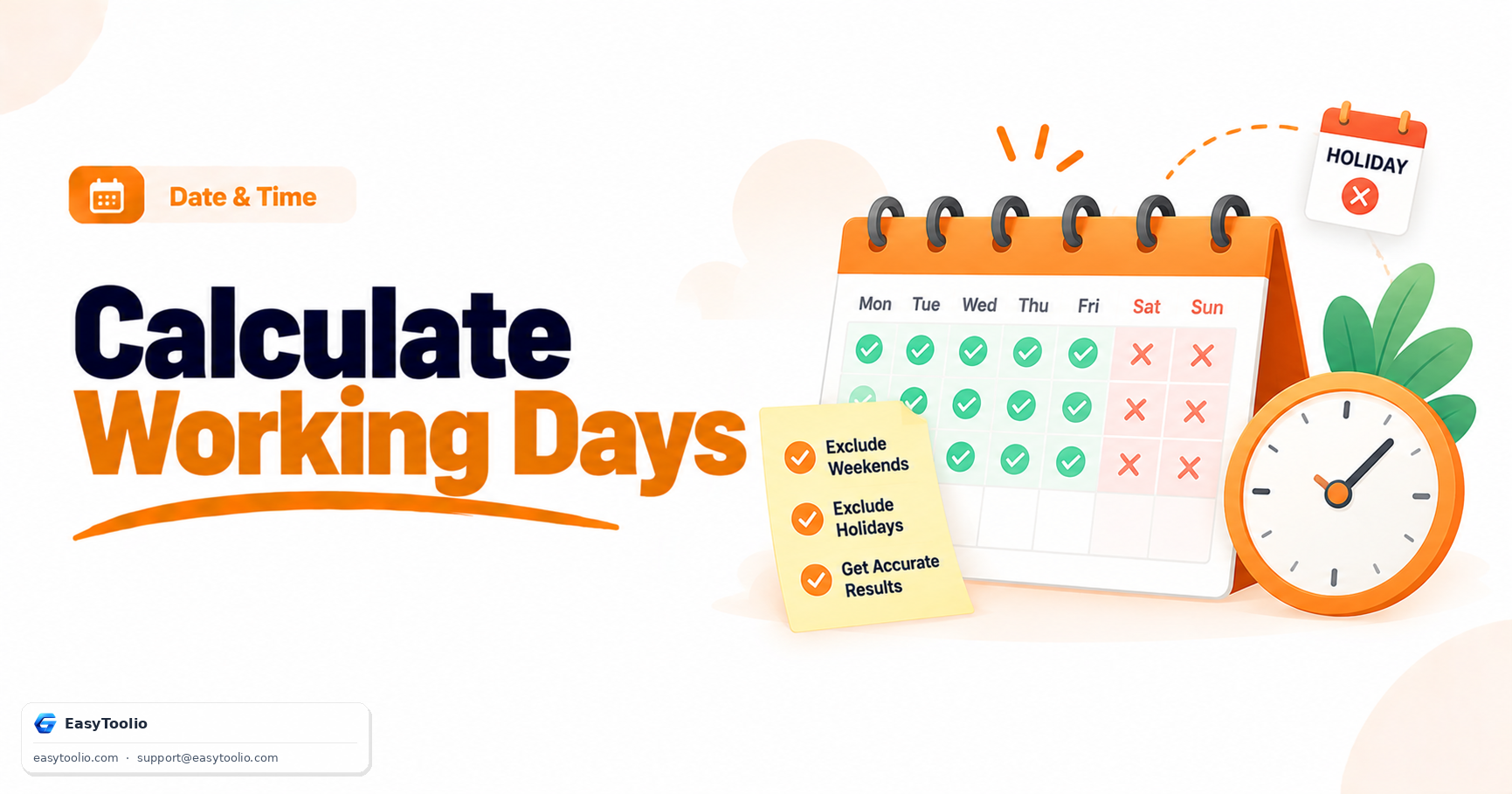
A working day calculator typically counts only standard business days while excluding weekends. This helps estimate project timelines, delivery schedules, and employment-related calculations more accurately.

2 Public Holidays May Affect Results

Many organizations also exclude public holidays when calculating working days. Including holiday schedules provides a more realistic estimate of actual available working time.

3 Useful for Planning and Scheduling

Working day calculations are commonly used for project management, payroll processing, contract deadlines, leave planning, and business operations where calendar days alone may not provide accurate timelines.

4 Date Inclusion Changes Totals

Whether the start date, end date, or both are included can affect the final count. Understanding how date inclusion rules work helps ensure calculations match real-world business requirements.

FAQs

Frequently Asked Questions

A working days calculator determines the number of business days between two dates by excluding weekends and optional public holidays. It is commonly used for project planning, payroll calculations, leave management, and delivery scheduling.

Calendar days include every day of the week, while working days exclude weekends and, in some cases, public holidays. Businesses and organizations often use working days for deadlines and service commitments.

Yes. The calculator allows you to add custom holidays so they can be excluded from the total working day count, providing more accurate business day calculations.

Yes. Different countries and organizations follow different work schedules. Many working day calculators allow you to customize weekend days, such as Friday-Saturday or Saturday-Sunday.

Simply enter a start date and end date. The calculator will count the days in the selected range and automatically remove weekends and any specified holidays to determine the total working days.

Yes. Employees and HR professionals frequently use working day calculators to determine leave durations, vacation balances, notice periods, and paid time off calculations.

Absolutely. Project managers use working day calculations to estimate task durations, plan deadlines, schedule resources, and track project timelines more accurately.

Yes. By adding a specific number of working days to a start date, you can determine future delivery dates, payment deadlines, contract end dates, and project completion dates.

Yes. Freelancers, consultants, and businesses often use working day calculations to estimate billable days, calculate project costs, and determine service periods.

Yes. The calculator uses actual calendar dates and applies your selected weekend and holiday exclusions to provide accurate business day calculations.

Articles

Related Guides & Insights

Read our in-depth articles and guides related to this tool to help you make smarter decisions.

Workflow Suggestions

Recommended for Your Workflow

Category Showcase

More from Date & Time

Platform Spotlight

Popular Tools on EasyToolio

Explore More Tools Like Working Days Calculator

Loved the Working Days Calculator? Explore our suite of related utilities to boost your productivity even further.