Track Working Time Accurately
Recording start times, end times, and breaks accurately helps employees and employers maintain reliable attendance records. Precise time tracking reduces payroll errors and improves workforce management.

Calculate hours worked from your clock-in and clock-out times, subtract breaks, and total up pay and overtime for accurate timesheets.
Unpaid resting periods deducted automatically from worked hours
Recording start times, end times, and breaks accurately helps employees and employers maintain reliable attendance records. Precise time tracking reduces payroll errors and improves workforce management.

Many payroll systems convert hours and minutes into decimal values for easier wage calculations. For example, 30 minutes equals 0.50 hours and 15 minutes equals 0.25 hours when calculating earnings.
Many organizations provide additional compensation for hours worked beyond standard schedules. Understanding overtime rules helps employees estimate earnings and employers maintain compliance with labor regulations.
Maintaining accurate timesheets provides a clear history of worked hours, breaks, and overtime. These records are useful for payroll processing, project tracking, audits, and resolving workplace disputes.
Quick answers about how this tool works.
Plain-language explainers that sit next to this tool.
Most Indians accept an EMI figure from their bank without questioning it. This guide explains exactly how Indian banks calculate EMI — the reducing balance method, how RBI repo rate changes flow through to your loan, and what you can do to pay off your home loan years early.
Why "current year minus birth year" gives the wrong age, the correct calendar-aware algorithm, and how leap years and February 29th birthdays are handled.
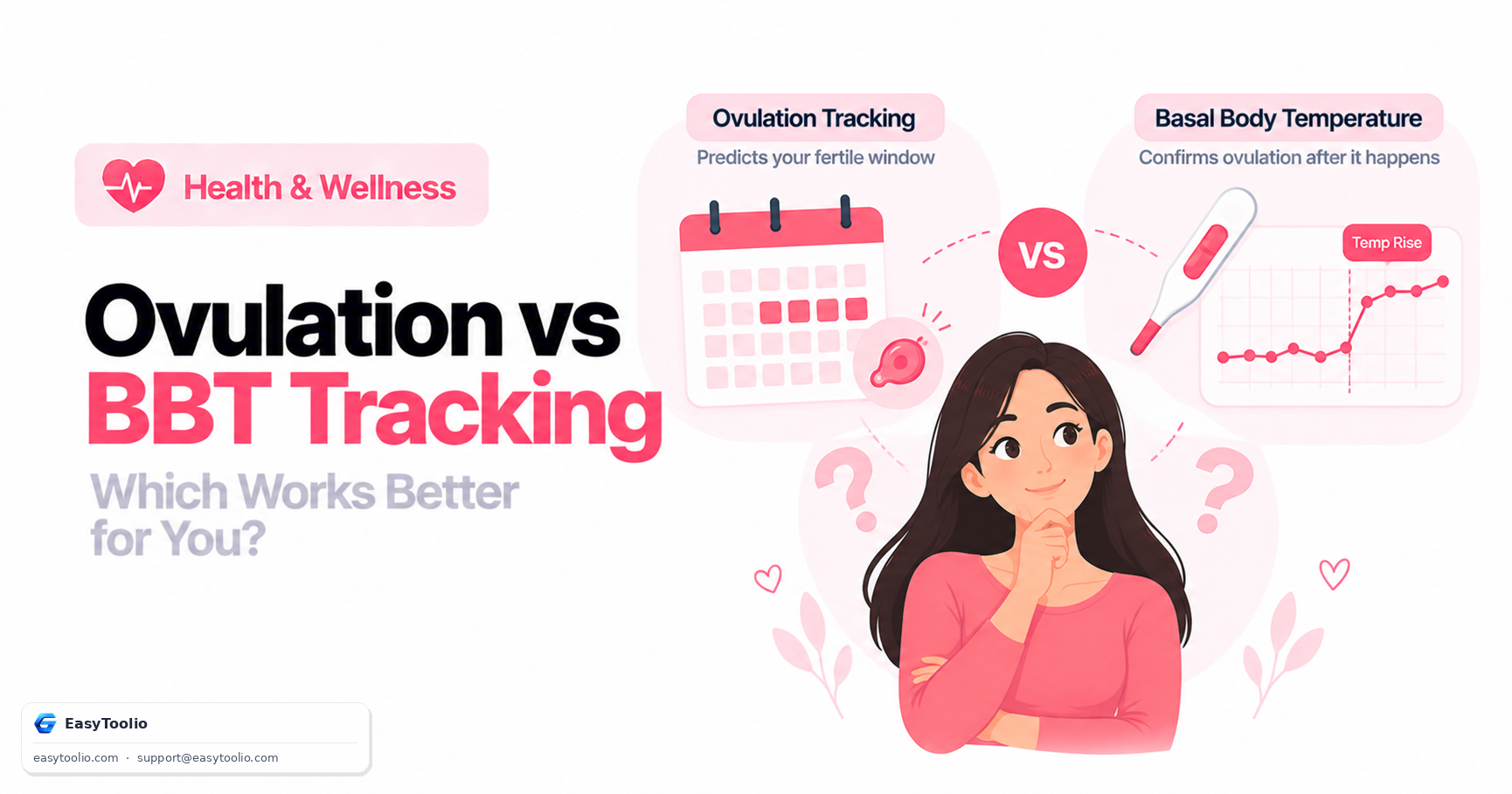
Calendar-based ovulation prediction estimates a fertile window in advance; basal body temperature charting confirms ovulation after the fact. Here is how each method works and why combining them beats relying on either alone.
Why the scale can go up on a day you were genuinely in a calorie deficit, what the 3,500-calorie-per-pound rule actually gets wrong, and why averaging weight and intake over 7-14 days is the only reliable way to judge progress.
Search 244+ free tools by name, or pick a category below. Every one runs instantly in your browser — no signup, nothing to install.
Tap a star to rate us instantly.