Most people still think a strong password means cramming in a capital letter, a number, and a symbol, like turning "password" into "P@ssw0rd1". Unfortunately, that approach is exactly the pattern attackers' cracking tools are trained to guess first. Real password strength comes from a different combination of factors, and current security guidance has actually moved away from complexity rules toward something simpler and more effective: length.
What Actually Makes a Password Strong
Password strength is a function of entropy, essentially how many possible combinations an attacker would have to try to guess it correctly. Entropy is driven by two things:
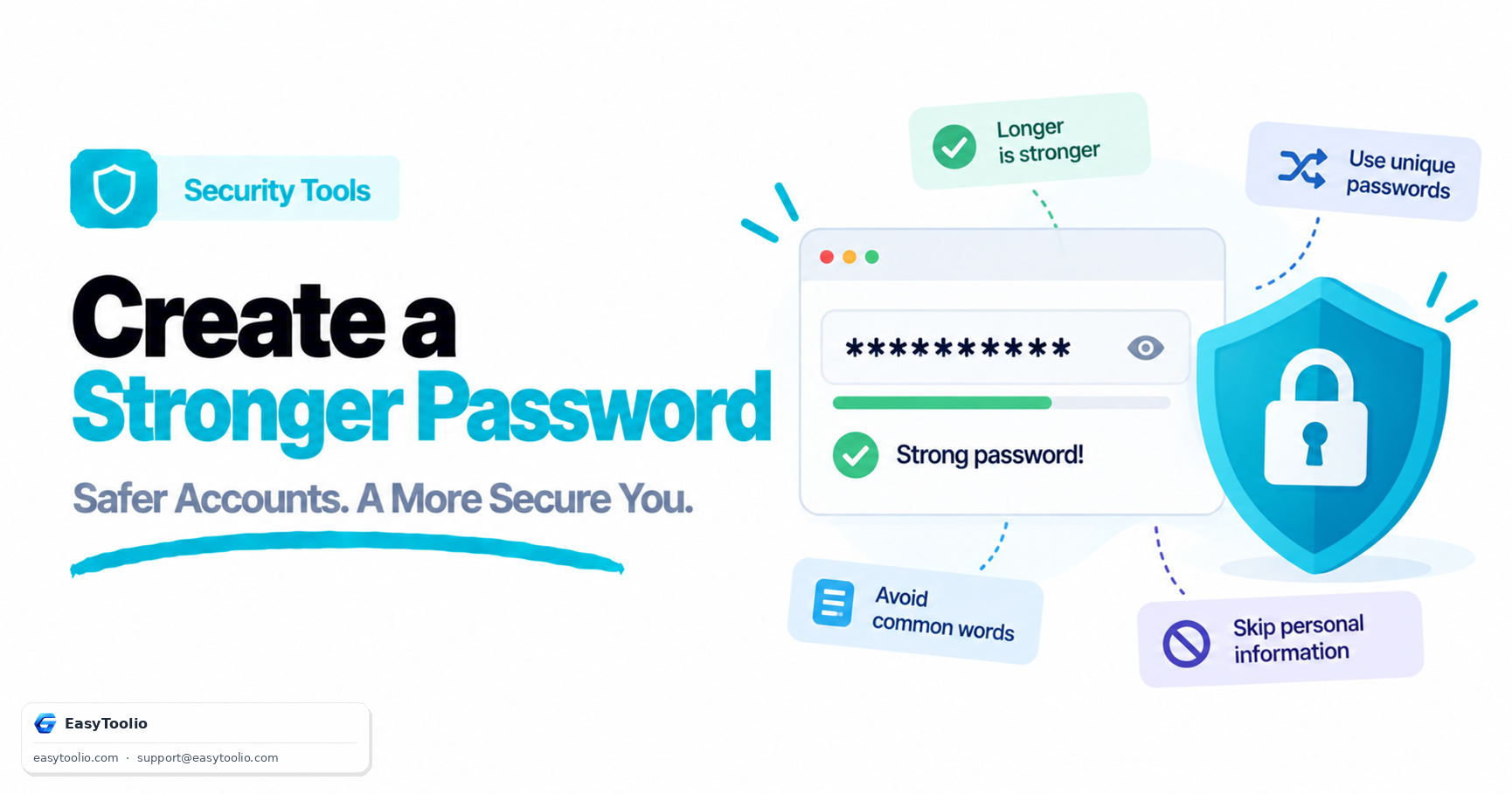
- Length: Every additional character multiplies the number of possible combinations exponentially. A 16-character password is dramatically harder to brute-force than a 10-character one, even if the shorter one uses more symbol types.
- Unpredictability: Randomness matters more than character variety. A password built from a predictable pattern (a word plus a number plus a symbol at the end) is far weaker than its character count suggests, because cracking tools are specifically optimized to test these common patterns first.
The National Institute of Standards and Technology (NIST), whose guidelines much of the security industry follows, updated its recommendations in 2017 and has continued refining them since, moving away from mandatory complexity rules (forced symbols, forced periodic changes) and toward encouraging long passphrases and screening new passwords against lists of known breached passwords instead.
Building a Genuinely Strong Password
- Prioritize length over complexity. Aim for at least 12-16 characters; longer is better. A random string of this length is exponentially harder to crack than a shorter one stuffed with symbols.
- Use a passphrase of unrelated words when you need something memorable. Something like a random four-word combination is both long and easier to recall than a jumbled string, as long as the words are genuinely unrelated and not a common phrase.
- Avoid predictable substitutions. Swapping "a" for "@" or "o" for "0" barely increases real security, since password-cracking dictionaries already account for these common substitutions.
- Never reuse passwords across accounts. If one service is breached, reused passwords let attackers access all your other accounts through credential stuffing.
- Use a password manager to generate and store random passwords. This removes the need to memorize dozens of unique passwords and eliminates the temptation to fall back on predictable patterns. A Password Generator can quickly create a long, random, unique password for each account without you having to invent one manually.
- Enable two-factor authentication (2FA) wherever available. Even a strong password is more secure with a second verification step, since it protects the account even if the password is somehow exposed.
Common Password Mistakes That Undermine Strength
| Mistake | Why It's Weak | Better Practice |
|---|---|---|
| Using personal info (birthdate, pet name) | Easily guessed or found via social media | Use random, unrelated words or characters |
| Short password with symbols (e.g., "P@ss1!") | Character variety doesn't offset short length | Prioritize length over symbol complexity |
| Reusing the same password everywhere | One breach compromises every account | Use a unique password per account |
| Predictable letter-to-symbol swaps | Cracking tools already test common substitutions | Use true randomness instead of substitutions |
| Storing passwords in a plain text file or note | Easily exposed if the device is compromised | Use a reputable password manager |
| Never updating a password after a known breach | Leaves a compromised credential active | Change it immediately if a breach is reported |
Frequently Asked Questions
Q: Is a long passphrase actually more secure than a short complex password? A: Yes. Because entropy grows exponentially with length, a long passphrase of random unrelated words typically has far more possible combinations than a short password packed with symbols, while also being easier for a person to remember.
Q: How often should I change my passwords? A: Current guidance no longer recommends changing passwords on a fixed schedule if they are strong and unique. Instead, change a password immediately if the associated account or service reports a data breach, or if you suspect it has been exposed.
Q: Are password managers safe to use? A: Reputable password managers use strong encryption to protect stored passwords and are generally far safer than reusing passwords or storing them in plain text, since they let you use a unique, random password for every account without needing to memorize each one.