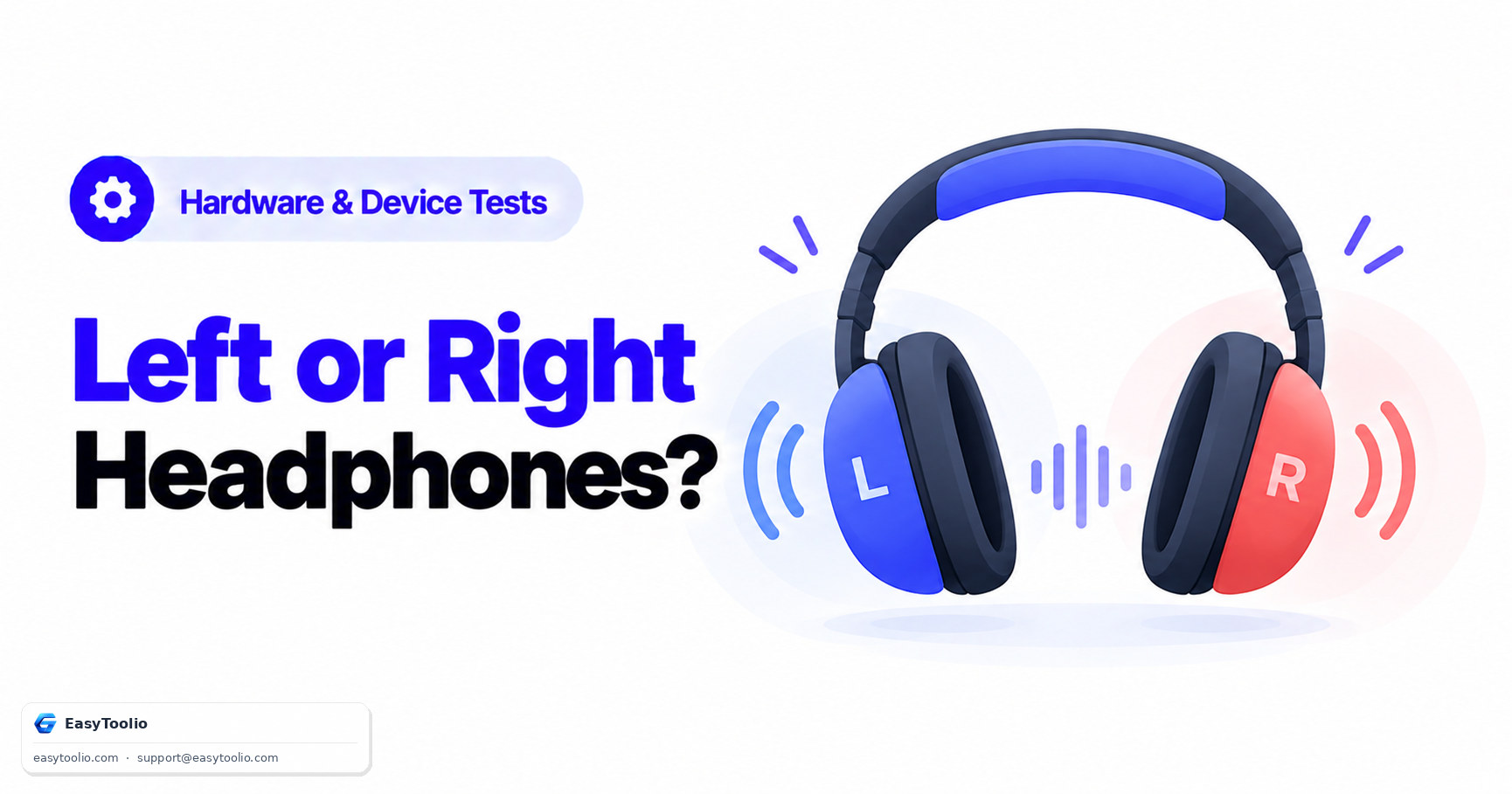
You've had these headphones for a while, and something about how music or game audio positions sound feels subtly wrong — not broken exactly, just a little off, in a way you can't quite pin down. There's a specific, testable explanation for that feeling that most people never check for: your left and right channels might genuinely be reversed, and casual listening is exactly the wrong way to catch it.
Channel reversal doesn't usually announce itself. Music mixed close to center, background music, and most casual listening material sounds nearly identical whether the channels are correct or swapped, because so much audio content is either centered or doesn't rely on clear left/right positioning to make sense. That's precisely why a defect this basic can go unnoticed for a long time.
Direct Answer: Left/right channel reversal in headphones happens through a small number of specific causes: a manufacturing wiring defect where the driver connections were swapped at the factory, a faulty or mismatched 3.5mm-to-USB-C (or other) adapter that crosses the channels during conversion, or a driver-level or OS-level channel-mapping bug that swaps output routing in software rather than hardware. It's often subtle enough that casual listening to music or podcasts doesn't reveal it at all, but audio that's deliberately panned hard to one side — a voice clearly meant to come from only the left or only the right — makes a reversal immediately obvious. A simple test tone sequence, playing left-only audio and then right-only audio in turn, is the fastest way to confirm which side is which.
1. How Channel Reversal Actually Happens
| Cause | Where It Occurs | Typical Fix |
|---|---|---|
| Manufacturing wiring defect | Inside the headphone or earbud housing, at the factory | Warranty replacement — not user-fixable |
| Faulty or mismatched adapter | The 3.5mm-to-USB-C, Lightning, or other adapter/dongle in the signal path | Try a different adapter or plug directly into a native port |
| Driver/OS channel-mapping bug | Operating system audio driver or output device configuration | Update or reinstall the audio driver; check OS-level channel/balance settings |
| Reversed 3.5mm plug seating | A jack not fully inserted, partially engaging a different contact ring | Reseat the plug fully and confirm it clicks into place |
2. Why Casual Listening Often Misses It
Most everyday audio simply doesn't rely on precise left/right positioning to sound "correct." A podcast host speaking near the center of the stereo field, a song mixed with vocals and lead instruments close to center, or background music with only mild stereo width will sound essentially the same whether your channels are correct or fully swapped — there's nothing panned hard enough to one side for the reversal to become audible.
Centered/Mild-Stereo Audio ──► Reversal Mostly Inaudible (content sounds nearly identical either way)
Hard-Panned Audio          ──► Reversal Immediately Obvious (content clearly "moves" to the wrong ear)
This is exactly why someone can use reversed headphones for weeks without noticing, then suddenly catch it the moment they play a game with clear directional audio cues, or a test track with an announcer voice deliberately placed hard left or hard right.
3. The Test Tone Sequence That Makes It Obvious
The most reliable way to confirm reversal isn't listening to regular music — it's playing audio specifically designed to isolate each channel, one at a time:
- Play left-channel-only audio. Confirm the sound is heard exclusively in your left ear. If it plays in your right ear instead, your channels are reversed.
- Play right-channel-only audio. Confirm the sound is heard exclusively in your right ear, as a cross-check against step one.
- Play a hard-panned voice or tone sweeping from left to right. The sensation of the sound "moving" should track correctly from your left ear to your right ear as it plays.
If steps 1 and 2 come back swapped, note whether the reversal persists when you switch to a different adapter or plug directly into a native headphone jack — that single change quickly narrows the cause down to the adapter versus the headphones themselves or the OS audio configuration.
Run a left-only, then right-only, test tone sequence to confirm your headphone channels are wired correctly using our web headphone-test.
4. Frequently Asked Questions (FAQs)
If my headphones are reversed, is it always the headphones themselves?
No. Reversal can originate in the headphones' internal wiring, in an adapter or dongle in the signal path, or in OS-level audio driver configuration. Testing with a different adapter and a different playback device helps narrow down which link in the chain is actually swapped.
Does channel reversal damage audio quality, or just positioning?
It only affects channel positioning — which physical ear hears which channel — not the audio quality, frequency response, or volume of either channel itself. The sound itself is unaffected; only which side it comes out of is wrong.
Can I just get used to reversed channels instead of fixing them?
For casual listening you might not notice much difference, but for anything relying on directional audio cues — competitive gaming, mixing or editing audio, or simply enjoying music mixed with intentional stereo imaging — a reversal actively works against the experience the content was designed to create, so it's worth identifying and correcting rather than adapting around.
References: W3C Web Audio API Specification.