How to Test Headphones Online
Put on your headphones or earbuds, start at a comfortable volume, and use channel toggles to verify left and right ear cup drivers.
Test your headphones or earbuds online for free. Check left and right channels, stereo balance, channel reversal, frequency sweep and audio output directly in your browser.
Put on your headphones. You should hear a 440 Hz tone strictly in your LEFT ear.
Step through the basic left/right channel checks above to evaluate your headphone drivers.
No audio issues reported yet. Click "Start Headphone Test" or "Play Left Tone" to begin.
Headphones are ready for browser Web Audio verification.
Put on your headphones, adjust to a safe volume, and confirm the left and right ear tones.
These tones help you check whether you can hear different frequency ranges. They do not provide a laboratory measurement of your headphone's frequency response.
Check 3.5mm plug seating or USB-C/Lightning adapter contact. Inspect OS audio settings to verify the balance slider isn't panned 100% to one channel. For TWS earbuds, clean charging case metal pins and perform a factory re-pair.
Verify the physical L and R markings on your headband or earbuds. Check 3.5mm extension adapters (some 3-pole/4-pole wiring pinouts invert channels), and check if third-party audio EQ software has swapped routing.
Disconnect and reconnect Bluetooth. Place both earbuds in their charging case for 10 seconds to re-synchronize the left and right slave connection, then verify your device output is set to Stereo rather than "Hands-Free AG Audio".
Reduce system volume to prevent amplifier clipping. Disable aggressive software bass boosts, check for hair or debris on earbud mesh filters, and test with another device to isolate cable vs driver damage.

Put on your headphones or earbuds, start at a comfortable volume, and use channel toggles to verify left and right ear cup drivers.
Play isolated Left and Right test tones to ensure ear cup signals are correctly routed without cross-bleeding.
Execute the Stereo Position Test to hear test tones move seamlessly from Left to Center to Right across your acoustic field.
Check wireless TWS earbud sync, charging contact reliability, and individual driver balance.
Verify gaming headset stereo drivers, chat mix balances, and 3.5mm TRRS pinout connections.
Play the center tone to confirm equal acoustic output between left and right ear cups.
Sweep from 20 Hz to 20 kHz to check driver extension across sub-bass, midrange clarity, and high-frequency treble.
Use dedicated 60 Hz (Bass), 1 kHz (Mid), and 8 kHz (Treble) presets to evaluate tonal balance.
Troubleshoot Bluetooth re-pairing, charging case contacts, mono audio accessibility toggles, or cable fraying.
Verify physical headband L/R orientation, 3.5mm extension adapters, and OS stereo swapping features.
Synthesized Web Audio API oscillators generate pure tones directly in local browser memory.
Browser tests verify functional routing and perceptual limits; they do not replace artificial ear coupler SPL measurements or acoustic THD analyzers.
Quick answers about how this tool works.
Plain-language explainers that sit next to this tool.
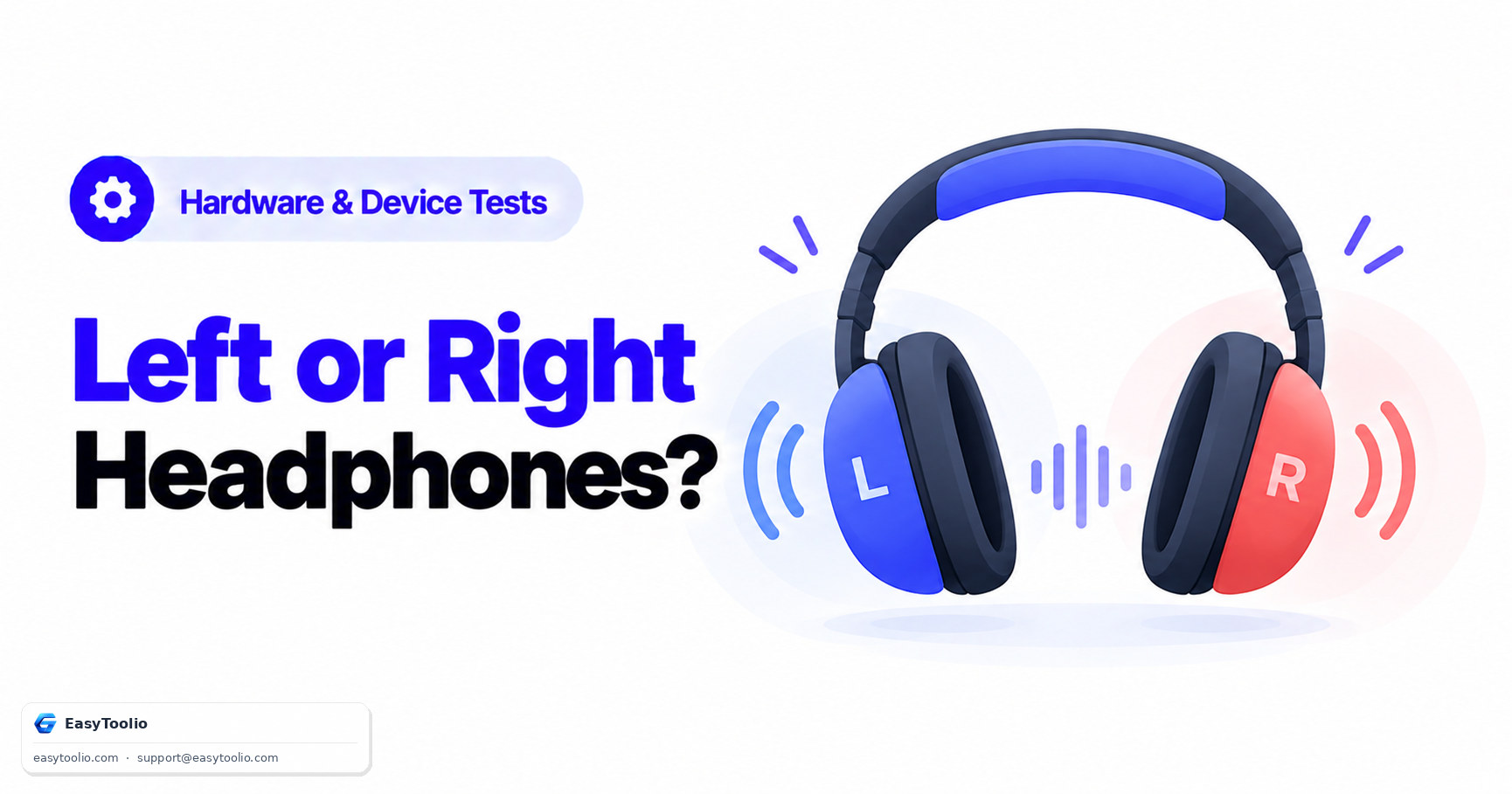
Learn how headphone left/right channel reversal happens, why casual listening often misses it, and how a simple left-only then right-only test tone sequence makes it obvious.
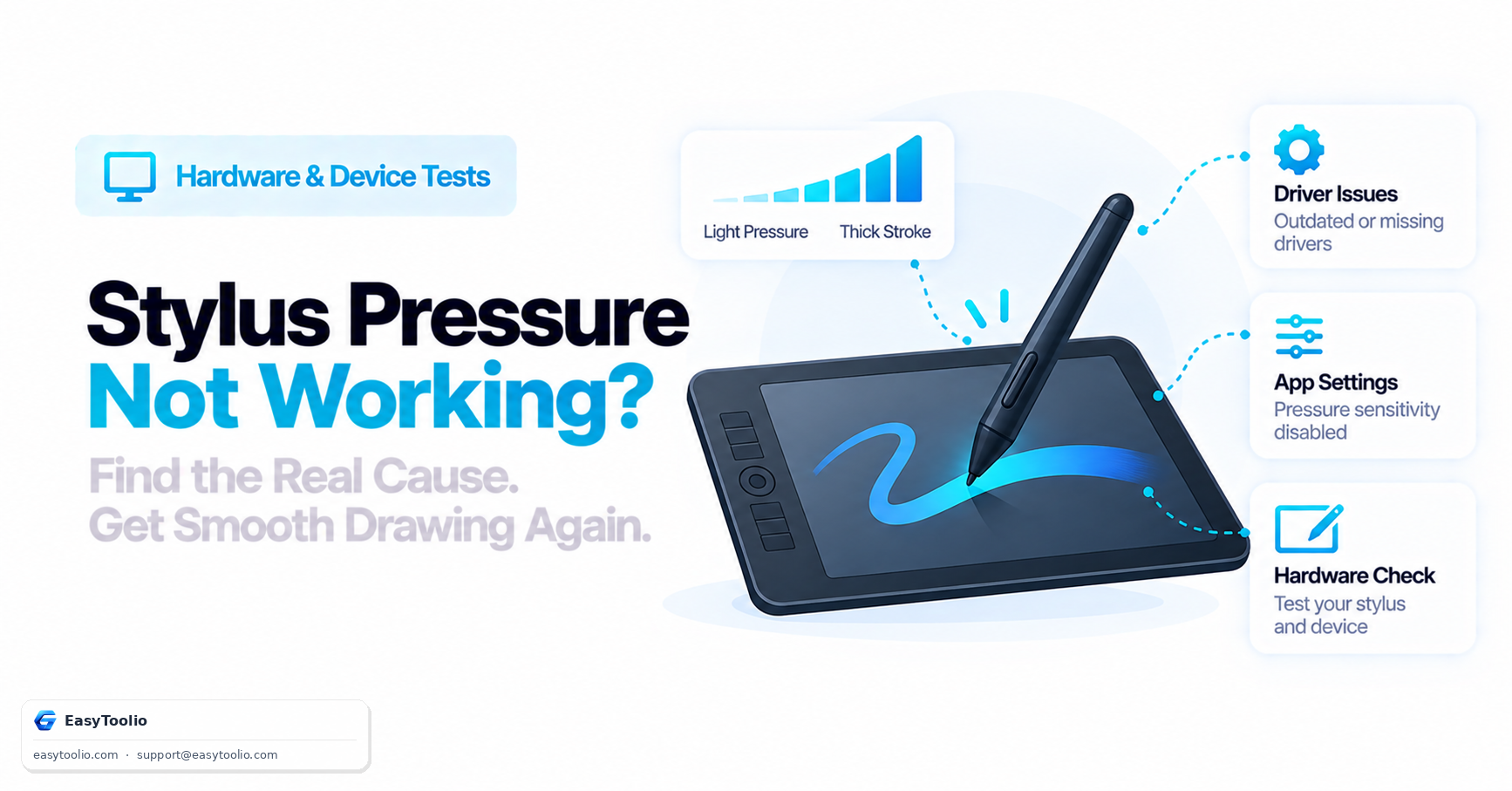
Understand how stylus pressure sensitivity actually works via the Pointer Events API, the most common causes of broken pressure response, and how to isolate a driver issue from an app setting.
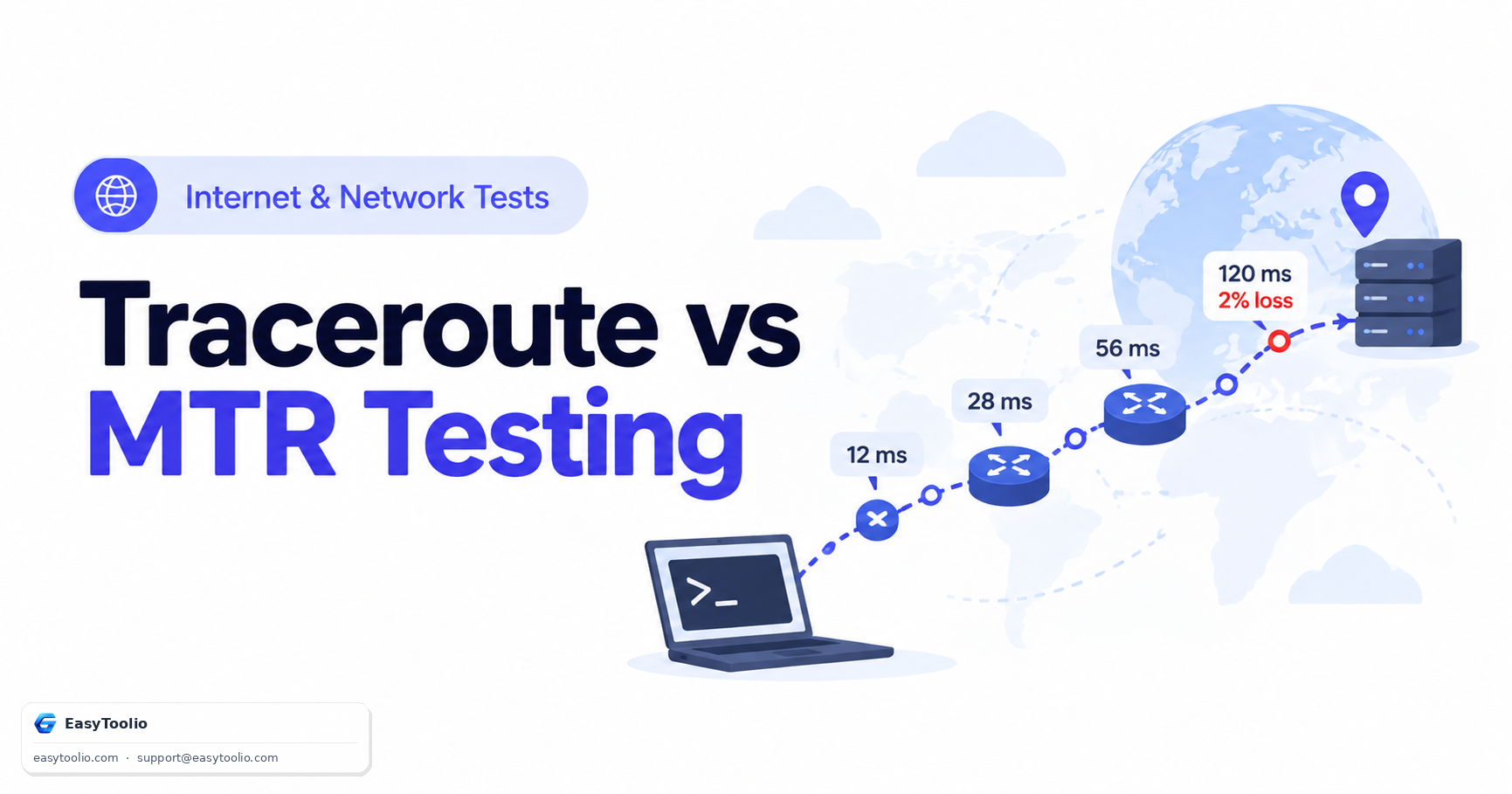
Complete diagnostic guide to Traceroute and MTR (My TraceRoute). Learn how IP TTL expiration works, compare ICMP/UDP/TCP probing methods, and identify false intermediate packet loss.
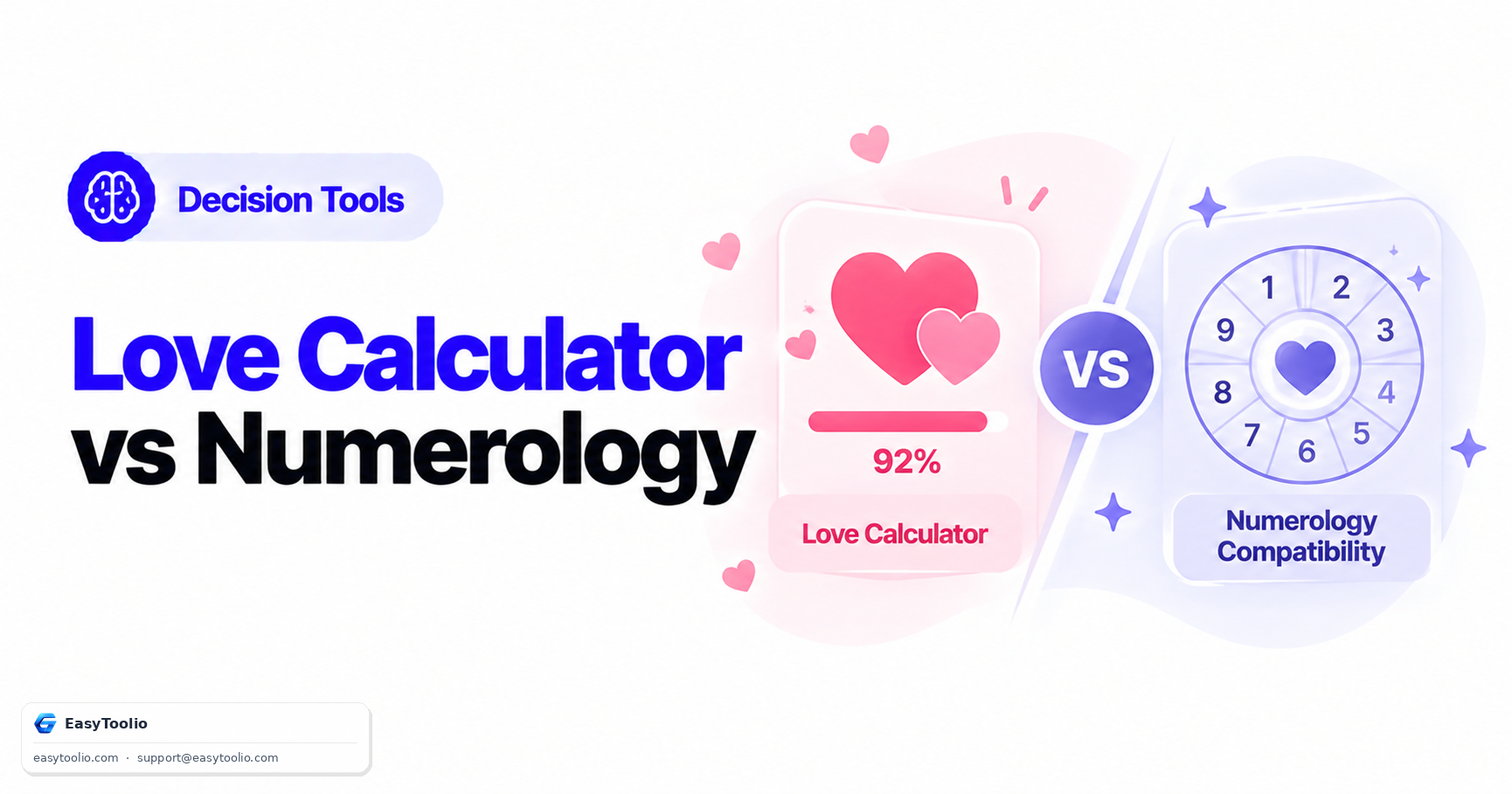
One is explicitly playful entertainment with no claimed predictive basis; the other draws on a defined belief system with its own calculation rules. Conflating the two undersells what numerology practitioners actually do.
Be the first to rate Headphone Test
Search 250+ free tools by name, or pick a category below. Every one runs instantly in your browser — no signup, nothing to install.
Tap a star to rate Headphone Test.