What Is a Full Device Check?
EasyToolio's Full Device Check is a free, browser-based hardware and software diagnostic utility designed to check common computer, PC, laptop, and mobile device capabilities in a single guided sequence. Without downloading or installing native software, you can verify that essential peripherals and browser-accessible subsystems—including your webcam, microphone, speakers, keyboard, mouse, display, and network—are communicating properly with your browser.
Whether you are setting up a brand-new PC, inspecting a used laptop before purchasing, troubleshooting audio or video issues before an important remote interview, or testing gaming peripheral latency, Full Device Check provides an immediate, privacy-safe health overview. All diagnostic routines execute strictly client-side inside your browser memory without recording or transmitting private audio feeds, camera images, or keystrokes.
What Does the Full Device Check Test?
Each diagnostic module focuses on browser-observable hardware APIs and user input events:
Camera & Webcam Stream
Verifies camera access permissions, MediaStream initialization, live video resolution (e.g., 1080p, 720p), and frame delivery responsiveness.
Microphone & Audio Input
Evaluates microphone permissions, live input volume gain, audio waveform levels, and signal activity using the browser Web Audio API.
Stereo Speakers & Sound Output
Plays discrete synthesizer test tones to confirm stereo left and right audio channel separation, volume clarity, and speaker balance.
Headphone Channel Isolation
Tests wired 3.5mm and wireless Bluetooth headphone output for stereo imaging, panning accuracy, and audible distortion.
Keyboard & Key Rollover
Registers physical keystrokes, verifies keypress event firing, and checks multi-key rollover without recording sensitive or arbitrary text.
Mouse & Touchpad Tracking
Tests primary left click, secondary right click, middle click, scroll wheel increments, and cursor movement smoothness.
Display & Refresh Rate
Reports screen resolution, device pixel ratio (DPR), color depth, and calculates estimated refresh rate (60Hz, 120Hz, 144Hz, 240Hz).
Internet & Network Ping Latency
Performs low-overhead HTTP round-trip timing probes to determine network latency (ping), jitter, and connection stability.
How Does the Full Device Check Work?
The diagnostic workflow is automated, sequential, and entirely client-side:
Choose a Preset
Select Quick Check, Video Call, Gaming, Used Laptop, New PC, or All Checks from the dropdown menu.
Start Diagnostics
The engine begins testing hardware components sequentially in a single focused card.
Grant Permissions
Your browser prompts for camera or microphone access only when reaching those specific test steps.
Export Results
Review categorized results (Passed, Attention, Skipped, Unsupported) and download your report as JSON or TXT.
When Should You Run a Full Device Check?
Common real-world scenarios where an online hardware test saves time:
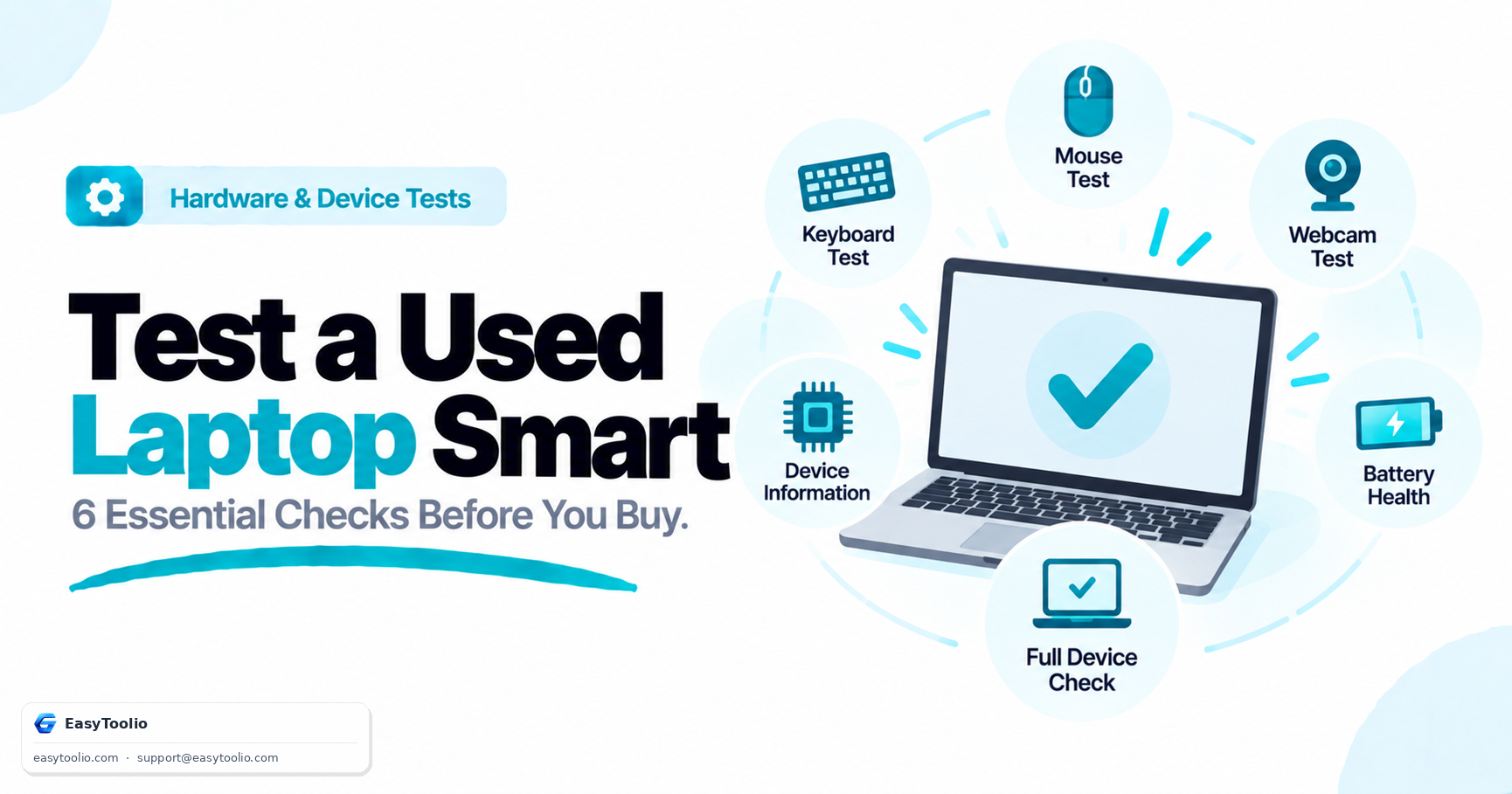
1. Inspecting a Used Laptop Before Buying
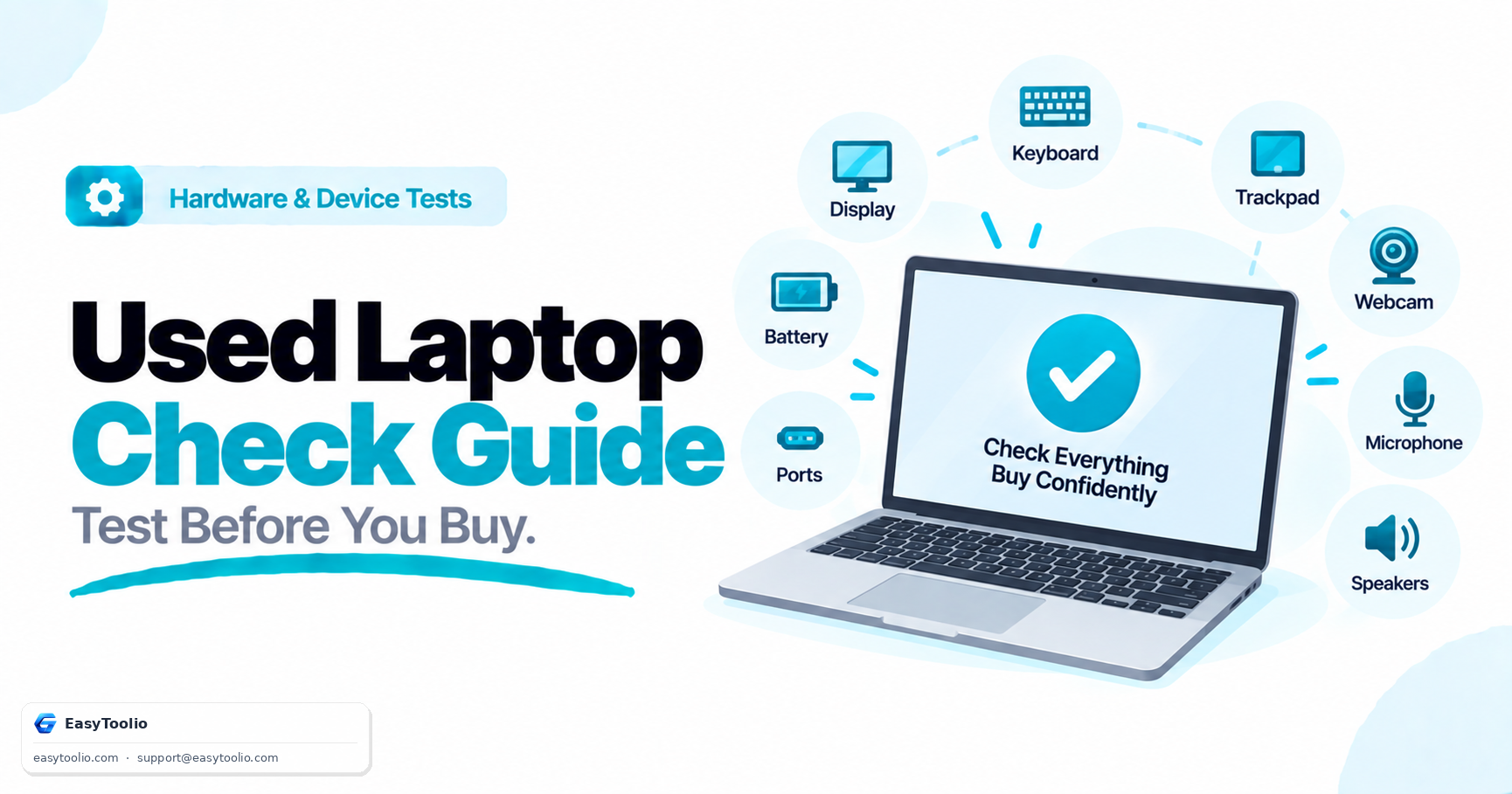
When buying a pre-owned laptop from an online marketplace, open Full Device Check on the target machine. In under two minutes, you can verify that all keyboard keys register, both stereo speakers play without crackling, the webcam produces sharp video, the microphone picks up voice clearly, and the Wi-Fi card sustains low ping.
Pair the automated test with our built-in Physical Inspection Checklist to check hinge tension, screen backlight bleed, charging connector snugness, and chassis corner dents.
2. Preparing for an Important Video Call or Remote Interview
Before joining a Zoom, Google Meet, or Microsoft Teams meeting, run the Before a Video Call preset. It confirms camera framing, microphone input levels, headphone audio routing, and network connection latency in under 60 seconds, preventing awkward technical difficulties.
3. Setting Up a New PC or Clean OS Install
After building a desktop PC or re-installing Windows, macOS, or Linux, run a complete hardware pass to confirm that audio drivers, display refresh rates (e.g., enabling 144Hz in OS settings), USB peripherals, and internet connections are functioning without missing drivers.
4. Verifying Gaming Rig Peripherals
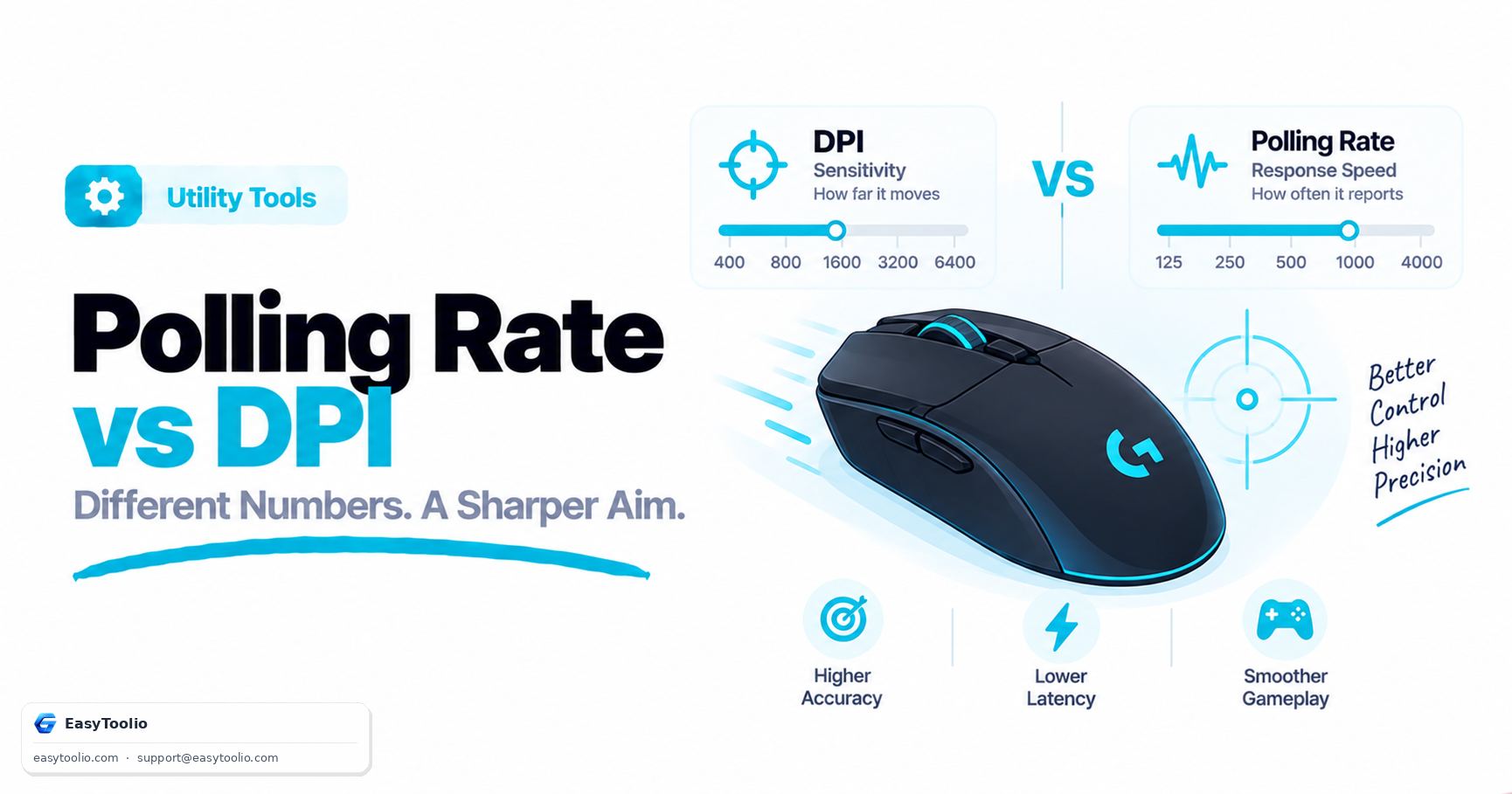
Test keyboard key jamming and anti-ghosting matrices, verify mouse polling and tracking responsiveness, inspect display refresh rate pacing, and check connected USB or Bluetooth gamepads before competitive gaming sessions.
What Can't a Web Browser Test?
Because web browsers run in secure sandboxes to protect your computer from malicious websites, standard Web APIs cannot access low-level firmware, kernel-mode hardware registers, or proprietary motherboard telemetry.
- • Motherboard Voltage & VRMs: Motherboard trace health, VRM thermal sensors, and BIOS/UEFI settings require native hardware monitors like HWMonitor or AIDA64.
- • RAM Hardware Errors: Testing physical memory chips for ECC or bit-flip corruption requires native tools like Windows Memory Diagnostic or MemTest86.
- • GPU VRAM Stress: 3D graphics stress benchmarks and dedicated video memory testing require native benchmarks like 3DMark or FurMark.
- • Storage S.M.A.R.T. Health: Checking SSD reallocated sectors, power-on hours, and read/write cycle degradation requires CrystalDiskInfo or manufacturer disk utilities.
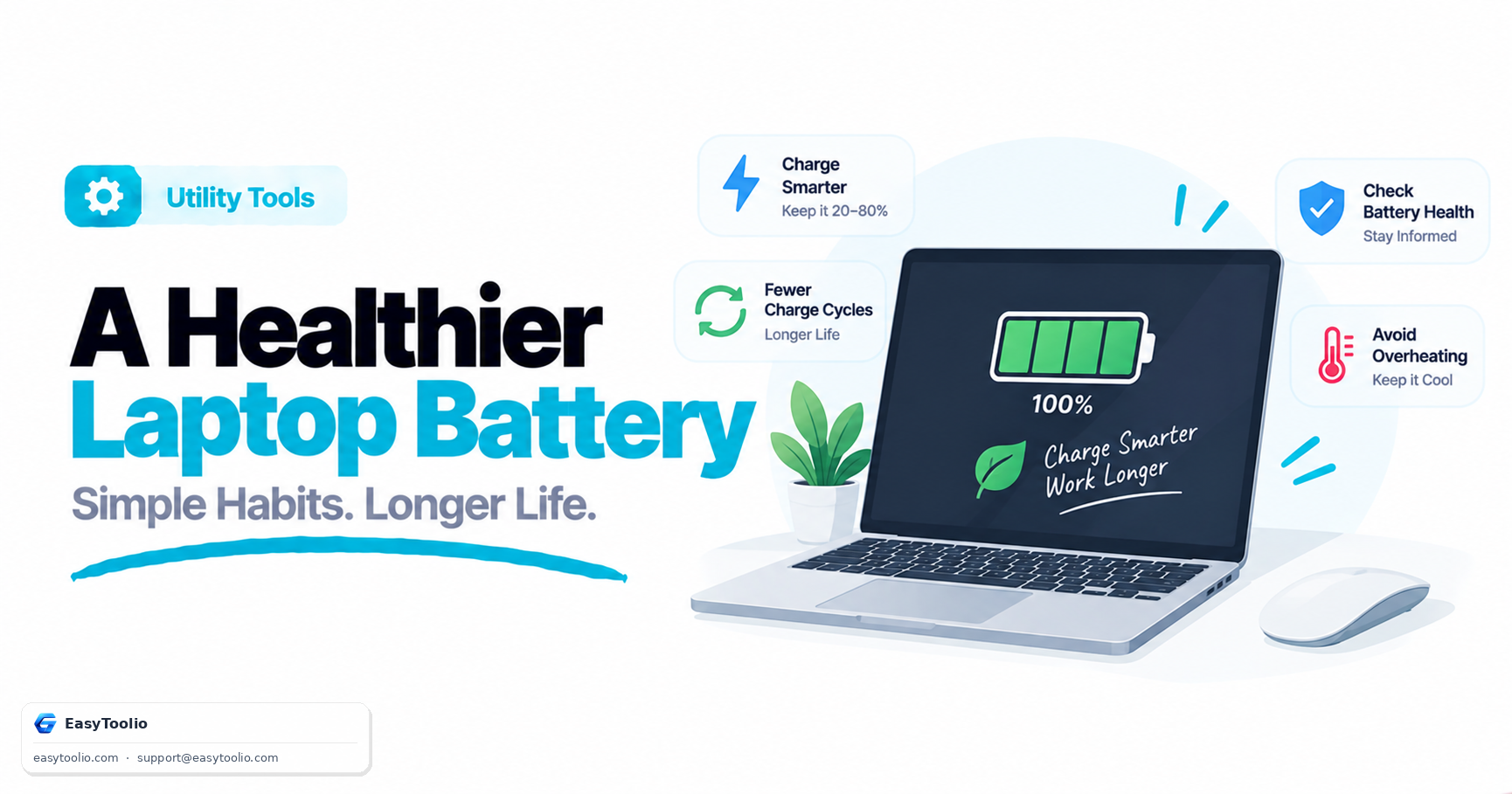
- • Battery Chemistry & Cycle Count: While browsers can observe battery charge percentage where supported, full chemical health and physical cycle counts require native OS battery reports.
Is the Full Device Check Safe and Private?
Yes. EasyToolio's Full Device Check is built on strict zero-upload client privacy principles:
- Local Execution: All media stream analysis, audio level processing, and input coordinate detection occur in your browser's local RAM.
- On-Demand Permissions: Hardware permissions for camera and microphone are requested only when you reach those specific test steps, and streams are immediately stopped when leaving the test.
- No Keystroke Logging: Key events are counted to verify rollover without storing passwords, phrases, or arbitrary text.
- Clear Permission Handling: If you deny camera or microphone access, the tool marks the test as Blocked rather than misleading you with a false "Hardware Failure" diagnosis.
Dedicated Hardware Diagnostic Utilities
Need to perform a deeper, specialized test on a specific component? Use our dedicated standalone tools: