Notification
Go to Home All Tools Compare Glossary Blog Contact

Battery Health Test

Check your laptop, tablet or Android battery status online. Monitor battery level, charging state, discharge rate and estimated runtime where supported by your browser.

Battery Status & Telemetry

Live battery level, charging state, and browser runtime estimates.

Battery API: Checking...
--%
--% Detecting status...
Charging Status Detecting...
Browser Estimated Runtime Detecting...
Observed Drain Rate -- % / hr
Observed Charge Rate -- % / hr

Battery Diagnostics & Drain Monitor

Track battery percentage changes over time to compute observed rate deltas.

Set Trial Monitoring Duration

Monitor level changes while on battery or charger.

Monitoring History Log
Time Battery % State Observed Rate
No monitoring history recorded yet. Click "Start Monitor" to record samples.

Why Battery Capacity Cannot Be Determined in a Browser

Your browser does not expose physical battery design capacity, full charge capacity, or charge cycle counts. As a result, actual physical battery health (e.g., "85% capacity") cannot be calculated inside any web browser. Be cautious of websites claiming to calculate exact physical battery health from browser levels alone.

To get true battery capacity, chemical wear, and cycle count reports, run native operating system commands as detailed below.

Battery Verdict

SUMMARY
Current Level --%
Plugged In Detecting...
Browser Est. Runtime Detecting...
Battery API Checking...
Battery Health Information: Your browser does not expose battery capacity or cycle count, so actual battery health cannot be determined from this test.

Native OS Battery Health Reports

Windows 10 / 11

Run in Command Prompt (Admin):

powercfg /batteryreport

Open the generated HTML report to check Design Capacity vs Full Charge Capacity.

macOS

System Settings → Battery → Battery Health info, or hold Option and click Apple Menu → System Information → Power for cycle counts.

Android

Settings → Battery → Battery Usage / Diagnostics, or dial *#*#4636#*#* on supported devices.

What Is a Battery Health Test?

A Battery Health Test is an online diagnostic tool designed to monitor battery level, charging status, discharge rates, and estimated runtime for laptops, tablets, and mobile devices directly in your web browser. By leveraging the W3C Battery Status API, it provides real-time telemetry without software installations.

How to Check Laptop Battery Health

Checking laptop battery health involves evaluating both short-term runtime performance and long-term chemical battery capacity. Use our online Battery Health Test to monitor live percentage drain rates (% per hour) while on battery power, and combine it with your operating system's native battery report (powercfg /batteryreport on Windows) to verify physical full-charge capacity against design capacity.

How to Test Battery Status Online

  1. Launch the EasyToolio Battery Health Test in a compatible web browser.
  2. Observe your Battery Status & Telemetry dashboard for current charge level (%) and charging status.
  3. Select Battery Monitor Mode and click Start Monitor to sample battery drain rates over a 15-minute trial.
  4. Review observed percentage drain per hour to estimate real-world battery endurance.

How to Check Battery Charging Status

When you connect your AC charger, the status dashboard updates to indicate charging state and measures observed charging rates (% / hour). Observing charging rate helps verify whether your power adapter and charging cable are delivering adequate power to charge the battery efficiently.

How to Monitor Battery Drain

Battery drain monitoring measures how rapidly your battery depletes under active usage. By tracking percentage drop across timed samples, you can identify resource-intensive web apps or background processes that cause unexpected battery drain.

How to Estimate Battery Runtime

Browser-estimated runtime queries battery.dischargingTime. This metric dynamically adjusts based on system power draw. Combining browser estimates with your trial-observed drain rate provides an accurate projection of how long your laptop will last before requiring a recharge.

Why Battery Health Cannot Always Be Determined in a Browser

Web browsers operate within isolated sandbox environments. W3C privacy specifications restrict web pages from accessing low-level hardware controllers to read physical battery design capacity (milliamp-hours), cell voltage, or internal temperature. EasyToolio provides transparent telemetry instead of generating misleading fake health percentages.

Battery Level (Exposed in Browser)

  • Current charge percentage (e.g. 78%)
  • Plugged vs unplugged charging state
  • Browser-estimated remaining runtime
  • Observed percentage drain/charge rate over time

Battery Health (Native OS Only)

  • Design capacity in milliamp-hours (mAh)
  • Current full-charge capacity in mAh
  • Cumulative battery cycle count
  • Battery cell degradation percentage

How to Check Battery Health on Windows

On Windows 10 and Windows 11, open Command Prompt or PowerShell as administrator and type powercfg /batteryreport. Windows generates an HTML report showing detailed design capacity, full charge capacity history, and battery life estimates.

How to Check Battery Health on macOS

On MacBook laptops running macOS, navigate to Apple Menu → System Settings → Battery to check condition status (Normal or Service Recommended). For exact cycle counts, hold Option, click Apple Menu, select System Information, and click Power.

How to Check Battery Health on Android

On Android smartphones and tablets, open Settings → Battery → Battery Usage. Select Android devices (such as Samsung Galaxy or Google Pixel) include dedicated battery diagnostics under Settings → Device Care.

Browser Battery API Limitations

The Battery Status API is supported in Chromium-based desktop and Android browsers (Chrome, Edge, Opera). However, Apple Safari and Mozilla Firefox have disabled the Battery API due to anti-fingerprinting privacy concerns. If your browser does not support the API, refer to our native OS battery report commands.

Battery Advisor

AI Laptop Battery Health & Power Advisor

Ask AI
Education

Understanding Battery Health, Charging Cycles & Web API Capabilities

01

How the Battery Status API Works

The W3C Battery Status API allows web applications to inspect navigator.getBattery(), receiving live updates on charging status, discharge rate, and remaining runtime.


02

Lithium-Ion Cycle Degradation Mechanics

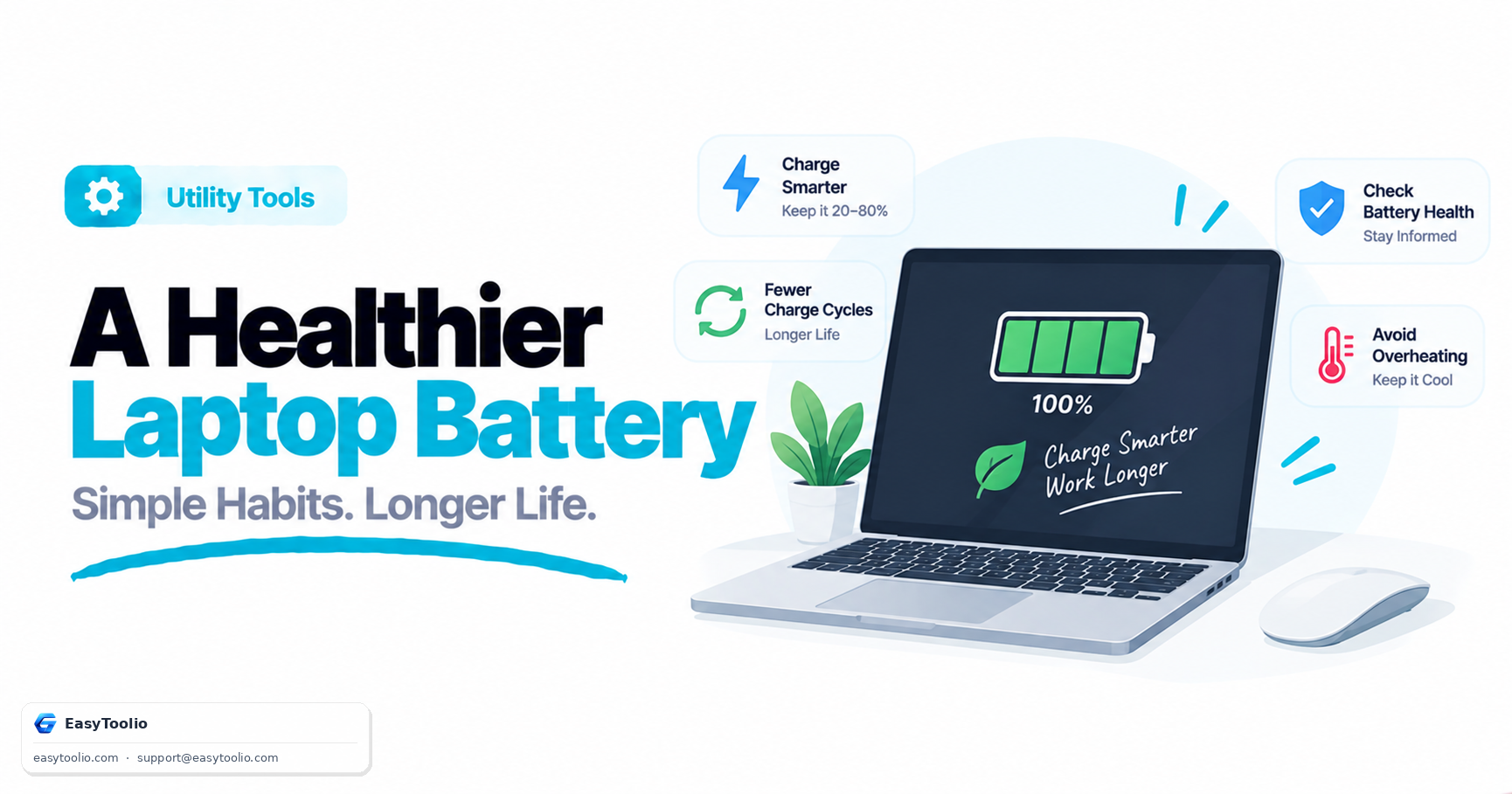
Rechargeable batteries lose charge capacity over charge cycles. Full 0% to 100% discharges create higher chemical stress than shallower partial cycles.

03

Thermal Effects & Power Optimization

High temperatures accelerate internal resistance growth and electrolyte degradation. Keeping laptops cool preserves battery health for longer.

04

Browser Privacy & Fingerprinting Protections

Due to privacy concerns regarding tracking battery discharge levels across sites, modern browsers restrict sub-second precision on battery metrics.

Good to know

Questions, answered

Quick answers about how this tool works.

Open this tool on a laptop, tablet, or Android device. If your browser supports the Battery Status API, it instantly reports battery percentage, charging state, and estimated runtime.

Google Chrome, Microsoft Edge, Opera, and Android Chromium browsers support the Battery Status API over HTTPS. Firefox and Safari disabled it for privacy reasons.

Apple Safari disables the Battery Status API to prevent cross-site user tracking and fingerprinting across web sessions.

No. Browsers can only access real-time charge state, charging time, and discharge time. Physical milliamp-hour (mAh) capacity requires OS system diagnostics.

Open Command Prompt or PowerShell as administrator and run powercfg /batteryreport. This creates an HTML file with full battery cycle history and design capacity.

Go to System Settings → Battery → Battery Health (click the "i" icon) to view maximum capacity percentage and condition status (Normal or Service Recommended).

Go to Settings → Battery → Battery Usage, or dial *#*#4636#*#* on supported phones. Third-party apps like AccuBattery also track wear over time.

Lithium-ion batteries degrade due to high operating temperatures, high voltage retention at 100% charge, rapid fast-charging cycles, and natural chemical aging.

Enable battery saver modes, keep battery levels between 20% and 80%, avoid direct heat exposure, and use OEM power adapters.

No. Battery diagnostics run 100% locally in your browser memory and are never saved to any server.

Popular Tools on EasyToolio

Swipe

What do you need to work out next?

Search 205+ free tools by name, or pick a category below. Every one runs instantly in your browser — no signup, nothing to install.