What Is a USB Device Tester?
A USB Device Tester enables you to inspect browser-accessible USB peripherals authorized via WebUSB, identifying hardware IDs, configurations, and connection state directly in your browser.
Inspect compatible USB devices in your browser. View manufacturer, product name, VID, PID, connection status and available USB details with EasyToolio.
WebUSB is available only in secure contexts such as HTTPS in supporting browsers. Please reload this page over HTTPS to enable USB device inspection.
WebUSB is currently supported in Chromium-based browsers (Chrome, Edge, Opera, Brave) on desktop. Safari and Firefox do not currently support the WebUSB API.
Choose an authorized USB peripheral from your browser's device picker. Transient user activation is required.
Connect a compatible USB device and choose it from your browser's permission dialog to view descriptors, Vendor ID, Product ID, and connection status.
No active USB configuration to inspect. Connect a WebUSB device above.
WebUSB does not provide universal access to every USB device. Standard devices such as keyboards, mice, game controllers, and flash drives are claimed by operating system kernel drivers or blocked by browser security policies. For specialized hardware testing, use our dedicated tools:
Click "Connect USB Device" to request access to an authorized peripheral.
If your USB peripheral is not responding, dropping connection, or failing to appear in the browser chooser dialog, follow these safe isolation steps before assuming hardware failure:
Plug a verified working USB device (e.g. mouse or flash drive) into the same port to verify the port responds at the operating system level.
Switch the device between front-panel chassis ports and direct rear motherboard USB ports. Front ports often suffer from loose internal headers or unpowered hubs.
Damaged or charging-only USB cables lack data lines (D+/D-). Test with a certified high-speed data cable to ensure data lines are intact.
Open Windows Device Manager (or macOS System Information) to check whether the USB controller reports driver errors (Code 43 / Unknown USB Device).
A USB Device Tester enables you to inspect browser-accessible USB peripherals authorized via WebUSB, identifying hardware IDs, configurations, and connection state directly in your browser.
WebUSB is a W3C browser specification providing web applications with safe, origin-scoped access to authorized USB hardware peripherals over secure HTTPS contexts.
WebHID is a companion browser API designed specifically for Human Interface Devices (custom gamepads, specialty input dials, keypads) that cannot be accessed via WebUSB.
Every USB device provides a 16-bit Vendor ID (VID) identifying the manufacturer and a 16-bit Product ID (PID) specifying the exact hardware model.
Operating systems assign exclusive kernel drivers to standard USB classes like Mass Storage and standard HID keyboards/mice, preventing web browsers from claiming them.
No. Browsers can only detect logical enumeration. Measuring electrical voltage, current delivery, or physical connector contact requires specialized hardware multimeters or oscilloscopes.
No. Browsers cannot perform raw physical bus bandwidth tests. Device speed ratings should be determined from manufacturer specs or OS-level storage benchmarks.
WebUSB strictly requires transient user activation and explicit device selection in the browser chooser dialog, preventing background or unauthorized hardware tracking.
Quick answers about how this tool works.
Plain-language explainers that sit next to this tool.
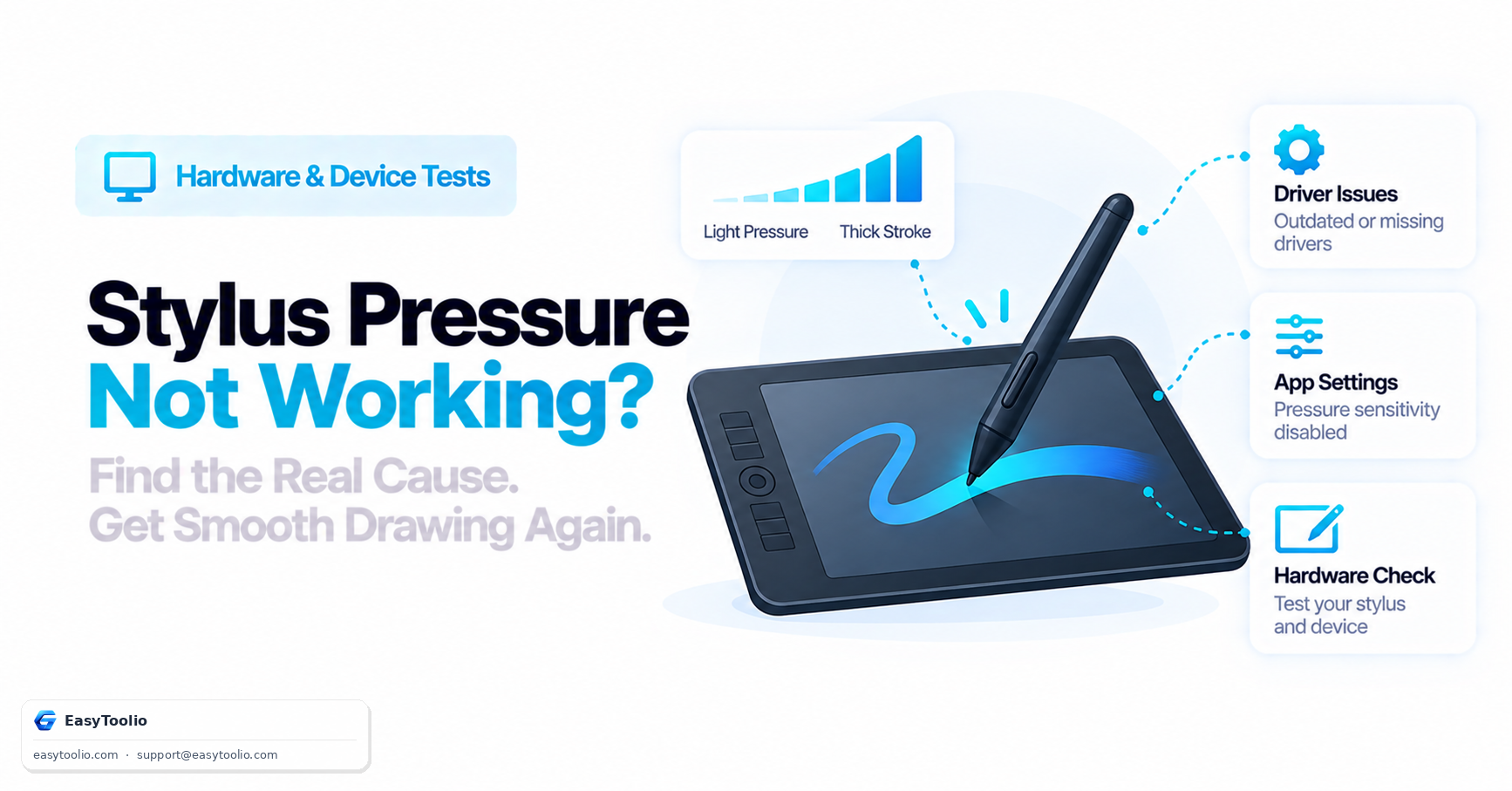
Understand how stylus pressure sensitivity actually works via the Pointer Events API, the most common causes of broken pressure response, and how to isolate a driver issue from an app setting.
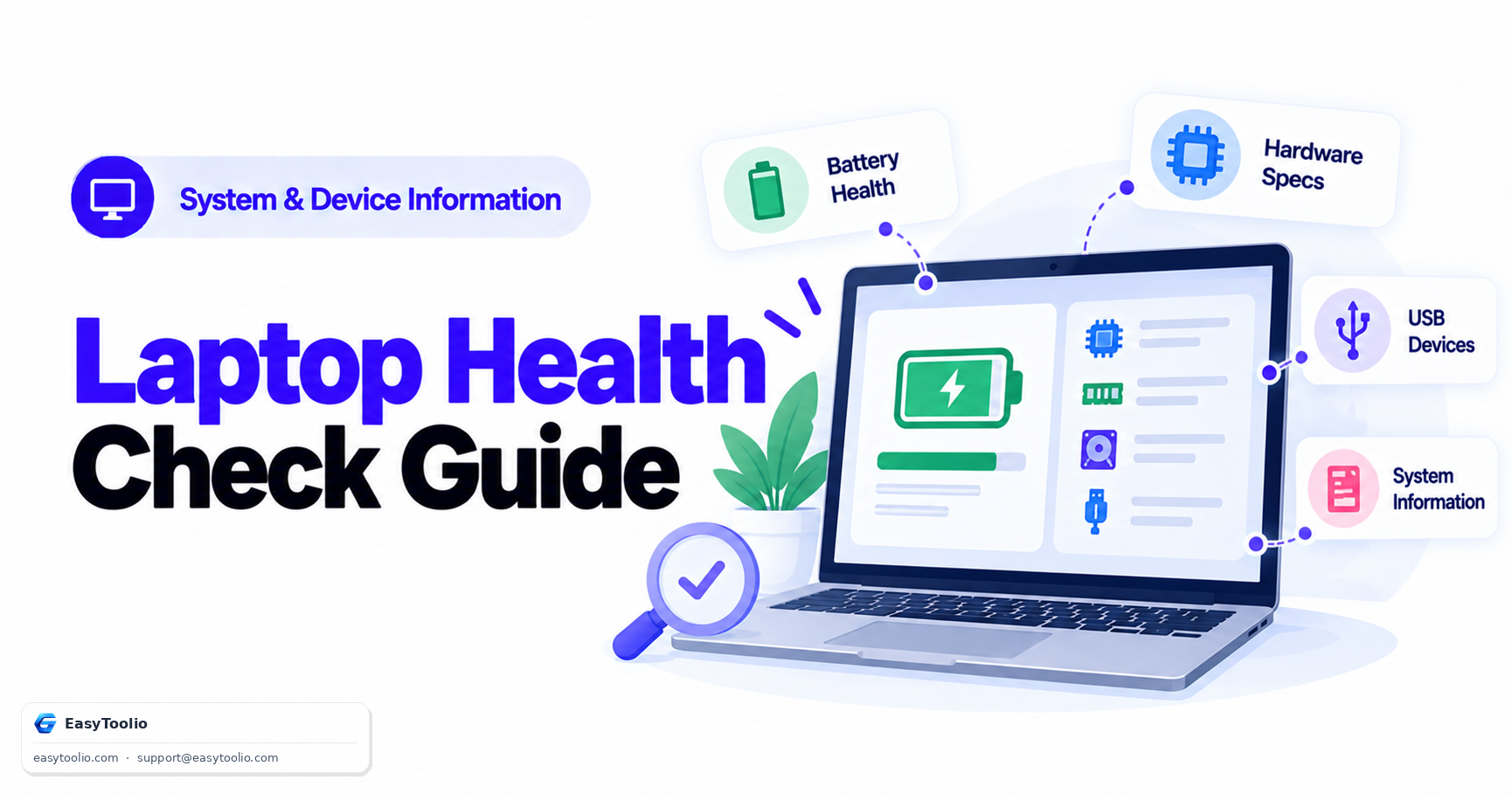
A periodic laptop health routine combining a battery health check for early degradation warnings and a device information check to confirm actual installed specs match what was promised.
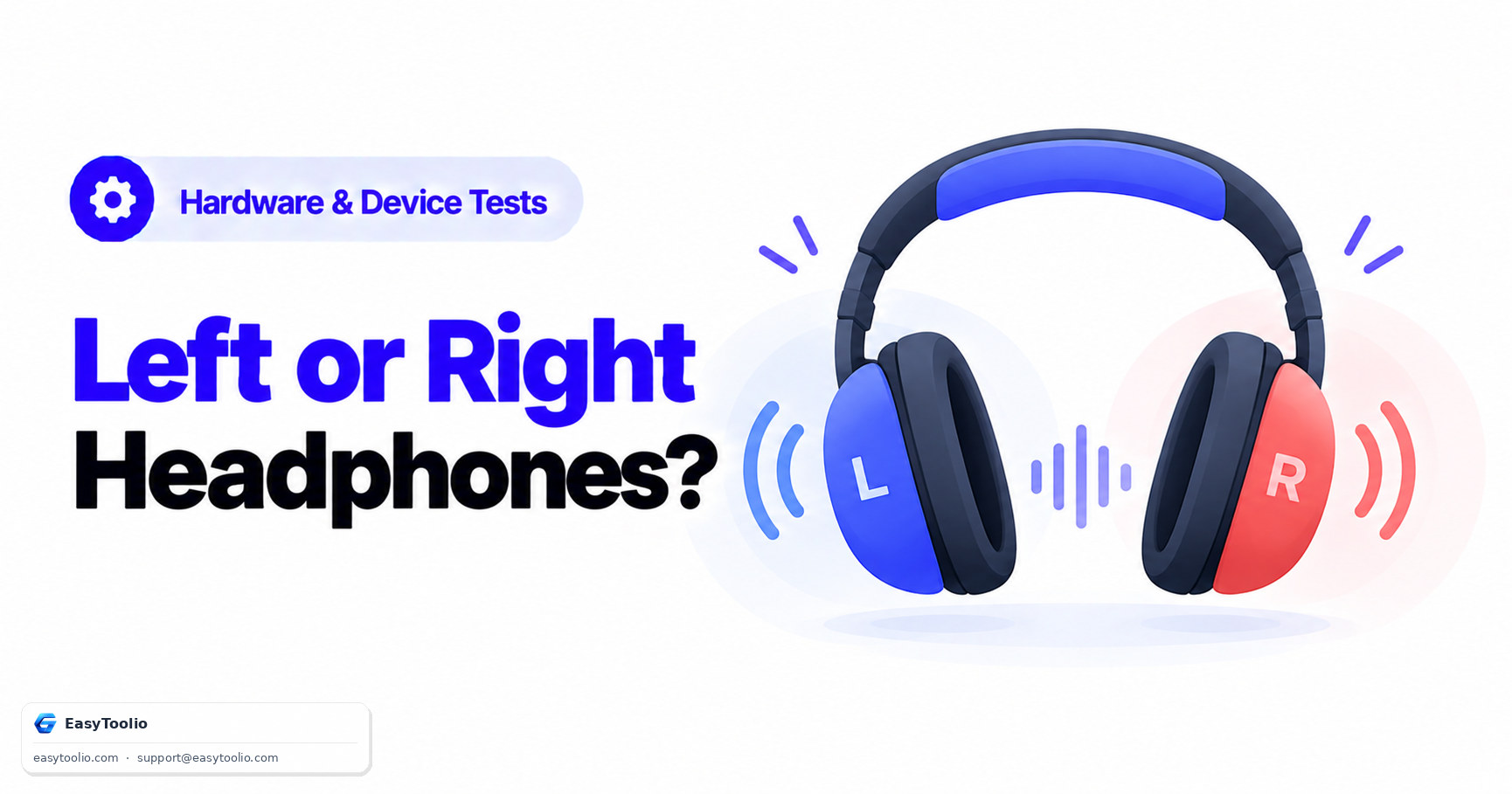
Learn how headphone left/right channel reversal happens, why casual listening often misses it, and how a simple left-only then right-only test tone sequence makes it obvious.
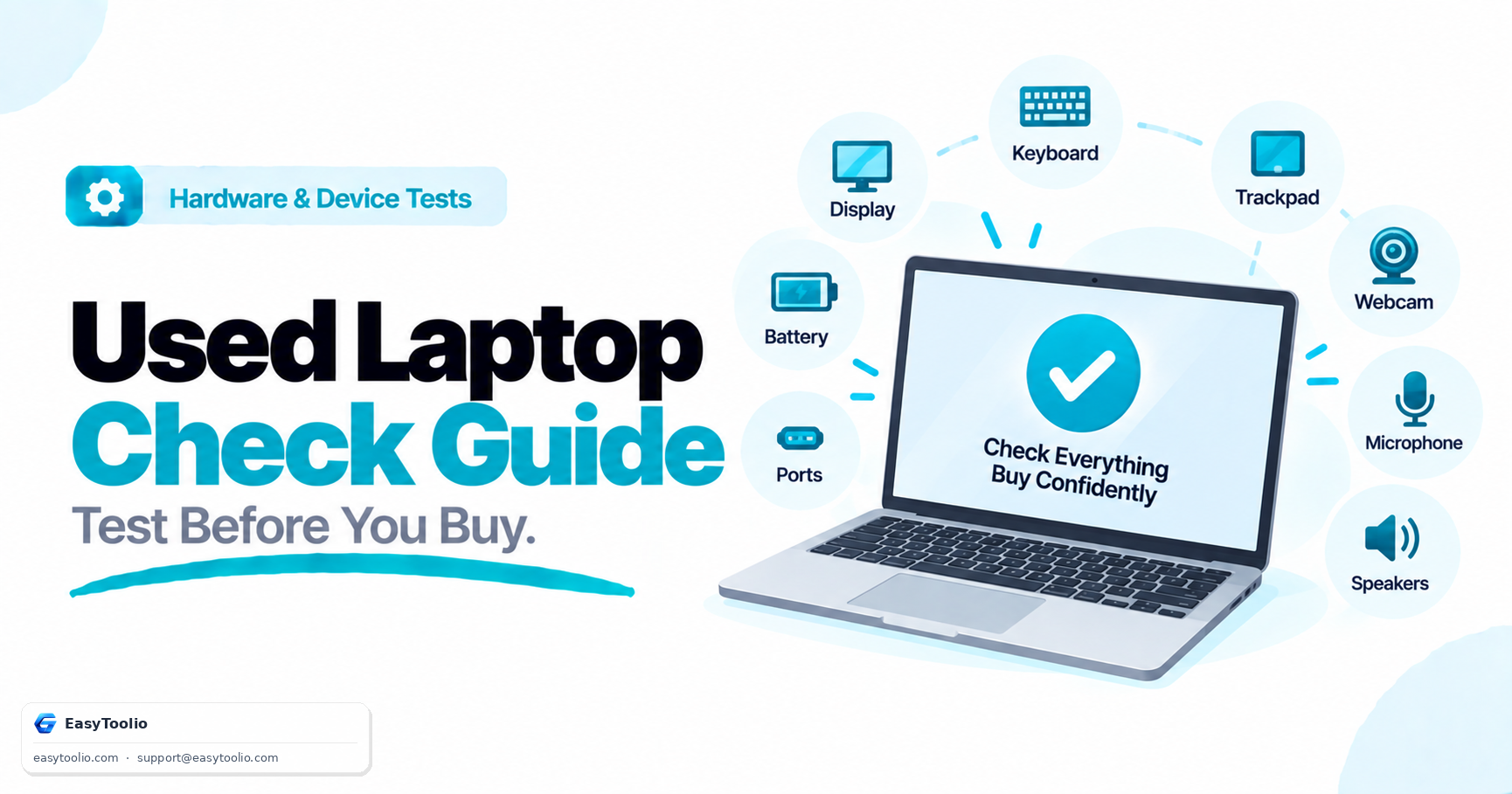
A systematic pre-purchase checklist for a secondhand laptop: display, keyboard, trackpad, webcam, microphone, speakers, battery health, and ports — testable in about 10 minutes before you pay.
Be the first to rate USB Device Tester
Search 250+ free tools by name, or pick a category below. Every one runs instantly in your browser — no signup, nothing to install.
Tap a star to rate USB Device Tester.