How to Test a Webcam
Grant camera permission to launch the live video viewport and verify image clarity, framing, focus, and frame rate.
Test your webcam online for free. Check live camera preview, stream resolution, measured FPS, aspect ratio, camera selection and image clarity directly in your browser with no download.
The webcam test is idle. Click "Start Camera Test" to initialize browser WebRTC access.
Webcam hardware is ready to receive browser permission.
Click Start Camera Test and allow camera permission in your browser prompt.
Snapshot generated 100% locally in your browser memory.
Click the lock/tune icon next to your URL bar, change Camera to Allow, and click Try Again without reloading. On macOS, verify camera permissions in System Settings > Privacy & Security > Camera.
Check for a physical lens privacy slider, webcam switch, or keyboard shortcut (e.g. Fn + F6/F10 on MSI, Lenovo, ASUS laptops) that disables hardware camera power.
If Zoom, Microsoft Teams, Google Meet, OBS Studio, or Discord is open in the background, close those applications to release the camera hardware handle.
Webcam sensors automatically extend exposure time in dim environments, lowering observed FPS to keep the image bright. Adding room lighting restores smooth 30 FPS.

Grant camera permission to launch the live video viewport and verify image clarity, framing, focus, and frame rate.
Verify that the video preview feed activates without black screens, error placeholders, or browser permission blocks.
Read active frame dimensions exposed by navigator.mediaDevices to confirm if your camera is delivering 720p, 1080p, or higher resolution.
Observe the browser-delivered frame rate metric during movement to check for stutter, dropped frames, or low-light slowdowns.
Common issues include physical privacy sliders, another app (Zoom/Teams) locking the camera stream, or revoked browser permissions.
Click the padlock icon in your browser address bar, reset camera permissions to "Allow", and reload the page.
Dedicated USB webcams generally feature larger sensors, glass lenses, and superior low-light auto-exposure compared to slim built-in laptop lenses.
Image quality depends on sensor size, ambient room lighting, lens quality, autofocus speed, white balance, and system USB bandwidth.
Quick answers about how this tool works.
Plain-language explainers that sit next to this tool.
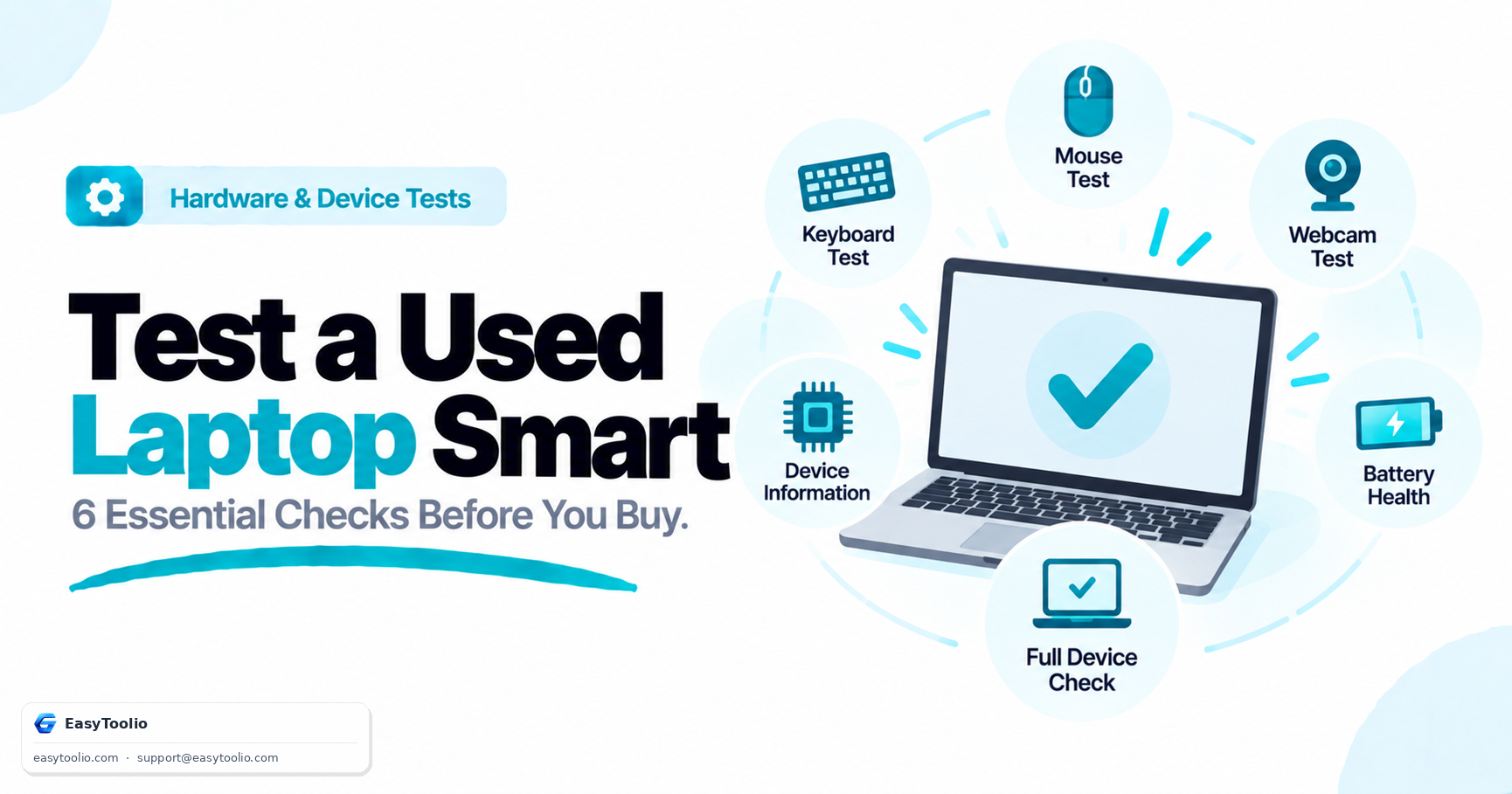
Before you hand over cash for a second-hand laptop, run it through these six free browser tests to catch hidden hardware wear.
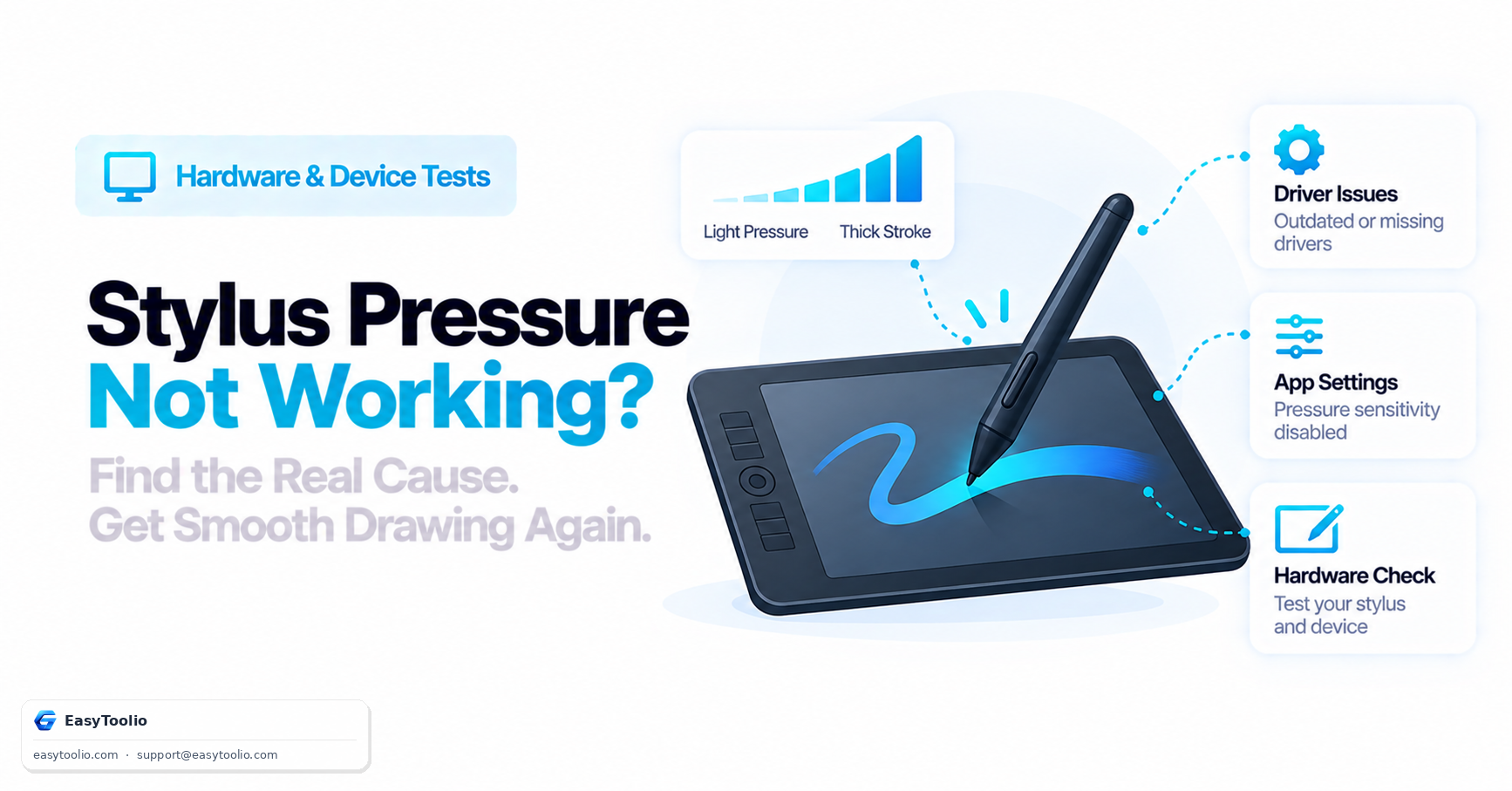
Understand how stylus pressure sensitivity actually works via the Pointer Events API, the most common causes of broken pressure response, and how to isolate a driver issue from an app setting.
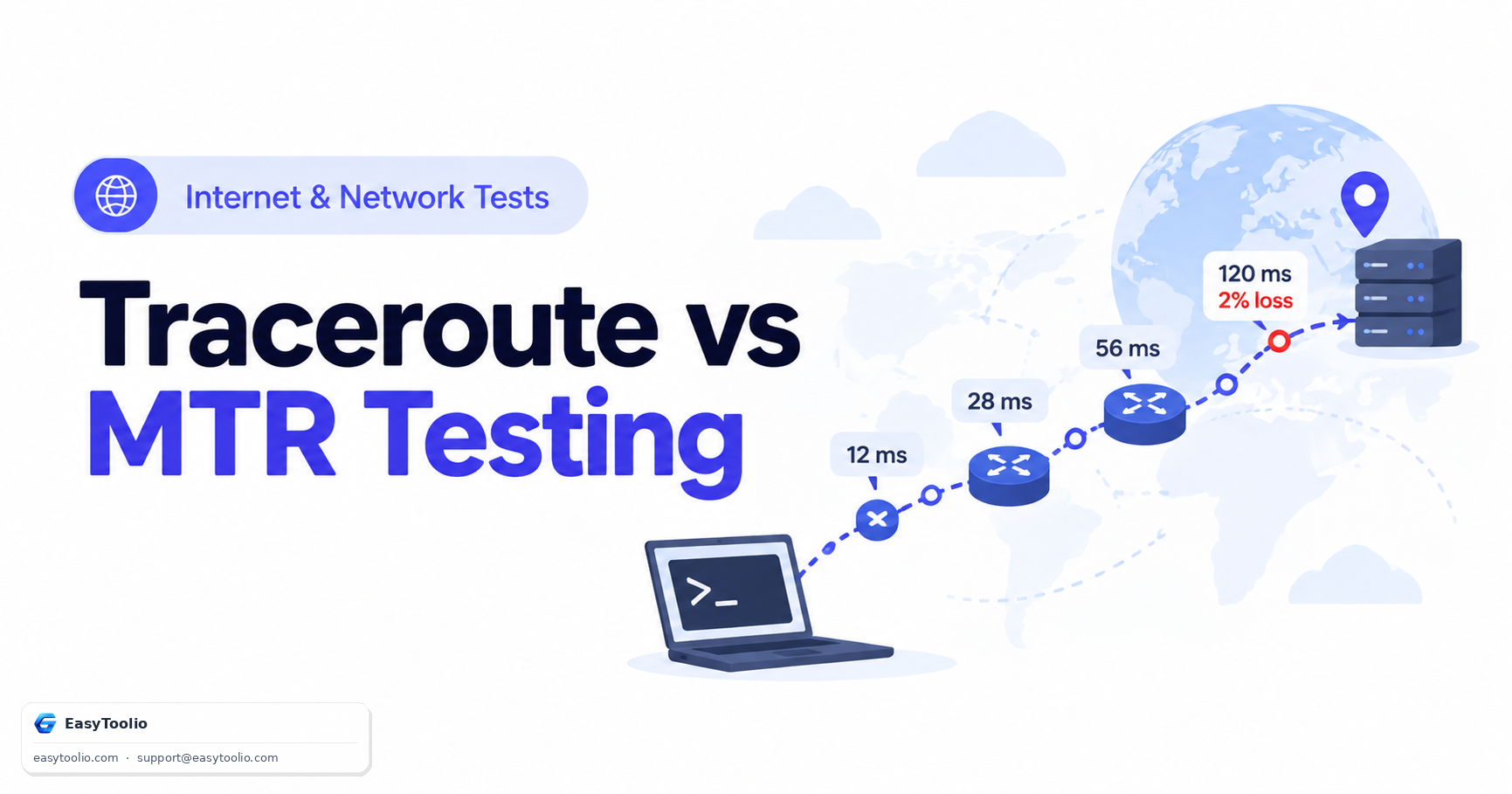
Complete diagnostic guide to Traceroute and MTR (My TraceRoute). Learn how IP TTL expiration works, compare ICMP/UDP/TCP probing methods, and identify false intermediate packet loss.
One is explicitly playful entertainment with no claimed predictive basis; the other draws on a defined belief system with its own calculation rules. Conflating the two undersells what numerology practitioners actually do.
Be the first to rate Webcam Test
Search 250+ free tools by name, or pick a category below. Every one runs instantly in your browser — no signup, nothing to install.
Tap a star to rate Webcam Test.