Liquid Crystal Pixel Transitions
LCD pixels physically rotate to filter backlight illumination. Transition speed between luminance states determines visual trailing.
Check your monitor for visible ghosting, motion blur, dark smearing and inverse ghosting with an interactive browser motion test.
Faster motion speeds can make liquid crystal pixel response trailing and overdrive overshoot halos easier to see with the naked eye.
Mid-gray transitions make most standard trailing visible. Dark backgrounds expose black smearing, while light backgrounds expose inverse ghosting overshoot.
Some high-contrast or rapidly moving patterns may cause eye fatigue or discomfort. If you are sensitive to motion or high-contrast patterns, use the standard moving block test or pause the motion at any time.
Browser frame timing provides an estimate of frame delivery cadence, but it does not directly read your monitor\'s physical hardware refresh-rate setting or millisecond response time.
Change the Overdrive / Response Time setting in your monitor\'s physical menu, then switch profiles here to compare the same motion pattern.
Click the visual state that matches what you see on screen to receive tailored calibration tips.
Observations are stored strictly in your local browser storage alongside current motion velocity and frame delivery metrics.
LCD pixels physically rotate to filter backlight illumination. Transition speed between luminance states determines visual trailing.
Excessive voltage overdrive forces pixels past their intended color values, producing bright or dark inverse halos around moving edges.
Human eyes smoothly track continuous movement across static frame holds, generating retinal motion blur that is reduced by higher refresh rates or backlight strobing.
Pursuit camera technique matches camera pan speed with display motion velocity to capture accurate, blur-free sub-frame pixel response behavior.
Quick answers about how this tool works.
Plain-language explainers that sit next to this tool.
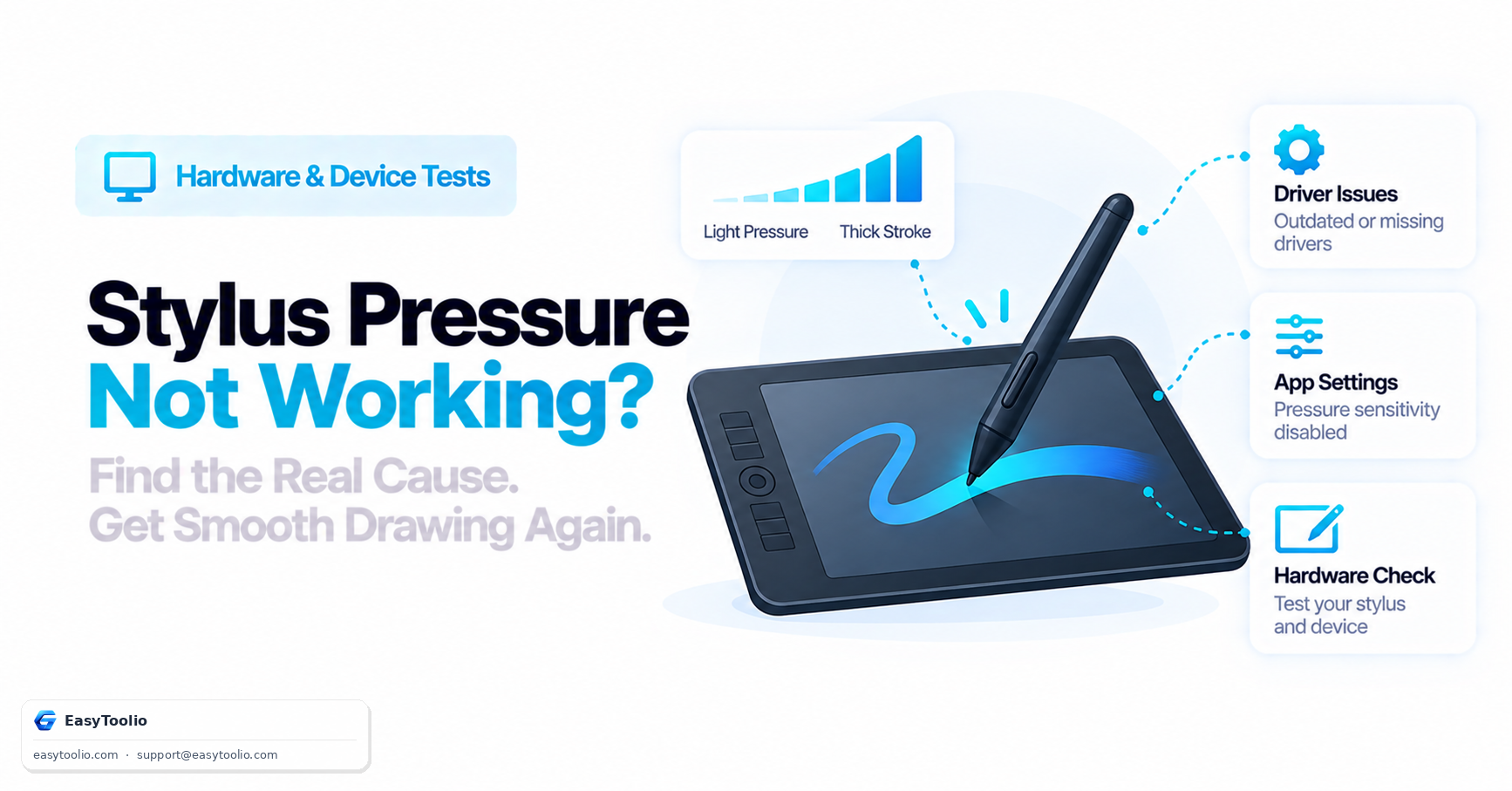
Understand how stylus pressure sensitivity actually works via the Pointer Events API, the most common causes of broken pressure response, and how to isolate a driver issue from an app setting.
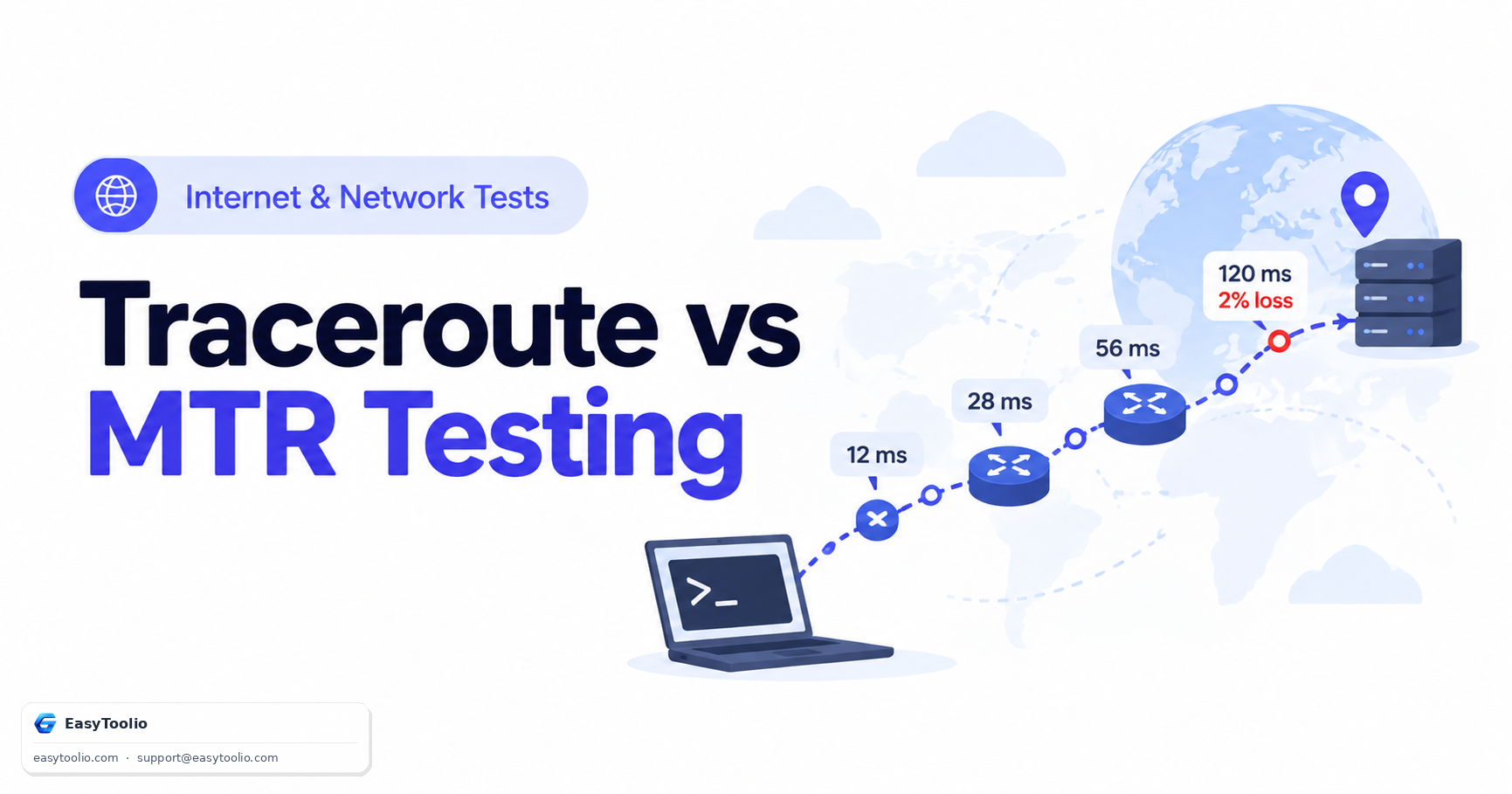
Complete diagnostic guide to Traceroute and MTR (My TraceRoute). Learn how IP TTL expiration works, compare ICMP/UDP/TCP probing methods, and identify false intermediate packet loss.
One is explicitly playful entertainment with no claimed predictive basis; the other draws on a defined belief system with its own calculation rules. Conflating the two undersells what numerology practitioners actually do.
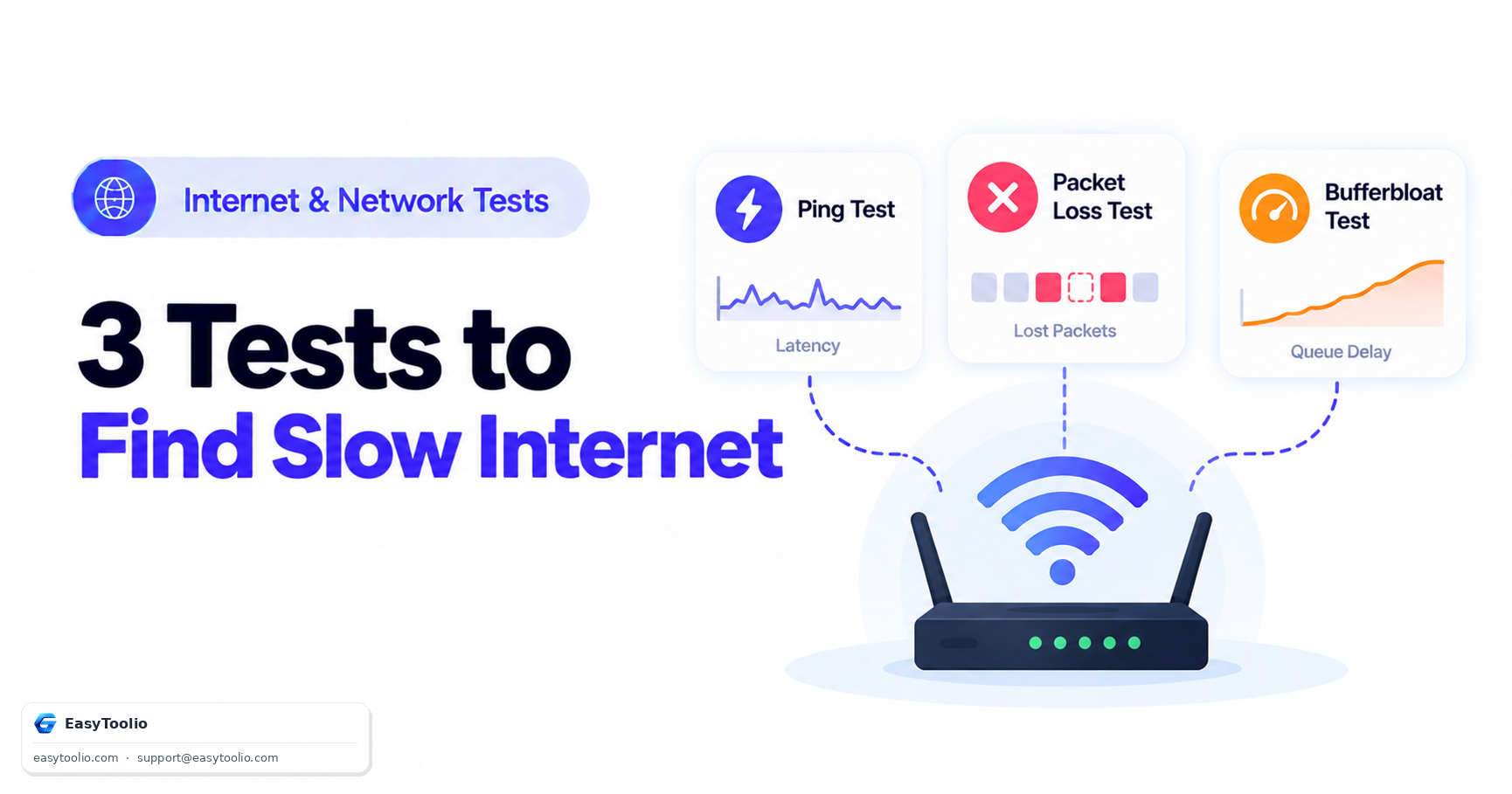
A speed test alone cannot explain laggy video calls or stuttering games. This three-test decision tree — ping, packet loss, and bufferbloat — pinpoints the actual cause instead of re-running the same download number.
Be the first to rate Monitor Ghosting Test
Search 250+ free tools by name, or pick a category below. Every one runs instantly in your browser — no signup, nothing to install.
Tap a star to rate Monitor Ghosting Test.