How to Test a Microphone
Grant browser access to your audio input device and speak into the mic to evaluate volume gain, RMS levels, peak indicators, and waveform responsiveness.
Test your microphone online for free. Check microphone volume, input level, noise, clipping, waveform and audio activity directly in your browser.
Microphone Inactive
Click "Start Microphone Test" above to request permission and begin real-time audio analysis.
Customize browser audio processing constraints. Changing settings will apply upon restarting or switching streams. Note: Some browsers or OS drivers may override these constraints.
Audio is analyzed locally in your browser. Recordings stay in this browser session unless you explicitly download them. Audio is never transmitted to remote servers.
Awaiting microphone test initiation.
Test has not been started yet. Click "Start Microphone Test" above.
Click Start Microphone Test and speak into your microphone.
If microphone access was denied or rejected:
If the meter registers below -35 dBFS when speaking:
If repeated peaks hit 0 dBFS causing harsh distortion:
If noise floor registers above -40 dBFS during silence:
If audio is muffled or picking up keyboard clicks:
Important browser-specific audio constraints:
Grant browser access to your audio input device and speak into the mic to evaluate volume gain, RMS levels, peak indicators, and waveform responsiveness.
Confirm that input level indicators respond dynamically to voice signals without staying completely flat at 0% or frozen at maximum levels.
Common causes include revoked browser permissions, hardware mute switches, incorrect OS default input assignment, outdated audio drivers, or loose physical connectors.
Compare peak dB levels while speaking at normal conversation volumes versus whispering to ensure balanced gain staging for voice calls and recording.
Digital clipping occurs when incoming sound exceeds 0 dBFS (Decibels relative to Full Scale), flattening waveform peaks and creating harsh digital distortion.
Background noise floor measures ambient hum, electrical buzz, or fan noise captured when you are silent. High noise floors obscure voice clarity.
Using the W3C MediaDevices API and Web Audio AnalyserNode, the browser samples audio buffers locally and calculates real-time frequency and time-domain metrics.
1. Check physical connections & mute toggles. 2. Verify browser permission prompts. 3. Select the exact input device in device dropdown. 4. Adjust OS input volume level. 5. Test across alternative applications.
Quick answers about how this tool works.
Plain-language explainers that sit next to this tool.
Understand how stylus pressure sensitivity actually works via the Pointer Events API, the most common causes of broken pressure response, and how to isolate a driver issue from an app setting.
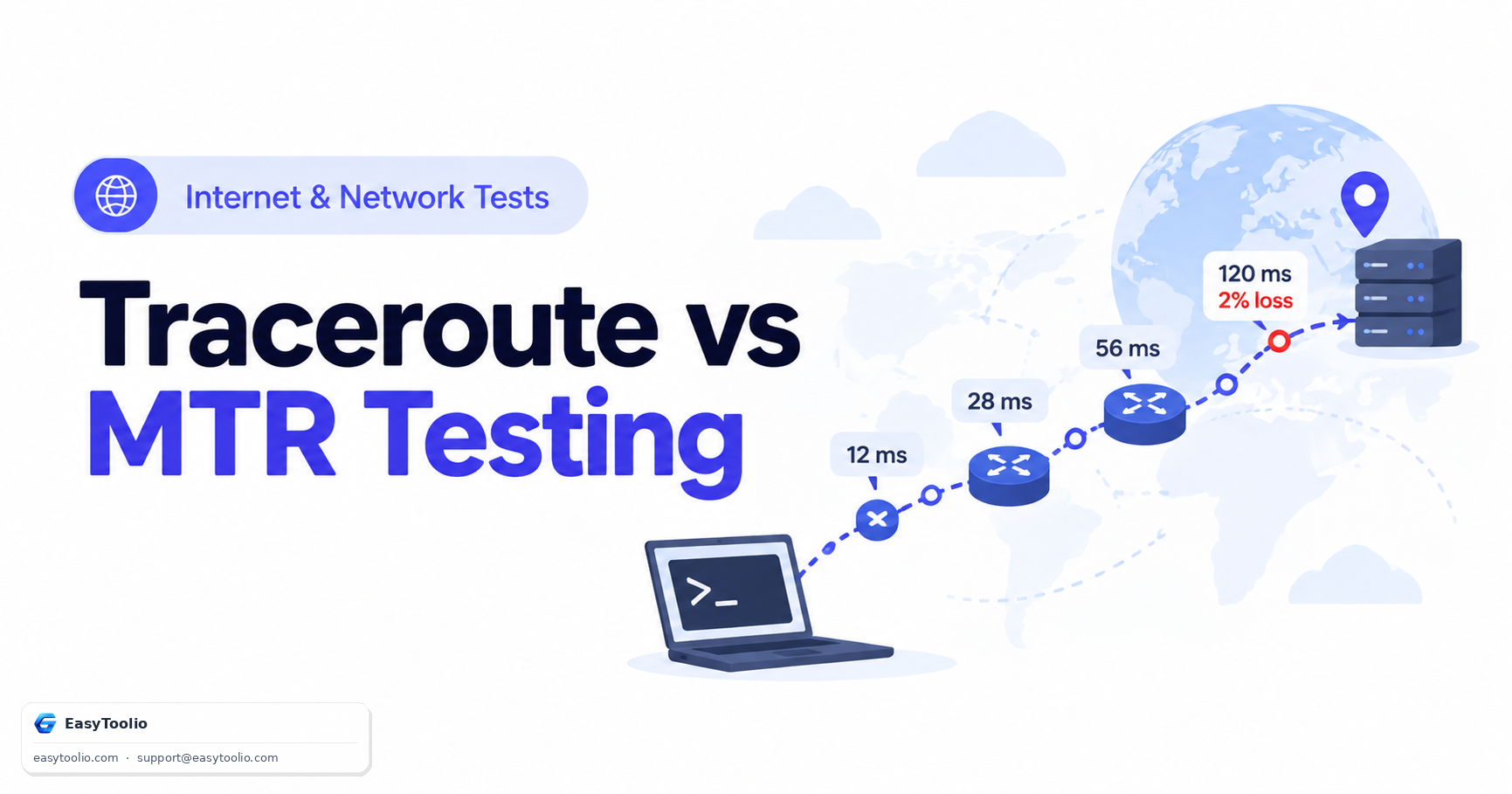
Complete diagnostic guide to Traceroute and MTR (My TraceRoute). Learn how IP TTL expiration works, compare ICMP/UDP/TCP probing methods, and identify false intermediate packet loss.
One is explicitly playful entertainment with no claimed predictive basis; the other draws on a defined belief system with its own calculation rules. Conflating the two undersells what numerology practitioners actually do.
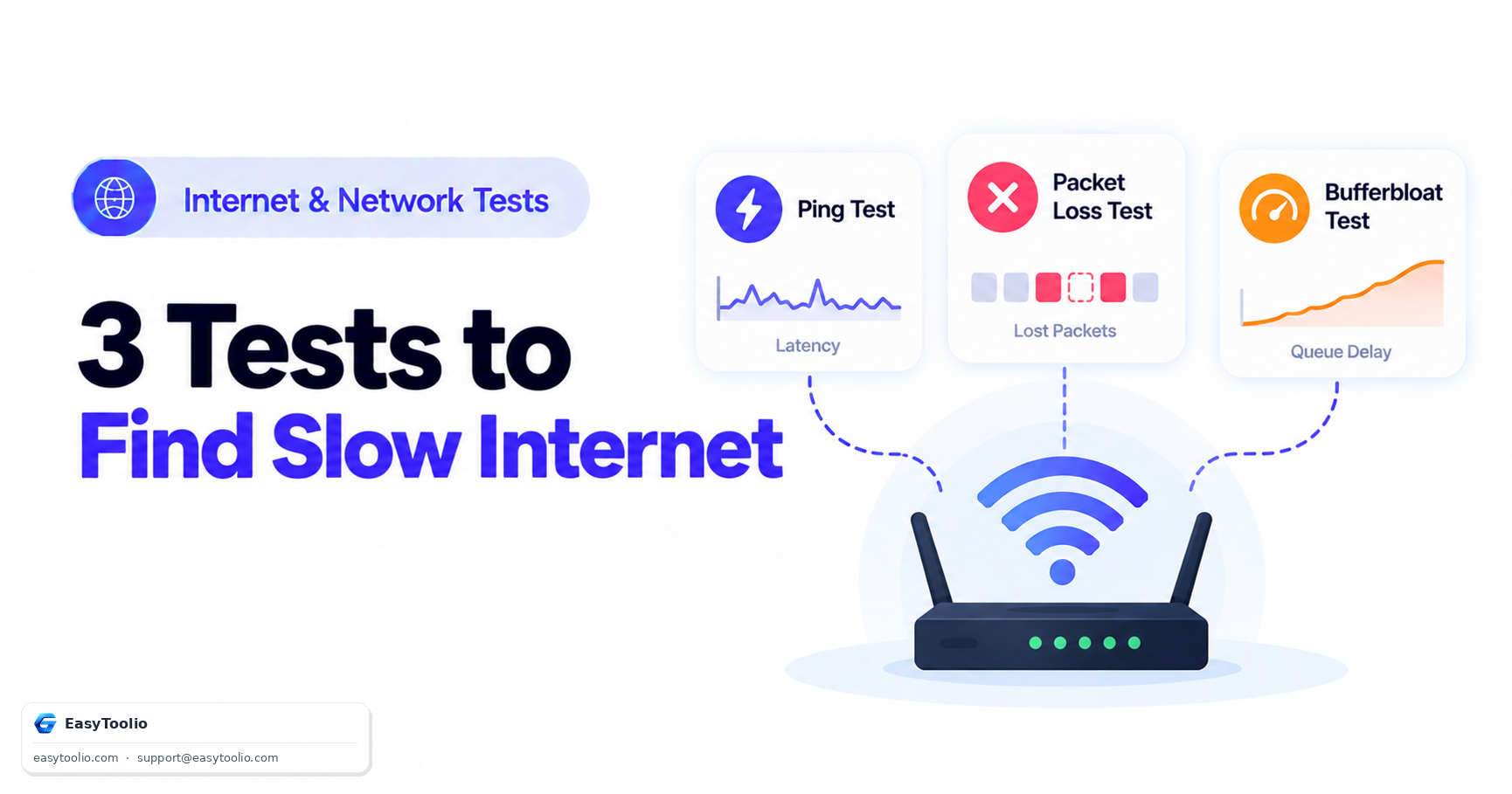
A speed test alone cannot explain laggy video calls or stuttering games. This three-test decision tree — ping, packet loss, and bufferbloat — pinpoints the actual cause instead of re-running the same download number.
Be the first to rate Microphone Test
Search 250+ free tools by name, or pick a category below. Every one runs instantly in your browser — no signup, nothing to install.
Tap a star to rate Microphone Test.