Laptops, phones, and tablets almost universally run on lithium-ion or lithium-polymer rechargeable batteries. These chemistries are excellent for energy density, but they degrade gradually and permanently with use — the question isn't whether your battery will lose capacity, but how fast, and how much of that rate is within your control.
Direct Answer: A charge cycle is completed once you've used the equivalent of 100% of a battery's capacity, whether that happens in one full discharge or is spread across several partial ones — using 40% today and 60% tomorrow adds up to one full cycle, not two. Most modern laptop and phone batteries are commonly rated for somewhere in the range of a few hundred cycles (figures vary significantly by manufacturer and battery chemistry — always check your specific device's published spec rather than assuming a number) before capacity noticeably drops. Keeping a battery away from the extremes of its charge range — broadly, not sitting fully charged or fully drained for long stretches — is widely recommended by manufacturers and battery researchers as a way to slow chemical wear, which is the idea behind the popular "20–80% charging" guideline.
1. Calculating Battery Health (Wear Level)
Battery Health (%) = (current maximum charge capacity ÷ original design capacity) × 100
Worked example: A laptop battery originally designed to hold 50 Wh, which now only charges up to a measured 42 Wh, has degraded to:
(42 ÷ 50) × 100 = 84% battery health (16% capacity wear)
This is the same basic calculation your OS uses when it reports "battery health" or "maximum capacity" in system diagnostics — it's simply comparing today's real maximum against the battery's original factory rating.
2. Why Batteries Degrade — The Short Version
Lithium-ion cells wear out through a combination of mostly unavoidable chemical processes, accelerated by a few controllable factors:
- Cycle count. Each full charge/discharge cycle causes microscopic, cumulative changes to the battery's internal chemistry that slightly reduce how much charge it can hold going forward.
- Time at high state of charge. Sitting at or near 100% for extended periods, especially combined with heat, is one of the more significant accelerants of long-term capacity loss according to battery research and most manufacturers' own guidance.
- Heat. Elevated temperature speeds up nearly every degradation mechanism in lithium-ion chemistry — a battery that runs hot (from heavy use, poor ventilation, or being charged while under load) will generally age faster than one kept cool.
- Deep discharges. Regularly draining a battery close to 0% is also generally discouraged, though modern devices' battery management systems limit how deep a "0%" reading actually goes at the cell level.
3. Practical Guidance
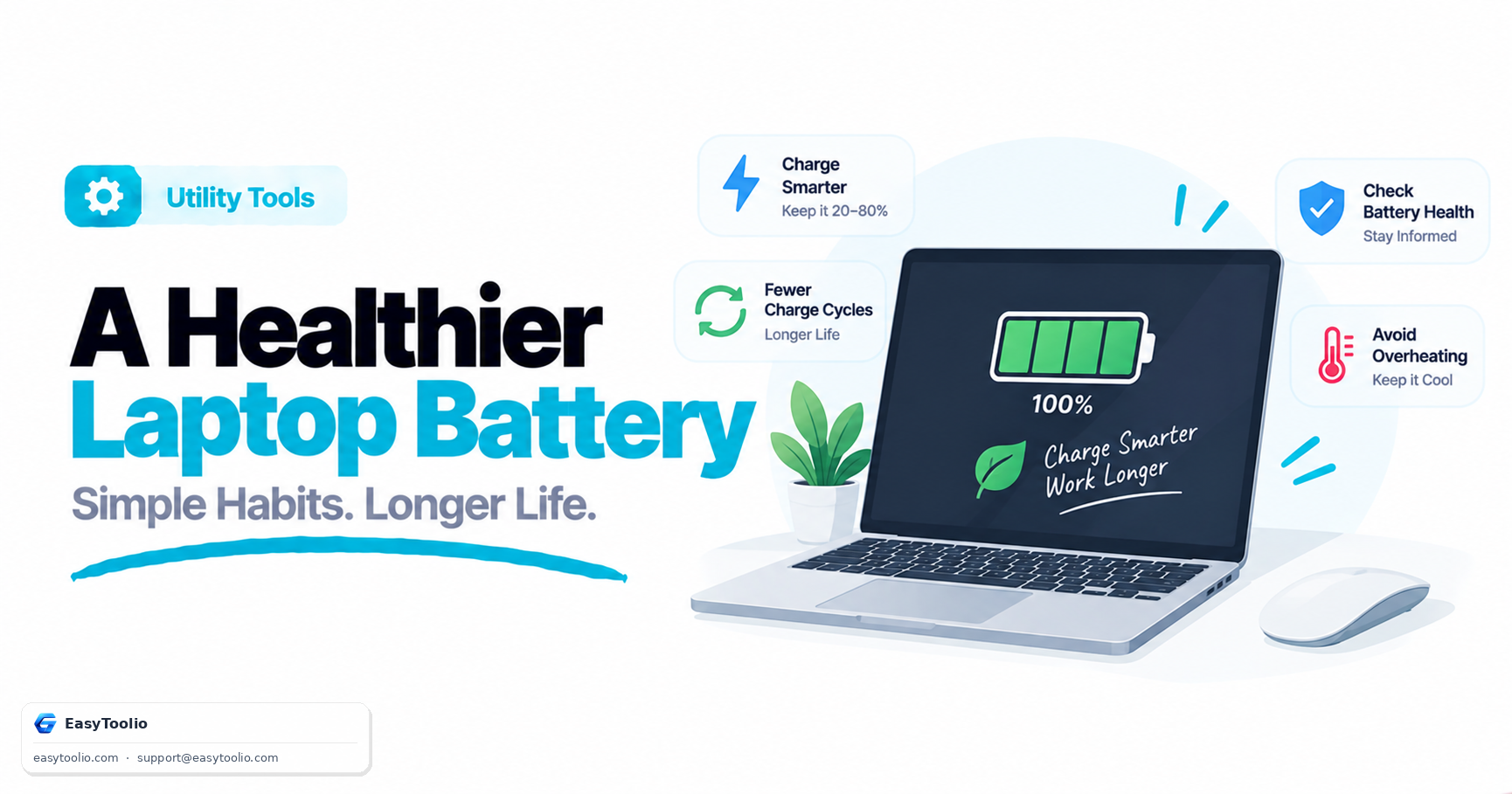
- Avoid extremes when it's convenient to. Keeping day-to-day charge roughly between 20% and 80% is a reasonable target for a laptop that's mostly plugged in at a desk, without needing to be obsessive about it.
- Use manufacturer charge-limiting features if available. Many laptop vendors offer a setting (often called something like "battery health mode" or a charge threshold) that stops charging around 80% for exactly this reason — worth enabling on a machine that spends most of its life plugged in.
- Keep it cool. Avoid charging a laptop while it's under heavy sustained load in a poorly ventilated space, and don't leave devices in hot cars or direct sun for extended periods.
- Don't panic about occasional full charges or deep discharges. Everyday use — including the occasional 100% charge before travel, or letting a phone run down further than usual — has a negligible individual impact; it's the sustained pattern over months and years that matters most.
4. How Browsers and Operating Systems Report Battery Data
Browser layer  ──► Battery Status API (where supported) reports basic level, charging state, estimated time remaining
OS layer       ──► System battery diagnostics query the hardware controller for detailed capacity and cycle-count data
Physical cell  ──► The actual lithium-ion chemistry, which is what's really degrading over time
Browsers generally expose only basic battery information, and some browsers have scaled back what they report over time due to privacy considerations around device fingerprinting. For a detailed capacity and cycle-count report, an OS-level battery report (available through built-in utilities on most major operating systems) will typically give more complete data than anything a website can read directly.
Check your current battery status and estimated runtime with our battery health test, inspect what your browser can see about your device with browser info, and run a broader device hardware check alongside it.
Frequently Asked Questions
Should I keep my laptop plugged in all the time?
It's generally fine for short-to-medium stretches, since most modern laptops stop actively charging once full. The bigger long-term factor is sustained time spent at or near 100% combined with heat — if your laptop lives on a desk permanently plugged in, using a manufacturer-provided charge limit (often around 80%) is a reasonable way to reduce that stress.
How many charge cycles will my battery actually last?
It varies significantly by device, battery chemistry, and how the battery is treated day to day — check your specific manufacturer's published rating rather than assuming a universal figure, and treat any number you see as a rough guide rather than a guarantee.
Does fast charging damage batteries faster than slow charging?
Fast charging generates more heat during the charging process, and heat is one of the more significant accelerants of battery wear, so frequent fast charging can contribute to somewhat faster degradation over time compared to slower charging — though modern devices include thermal management specifically to limit this effect.
Is it bad to let my phone or laptop battery drop to 0%?
Occasional full discharges aren't a major concern, but regularly running a battery all the way down is generally discouraged, since deep discharges are one of several stress factors that can accelerate long-term capacity loss.
Can I replace a degraded battery instead of the whole device?
On many laptops and most phones, yes, though feasibility depends heavily on the specific model — some devices have easily accessible, user-replaceable batteries, while others require a professional repair service due to sealed or glued-in designs.
Does calibrating a battery (fully draining then fully charging) restore lost capacity?
Not in the way many people assume. Occasionally running a full discharge/charge cycle can help some battery gauges recalibrate their percentage readout so it more accurately reflects true remaining charge, but it does not reverse the underlying chemical capacity loss — a battery reporting 85% health will still report roughly 85% health after calibration, just with a more accurate number.