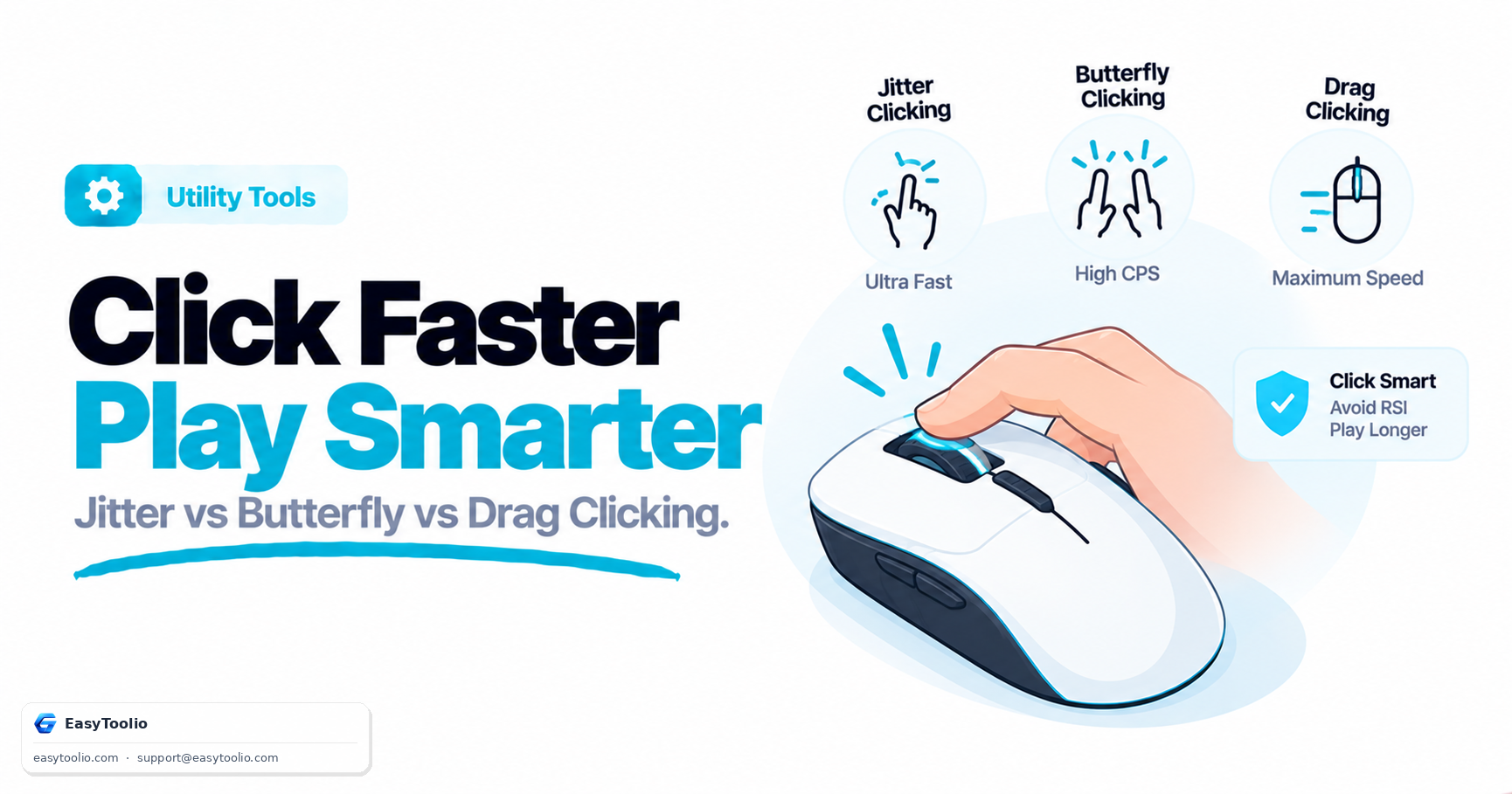
In competitive online gaming — Minecraft PvP is the classic example — Clicks Per Second (CPS) measures how many times you can press and release a mouse button in one second, and it directly affects attack rate and combo speed. Players have developed several specialized physical techniques to push CPS well beyond what a relaxed, single-finger click can achieve.
Direct Answer: A relaxed, single-finger click typically lands around 5–8 CPS. Jitter clicking — tensing the forearm and wrist to make the index finger vibrate against the button — commonly reaches roughly 10–14 CPS. Butterfly clicking — alternating two fingers rapidly on the same button — can push into the 15–25+ CPS range. Drag clicking — dragging a fingertip across a textured mouse button to exploit the switch's mechanical bounce — can register 20-30+ CPS, though a meaningful part of that number comes from the mouse's hardware registering bounce as extra clicks rather than pure finger speed, which is why it's treated as an exploit rather than a technique in many competitive settings.
1. Technique Comparison
| Technique | Typical CPS Range | What Drives the Speed | Skill vs. Hardware Dependent | Strain/Injury Risk |
|---|---|---|---|---|
| Standard click | ~5–8 | Simple index-finger tap | Mostly skill | Low |
| Jitter click | ~10–14 | Rapid forearm/wrist muscle vibration | Mostly skill, some hardware durability needed | Higher — repetitive muscle strain |
| Butterfly click | ~15–25+ | Alternating two fingers on one button | Mix of skill and switch responsiveness | Moderate |
| Drag click | ~20–30+ | Fingertip friction exploiting switch bounce | Heavily hardware-dependent | Low, but widely restricted/banned |
2. How a CPS Test Actually Measures You
Browser-based click tests work by timing a fixed window (commonly a few seconds) and counting how many mousedown events register in that window:
Timer starts ──► count each mousedown event ──► timer ends at N seconds ──► CPS = total clicks ÷ N
The length of the test window matters more than people expect. A 1-second test heavily rewards a short, explosive burst, while a 10 or 20-second test rewards sustained pace and will almost always produce a lower average CPS, since fatigue sets in. When comparing your own scores over time, use a consistent test duration — comparing a 1-second burst score to a 10-second sustained score isn't a fair comparison.
3. Learning the Techniques
Jitter clicking
Rest your forearm firmly on the desk or mousepad, keep your wrist stiff, and tense the forearm muscles in short bursts so the vibration transfers down into your index finger against the button. It takes practice to control, and it's the technique most associated with muscle fatigue since it works against normal, relaxed finger movement.
Butterfly clicking
Rest your index and middle finger both on the same mouse button and alternate tapping them as fast as possible, effectively doubling your click rate compared to using one finger. This depends more on a mouse's switches being able to register fast alternating presses cleanly than on raw muscle effort, which is why not every mouse performs the same under butterfly clicking.
Drag clicking
Using a mouse with a textured (often matte or ridged) button surface, you drag a fingertip firmly across the button rather than pressing it. The friction combined with the switch's natural mechanical bounce can register far more clicks per second than any finger could physically press — this is a hardware exploit rather than a demonstration of skill, and many Minecraft PvP servers and tournaments explicitly disallow it.
4. Debounce Time and Why It Matters Here
Mouse firmware applies a small delay called debounce time after each click to prevent the switch's natural mechanical bounce from being misread as multiple rapid clicks. Gaming mice that let you lower this debounce time closer to zero make techniques like drag clicking dramatically more effective, since less bounce gets filtered out — which is exactly why competitive rulesets that ban drag clicking often also restrict extremely low debounce settings.
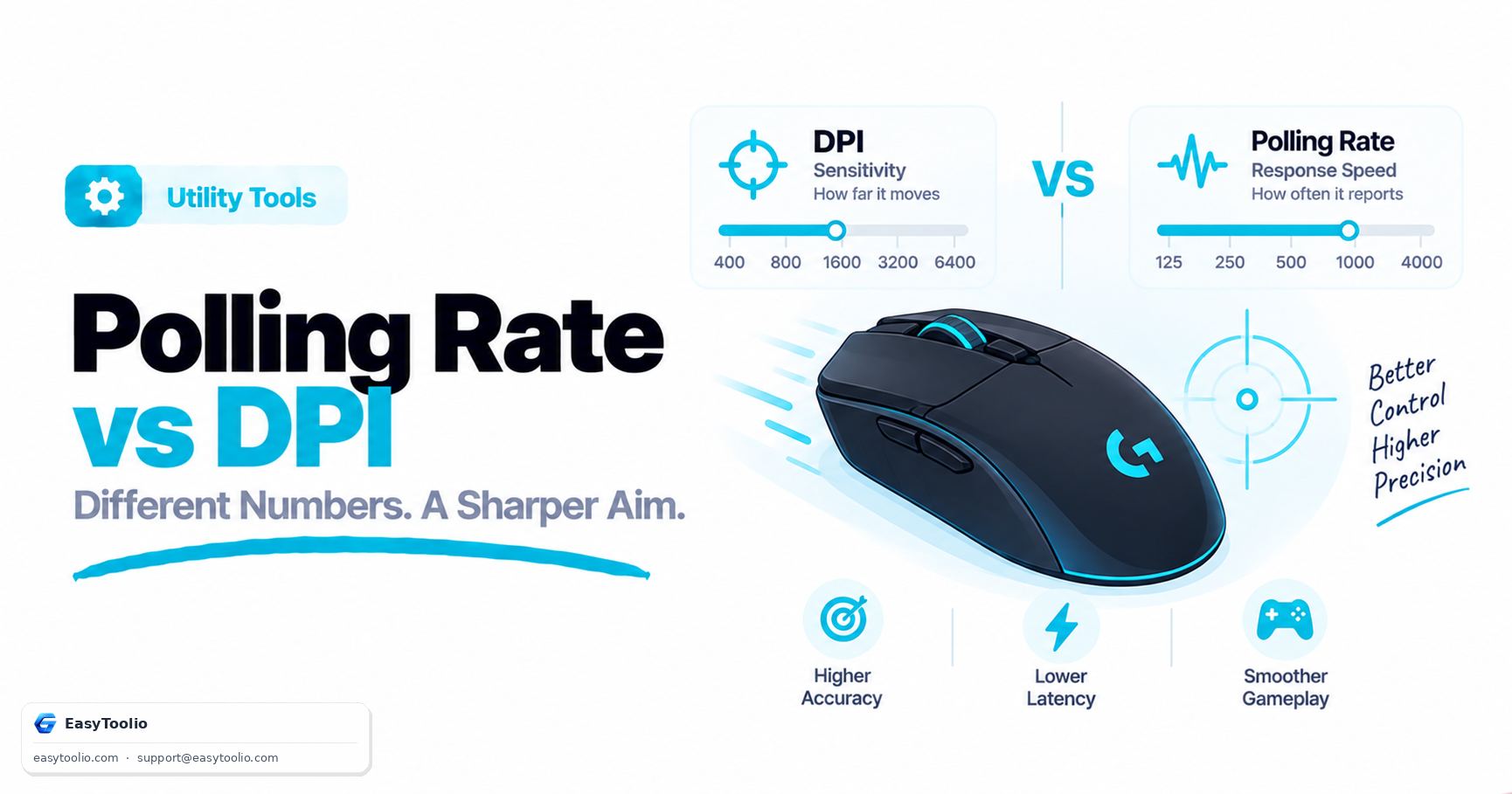
Test your real clicking speed with our click speed test, check your mouse's button and switch responsiveness with the mouse tester, evaluate accuracy under fast clicking with the mouse accuracy test, and see how drag-click-capable your hardware is with the mouse drag test. For a broader look at overall reaction and input speed, try the APM test, and see how polling rate and DPI affect precision in our guide on mouse polling rate vs. DPI.
5. Protecting Your Hands
High-CPS techniques, jitter clicking especially, put repetitive strain on tendons that aren't designed for sustained rapid-fire tension. If you practice regularly:
- Take breaks every 10–15 minutes rather than grinding continuously.
- Stretch your fingers, wrist, and forearm before and after sessions.
- Stop immediately if you feel sharp pain rather than normal muscle fatigue — that's a warning sign, not something to push through.
- Consider that consistent, moderate CPS with good aim usually outperforms brief bursts of maximum CPS in actual gameplay.
Frequently Asked Questions
Can jitter clicking cause long-term hand injury?
It can contribute to repetitive strain injury (RSI) or tendon irritation if done frequently without breaks, since it relies on sustained muscle tension in an unnatural pattern. Moderation and stretching meaningfully reduce the risk.
Is drag clicking considered cheating?
In many competitive Minecraft PvP communities and servers, yes — because the CPS achieved comes largely from exploiting mechanical switch bounce rather than genuine finger speed, it's frequently banned in ranked or tournament play even though it's not illegal or against any platform's terms of service by itself.
Does mouse choice really affect my CPS?
Yes, meaningfully for butterfly and drag clicking especially. Switch responsiveness, debounce settings, and button surface texture all change how effectively a given technique translates into registered clicks — jitter clicking is the least hardware-dependent of the techniques since it relies mostly on muscle control.
What's considered a good CPS for casual Minecraft PvP?
There's no official threshold, but many casual players find standard or light jitter clicking in the high single digits to low double digits (roughly 6-12 CPS) sufficient for enjoyable combat — competitive tournament players often train well beyond that.
Will practicing jitter or butterfly clicking improve my aim too?
Not directly — CPS techniques improve click rate, not tracking accuracy or aim. Aim improvement comes from separate practice with your mouse's sensitivity and movement, which is why pairing a CPS test with an accuracy test gives a more complete picture of your mouse skill.