Notification
Go to Home All Tools Compare Glossary Blog Contact

Mouse Accuracy Test

Test your mouse accuracy, target acquisition, and click precision online. Measure target hit rates, click offset, reaction time, and cursor control with real-time feedback.

Best on Desktop
Desktop Recommended: Best experienced on a laptop or desktop computer.
Browser-based No installation Instant results
Pointer Precision API
Select Test Mode
Targets
Target Size
Options

READY TO TEST

Click Start, then hit each target as accurately as you can.

For the most relevant result, use a physical mouse on a desktop or laptop. Press Space or Enter to begin.

Personal Best (Current Mode & Settings)

Best Accuracy --%
Best Reaction -- ms
Lowest Offset -- px

Local Test History

Mode Accuracy Reaction Click Offset
No recent test records.
How this test scores you

Understanding Browser-Based Mouse Accuracy & Click Precision

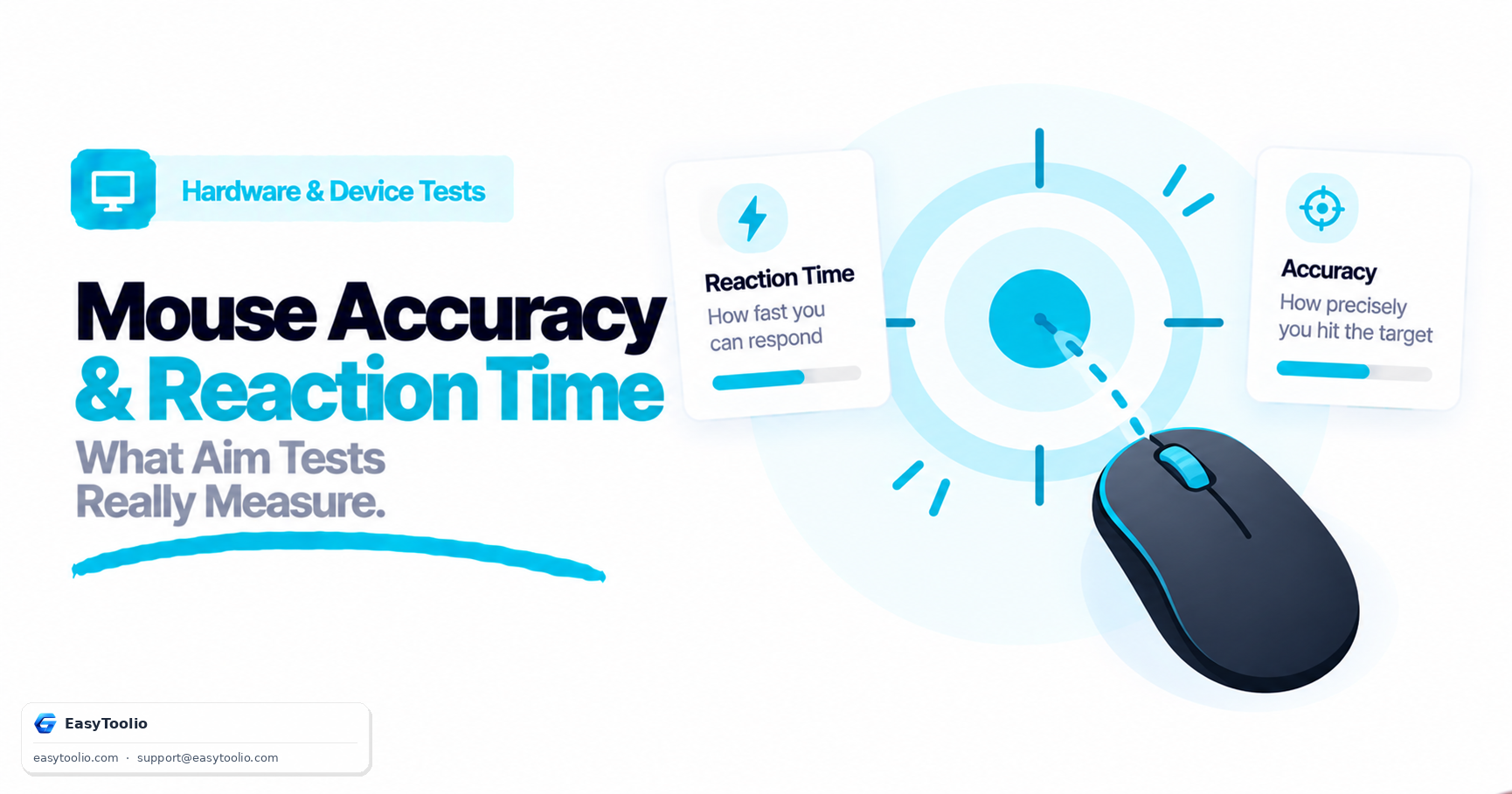
A Mouse Accuracy Test measures how often you hit on-screen targets, how close those hits land to the centre, and how quickly you acquire each target. It is not a CPS (clicks-per-second) test and it does not read hardware DPI. The percentage on the result sheet uses one official hit-ratio formula, except in Tracking mode, which uses on-target time instead.

Official score (Precision, Speed, Flick, Random)

Accuracy (%) = Hits ÷ (Hits + Misses) × 100. Clicks outside the target count as misses, so extra clicking cannot inflate the score.

Tracking mode only

Tracking accuracy (%) = time on target ÷ session time × 100. Hits and misses are still counted for context, but the percentage is dwell time, not click ratio.

Click offset (CSS px)

For each hit, offset is the Euclidean distance from target centre: √(Δx² + Δy²). Average click offset is the mean of those hit distances. Lower is tighter centering.

Target reaction time

Milliseconds from the moment a target appears until a successful click. This is an extra metric on the result sheet, not a second accuracy percentage.

Why size and distance feel different

Smaller and farther targets are harder — the scoring formula does not change

Small, Flick, and far-apart targets are simply more difficult to hit. The session percentage still uses Hits ÷ (Hits + Misses) × 100 (or on-target time in Tracking). Changing size or mode does not switch in a second scoring equation.

Configuration & Ergonomics

Operating System Settings, Sensitivity & Observed Cursor Distance

Mouse Acceleration

For repeatable gaming-style comparisons, keep your operating-system pointer acceleration and sensitivity settings consistent between sessions. Windows "Enhance pointer precision" introduces speed-dependent pointer displacement that changes cursor feel.

DPI & Sensitivity

DPI (Dots Per Inch) determines cursor displacement per physical inch of travel. Higher DPI increases cursor speed, which can make micro-corrections more sensitive. Choose a comfortable sensitivity that balances reach with center precision.

Observed Cursor Distance

This metric represents cumulative pixel displacement in browser coordinate space. It does not measure physical desk movement distance, as browser events do not capture surface travel without calibrated hardware counts.

Technical Scope & Privacy

What This Browser Test Can and Cannot Measure

This tool is designed to test your session-specific target acquisition, click precision, and cursor consistency within a standard web browser. To maintain absolute technical credibility, it is important to understand what a browser application can and cannot observe:

  • What it measures: Browser-rendered target hits, misses, Euclidean click offset from target centers, acquisition reaction time, and cursor path trajectory in CSS pixels.
  • What it cannot measure: True hardware optical sensor DPI, polling rate, USB/wireless latency, hardware debounce timing, sensor smoothing, or physical hand motion on a mousepad.
  • Privacy guarantee: Test input is processed entirely in your browser. This tool does not upload your pointer coordinates or click positions to external servers.
Education

Understanding Mouse Accuracy & Spatial Metrics

01

Hit-Ratio Mathematics

Official score: Accuracy (%) = Hits ÷ (Hits + Misses) × 100. Tracking mode instead uses time on target ÷ session time × 100.

02

Euclidean Click Offset

Euclidean distance √(Δx² + Δy²) in CSS pixels measures deviation from target centers to evaluate precise hand placement.

03

Target Reaction Time

Target reaction latency measures elapsed milliseconds between visual target spawn and successful click registration.

04

Click Distribution Heatmap

Visual spatial mapping highlights systematic click offsets, revealing whether user aiming tends to under-flick or over-flick.

05

Client-Side Privacy

Test input is processed in your browser. This tool does not upload your pointer coordinates or click positions.

Good to know

Questions, answered

Quick answers about how this tool works.

Select a test mode and target size, click Start Test inside the target arena, and click each visual target as accurately and quickly as possible. The tool calculates your hit percentage, average reaction time, and click distance offset.

It measures your ability to acquire visual targets accurately and consistently on screen, evaluating hit rate percentage and the pixel distance between your click point and the target center.

Accuracy is Hits ÷ (Hits + Misses) × 100. Tracking mode instead uses time on target ÷ session time × 100. There are no hidden multipliers.

Click offset is the Euclidean distance in CSS pixels between the exact center of a target and the coordinate where your pointer registered a click. Lower offset values reflect tighter centering.

Was this tool helpful?

Be the first to rate Mouse Accuracy Test

Tap a star to rate instantly

What do you need to work out next?

Search 250+ free tools by name, or pick a category below. Every one runs instantly in your browser — no signup, nothing to install.

AI ADVISOR & COACH

Ask AI Advisor

Ask AI