Notification
Go to Home All Tools Compare Glossary Blog Contact

CPS Test

Measure your clicking speed with our free online Click Speed Test. Find your Clicks Per Second (CPS) rate, track progress on a real-time graph, and share your score.

Desktop Recommended Hardware Diagnostics

CPS Click Test is specially optimized for mouse click trigger speed hardware testing. For the best precision and full layout diagnostics, we recommend opening this page on a desktop or laptop computer.

Select Test Duration:
Click Method:

Click inside this area to START

Supports mouse clicks, screen taps, or Space bar on desktop

Speed Clicking Techniques

👈 Regular Clicking (5-8 CPS)

Standard single-finger clicking. Safe, precise, and great for casual gaming and regular navigation.

✌️ Butterfly Clicking (9-16 CPS)

Alternating two fingers (index & middle) rapidly on the same mouse button. Popular in PVP gaming.

⚡ Jitter Clicking (10-14 CPS)

Vibrating arm & forearm muscles to rapidly pulse your finger. Fast, but requires practice.

🐉 Drag Clicking (15-30+ CPS)

Dragging a textured finger across the mouse button to register dozens of friction clicks in one swipe.

Test Pacing Progress 5.0s
Clicks 0
Live CPS 0.00
Personal Best (5s):
0.00 CPS
Shortcuts: Space Start | R Reset
CPS Consistency Rhythm Real-time pace
Speed Tier Benchmarks
🐌 Slow Snail < 2.0 CPS
🐢 Steady Turtle 2.0 – 4.0 CPS
🐇 Nimble Rabbit 4.0 – 6.0 CPS
🐆 Sprinting Leopard 6.0 – 8.0 CPS
🦅 Sky Falcon 8.0 – 10.0 CPS
⚡ Lightning Panther 10.0 – 12.0 CPS
🐉 Mythic Dragon 12.0 – 15.0 CPS
👑 Cyber Clicking God 15.0+ CPS

What is CPS (Clicks Per Second)?

View Full CPS Formula Guide

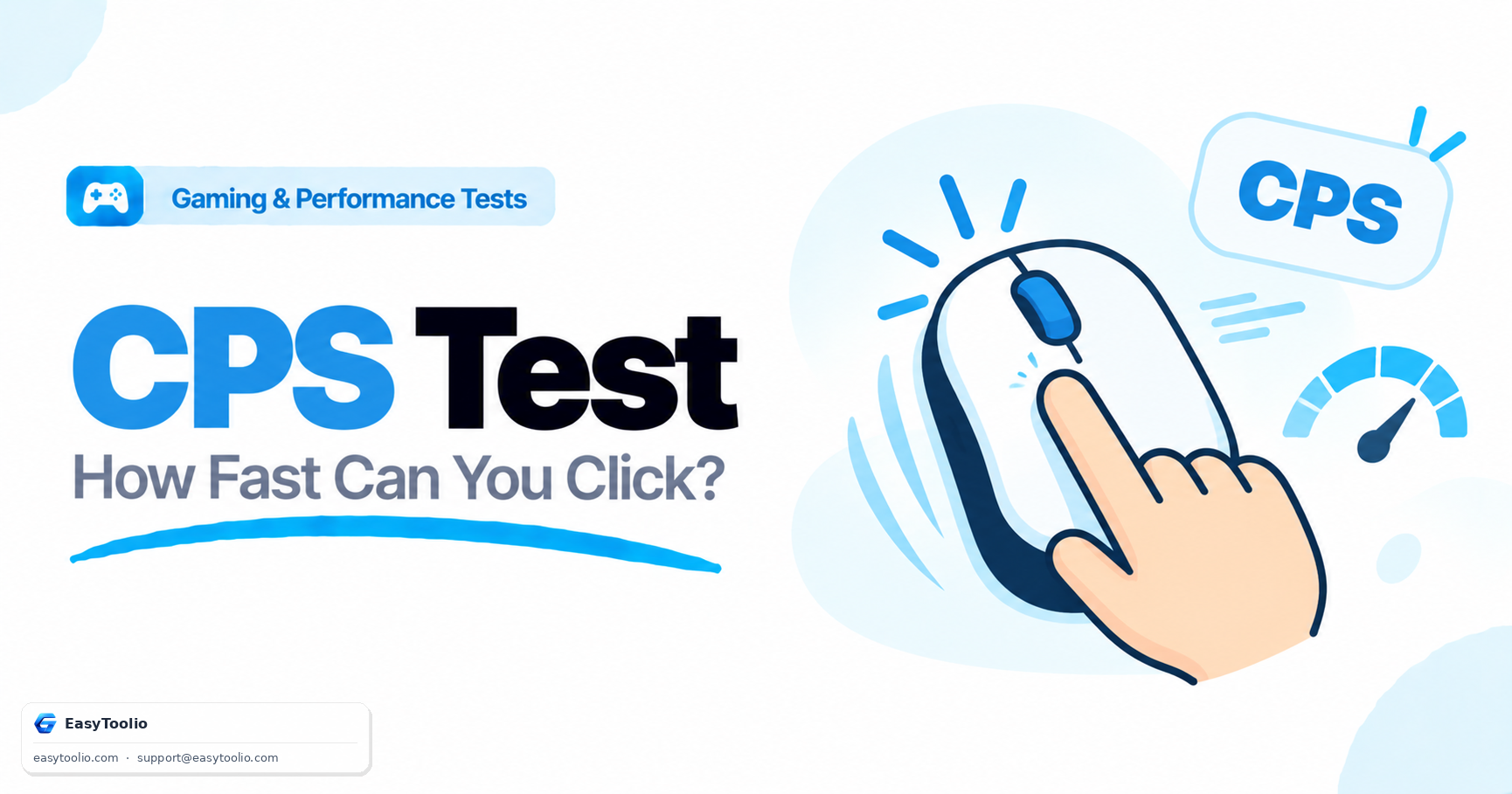
CPS stands for Clicks Per Second. It measures how many mouse clicks or touch screen taps you can execute per second during a timed test. CPS is widely used in competitive gaming (such as Minecraft PVP, FPS, and strategy games) to measure click speed, finger stamina, and mouse control.

CPS Formula = Total Clicks ÷ Test Duration in Seconds

Example: Registering 26 clicks during a 5-second test produces a speed score of 26 ÷ 5 = 5.20 CPS.

Reflex Training

AI Gaming Speed Trainer

Ask AI
Education

What Determines Your Clicking Speed

01

How CPS Is Calculated

Clicks Per Second is your total click count divided by the test duration in seconds. Because the math is a simple average, shorter intervals tend to reward short bursts of maximum effort while longer intervals reward sustained pace.
02

Clicking Techniques Explained

Jitter clicking uses controlled forearm muscle vibration to fire rapid clicks, butterfly clicking alternates two fingers on a single mouse button to roughly double single-finger speed, and drag clicking slides a finger across the button surface to exploit switch bounce.

03

Why Mouse Switches Matter

Optical and light-force mechanical switches reset faster after each press than standard office-mouse switches, directly raising the physical ceiling on how many clicks you can register per second regardless of technique.

04

Where CPS Actually Matters in Gaming

Fast, consistent clicking is a real competitive edge in click-intensive titles like Minecraft PvP (sword blocking and combos), osu! (rhythm accuracy), and other reflex-based browser and mobile games.

05

Balancing Speed With Control

Extremely high CPS from aggressive techniques can reduce click precision and increase hand strain, so most competitive players tune their technique to the fastest speed they can sustain without sacrificing accuracy or comfort.

Good to know

Questions, answered

Quick answers about how this tool works.

CPS stands for Clicks Per Second. It is a mathematical metric representing the average number of mouse clicks you can register in one second. It is calculated by dividing your total clicked count by the test duration in seconds.

You can increase your click speed by practicing specialized clicking techniques used by professional gamers, such as Jitter Clicking (vibrating your hand muscles), Butterfly Clicking (alternating between two fingers on one mouse button), or Drag Clicking (sliding a friction-heavy finger down the mouse clicker).

The average CPS for an ordinary computer user ranges between 4 to 6 clicks per second. Experienced competitive gamers can reach speeds of 10 to 14 CPS using standard grip variations, while advanced click techniques can achieve over 20 CPS.

Yes! The switch latency, actuation force, and click travel distance of your mouse significantly affect your clicks per second. Competitive gaming mice with light mechanical or optical switches enable faster reset times and higher CPS than basic office mice.

Yes! The EasyToolio Click Speed Test is completely free to use, requires no registration, and is optimized for both desktop mice and touchscreens (taps per second) on smartphones and tablets.

What do you need to work out next?

Search 205+ free tools by name, or pick a category below. Every one runs instantly in your browser — no signup, nothing to install.