Notification
Go to Home All Tools Compare Glossary Blog Contact

Spacebar Counter

Measure your spacebar clicking speed in Clicks Per Second (CPS) with our free online Spacebar Counter. Choose a timer, tap the spacebar, and share your score.

Best on Desktop
Desktop Recommended: Best experienced on a laptop or desktop computer.
Tapping Progress 5.0s
Spacebar Taps 0
Tapping CPS 0.0
Personal Best (5s): 0.00 CPS
SPACEBAR CPS OVER TIME Recorded during test
Rhythm Cadence
Tap-Interval Timeline Strip Variance: -- ms
Complete a test to view tap rhythm
0.0s Fast burst Steady Pause/Slow 5.0s

Session History & Performance Trends

Persistent local record of your last 20 tests. Filter by technique to view your spacebar CPS & rhythm consistency progression.

Filter Technique:
Spacebar CPS Progression Curve 0 tests recorded
Recent Sessions Last 20 Tests
Tapping Speed

AI Spacebar Coach

Ask AI
Keyboard Biomechanics

Biomechanical Mechanics of Rapid Spacebar Tapping & Switch Stabilizers

The spacebar is the widest and heaviest keycap on any computer keyboard (typically spanning 6.25u or 7.0u units in standard ANSI layouts). Because of its physical length and mass, rapid spacebar actuation presents unique mechanical and neuromuscular challenges compared to regular single-unit alphabetical keys.

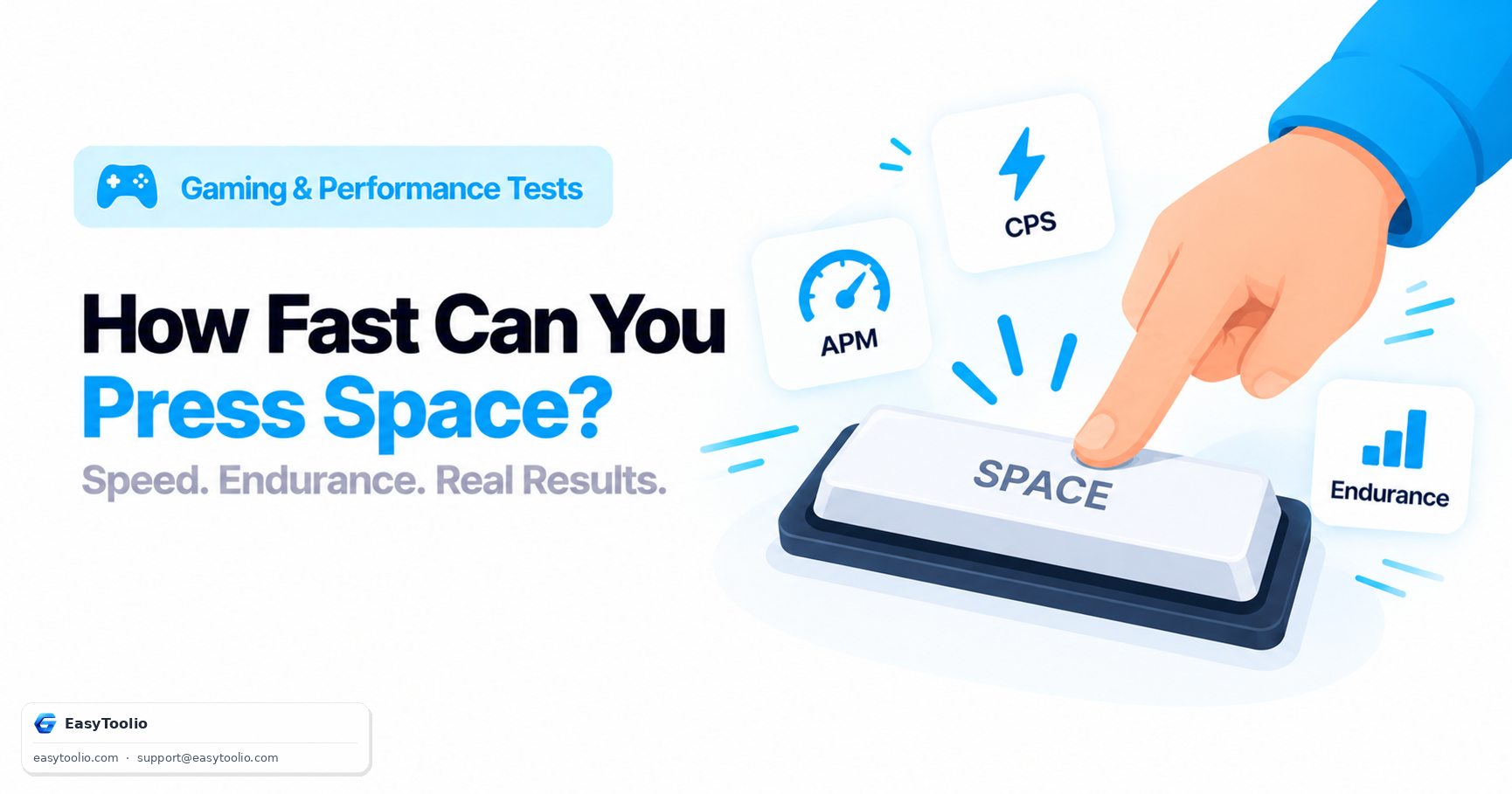
Achieving high Hits Per Second (HPS) or Spacebar CPS depends on three foundational factors:

  • Stabilizer Return Speed: Unlike small keys that sit solely on a single mechanical switch stem, the spacebar uses a metal wire stabilizer (Plate-mounted or PCB screw-in) to balance actuation across its entire length. If the stabilizer wire has excess friction, uneven wire balance, or thick unlubricated plastic housings, the keycap will "stick" and return sluggishly, capping your maximum tap speed.
  • Switch Spring Weight & Pre-Travel: Heavy tactile switches (like 65g Cherry MX Blue or Brown) require significant upward reset force and 2.0mm pre-travel before electrical registration. Speed switches (like 45g Kailh Silver or Hall Effect magnetic switches) register at just 1.0mm pre-travel and reset with minimal upward stroke, enabling effortless 12+ CPS bursts.
  • Tapping Method: Casual typists use a single-thumb wrist bounce (≈ 5–7 HPS). Advanced gamers use the alternating two-thumb technique (≈ 10–14 HPS) or butterfly index-thumb tapping on opposite sides of the bar.
Speed Benchmarks

Spacebar Tapping Speed (Hits Per Second) Benchmark & Skill Tiers

Compare your spacebar speed across global gaming percentiles, typical 5-second totals, and primary competitive use-cases:

Tapping Skill Tier Hits / Sec (HPS) 5-Sec Total Hits Primary Technique Gaming Application
Beginner Typist 3.0 – 5.5 15 – 27 Single Thumb Press (Resting Hand) Everyday office typing and casual web browsing
Casual Gamer 6.0 – 8.5 30 – 42 Single Thumb Wrist Bounce Standard jumping in RPGs & platformers
Fast Tapper / Rhythm Pro 9.0 – 11.5 45 – 57 Dual-Thumb Alternating Tap Geometry Dash, osu! mania, CS2 bunny hopping
Minecraft Speed Bridger 12.0 – 14.5 60 – 72 Butterfly Tapping (Index + Thumb) Breezily / God bridging in Minecraft PvP
World Record Competitor 15.0 – 18.0+ 75 – 90+ High-Frequency Jitter Forearm Spasm Competitive speed tapping leaderboards
Hardware & Technique Guide

How to Maximize Spacebar Tapping Speed: Stabilizers, Switches & Techniques

1

Lube & Mod Stabilizers

Rattling or sluggish spacebars occur when dry metal wires grind against plastic slider housings. Apply Krytox 205g0 or dielectric grease to the stabilizer wire bends and perform the "Holee mod" (inserting medical tape inside the slider) for instant, whisper-quiet tactile snapback.

2

Use the Two-Thumb Technique

Single-thumb tapping creates forearm lactic acid buildup within 3 seconds. Position both hands over the keyboard and alternate your left and right thumbs in a rapid 1-2-1-2 galloping rhythm. This doubles your mechanical tapping frequency while reducing individual finger fatigue by 50%.

3

Speed Switches & Rapid Trigger

Traditional mechanical switches must return all the way past their reset point before you can tap again. Hall Effect keyboards (Wooting, SteelSeries Apex Pro) with Rapid Trigger reset the instant your finger moves upward by even 0.1mm, allowing blistering multi-taps.

Education

What Makes Spacebar Tapping Fast

01

One Finger vs. Two-Thumb Tapping

A single dominant finger tends to hit consistently, while alternating both thumbs lets one finger recover while the other strikes, often producing a higher sustained rate over longer time windows.
02

Switch Travel Distance

Shorter actuation and reset distances can make repeated key presses feel faster and may allow higher tapping rates for some users.

03

Timer Length & Performance

Short tests can emphasize peak tapping speed, while longer tests provide more information about sustained pace and fatigue.

04

A Simple, Repeatable Tapping Benchmark

This test provides a simple way to compare tapping speed across repeated trials.

05

Avoiding Strain During Practice

High-speed repetitive tapping can cause hand or finger fatigue. Take regular breaks, avoid excessive force, and stop if you experience pain or discomfort.

Good to know

Questions, answered

Quick answers about how this tool works.

A Spacebar Counter (or Spacebar Clicker) is a precision speed test that measures the number of times you press the spacebar within a set duration (1 to 60 seconds). It calculates your Clicks Per Second (CPS) by dividing total registered presses by total elapsed seconds, while analyzing rhythm consistency and cadence.

The average spacebar tapping speed is 5.0 to 7.0 CPS. Competitive gamers and fast typists typically achieve 8.0 to 11.0 CPS, while advanced alternating two-thumb or jitter tappers can exceed 12.0+ CPS.

The highest verified score on the 5-second spacebar test is approximately 17.5 to 18.2 CPS (88 to 91 presses in 5 seconds), achieved using two-handed butterfly jitter tapping on ultra-light mechanical speed switches with Rapid Trigger.

No. Our tester listens to discrete hardware keydown and keyup events and filters out operating system auto-repeat signals (event.repeat = false). Every recorded tap requires a physical depress and full switch release past its reset point.

What do you need to work out next?

Search 244+ free tools by name, or pick a category below. Every one runs instantly in your browser — no signup, nothing to install.