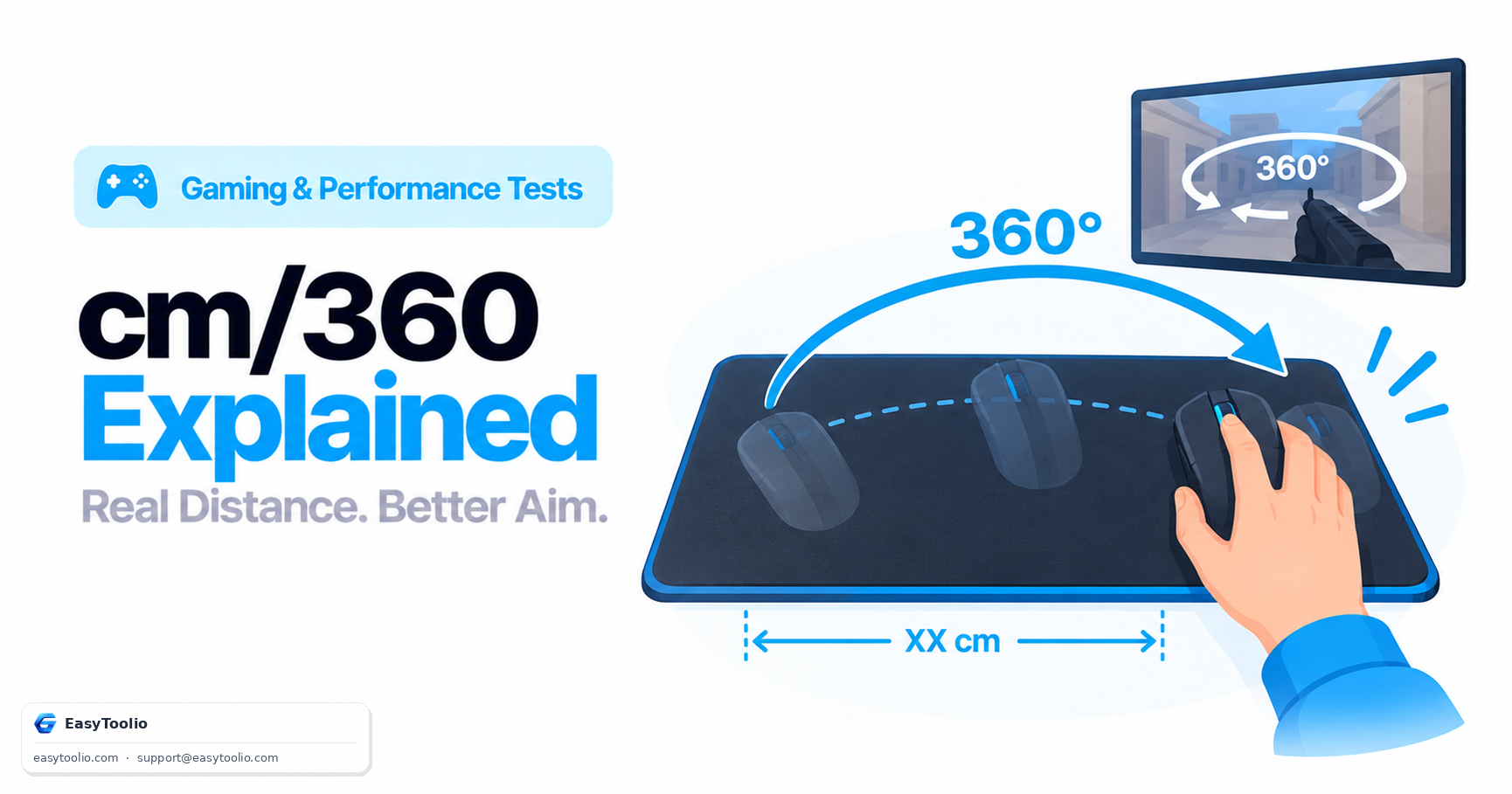
Ask a competitive FPS player their sensitivity and many won't quote a menu number at all — they'll say "35 cm" or "20 cm." That's cm/360, and it exists precisely because raw sensitivity numbers and even eDPI can mislead you the moment you compare settings across different games with different underlying engines.
Direct Answer: cm/360 is the physical distance, in centimeters, that your mouse must travel across the mousepad to produce one complete 360° turn in-game. It's calculated from your DPI, in-game sensitivity, and the game's yaw constant (degrees rotated per count), and unlike eDPI, it represents an actual physical measurement rather than an abstract product of two settings — which makes it the most reliable way to compare aim "feel" across different games, mice, and monitors. Competitive tactical shooter players commonly run 25-40 cm/360, while slower, precision-focused players may run 45-60+ cm/360, and fast, flick-heavy players may run well under 20 cm/360.
The Formula Behind cm/360
Calculating cm/360 requires combining three inputs: DPI, in-game sensitivity, and the game's yaw constant (the degrees of rotation per sensitivity-adjusted count, a fixed value the game's engine defines):
Counts needed for 360° = 360 / (Yaw Constant × Sensitivity)
Inches needed = Counts needed / DPI
cm/360 = Inches needed × 2.54
For example, in CS2 (yaw constant 0.022°/count) at 800 DPI with sensitivity 2.0: counts needed = 360 / (0.022 × 2.0) = 8,181.8 counts; inches needed = 8,181.8 / 800 = 10.23 inches; cm/360 = 10.23 × 2.54 ≈ 26 cm. That's the actual physical distance your hand travels across the pad for one full spin.
Why cm/360 Is More Universal Than eDPI
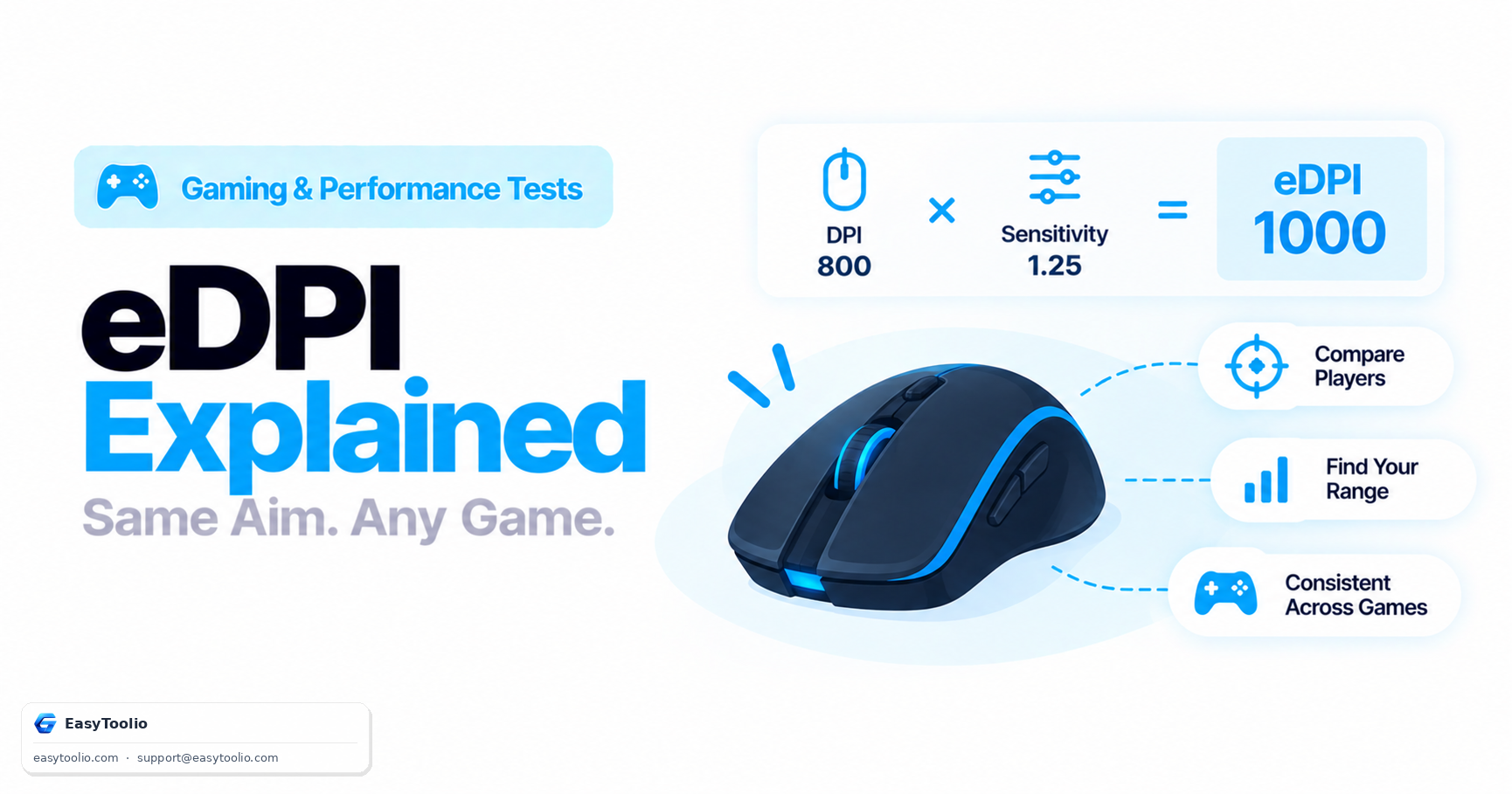
eDPI (DPI × sensitivity) is a useful shorthand, but it only reflects true aiming speed within a single game engine, because each game applies its own yaw constant to convert sensitivity into actual rotation. Two games with identical eDPI can still require different physical hand movement for the same 360° turn if their yaw constants differ — which they almost always do between separately-developed engines.
cm/360, by contrast, already incorporates the yaw constant into its calculation, so it directly answers the physically meaningful question: "how far do I move my hand for a full turn?" That number is comparable across any game, any DPI, and any sensitivity setting, because it's expressed as a real-world distance rather than an abstract multiplier product. This is why serious cross-game players standardize on a target cm/360 and then convert it into the correct sensitivity for whatever game they're playing, using our cm/360 calculator to handle the per-game math instantly.
Typical cm/360 Ranges by Playstyle
| Playstyle | Typical cm/360 | Characteristics |
|---|---|---|
| Very low sensitivity | 45-70+ cm | Maximum precision, favors full-arm movement, requires a large mousepad |
| Low-to-moderate sensitivity | 30-45 cm | Common among tactical shooter pros balancing precision and turn speed |
| Moderate-to-high sensitivity | 15-30 cm | Faster flicks, more wrist-driven movement, smaller pad footprint needed |
| High sensitivity | Under 15 cm | Very fast turns, common in movement-heavy or arena shooters, minimal physical movement |
Mousepad Size Implications
Your target cm/360 directly determines how much physical mousepad space you need, and mismatches here are one of the most common (and easily fixed) causes of inconsistent aim:
- Low cm/360 setups (45cm+) need a large pad — commonly an XXL desk-sized mat (900mm or larger) — to complete a full 360° turn without lifting and repositioning the mouse mid-turn, which breaks tracking consistency.
- High cm/360 setups (under 20cm) can comfortably use a standard-sized pad, since the full turn distance fits easily within a smaller area, though very high sensitivity can make fine micro-adjustments harder to execute smoothly.
- A pad that's too small for your chosen cm/360 forces frequent mouse lifts during fast turns, which most competitive players consider a bigger handicap than simply running a slightly higher sensitivity in the first place.
Worked Comparison: Same Player, Two Games
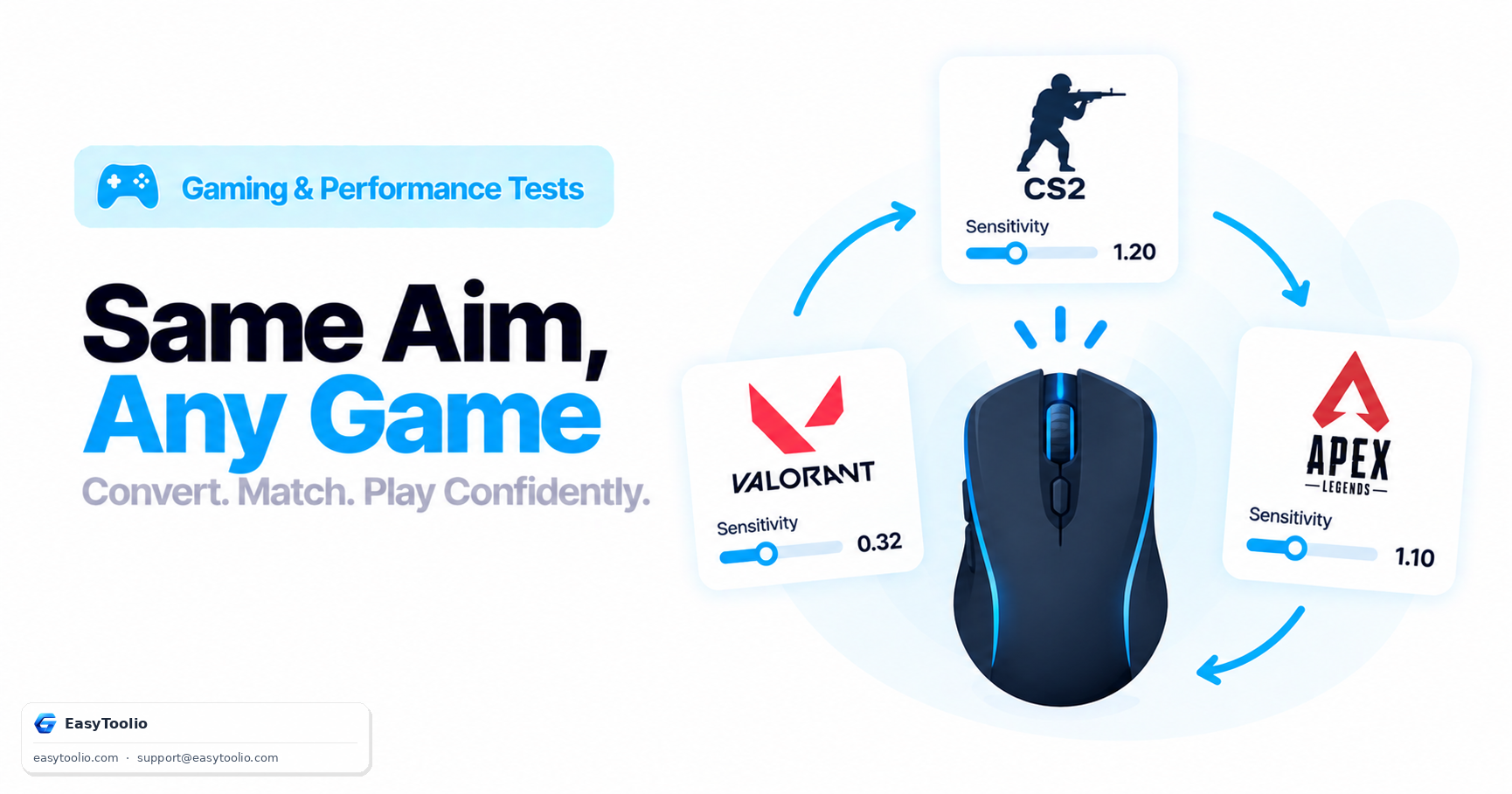
A player targeting a consistent 30 cm/360 across two different games, at 800 DPI, needs different sensitivity values in each, because the yaw constants differ:
| Game | Yaw Constant | Sensitivity for 30 cm/360 (800 DPI) |
|---|---|---|
| CS2 | 0.022°/count | ~1.72 |
| Valorant | ~0.07°/count | ~0.54 |
Both settings produce the exact same physical 30 cm hand movement for a full turn, even though the sensitivity numbers themselves look completely different — which is the entire point of standardizing on cm/360 rather than comparing raw in-game sensitivity values.
Frequently Asked Questions
Is a lower cm/360 always more "pro"?
Not necessarily — cm/360 preference correlates with playstyle and physical setup more than skill level. Some top players run relatively high cm/360 (40cm+) for precision, while others run under 20cm for fast flicking; both approaches have produced elite-level players.
How do I measure my mousepad to check if it fits my cm/360?
Measure the usable length of your pad in the direction you swipe for a horizontal turn. If your target cm/360 exceeds that usable length, you'll need to lift and reposition the mouse mid-turn, which is worth knowing before committing to a sensitivity that doesn't fit your physical space.
Does cm/360 change if I switch mice?
No, as long as you keep the same DPI setting — cm/360 is calculated from DPI, sensitivity, and the game's yaw constant, none of which depend on the specific mouse model, only its DPI setting and your sensitivity value.
Why do some pros use different cm/360 for hipfire versus scoped aiming?
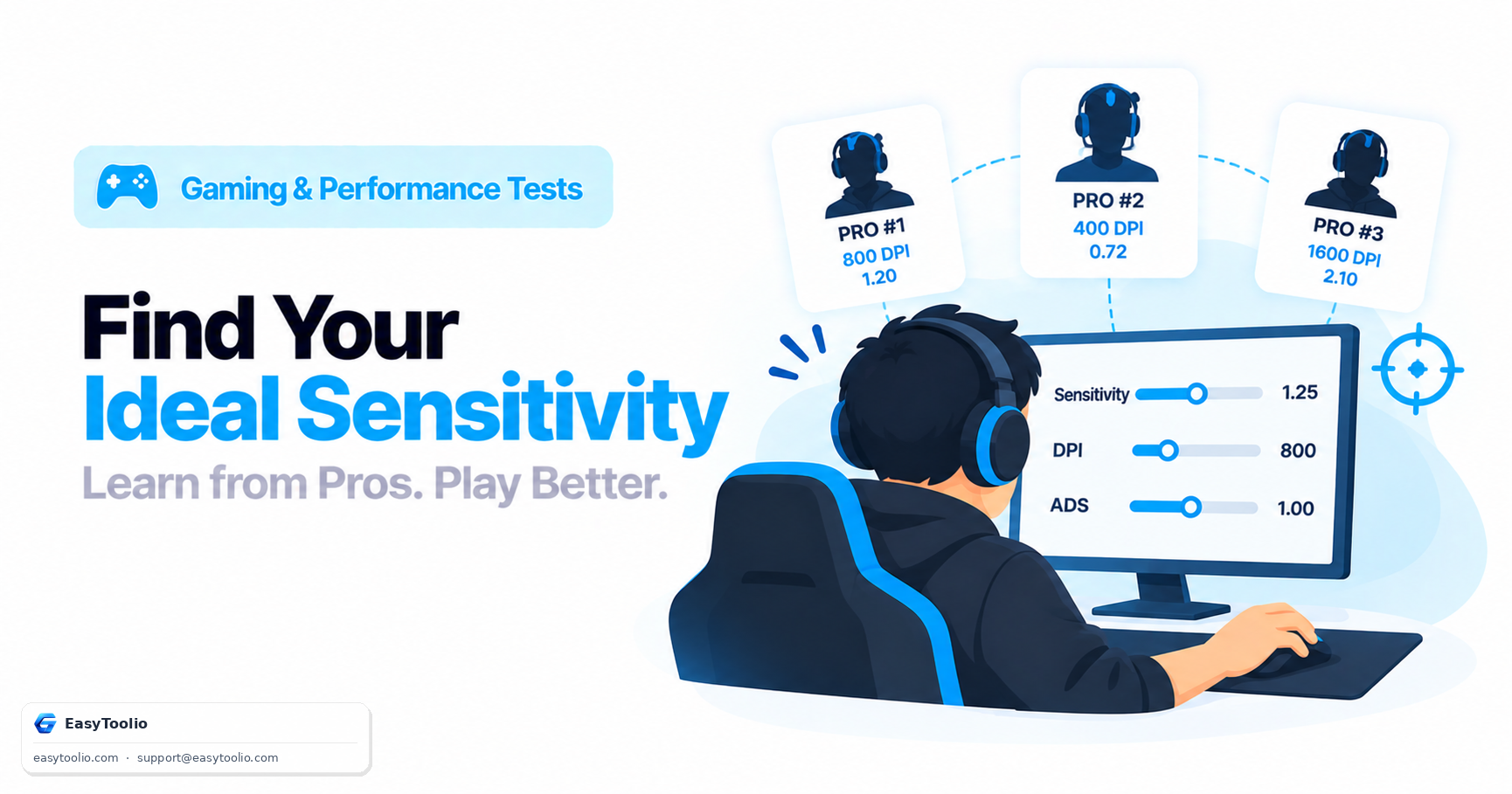
Scoped or ADS sensitivity is typically a separate multiplier applied on top of hipfire sensitivity, which produces a different (usually larger) cm/360 for a scoped 360° turn — this is intentional, since it lets players tune fine scoped precision independently from base turning speed.
Should I convert my cm/360 every time I try a new game?
Yes, if you want your muscle memory to transfer immediately — using a cm/360-based converter to set the equivalent sensitivity in a new game preserves your physical aim feel far better than guessing at a sensitivity number that merely "looks similar."
References: Valve Source engine yaw/sensitivity documentation; Riot Games Valorant sensitivity documentation; competitive FPS coaching resources on cm/360 standardization.