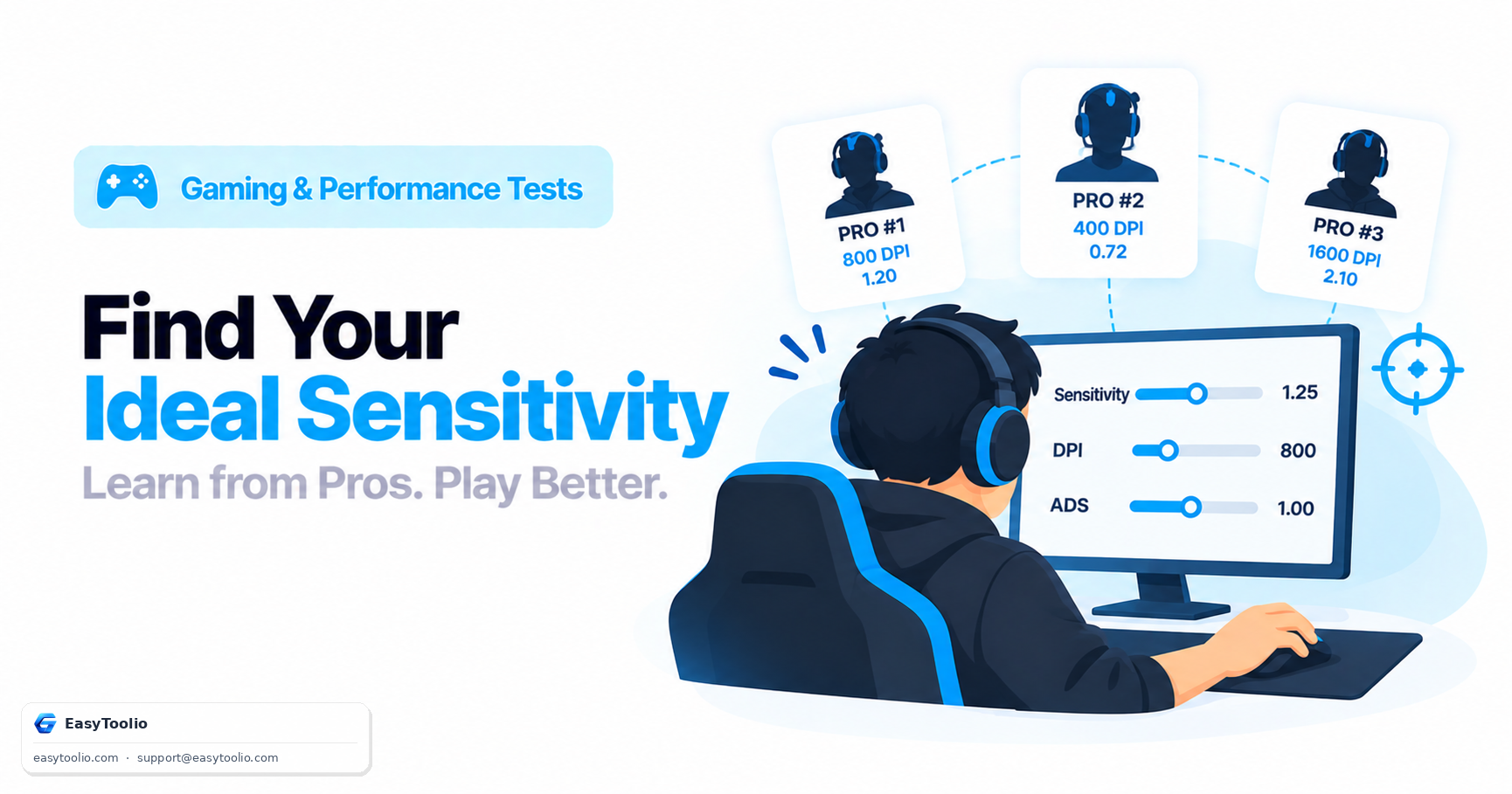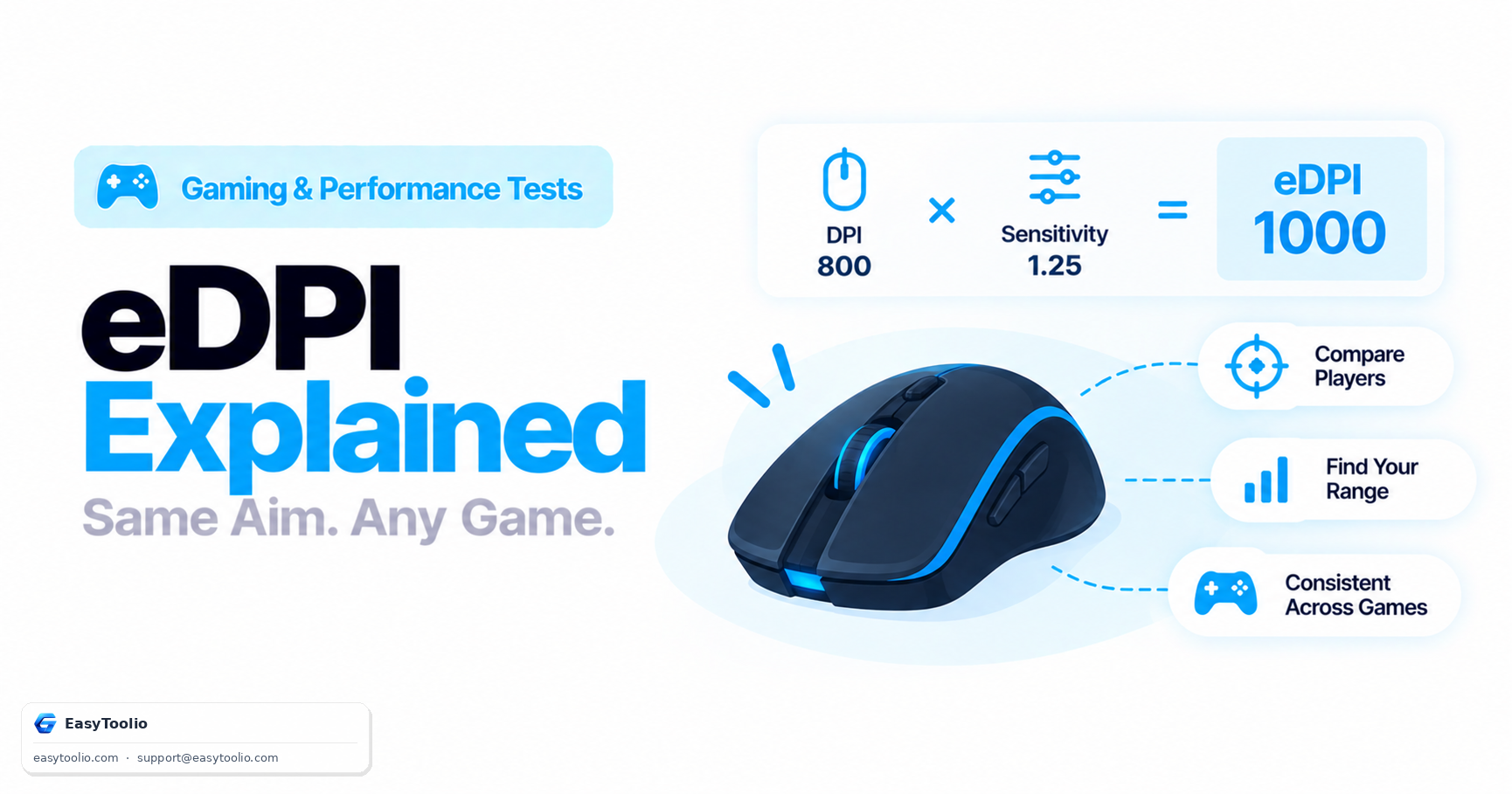
Two players both say their in-game sensitivity is "2.5," yet one tracks targets like their mouse is dipped in honey and the other snaps across the map before you can blink. The missing variable is DPI — the hardware setting that decides how many "counts" the mouse reports per inch of physical movement — and until you fold it into the sensitivity number, comparing two players' settings is comparing apples to a completely different fruit.
Direct Answer: eDPI (effective DPI) equals Mouse DPI multiplied by in-game sensitivity: eDPI = DPI × Sensitivity. It collapses two separate settings — a hardware value and a software multiplier — into one number that represents true aiming speed, so a player at 800 DPI with 2.0 sensitivity (eDPI 1600) is moving their crosshair exactly as fast, for the same hand movement, as a player at 400 DPI with 4.0 sensitivity (also eDPI 1600), even though neither of their raw settings look alike. Tactical shooters like Valorant and CS2 tend to cluster around 200-400 eDPI among high-level players, while faster-paced arena and movement shooters commonly run 600-1200+.
What eDPI Actually Measures
DPI (dots per inch, more precisely counts per inch) is a hardware property of the mouse sensor — at 800 DPI, moving the mouse exactly one inch sends 800 discrete movement counts to the operating system. In-game sensitivity is a software multiplier applied to those counts before they turn into a camera or cursor rotation. Neither number alone tells you how fast your aim actually moves, because the same sensitivity value produces different real-world speed depending on what DPI it's multiplied against. eDPI fixes this by giving you the product of the two, which is the only value that scales linearly with actual aiming speed regardless of which DPI/sensitivity split a player happens to use.
This is exactly why community sensitivity databases, pro-player settings lists, and coaching guides report eDPI instead of raw sensitivity — it's the only apples-to-apples number across setups with wildly different hardware DPI.
eDPI vs. cm/360: Two Related but Different Metrics
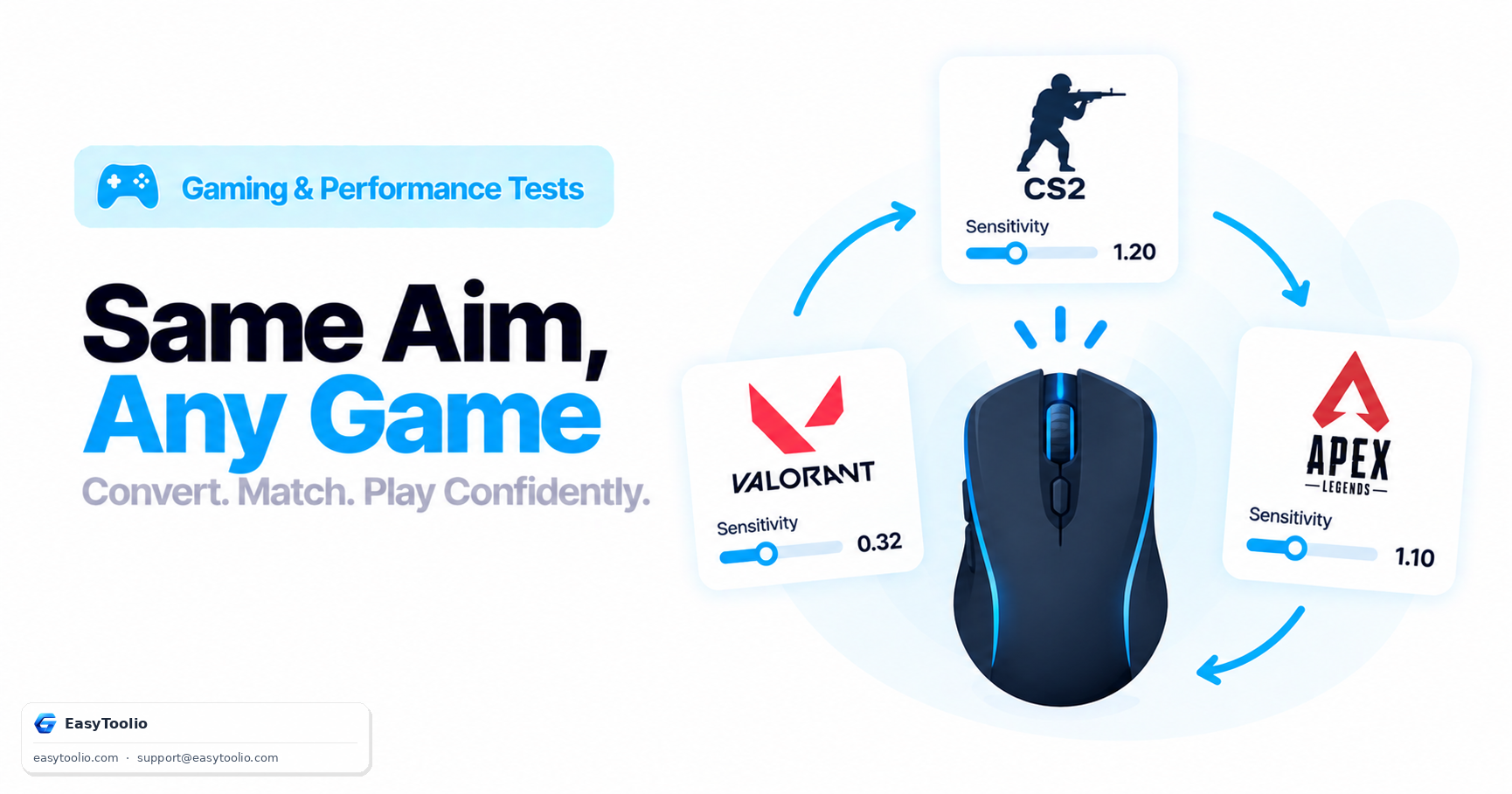
eDPI is a fast, universal shorthand within a single game, but it has a real limitation across different games: each game engine applies its own internal "yaw constant" (how many degrees the camera rotates per sensitivity-adjusted count), so identical eDPI values in two different engines don't necessarily produce identical physical turning distance. A cm/360 measurement — the actual centimeters of mousepad distance needed for a full 360° in-game turn — controls for that engine-specific constant and is the more rigorous way to compare feel across completely different titles.
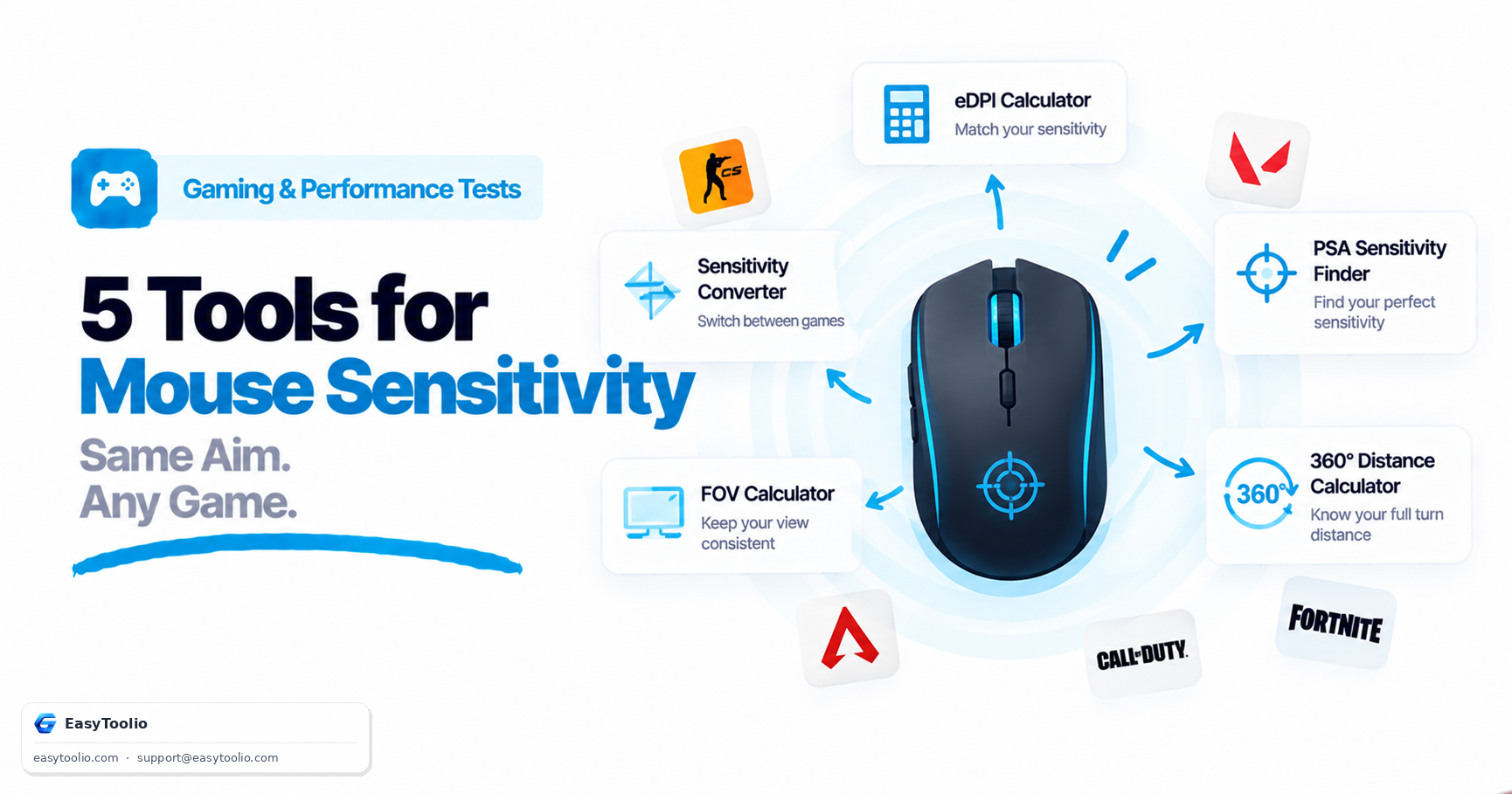
In practice, most players use eDPI for quick within-game comparisons (checking where their setting falls relative to pros or teammates) and reach for a dedicated cm/360 conversion when they're switching games entirely. Plug your DPI and sensitivity into our eDPI calculator to get your effective number instantly rather than doing the multiplication by hand every time you tweak a setting.
Typical eDPI Ranges by Game Genre
| Genre | Typical eDPI Range | Why |
|---|---|---|
| Tactical shooters (CS2, Valorant, Rainbow Six Siege) | ~180-400 | Precision, recoil control, and micro-adjustments favor slower, more controlled aim over big flicks |
| Hero shooters (Overwatch 2, Apex Legends) | ~400-900 | Mix of precision aiming and fast target acquisition against mobile targets |
| Arena / movement shooters (Quake, older Call of Duty titles) | ~800-1600+ | Fast-paced 180° turns and snap-flicks favor higher effective speed |
| Battle royale (with variable engagement range) | ~400-800 | Balances long-range precision with close-quarters reaction speed |
These ranges reflect common clusters among competitive players, not hard rules — grip style, mousepad size, monitor distance, and personal preference all shift where an individual player lands within (or outside) these bands.
Worked Example: Comparing Two Setups
Player A runs 400 DPI at 4.0 sensitivity in Valorant. Player B runs 1600 DPI at 1.0 sensitivity in the same game.
| Player | DPI | Sensitivity | eDPI |
|---|---|---|---|
| Player A | 400 | 4.0 | 1600 |
| Player B | 1600 | 1.0 | 1600 |
Despite completely different hardware DPI settings, both players' crosshairs move at identical speed for identical hand movement, because the product of DPI and sensitivity is the same. If Player A wanted to switch to a 800 DPI mouse without changing their aim feel at all, they'd need to halve their sensitivity to 2.0 to keep eDPI at 1600.
Common eDPI Mistakes
- Comparing eDPI across different games as if it's identical feel. Because of differing yaw constants per engine, matching eDPI in two different games gets you close but not exactly the same physical turn distance — use a per-game sensitivity converter for that.
- Chasing a "pro" eDPI number in isolation. Pro settings are shaped by monitor distance, mousepad size, and years of muscle memory — treat published pro eDPI as a reference range, not a target to copy exactly.
- Changing DPI without recalculating sensitivity. Bumping DPI on a new mouse without adjusting sensitivity downward proportionally silently changes your eDPI and your aim will feel noticeably different, even though "sensitivity" in the menu looks unchanged.
Frequently Asked Questions
Is a lower eDPI always better for aiming?
Not universally — lower eDPI generally improves precision and micro-adjustment control, which is why tactical shooters cluster low, but too low an eDPI makes fast 180° turns and flick shots slower and more physically taxing. The right eDPI balances the precision needs of your specific game against your available mousepad space and desired flick speed.
Does eDPI account for polling rate or mouse acceleration?
No — eDPI is purely DPI multiplied by sensitivity. Polling rate (how often the mouse reports position, e.g. 1000Hz) affects input smoothness and latency, and mouse acceleration (if enabled) changes how sensitivity scales with movement speed, but neither is captured in the eDPI number itself.
Why do pro players have such different eDPI numbers within the same game?
Physical setup differences — arm vs. wrist aiming style, mousepad size, monitor distance, and desk space — all justify different eDPI even for players with similarly excellent mechanical aim. A player using full-arm movement on a large pad can comfortably run lower eDPI than a wrist-aiming player with limited desk space.
Should I match my eDPI exactly when switching mice?
Yes, if you want your aim feel to stay identical — recalculate sensitivity so DPI × sensitivity still equals your known eDPI. This preserves your muscle memory even though the raw sensitivity number in the menu will look different on the new mouse.
What eDPI should a beginner start with?
Starting in the 300-600 range for most tactical and hero shooters gives a reasonable balance of control and turn speed while you're still building fundamentals, and it's easy to nudge up or down from there once you notice consistently overshooting or undershooting targets.
References: Valorant and Counter-Strike 2 official sensitivity documentation; aggregated professional player settings databases (Prosettings-style community resources); mouse sensor manufacturer DPI specifications (Logitech, Razer).