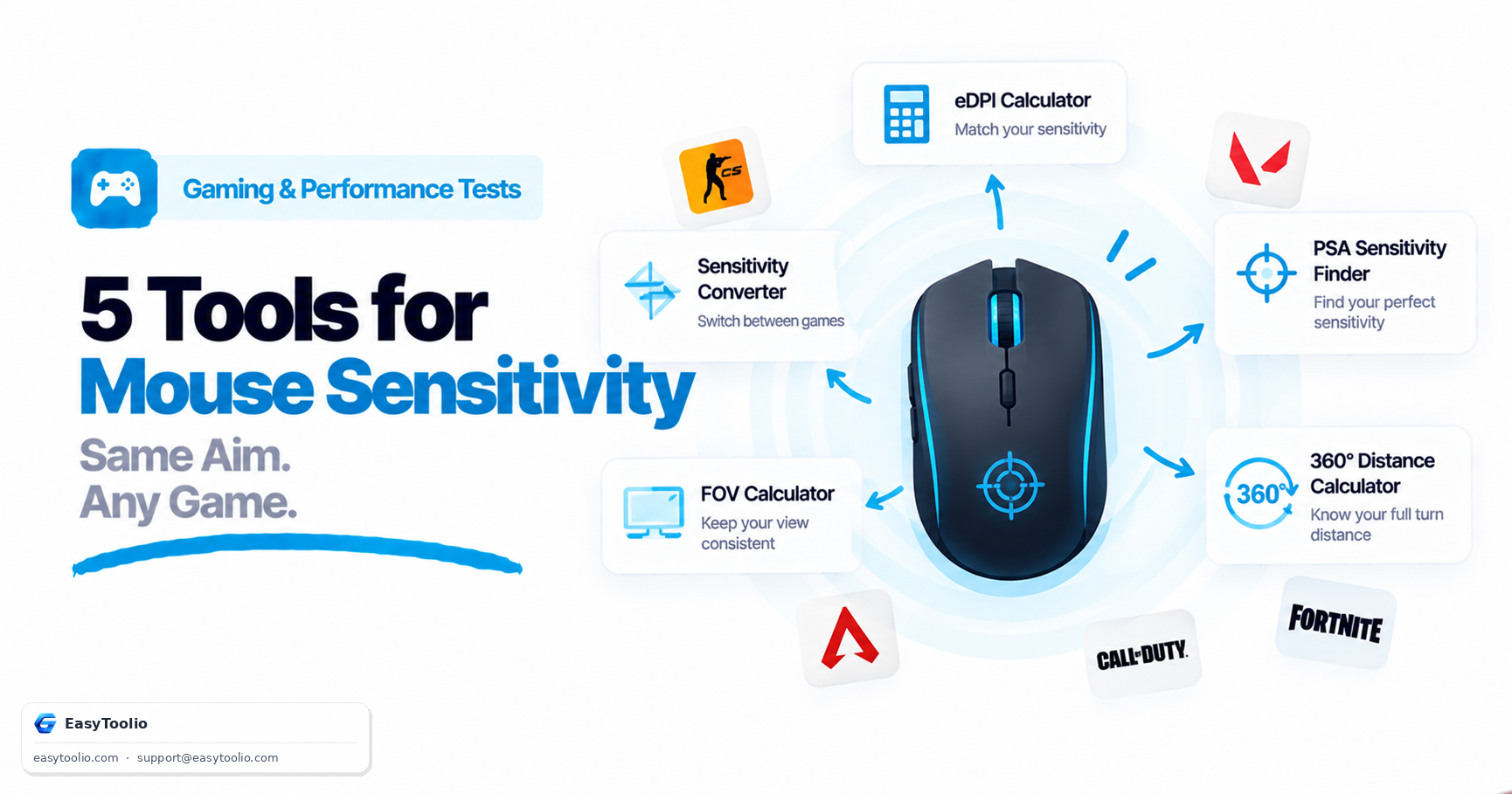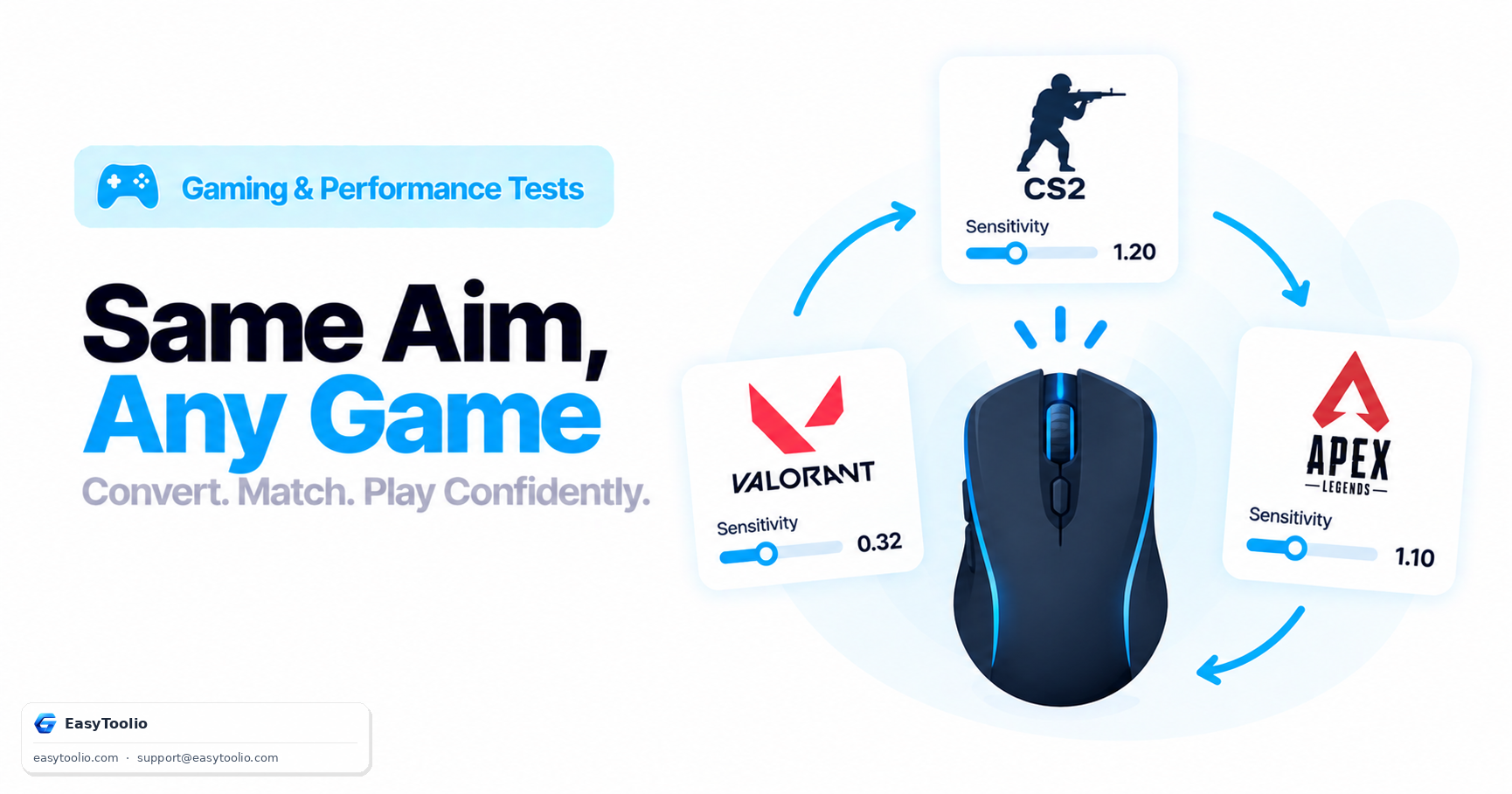
You've spent months building muscle memory in CS2, and now a squad wants you in Valorant for the night. Punching in "the same sensitivity number" feels completely wrong the moment you try to flick onto a target — because that number was never actually portable between the two games to begin with, no matter how identical the digits look on screen.
Direct Answer: Raw sensitivity values don't transfer between games because each engine applies a different internal "yaw constant" — the degrees of camera rotation per sensitivity-adjusted mouse count — so identical sensitivity numbers in two different games produce different actual turn speeds. A mouse sensitivity converter solves this by using each game's verified yaw constant to calculate the sensitivity value in a target game that reproduces the exact same physical turning distance (cm/360) as your source game, preserving your muscle memory instead of forcing you to relearn your aim from scratch.
Why Raw Sensitivity Numbers Don't Transfer
Every game engine defines sensitivity as a multiplier applied to raw mouse input, but the base rotation per unit input — the yaw constant — is set independently by each game's developers and is rarely the same across titles. CS2 (Source engine) uses a documented yaw constant of 0.022 degrees per count at sensitivity 1.0. Valorant uses a different internal constant tuned for its own engine. Apex Legends, also Source-derived but separately tuned, uses yet another value. This means "sensitivity 2.0" in CS2 and "sensitivity 2.0" in Valorant represent two entirely different physical turn speeds, even though the number on screen is identical.
The Conversion Formula
A mouse sensitivity converter works from a single invariant: the physical distance you move your mouse for a full 360° turn (cm/360) should stay constant across games if you want your aim feel preserved. The general conversion is:
Target Sensitivity = (Source Sensitivity × Source Yaw Constant) / Target Yaw Constant
Because DPI doesn't change when you switch games (it's a mouse hardware setting), it cancels out of the cross-game conversion entirely — only the two games' yaw constants and your source sensitivity matter for the ratio.
Worked Example: CS2 to Valorant
Suppose you play CS2 at 400 DPI with a sensitivity of 2.0. CS2's yaw constant is 0.022°/count. Valorant's yaw constant is approximately 0.07°/count at its default scale. To find the equivalent Valorant sensitivity:
| Step | Calculation | Result |
|---|---|---|
| Source turn rate | 2.0 × 0.022 | 0.044°/count |
| Target sensitivity | 0.044 / 0.07 | ≈ 0.628 |
So a CS2 sensitivity of 2.0 at 400 DPI translates to roughly 0.63 sensitivity in Valorant at the same 400 DPI, producing the same physical cm/360 distance and therefore nearly identical muscle memory when you switch games. Instead of working through the yaw-constant arithmetic by hand for every game pair, our mouse sensitivity converter applies verified constants for major titles and gives you the converted number directly.
Cross-Game Sensitivity Comparison Table
Approximate equivalents for a player targeting a consistent ~35 cm/360 at 800 DPI across three popular titles:
| Game | Approx. Equivalent Sensitivity (800 DPI) | Yaw Constant Basis |
|---|---|---|
| CS2 | ~2.3 | 0.022°/count |
| Valorant | ~0.72 | ~0.07°/count |
| Apex Legends | ~1.05 | Engine-specific, separately tuned from CS2 |
These figures are approximations meant to illustrate the scale of difference — always verify against a converter using current, community-verified constants, since developers occasionally adjust engine sensitivity scaling in patches.
Beyond Sensitivity: Other Settings That Affect Feel
Even with a mathematically correct sensitivity conversion, a few other settings can still make two games feel subtly different:
- Field of view (FOV): A wider FOV makes the same physical turn feel like it covers less visual distance on screen, independent of sensitivity.
- ADS (aim-down-sights) multiplier: Many shooters apply a separate scope/zoom sensitivity multiplier on top of your base sensitivity, which a pure hipfire conversion won't automatically account for.
- Raw input vs. mouse acceleration: If either game has OS-level mouse acceleration or "enhance pointer precision" enabled, the conversion math (which assumes linear 1:1 input) becomes inaccurate.
Frequently Asked Questions
Does DPI matter when converting sensitivity between games?
Not for the ratio itself — DPI cancels out as long as you keep the same physical mouse and DPI setting across both games. What matters for the conversion is each game's yaw constant and your source sensitivity value, not the DPI number.
Why does my converted sensitivity still feel slightly different?
Small differences can come from separate ADS/scope multipliers, FOV differences affecting perceived speed, or mouse acceleration settings that break the linear conversion assumption. The base hipfire turn speed should match closely; secondary settings may still need minor manual tuning.
Can I convert console sensitivity to PC mouse sensitivity?
Not directly with a yaw-constant conversion, since console sensitivity typically applies to analog stick input with acceleration curves, not linear mouse counts — these require a fundamentally different conversion approach and are far less precise to match exactly.
How often do games change their yaw constants?
Rarely, but not never — developers occasionally adjust default sensitivity scaling in major updates. A reliable converter should be updated to reflect the current constants rather than relying on values from years-old patches.
Is cm/360 or eDPI the better target when converting?
cm/360 is the more reliable target for cross-game conversion because it's a physical, engine-independent distance. eDPI is useful for comparisons within a single game but doesn't account for differing yaw constants between engines the way a direct cm/360-preserving conversion does.
References: Valve Source engine sensitivity documentation; Riot Games Valorant settings documentation; community-maintained cross-game sensitivity constant databases.