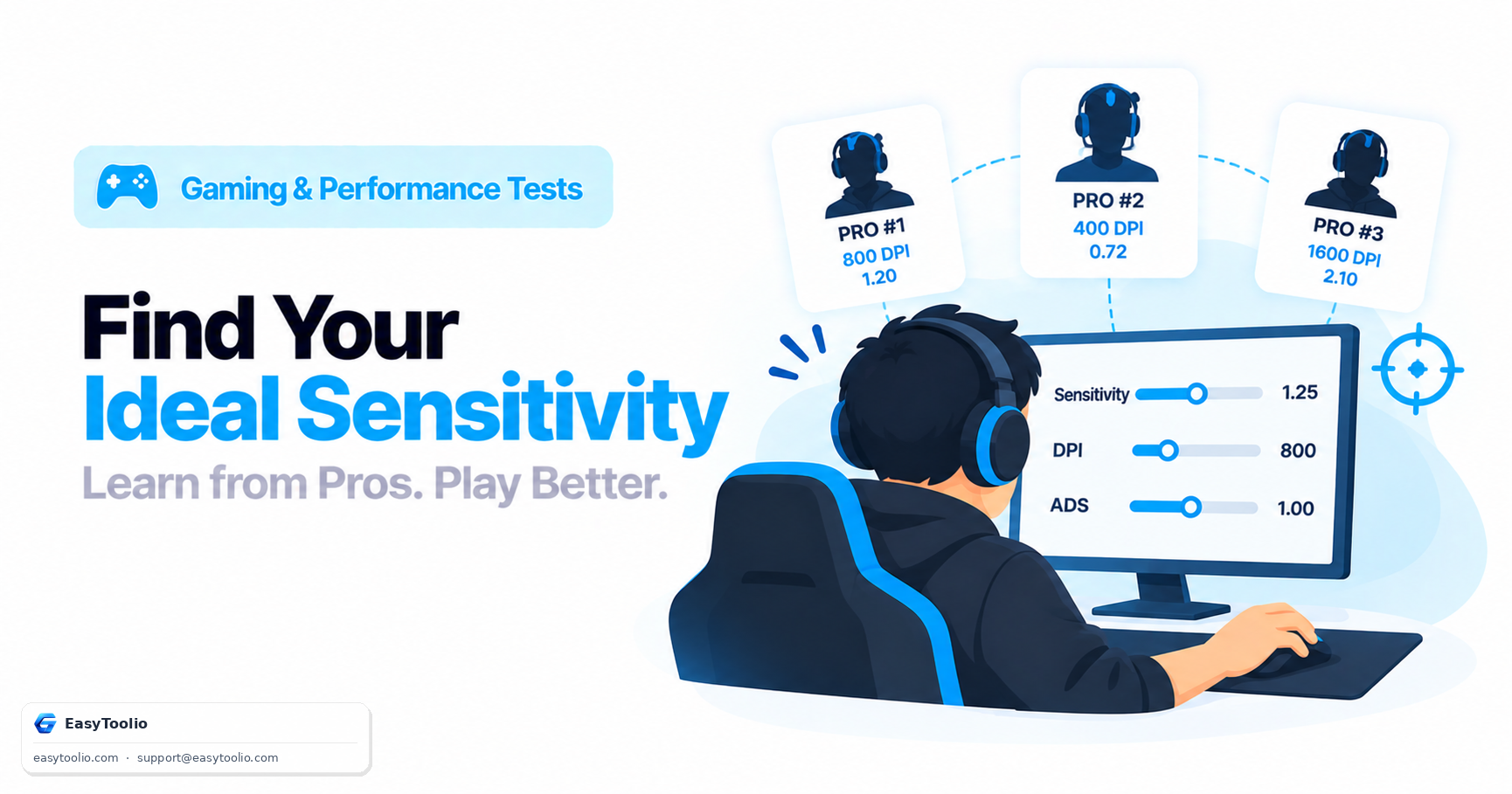
You copy your favorite pro's exact DPI and sensitivity, expecting to suddenly aim like them, and instead your crosshair placement feels foreign for a week before you quietly switch back to your old settings. The problem was never the settings themselves — it's that a single pro's number is the output of their specific hand size, mousepad, monitor distance, and years of repetition, not a universal constant that transfers onto your setup.
Direct Answer: Copying one pro player's exact sensitivity rarely works because their setting reflects personal factors — hand and grip size, mousepad dimensions, monitor viewing distance, desk space, and years of accumulated muscle memory — that don't transfer to a different player. A pro sensitivity finder solves this more reliably by aggregating settings across many top players into a representative range (often expressed as eDPI or cm/360), giving you a realistic starting baseline to test from, which you then narrow down through deliberate practice rather than adopting wholesale.
Why One Pro's Settings Don't Transfer to You
A professional player's sensitivity is the end result of an enormous number of compounding personal variables:
- Grip style and hand size: Fingertip, claw, and palm grips move the mouse differently, and larger hands can comfortably execute larger, slower arm movements that a smaller-handed player might not replicate at the same speed.
- Mousepad size: A player training on a full desk-sized pad can run a much lower eDPI (relying on large arm movements) than a player confined to a small pad, who needs higher eDPI to reach full turns without lifting the mouse.
- Monitor size and viewing distance: How far you sit from the screen changes how much apparent target movement a given turn speed produces, subtly shifting what sensitivity feels controllable.
- Years of specific muscle memory: A setting that feels natural after 5,000+ hours of repetition at that exact value isn't automatically natural for someone adopting it fresh — much of what makes a pro's sensitivity "work" is the practice built on top of it, not the raw number.
How Aggregated Pro Data Produces a Better Baseline
Rather than treating any single pro's number as gospel, a pro sensitivity finder pulls settings from a large sample of top-tier players in a given game and expresses the data as a distribution — a range with a visible median and common cluster, rather than one point. This is meaningfully more useful because:
- It shows you where the bulk of high-level players actually land, filtering out unusual outliers on either extreme.
- It normalizes for DPI differences by converting everyone to a common comparison unit like eDPI, so you're comparing actual aim speed, not raw menu numbers.
- It gives you a realistic starting range to test within, instead of anchoring on one specific player's setup that may not suit your physical setup at all.
Search aggregated professional settings data by game with our pro sensitivity finder to see the common eDPI cluster among top players, rather than fixating on a single streamer's exact number.
Typical Pro eDPI Clusters by Game
| Game | Common Pro eDPI Range | Notes |
|---|---|---|
| Valorant | ~200-320 | Tight cluster; precision-focused tactical shooter |
| CS2 | ~600-1000 (Source engine scale) | Wider spread due to varied grip/pad preferences |
| Apex Legends | ~1400-2400 | Faster movement and tracking-heavy gunplay favors higher sensitivity |
| Overwatch 2 | ~1400-2200 | Hero-dependent; hitscan heroes often run lower within this range |
These ranges are approximate and change slightly over time as the competitive meta shifts, but they reliably show where a large sample of skilled players converge, which is the useful signal — not any single data point within it.
A Practical Method for Narrowing Down From the Baseline
- Start near the median of the aggregated pro range for your specific game, adjusted for your available mousepad size (smaller pad → nudge eDPI up slightly; large pad → nudge down).
- Test with structured aim-training drills rather than only ranked matches, since drills give immediate, isolated feedback on whether you're consistently over- or under-shooting targets.
- Adjust in small increments (5-10% changes), not large jumps, and give each change at least a few practice sessions before judging it — sensitivity changes take time to feel natural even when they're objectively better.
- Lock it in once flicks and tracking both feel controllable, and resist the urge to keep tweaking after small, temporary slumps — most sensitivity "problems" after a stable setting are actually aim fundamentals issues, not the number itself.
Frequently Asked Questions
Should beginners copy a pro's sensitivity exactly?
It's generally better to use an aggregated pro range as a starting reference point rather than copying one specific player's exact number, since a beginner lacks the years of repetition that make that individual setting feel natural for the pro who uses it.
How do I know if my sensitivity is too high or too low?
Consistently overshooting targets (flicking past them) suggests your sensitivity may be too high, while consistently undershooting or feeling like you can't turn fast enough during close-range engagements suggests it may be too low. Structured aim-trainer drills make this pattern much easier to spot than in-game matches alone.
Does mousepad size actually matter for choosing sensitivity?
Yes, meaningfully — a larger mousepad allows lower sensitivity (and typically more consistent, arm-driven aim), while a smaller pad or desk space effectively forces a higher sensitivity to avoid needing to lift and reposition the mouse mid-turn.
How long does it take to adjust to a new sensitivity?
Most players need anywhere from a few days to a couple of weeks of consistent practice to fully adapt to a meaningfully different sensitivity, which is why frequent, large sensitivity changes tend to hurt performance more than committing to one setting and refining gradually.
Is there one "correct" sensitivity for every player?
No — the aggregated pro range shows where skilled players commonly cluster, but the ideal sensitivity is still personal, shaped by your grip, pad size, monitor distance, and what your specific game rewards (precision vs. fast flicking). Use the range as a starting point, not a fixed target.
References: Aggregated professional esports settings databases across Valorant, CS2, Apex Legends, and Overwatch 2; community coaching guides on sensitivity adaptation and muscle memory.