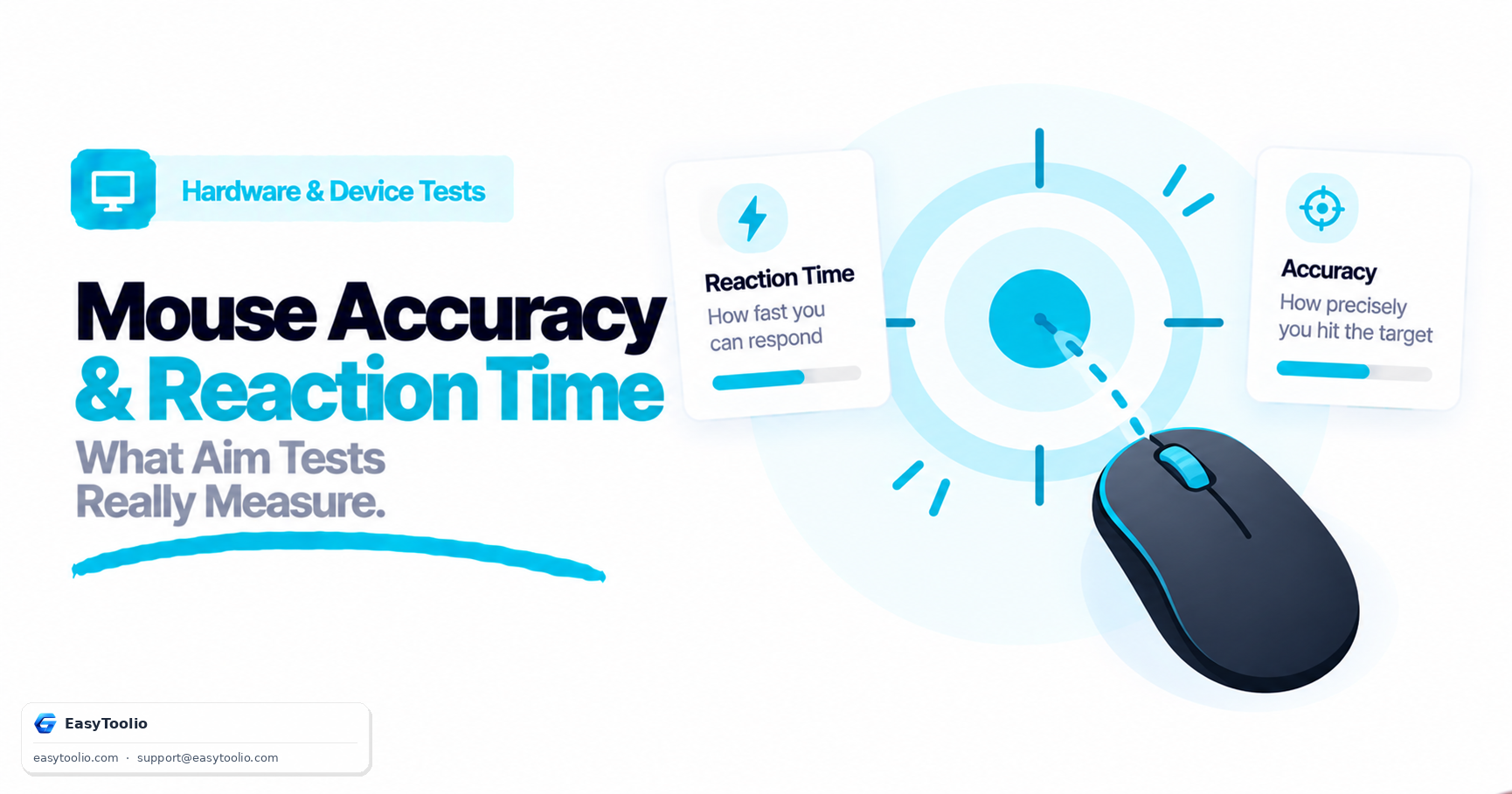
An "aim test" score often gets treated as a single number reflecting overall mouse skill, but a target-clicking test is actually measuring at least two genuinely separate abilities at once, plus contributions from hardware that have nothing to do with the user's skill at all.
Direct Answer: A browser-based aim/accuracy test measures two distinct things: reaction time (how long it takes from a target appearing to the first input reaching the browser) and precision (how close the actual click lands to the target's center once the click happens). These are separate skills that do not always correlate — a person can react quickly but click imprecisely, or react slowly but land very close to center once they do click. Sensor quality, polling rate, and DPI settings each affect measured precision independently of the user's actual physical skill, and a browser test cannot fully separate hardware latency from human reaction time, since both stack together in the single measured number.
1. Reaction Time vs Precision: Two Separate Skills
| Metric | What It Measures | What Influences It Most |
|---|---|---|
| Reaction Time | Elapsed time from target appearing to first registered input | Visual processing speed, neural response speed, display latency |
| Precision | Distance between the click location and the target's true center | Hand-eye coordination, mouse control, sensor tracking quality |
These two numbers frequently diverge in real results: a fast reaction time paired with poor precision means someone clicks quickly but imprecisely — often from over-committing to speed. A slower reaction time paired with excellent precision means someone takes longer to initiate the click but tracks and lands on target very accurately once they commit. Treating a single combined "aim score" as one skill obscures this distinction.
2. How Hardware Settings Independently Affect Measured Precision
Because a click test can only observe the on-screen cursor position at the moment of the click, hardware settings can shift the measured precision number without any change in the user's actual physical aiming skill:
Physical Hand Movement ──► Sensor (DPI/CPI Setting) ──► Cursor Position Update (Polling Rate)
                                                       ──► On-Screen Click Position ──► Measured Precision
- DPI/Sensitivity Mismatch: Extremely high DPI without matching sensitivity scaling makes small, precise cursor adjustments harder to execute smoothly, which can lower measured precision independent of the user's coordination.
- Polling Rate: A lower polling rate (e.g. 125Hz) updates cursor position less frequently, meaning the last reported position before a click can lag slightly behind the true physical mouse position, subtly affecting measured precision on fast movements.
- Sensor Quality: Lower-quality optical sensors can introduce tracking inconsistencies (acceleration curve artifacts or surface-dependent jitter) that shift measured click position even when the user's hand motion was accurate.
3. What a Browser Target Test Can't Fully Isolate
A key limitation of any browser-based aim test is that it can only measure the total elapsed time between a target rendering and a click event reaching the browser — it cannot cleanly separate that total into "hardware latency" and "human reaction time" components:
Target Appears (Rendered) ──► [Display Latency + Human Reaction + Input Device Latency] ──► Click Registered
                                            (All three stack into ONE measured number)
- Display latency (the delay between a frame being rendered and actually appearing on screen) adds to the measured reaction time but has nothing to do with the user's neural response speed.
- Input device latency (USB polling interval, wireless transmission delay for wireless mice) similarly adds fixed milliseconds on top of true human reaction time.
- The practical implication: Comparing aim test scores across different monitors, browsers, or mice is not a fair apples-to-apples comparison of pure human skill, since each of those variables shifts the baseline hardware latency stacked underneath the human component.
Test your reaction time and click precision using our web mouse-accuracy-test.
4. Getting a More Reliable, Repeatable Test Result
Because so many variables stack into a single measured score, a few practical steps make repeated tests more comparable to each other:
- Keep hardware constant between comparisons. Only compare scores taken on the same monitor, mouse, and browser; switching any of the three changes the baseline latency mixed into the result.
- Warm up first. Reaction time and precision both tend to improve over the first several attempts as attention and hand positioning settle in; discard the very first run or two when judging a "true" baseline.
- Disable OS-level mouse acceleration and any macro/DPI-shift bindings on the button being tested, since inconsistent effective sensitivity between clicks adds noise unrelated to actual skill.
- Run multiple trials and look at the distribution, not a single score. A single run is heavily influenced by one or two outlier reactions; an average (or median) across 5-10 runs is more representative than any individual attempt.
- Check for background load. A browser tab competing with other heavy processes, or a laptop running on battery-saving power mode, can introduce inconsistent frame timing that shows up as apparent reaction-time noise unrelated to hardware or human skill.
5. Why Raw Reaction-Time Numbers Are Hard to Benchmark Precisely
Human visual reaction time has been studied extensively in psychology and human-factors research, and typical simple-reaction-time ranges are well documented in that literature — but applying a single "good" or "average" number to a browser-based click test is misleading for a specific reason: the test isn't measuring reaction time in isolation. As covered above, display latency and input device latency are added on top of the human component in the single number reported. Two people with identical underlying reaction speed can post different scores purely because one is on a higher refresh-rate monitor with a lower-latency mouse. For this reason, a browser aim test score is most meaningful as a personal, hardware-consistent baseline you track over time, rather than as an absolute figure to compare against a generic published average.
6. Frequently Asked Questions (FAQs)
Why do I sometimes score a fast reaction time but low precision?
This typically happens when a person prioritizes speed and clicks as soon as they perceive the target, before fully confirming the cursor's exact position relative to the target center — a genuine and common trade-off between the two separate skills.
Does a higher refresh rate monitor improve my measured aim test score?
It can, since a higher refresh rate reduces the display latency component stacked into the total measured reaction time, letting the target's actual appearance reach your eyes slightly sooner — but it does not change your underlying human reaction speed itself.
Can I use aim test scores to fairly compare my skill against someone using different hardware?
Not precisely. Differing monitors, mice, and browsers each contribute a different fixed hardware latency baseline, so raw score comparisons across different hardware setups reflect a mix of skill and hardware rather than skill alone.
Is it normal for my score to vary a lot between attempts?
Yes, to a degree. Attention, fatigue, and even how recently you last used a mouse all introduce natural run-to-run variance in both reaction time and precision. Large, persistent swings that don't settle down after a proper warm-up are more worth investigating (for hardware issues like inconsistent polling or a degrading sensor) than small attempt-to-attempt noise.
References: W3C Gamepad API Specification, USB Device Class Definition for Human Interface Devices (HID).