A mouse's packaging advertises "1000Hz polling rate," but running a browser-based polling rate test sometimes shows a lower or fluctuating number instead of a clean, constant 1000. This isn't necessarily a defective mouse — it usually reflects a real, measurable gap between what the hardware is capable of and what a browser can actually observe, and understanding that gap is the difference between diagnosing a genuine problem and chasing a number that was never going to match exactly.
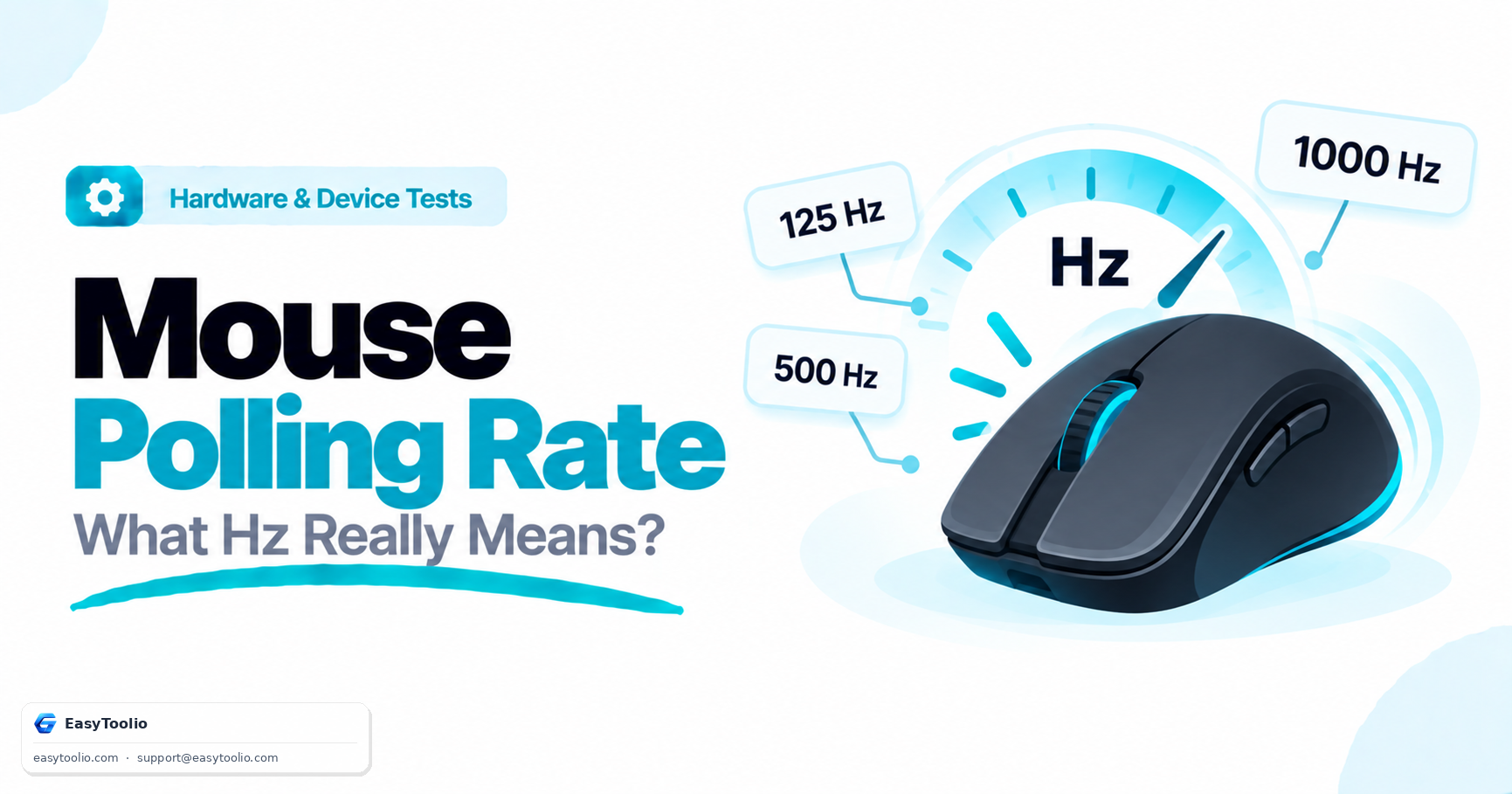
Direct Answer: Polling rate (measured in Hertz, or Hz) is how often a mouse reports its position to the computer per second — 125Hz means once every 8ms, 1000Hz means once every 1ms, and higher rates like 4000Hz or 8000Hz report even more frequently. A polling rate test run in a browser measures observed frequency by timestamping incoming pointer movement events, which is a close approximation of the true USB-level polling rate but can be affected by browser event batching, operating system input processing, and background CPU load — so a browser-measured result running slightly below the advertised hardware spec is normal and doesn't necessarily indicate a hardware fault, while a result running dramatically lower (like 1000Hz hardware only showing ~125Hz observed) is worth investigating further.
What Polling Rate Actually Controls
Every polling cycle, the mouse sends its current sensor position to the computer over USB. At 125Hz, there's an 8-millisecond gap between updates — fast movements can "jump" between reported positions with a small but perceptible delay. At 1000Hz, that gap shrinks to 1 millisecond, meaning the cursor position (and any in-game aim input) updates far more frequently, reducing perceived input lag and making fast, precise movements feel smoother. Higher rates still — 4000Hz, 8000Hz — push this further, though the practical difference between 1000Hz and 8000Hz is far smaller than the difference between 125Hz and 1000Hz, since diminishing returns set in as the interval between updates becomes a small fraction of typical human reaction time.
How a Browser Actually Measures This
A native USB polling rate is measured at the hardware/driver level with specialized tools, but a web-based test has to work with what the browser exposes: pointermove events, sometimes supplemented with getCoalescedEvents() to recover finer-grained movement data that the browser would otherwise merge into a single rendered frame. By timestamping a stream of these events during continuous mouse movement, the test can calculate an observed frequency — average Hz, peak Hz, minimum Hz, and percentile-based stability metrics (like P5/P95) that reveal how consistent the reporting interval actually is, not just its average.
Hardware polling: mouse -> USB -> OS driver, every 1ms @ 1000Hz
Browser observation: OS -> browser event queue -> pointermove -> JS timestamp

Each layer can introduce small batching or scheduling delays,
so observed Hz in a browser is typically close to, but not
always identical to, the true USB-level polling rate.
Comparison Table: Common Polling Rates
| Polling Rate | Interval Between Reports | Typical Use Case |
|---|---|---|
| 125Hz | 8ms | Older/basic mice, battery-saving wireless modes |
| 500Hz | 2ms | Mid-range gaming mice |
| 1000Hz | 1ms | Standard for most modern gaming mice |
| 4000Hz–8000Hz | 0.25ms–0.125ms | High-end gaming mice, competitive esports peripherals |
Why Observed Rate Might Run Lower Than Advertised
- Wireless mode and battery saving: Many wireless mice default to a lower polling rate (like 125Hz) to conserve battery, requiring manual software configuration to unlock their maximum advertised rate.
- USB port and cable quality: A worn cable, a USB hub with poor throughput, or an older USB controller can all introduce reporting inconsistency that a browser test will pick up as reduced or unstable Hz.
- Background CPU load: Heavy background processes competing for CPU time can delay how quickly the browser's event loop processes incoming pointer events, showing up as observed jitter even when the mouse itself is polling consistently.
- Browser and OS scheduling overhead: This is an inherent limitation of measuring hardware behavior through a software layer — some gap between advertised and observed is expected and not itself proof of a problem.
Running the Mouse Polling Rate Test across its different benchmark durations (3s, 5s, 10s, 30s) gives a more statistically reliable picture than a single short sample, since longer runs average out momentary scheduling noise and reveal whether a dip is a one-off blip or a sustained, consistent pattern.
Frequently Asked Questions (FAQs)
Is a higher polling rate always better for gaming?
Generally, higher polling rates reduce the interval between position updates, which lowers perceived input lag and makes fast movements track more smoothly — but returns diminish quickly past 1000Hz for most players, since the gap between updates is already far smaller than human reaction time at that point. Extremely high rates (4000Hz+) can also meaningfully increase CPU usage from processing far more input events per second, which matters on lower-end systems.
Why does my wireless mouse show a lower polling rate than my old wired mouse?
Many wireless mice intentionally default to a lower polling rate to extend battery life, and some require enabling a "performance" or "gaming" mode in manufacturer software to unlock their full advertised Hz. This is a deliberate power-management trade-off, not a limitation of wireless technology itself — high-end wireless gaming mice can and do match wired 1000Hz+ performance when configured correctly.
Can a browser-based test measure true 8000Hz polling accurately?
It's more challenging at very high rates, since capturing and timestamping events at sub-millisecond intervals pushes against browser event-loop scheduling precision. A browser test remains a useful relative indicator (comparing your mouse's behavior over time, or against expected ranges) but isn't a substitute for specialized hardware-level polling rate analyzers when verifying an exact 8000Hz specification.
Reference: USB HID polling behavior is governed by the USB Implementers Forum's Device Class Definition for Human Interface Devices; browser event timing follows the W3C Pointer Events specification.