What Is a Device Information Checker?
A Device Information Checker is a free browser-based diagnostic utility that inspects the system parameters, operating system, rendering engine, display resolution, CPU concurrency, and WebGL graphics capabilities exposed by your browser. Without installing executable software or granting intrusive permissions, it provides a comprehensive overview of how websites and web applications perceive your system.
What Information Can a Browser Detect?
Modern web browsers expose standardized W3C Web APIs to enable responsive web applications, video rendering, and games. Standard readable parameters include:
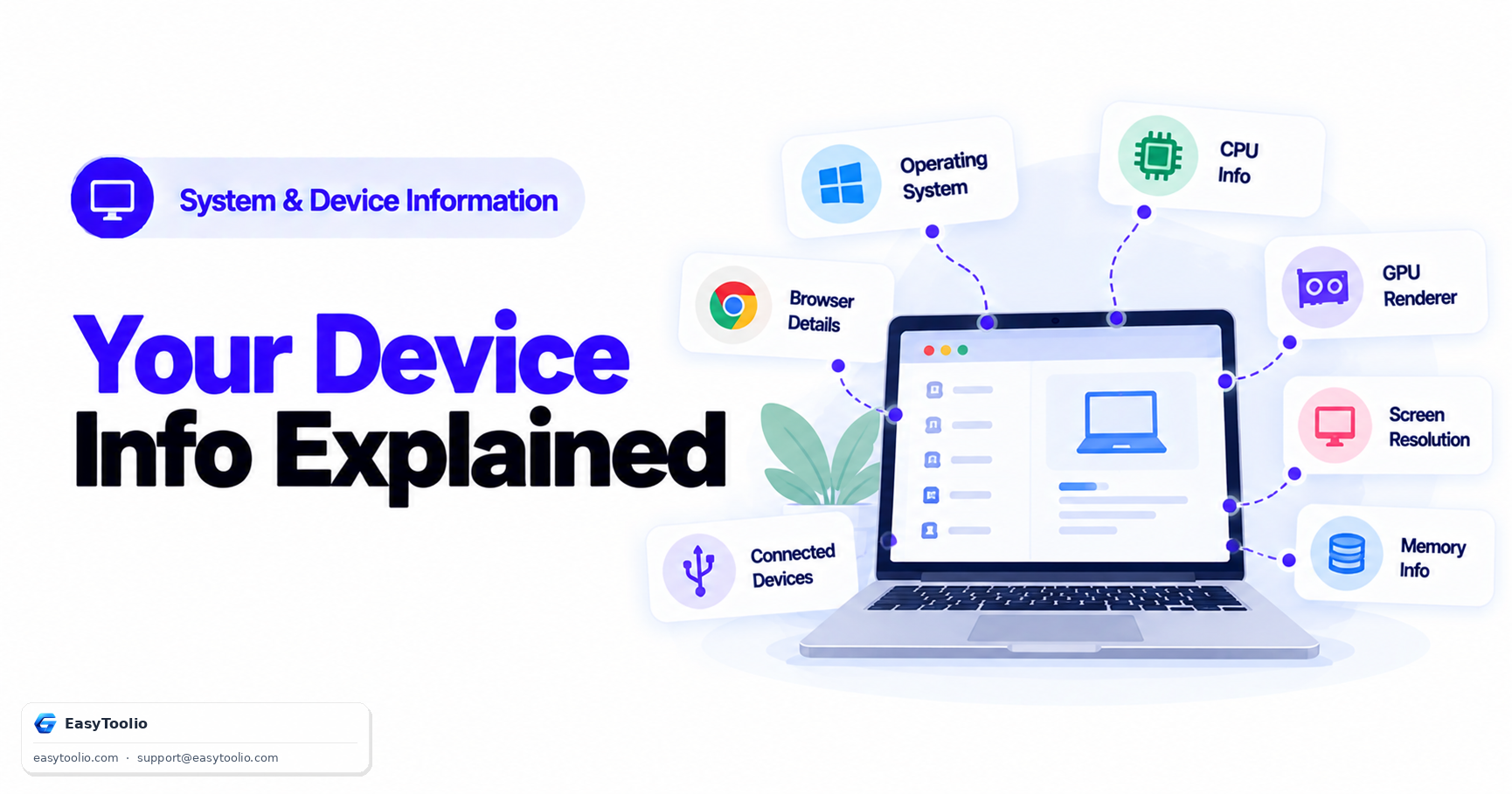
- Browser Details: Browser name, release version, rendering engine (Chromium, Gecko, WebKit), User Agent string, and active settings (JavaScript, Cookies, Do Not Track).
- Operating System & Category: Platform name (Windows, macOS, Linux, Android, iOS), system architecture, and general device type (Desktop, Laptop, Tablet, Mobile).
- CPU & Hardware Concurrency: Number of logical CPU execution threads exposed via
navigator.hardwareConcurrency.
- Approximate Memory: Device RAM upper bounds exposed via
navigator.deviceMemory.
- Display Metrics: CSS screen resolution, active viewport dimensions, Device Pixel Ratio (DPR), color depth, orientation, and color gamut (sRGB, P3, Rec2020).
- Graphics & WebGL: Supported WebGL versions, unmasked vendor, GPU renderer string, and maximum texture size constraints.
How to Check Your Device Information Online
- Open EasyToolio Device Information Checker in any web browser on desktop or mobile.
- Review your Device Snapshot card for an instant overview of your OS, browser, CPU, memory, and screen resolution.
- Inspect detailed telemetry cards for screen scaling, display media queries, WebGL graphics, and Web API support.
- Click Copy Device Report or Download JSON / TXT to export a clean report for technical support.
How to Check Computer Specifications Online
Checking computer specs online allows you to quickly verify logical CPU cores, screen scaling, and browser engine parameters without opening native OS system menus. For web developers, IT support staff, and gamers, inspecting reported specifications helps verify if your browser environment supports WebGL 3D games or high-performance WebAssembly applications.
How to Find Your Browser Version
Our Browser Information module queries navigator.userAgentData or parses standard user agent headers to display your exact browser version (e.g. Chrome 128.0, Firefox 129.0, Safari 17.5). Keeping your browser updated ensures optimal security and support for modern Web APIs.
How to Find Your Screen Resolution
Screen resolution is presented in both logical CSS pixels and estimated physical display pixels. Logical CSS pixels define layout dimensions for web content, while estimated physical pixels represent the underlying display panel hardware resolution derived by multiplying CSS dimensions by your Device Pixel Ratio (DPR).
How to Check CPU Cores Online
The CPU concurrency metric queries navigator.hardwareConcurrency. This value represents the total number of logical processor threads (including hyperthreading or simultaneous multithreading cores) that your browser can utilize for multi-threaded tasks such as Web Workers.
How to Check RAM Online
Where supported by Chromium-based browsers, navigator.deviceMemory reports approximate system RAM in gigabytes (e.g., 0.25, 0.5, 1, 2, 4, 8 GB). To protect user privacy against browser fingerprinting, this value is intentionally capped and rounded to standard power-of-two tiers rather than revealing exact installed hardware sticks.
What Is Device Pixel Ratio?
Device Pixel Ratio (DPR) is the ratio between physical display pixels and logical CSS pixels. On high-density Retina or HiDPI displays with a DPR of 2, a 1920×1080 CSS viewport is rendered using 3840×2160 physical display pixels to ensure crisp text and sharp image rendering.
What Does My Browser Reveal About My Device?
Every web browser exposes basic platform properties so websites can serve appropriate layouts and media formats. This includes your operating system type, language preferences, screen dimensions, WebGL rendering capabilities, touch points, and network status.
Browser-Reported Specifications
- Logical CPU execution threads
- Approximate RAM upper bound
- CSS screen resolution & viewport size
- Device Pixel Ratio (DPR) scaling
- WebGL graphics vendor & renderer
- Supported Web APIs & touch capabilities
What a Browser Cannot Detect
- Exact computer brand or serial number
- Physical CPU model number (e.g. i7-13700K)
- Exact installed RAM stick configuration
- Physical motherboard model & BIOS version
- Internal hard drive S.M.A.R.T. health
- Exact battery mAh design capacity
Browser-Reported vs Actual Hardware Specifications
It is important to distinguish browser-reported telemetry from OS-level hardware diagnostics. Browser APIs are designed for feature detection and web performance optimization. Privacy standards deliberately obscure raw hardware serial numbers, MAC addresses, and physical motherboard data to safeguard user confidentiality.