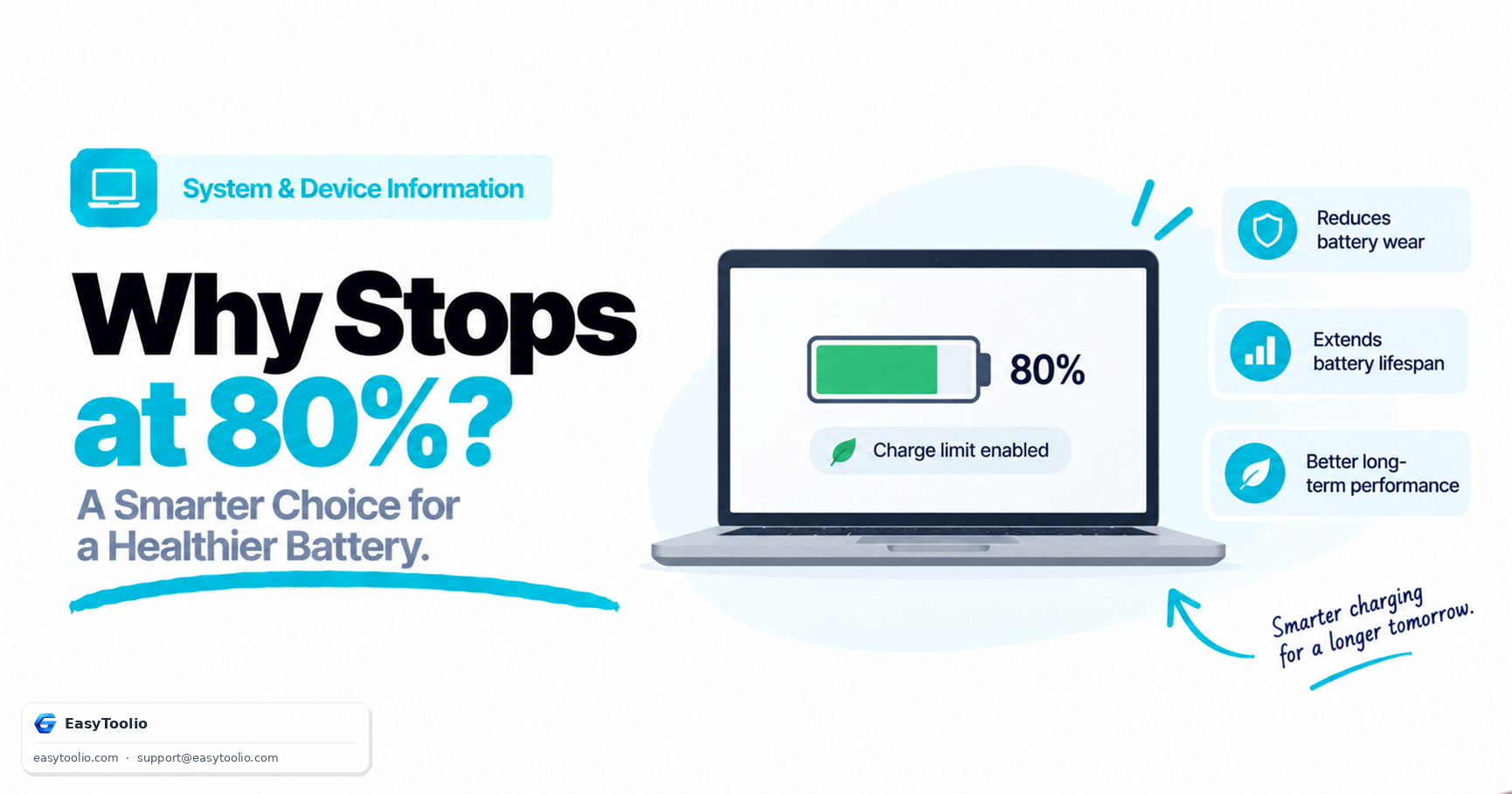
You glance at your laptop's battery indicator and it's sitting at 80%, plugged in, not moving. Your first instinct might be that something is broken — a failing charging circuit, a dying battery. In many modern laptops (and plenty of phones), this is not a malfunction at all. It's a deliberate feature called charge threshold limiting, and understanding it changes how you should read your device's reported battery numbers.
Direct Answer: Many modern laptops and phones intentionally stop charging below 100% — commonly around 80% — by default or through a manufacturer-provided setting, because lithium-ion battery cells degrade faster when kept at a high state-of-charge for extended periods. Capping the charge level around 80% meaningfully extends the battery's usable lifespan over years of daily use, at the cost of some reduction in maximum runtime per charge.
1. What Charge Threshold Limiting Actually Does
Charge threshold limiting is a firmware or software feature that tells the laptop's charging circuit to stop delivering current once the battery reaches a configured percentage — often adjustable, with 80% as a common default — instead of continuing all the way to 100% every time the device is plugged in.
Standard Charging:        0% ──► Charges continuously ──► 100% ──► Stays at 100% while plugged in
Threshold-Limited (80%):  0% ──► Charges continuously ──► 80% ──► Charging stops, stays at 80% while plugged in
Many laptop manufacturers expose this as a toggle in their proprietary power management software, and some phone operating systems now offer a similar "optimized charging" or adaptive-limit feature that learns your usage pattern and adjusts accordingly.
2. The Electrochemical Reason Behind It
Lithium-ion batteries degrade through chemical side reactions inside the cell, and the rate of that degradation is not constant — it accelerates under specific conditions, one of the most significant being prolonged time spent at a high state-of-charge.
When a lithium-ion cell sits at or near 100% for extended periods — which is exactly what happens to a laptop that stays plugged in at a desk for hours or days at a time — the elevated voltage across the cell accelerates the gradual breakdown of the electrolyte and the electrode materials. This process is a normal characteristic of lithium-ion chemistry generally, not a defect specific to any one battery.
By capping the charge level around 80%, the cell spends the vast majority of its plugged-in time at a meaningfully lower voltage than it would at 100%, which measurably slows this degradation process. Over the span of one to several years of regular use, this translates into the battery retaining a higher percentage of its original design capacity compared to a battery that was charged to 100% and left there continuously.
3. Why 80% Specifically (Not 100%, Not 50%)
The 80% figure represents a practical balance point rather than an arbitrary number:
- Capping too low (e.g., 50%) would meaningfully reduce the runtime available per charge, undermining the basic usefulness of a portable device for anyone who unplugs it and needs to work away from an outlet.
- Not capping at all (100%) maximizes runtime per charge, but accepts faster long-term capacity degradation for users who frequently leave their device plugged in for extended periods, such as at a permanent desk setup.
- Capping around 80% preserves most of the usable runtime per charge while substantially reducing time spent at the highest-stress voltage range, which is why manufacturers commonly land on that number (or offer it as a selectable option) as a practical default rather than a strict optimum.
4. How to Interpret a Battery Health Test With This in Mind
A battery health test typically reports figures like current capacity as a percentage of original design capacity, current charge percentage, and charging state. Charge threshold limiting changes how you should read some of these:
- A charging state that shows "not charging" at 80% is not necessarily a fault. If your device has threshold limiting enabled, this is the expected, intended behavior — check your power management settings for a charge limit configuration before assuming a hardware problem.
- Reported capacity should be read alongside your charging habits. A device that has spent most of its life charge-limited will typically show a healthier reported capacity percentage after a few years compared to an identical device that was routinely charged to 100% and left plugged in continuously.
- A test result showing reduced maximum capacity is still meaningful even with charge limiting enabled, since it reflects genuine long-term wear from cycling and age — charge limiting slows the rate of degradation, but does not eliminate it entirely over the battery's total lifespan.
Check your current battery capacity, charge percentage, and charging state using our interactive battery-health-test.
5. Frequently Asked Questions (FAQs)
Should I turn off charge threshold limiting if I need maximum battery life for a trip?
Most manufacturer power management tools that offer this feature let you temporarily disable the limit or charge to 100% for a specific session, then re-enable the limit afterward — a reasonable approach if you know you need full runtime for a single day of travel.
Does charge threshold limiting apply if I unplug and use my laptop on battery normally?
No, threshold limiting only affects behavior while the device is actively connected to charging power. Once unplugged, the battery simply discharges normally from whatever percentage it was at, with no artificial floor or ceiling applied to regular usage.
Is this the same feature on every laptop brand?
The underlying electrochemical reason is universal to lithium-ion batteries, but the specific implementation — default threshold percentage, whether it's adjustable, and where the setting lives — varies by manufacturer. Check your specific device's power management or battery care software to see whether the feature exists and how it's configured.
References: Manufacturer lithium-ion battery care documentation; general lithium-ion electrochemistry principles regarding state-of-charge and calendar aging.