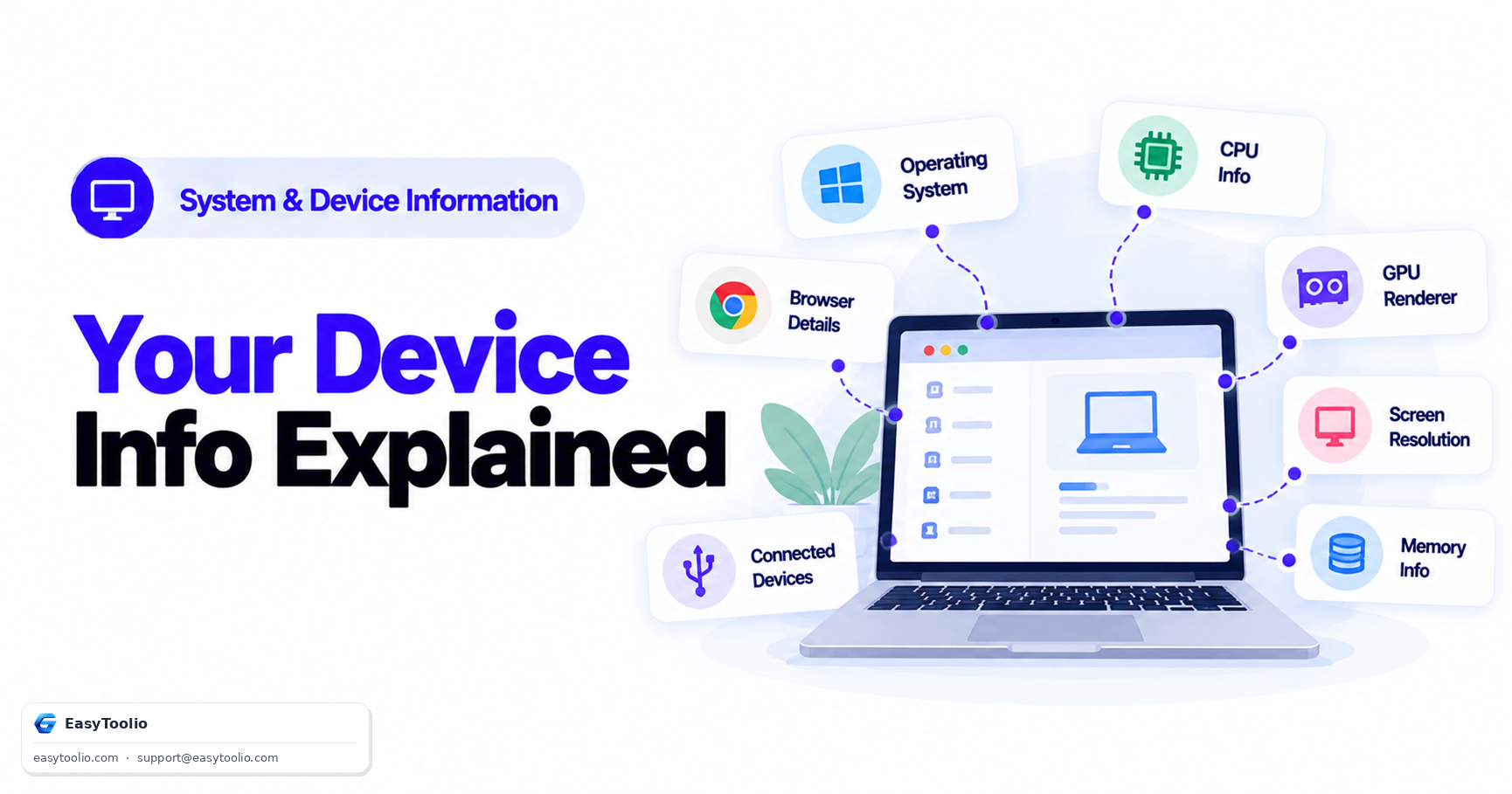
Load almost any website and, before you click a single thing, that site's JavaScript already has access to a surprising amount of detail about your device — your browser version, screen resolution, processor core count, even the model of your graphics card. None of this requires hacking or special permissions. It's exposed through standard, documented web APIs that exist for entirely legitimate reasons.
Direct Answer: Websites can legitimately read details like your browser and operating system identity (navigator.userAgent), your screen resolution, your device's CPU core count (navigator.hardwareConcurrency), an estimate of available memory, your graphics hardware's renderer string (via WebGL), and whether your device supports touch input — all through standard JavaScript APIs built into every modern browser. This exists to support responsive design, compatibility checks, and accessibility, but the same combination of data points also contributes to browser fingerprinting.
1. The Standard APIs Behind What Gets Exposed
| Information | API / Property | What It Reveals |
|---|---|---|
| Browser & OS Identity | navigator.userAgent |
Browser name, version, and operating system family |
| Screen Resolution | screen.width / screen.height |
Physical display dimensions and pixel density |
| CPU Core Count | navigator.hardwareConcurrency |
Number of logical processor cores available |
| Estimated Memory | navigator.deviceMemory |
Approximate device RAM, reported in rounded bands rather than an exact figure |
| GPU Renderer String | WebGL getParameter(UNMASKED_RENDERER_WEBGL) |
Graphics card or GPU model identifier |
| Touch Support | navigator.maxTouchPoints |
Whether the device accepts touch input, and how many simultaneous touch points |
None of these require a permission prompt the way camera or location access does — they are considered non-sensitive metadata that browsers expose by default to any page's JavaScript.
2. Why This Information Exists in the First Place
This exposure is not an oversight — each of these APIs was standardized for specific, practical purposes:
- Responsive Design: Websites need to know screen dimensions to correctly serve a mobile-optimized layout versus a desktop layout, and to choose appropriately sized images rather than sending unnecessarily large files to small screens.
- Compatibility Checks: A web application can check the browser identity and available features before deciding whether to load a full-featured experience or a simplified fallback for an older browser that lacks support for a given capability.
- Performance Tuning: Knowing CPU core count and estimated memory lets sophisticated web apps — video editors, games, data visualization tools — scale their workload appropriately rather than overwhelming a lower-powered device.
- Accessibility: Detecting touch support and screen characteristics helps sites adjust tap-target sizing and interaction patterns appropriately for the input method actually being used.
3. How the Same Data Feeds Into Browser Fingerprinting
Individually, none of these data points identifies you personally — many thousands of people share the same browser version, screen resolution, or core count. The concern arises when a site combines several of these values together into a single profile.
Browser + OS + Screen Resolution + CPU Cores + GPU Renderer + Touch Support
        ──► Combined, this specific set of values becomes increasingly rare
        ──► A sufficiently unique combination can distinguish your device from most others
        ──► Even without cookies, this combination can be used to recognize a returning visitor
This is the basic mechanism behind browser fingerprinting: rather than relying on a stored cookie, a site computes a profile from combinations of exposed device characteristics and checks whether a similar profile has been seen before. The more distinct attributes a site collects and combines, the more precisely it can narrow down — and potentially re-identify — a specific device, even across sessions where cookies have been cleared.
This is a deliberately brief connection to the fingerprinting concept — the mechanics of how fingerprinting scripts actually calculate and store these composite profiles is a deeper topic in its own right.
Inspect exactly what your own browser currently exposes using our interactive device-information-checker, which reports the same data points a website's JavaScript would see.
4. Frequently Asked Questions (FAQs)
Can a website see my exact GPU model or just a general category?
Depends on the browser and its privacy settings. Some browsers report a detailed, specific GPU renderer string by default; others (particularly privacy-focused browsers or those with stricter default settings) report a generic, masked value instead of the exact hardware identifier to reduce fingerprinting risk.
Does this exposed information include my name, email, or personal files?
No. None of the APIs described here have any access to personal files, account information, or identity data stored on your device. They report only device and browser characteristics — hardware and software metadata, not personal content.
Can I stop websites from seeing this information entirely?
Not completely, since some of this data (like screen resolution) is inherently needed for a page to render correctly at all. However, privacy-focused browsers and certain browser extensions can reduce precision — reporting rounded or generic values instead of exact ones — specifically to make fingerprinting less effective without breaking basic site functionality.
References: W3C Navigator API Specification, W3C WebGL Specification.