Notification
Go to Home All Tools Compare Glossary Blog Contact

Ping Test

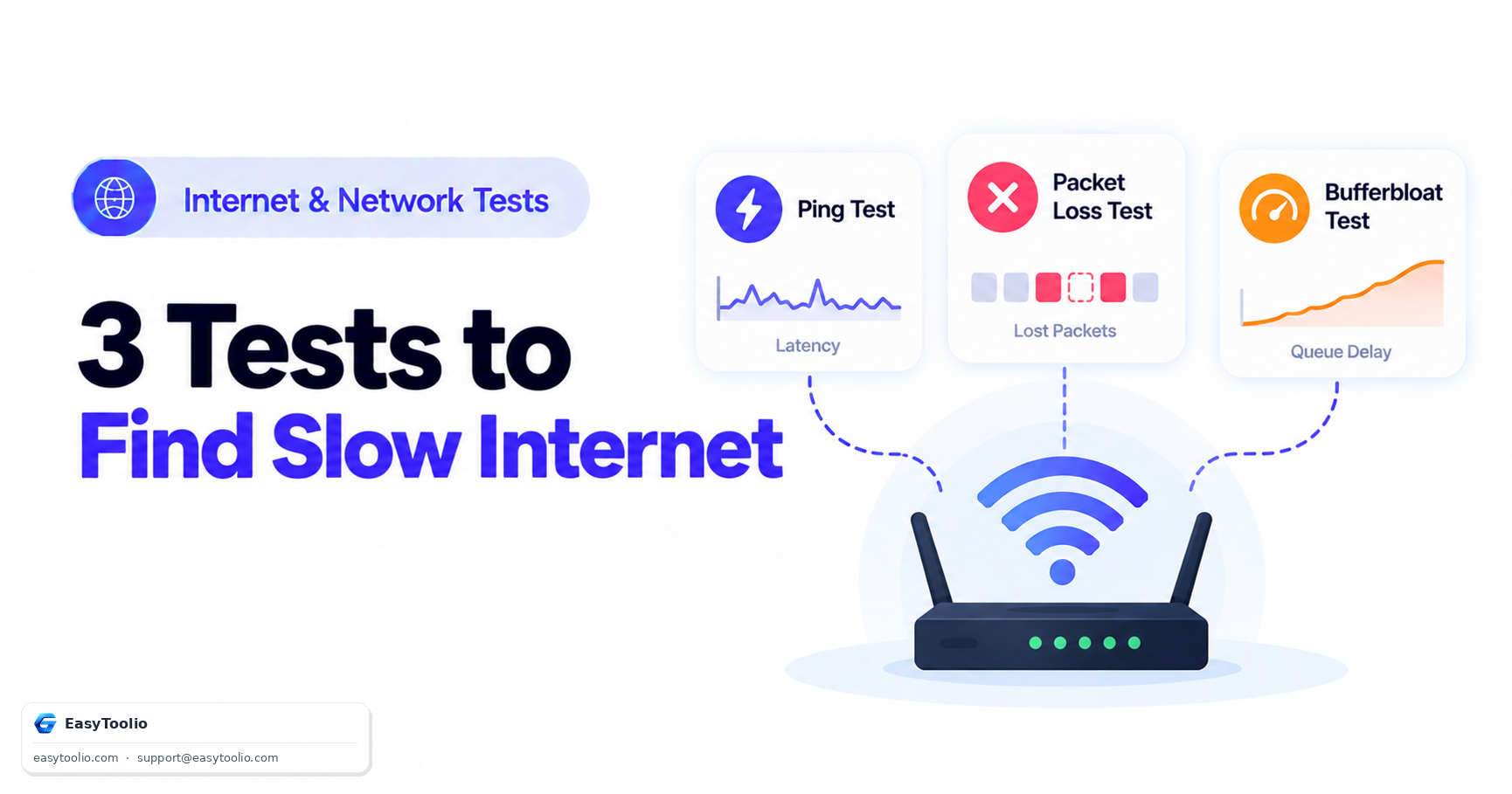
Run a free online ping test to check internet latency, response time, jitter, and probe loss with real-time graphs and statistics.

Test Server Endpoint: EasyToolio Network Endpoint (Edge CDN)
Sent / Recv 0 / 0
Current Latency 0 ms
Average Ping 0 ms
Current Jitter 0 ms
Latency Over Time (ms) Explicit probe delivery graph

Ping Test Idle

Click "START PING TEST" to initiate real-time probe latency visualization.

Ping Result

Waiting for Test
Average Latency 0 ms
Median Latency 0 ms
Minimum Latency 0 ms
Maximum Latency 0 ms
P95 Latency 0 ms
Jitter 0 ms
Probe Loss 0.00 %
Successful Probes 0 / 0
Application Suitability Rating
Competitive Gaming (FPS/MOBA) Pending
Video Calls (Zoom/Discord) Pending
Cloud Gaming (GeForce/Xbox) Pending
Remote Desktop (RDP/VNC) Pending

Recent Test History

No recent ping tests recorded.

Browser Measurement Methodology

Measures high-precision Browser-Based Round-Trip Latency over HTTP fetch probes to EasyToolio network endpoints. Raw OS ICMP ping is not emitted by browser web pages.

Network

AI Network & Ping Assistant

Ask AI
Education

Internet Latency & Network Diagnostic Guide

01

Understanding Latency & Response Time

Latency represents the time delta $\Delta t = t_{received} - t_{sent}$ for data packets to traverse the network.
02

Why Median & P95 Matter

Median latency reflects typical performance, while P95 isolates sudden lag spikes that distort standard arithmetic averages.

03

How Jitter Affects Real-Time Traffic

Jitter measures average latency variation $J = \frac{1}{N-1}\sum |L_{i+1}-L_i|$. High jitter causes voice stutter and rubber-banding.

04

Browser Probe Methodology

Probes use high-precision performance.now() timers over secure HTTP fetch connections to evaluate real-time application delay.

Good to know

Questions, answered

Quick answers about how this tool works.

A ping test measures the round-trip delay time (in milliseconds) for data signals to travel from your device to a network server and return back.

A ping under 30 ms is excellent, 30–50 ms is good for online gaming and video calls, 50–100 ms is acceptable for general browsing, while anything over 150 ms may cause noticeable lag.

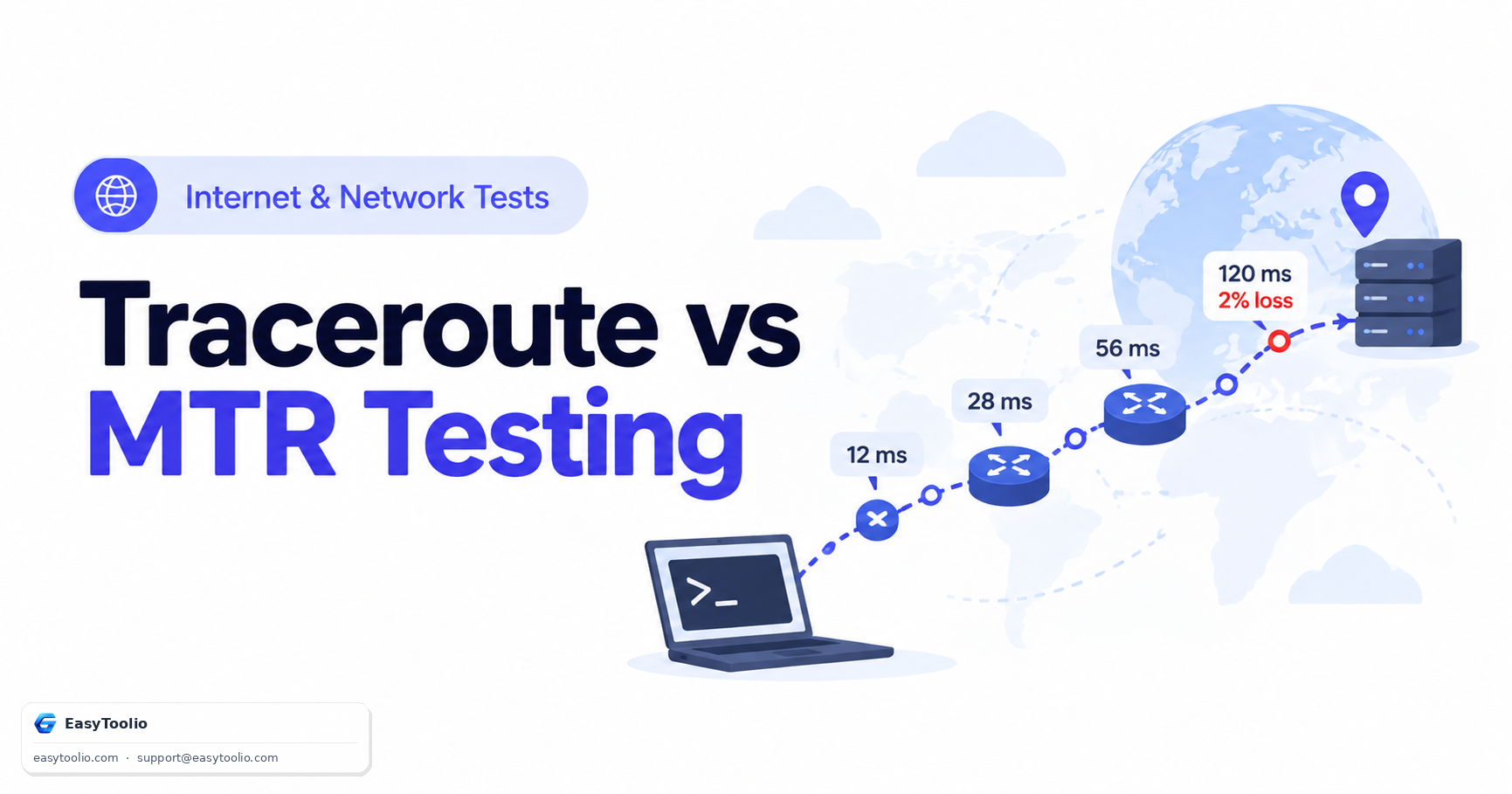
High ping is commonly caused by physical distance to the server, Wi-Fi signal interference, network congestion, background downloads, or inefficient ISP routing.

Fluctuating ping (jitter) occurs when network traffic congestion varies, wireless packets retransmit, or background applications consume bandwidth spikes.

Jitter is the variation in latency between consecutive network probes. Low jitter ensures smooth real-time voice calls and competitive gaming.

No. Physical signals take time to travel through fiber/cables and network hardware. Even local network connections take 1–3 ms.

Yes. Wireless signals introduce radio frequency interference, wall obstacles, and retransmissions that increase latency compared to wired Ethernet.

Use an Ethernet cable, close background downloads, select closer game servers, restart your router, or switch to a lower-latency ISP.

Yes. Lower ping improves reaction responsiveness and hit registration in multiplayer games like FPS, MOBA, and battle royale titles.

No. Web browsers cannot issue raw OS ICMP sockets for security reasons. Browser tools measure HTTP/WebSocket round-trip latency.

Ping depends directly on geographical distance and the number of internet routers (hops) data must traverse to reach each specific server.

Yes. Light in fiber optics travels ~200 km per millisecond. Crossing oceans or continents inherently adds 50–150 ms of minimum latency.

Popular Tools on EasyToolio

Swipe

What do you need to work out next?

Search 205+ free tools by name, or pick a category below. Every one runs instantly in your browser — no signup, nothing to install.