Notification
Go to Home All Tools Compare Glossary Blog Contact

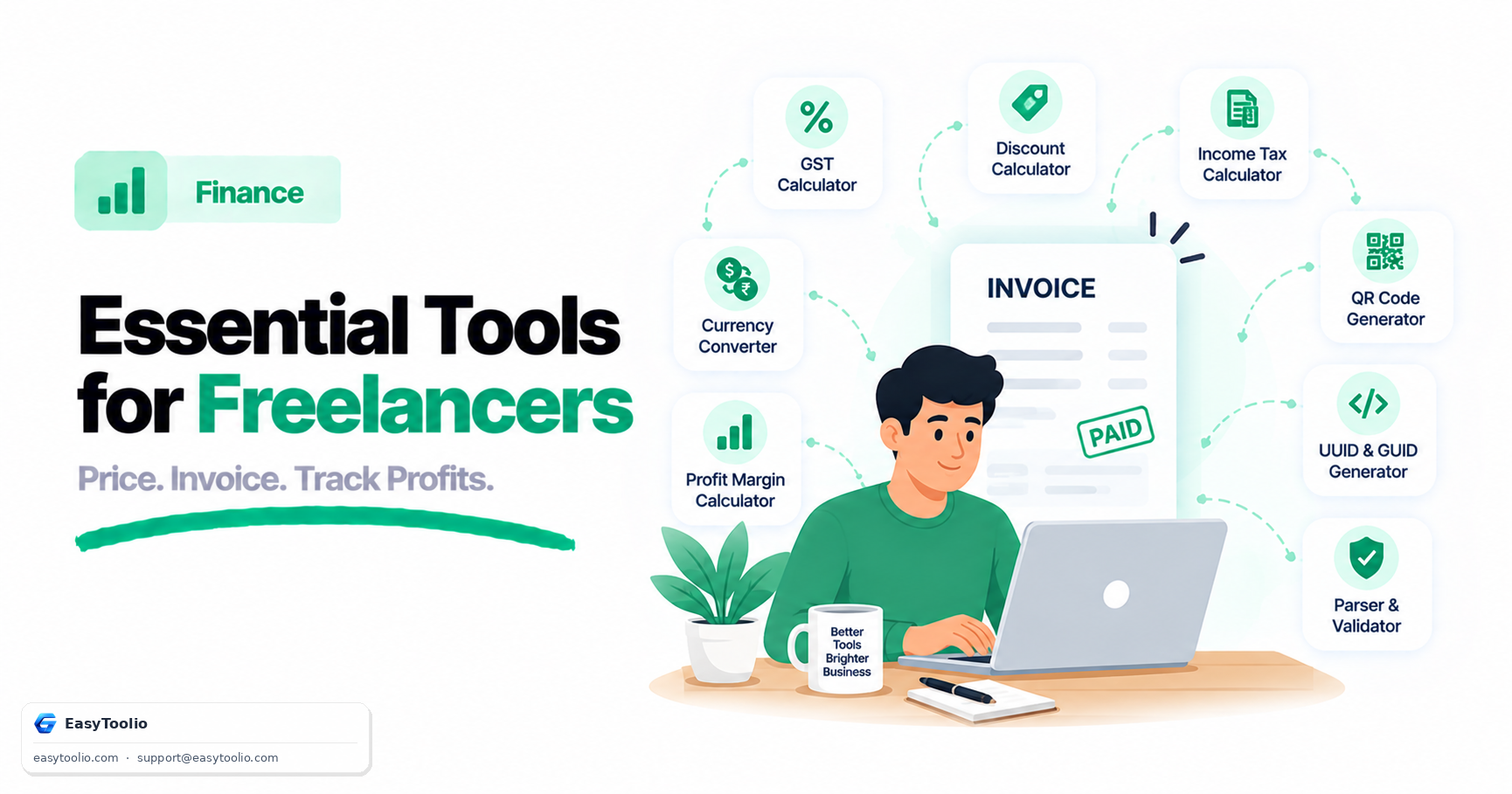
Profit Margin Calculator

Calculate gross profit margin, markup, and target selling price for a single product or your whole catalog.

Product Financial Inputs

Gross Profit Output

₹400

Gross profit per unit sold

Margin vs Markup Comparison Key Metric
Profit Margin % 40.0% % of Selling Price
Markup % 66.7% % over Cost Price
Total / Unit Cost ₹600
Selling Price ₹1,000

Revenue Distribution

Cost vs Profit

Smart Profit Margin Rules & Pricing Principles

Core pricing benchmarks, markup conversions, and margin protection rules

Pricing Blueprint
Margin vs. Markup Difference

Profit Margin % measures profit as a percentage of Selling Price, while Markup % measures profit over Cost Price. A 50% Markup yields a 33.3% Margin.

Formula: Margin % = Markup / (1 + Markup)
Industry Margin Benchmarks

Digital/SaaS products target 60-80% gross margin. Direct-to-Consumer (D2C) & Retail target 40-50% margin, while Wholesale targets 15-25% gross margin.

Retail Benchmark: 40% – 50% Gross Margin
Fulfillment & OpEx Buffer

Always add a 5-10% buffer to your base cost for payment gateway transaction fees (2%), packaging, shipping, and expected return processing.

Buffer: Add 5-10% for Transaction & Logistics
Pricing Tip: Setting retail prices based on target Profit Margin % rather than arbitrary Markup % protects your bottom-line profitability as fixed costs scale.
Pricing Optimization Guide

Profit Margin Calculator – Margin vs. Markup Guide

A Profit Margin Calculator computes Gross Profit, Net Profit Margin %, and Markup % on cost to help e-commerce sellers, retailers, and businesses optimize item pricing.

What is a Profit Margin Calculator?

An online pricing tool that converts Cost of Goods Sold (COGS) and selling price into gross profit, margin %, and markup % to ensure product profitability.

Margin vs. Markup Distinction

  • Profit Margin %: Percentage of revenue left as gross profit (Profit / Price × 100).
  • Markup %: Percentage added on top of cost price (Profit / Cost × 100).
  • Target Price Solver: Calculate the exact selling price required to hit a desired 25% or 40% margin.

How Margin & Markup Work (Live Example)

Calculated for an item purchased at Cost Price ₹600 and sold at Retail Price ₹1,000:

Cost Price (COGS) ₹600
Selling Price ₹1,000
Profit Margin % 40.00%
Markup % 66.67%
Gross Profit Cash: ₹1,000 − ₹600 = ₹400 Profit
Profit Margin (on Revenue): (₹400 / ₹1,000) × 100 = 40.00%
Markup (on Cost Price): (₹400 / ₹600) × 100 = 66.67%
Cost Price: ₹600 Gross Profit: ₹400 Margin %: 40.00%
1

Enter Cost & Price

Input product cost price (COGS) and target selling price.

2

Select Pricing Mode

Choose Standard Margin, Target Price, or Bulk Catalog mode.

3

View Margin & Markup

Review gross profit, Margin %, Markup %, and export product catalog CSV.

AI Pricing Coach

AI E-Commerce & Retail Pricing Advisor

Ask AI
Education

Profit Margin vs Markup Explained

01

Profit Margin and Markup Formulas

Profit Margin % is calculated as ((Selling Price minus Cost Price) divided by Selling Price) x 100, expressing profit as a share of revenue, while Markup % is calculated as ((Selling Price minus Cost Price) divided by Cost Price) x 100, expressing profit as a share of cost. Because the denominators differ, Markup % is always numerically higher than Margin % for the same rupee profit, and the two can be converted using Margin % = Markup % / (1 + Markup %).
02

Why Margin Can Never Reach 100%

Since Gross Profit can never exceed total revenue, Profit Margin % is mathematically capped below 100%, whereas Markup % has no such ceiling and can exceed several hundred percent on very low-cost items. This distinction matters when setting prices: solving for a target margin uses Selling Price = Cost Price / (1 - Target Margin), while solving for a target markup simply multiplies Cost Price by (1 + Markup %).

03

Worked Margin and Markup Example

If a product costs ₹600 to produce and sells for ₹1,000, the Gross Profit is ₹1,000 minus ₹600 = ₹400. This gives a Profit Margin of (400 / 1,000) x 100 = 40.0% and a Markup of (400 / 600) x 100 = 66.7%, showing how the same ₹400 profit produces two very different-looking percentages depending on which base is used.

04

Using Margin Targets for Pricing

Retail and e-commerce sellers typically target a 40% to 50% gross margin, while SaaS and digital products often target 60% to 80%, so comparing your margin against these benchmarks helps flag underpriced catalog items. Use the Break-Even Calculator to check how your margin per unit affects the sales volume needed to cover fixed costs, or the GST Calculator to see how tax affects your final invoice price.

Good to know

Questions, answered

Quick answers about how this tool works.

Profit Margin is the profit expressed as a percentage of the SELLING PRICE (Profit / Selling Price), whereas Markup is the profit expressed as a percentage of the COST PRICE (Profit / Cost Price). Margin is always smaller than Markup for positive profit values.

Formula: Required Selling Price = Cost Price / (1 - (Target Margin % / 100)). For example, if Cost is ₹600 and Target Margin is 40%, Selling Price = 600 / (1 - 0.40) = ₹1,000.

Formula: Max Cost Price = Selling Price x (1 - (Target Margin % / 100)). For example, if Selling Price is ₹1,000 and Target Margin is 40%, Max Cost = 1,000 x 0.60 = ₹600.

Because the cost price (the denominator for markup) is less than the selling price (the denominator for margin). For instance, a 50% markup on ₹100 cost gives ₹150 selling price, which equals a 33.3% profit margin.

A healthy gross profit margin for e-commerce typically ranges between 30% and 50% depending on product category, returns, shipping costs, and customer acquisition overhead.

Yes! Use Bulk Product Catalog Mode to add multiple items, track individual product margins, and calculate your total portfolio consolidated gross margin.

Popular Tools on EasyToolio

Swipe

What do you need to work out next?

Search 190+ free tools by name, or pick a category below. Every one runs instantly in your browser — no signup, nothing to install.

More Finance tools