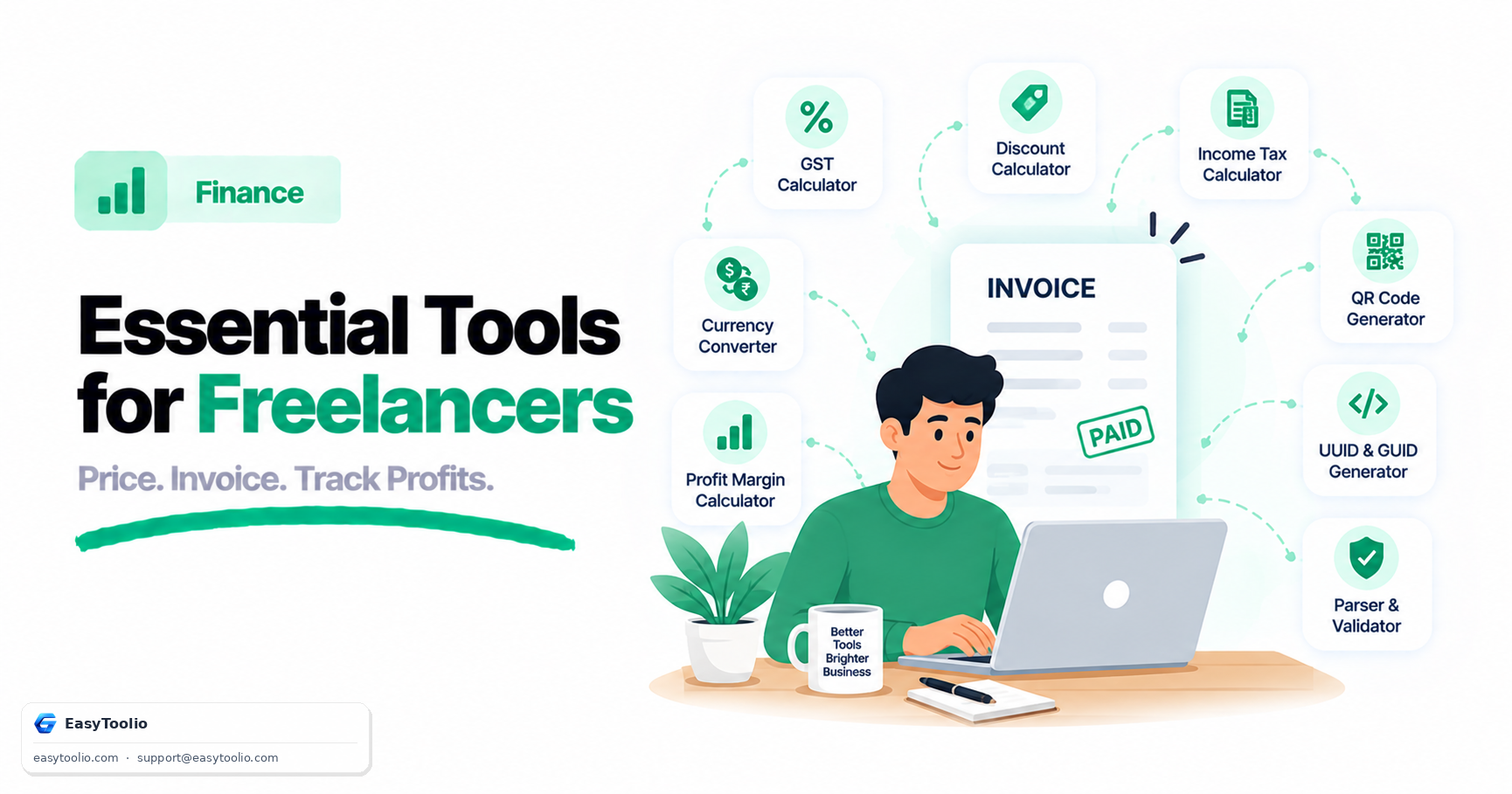
When you're a freelancer or a small business owner, you're also the accounts department. There's no one down the hall to double-check your GST math, sanity-check a quote before you send it, or remind you that a "discount" you offered a client actually erased your entire margin. The tools below cover the full lifecycle of a job — quoting, invoicing, and tracking whether you actually made money.
Quick List: GST Calculator, Profit Margin Calculator, Discount Calculator, Currency Converter, UUID Generator, QR Code Generator, and Income Tax Calculator. This is for educational/planning purposes and not personalized financial advice.
1. GST Calculator
Every invoice a registered freelancer or small business sends needs GST added or extracted correctly, and getting it wrong either shortchanges you or creates a mismatch with what the client expects to pay. The GST Calculator lets you compute the tax amount and final invoice value from a base price, or reverse-calculate the base price from a GST-inclusive figure a client has already agreed to pay. This matters most when negotiating a round-number quote (say, "₹50,000 all-inclusive") — you need to know exactly how much of that is your actual fee versus tax you're just collecting and passing through, so your margin calculations later aren't inflated by tax money that isn't really yours.
2. Profit Margin Calculator
Revenue isn't profit, and freelancers routinely under-price because they quote based on "what feels fair" rather than what a job actually costs them once software subscriptions, contractor payouts, and time are factored in. The Profit Margin Calculator takes your cost and selling price and returns the exact margin percentage, or works backward to tell you what price you need to charge to hit a target margin. Running every recurring service package through this before you finalize pricing prevents the common trap of a "successful" client roster that's quietly barely breaking even after costs.
3. Discount Calculator
Client negotiations almost always involve a discount request — a referral discount, a bulk-project discount, an early-payment incentive — and eyeballing "10% off" on a complex quote is where margins quietly disappear. The Discount Calculator computes the exact discounted price and the rupee amount you're giving up, so you can see in real numbers whether a "reasonable-sounding" discount still leaves you at a margin you calculated in step 2. It's especially useful for stacking discounts (a percentage off plus a flat referral credit) where mental math gets unreliable fast.
4. Currency Converter
International clients are common for freelancers, and quoting or invoicing in a foreign currency without checking the live rate is a fast way to lose money to a bad conversion or a stale number from last month. The Currency Converter gives you a current exchange rate to convert a quote into the client's currency, or convert an incoming payment back into your home currency to check it matches what was agreed. This is also useful for tracking how currency fluctuation between invoicing and payment receipt affected your actual realized income.
5. UUID Generator
Invoice numbering seems trivial until you have overlapping projects, multiple clients, or a shared team, and duplicate or guessable invoice numbers create confusion during audits or client disputes. The UUID Generator produces a guaranteed-unique identifier you can use as (or embed within) an invoice reference number, ensuring no two invoices ever collide even across different clients, projects, or accounting periods, without you having to maintain a manual sequential counter.
6. QR Code Generator
Getting paid faster often comes down to reducing friction at the exact moment a client is ready to pay. The QR Code Generator turns a UPI payment link, a payment page URL, or account details into a scannable code you can drop directly onto an invoice PDF, so a client can pay from their phone in seconds instead of manually typing a UPI ID or navigating to a payment portal. It's a small addition that measurably speeds up payment collection for repeat local clients.
7. Income Tax Calculator
Freelance income is taxed differently from salaried income, and without a monthly TDS deduction happening automatically, it's easy to spend what looks like "profit" only to face a large tax bill later. The Income Tax Calculator estimates your tax liability based on your projected annual income and applicable regime, letting you set aside the right percentage from each invoice as it comes in rather than discovering a shortfall at filing time.
Comparison Table
| Tool | Best For | Category |
|---|---|---|
| GST Calculator | Calculating tax on invoices | Finance |
| Profit Margin Calculator | Pricing jobs to hit a target margin | Finance |
| Discount Calculator | Evaluating client discount requests | Finance |
| Currency Converter | Quoting and invoicing international clients | Finance |
| UUID Generator | Generating unique invoice reference numbers | Utility |
| QR Code Generator | Adding scannable payment links to invoices | Utility |
| Income Tax Calculator | Estimating tax to set aside from income | Finance |
How to Use These Together
A typical workflow looks like this: price the job using the Profit Margin Calculator, apply GST using the GST Calculator to get the final invoice figure, adjust for any negotiated discount with the Discount Calculator, and if the client is international, confirm the amount with the Currency Converter. Generate a unique reference with the UUID Generator, attach a payment QR code, and once paid, run the income portion through the Income Tax Calculator to set aside the right tax amount. Doing this consistently for every invoice turns scattered guesswork into a repeatable, defensible pricing and record-keeping process.
Frequently Asked Questions (FAQs)
Do I need separate tools for GST and income tax, or is one enough?
They serve different purposes — GST applies to the transaction (what you charge a client), while income tax applies to your overall earnings for the year. Freelancers above the GST registration threshold typically need to track both separately.
How often should I recheck my profit margins?
Ideally every time your costs change (new software subscription, higher subcontractor rates) or at least quarterly, since a margin that was healthy six months ago can quietly erode as expenses creep up.
Reference: Goods and Services Tax Network (GSTN) guidelines for small taxpayers, gst.gov.in.