Notification
Go to Home All Tools Compare Glossary Blog Contact
Be the first to rate
Text Utilities

Remove Duplicate Lines

Remove Duplicate Lines

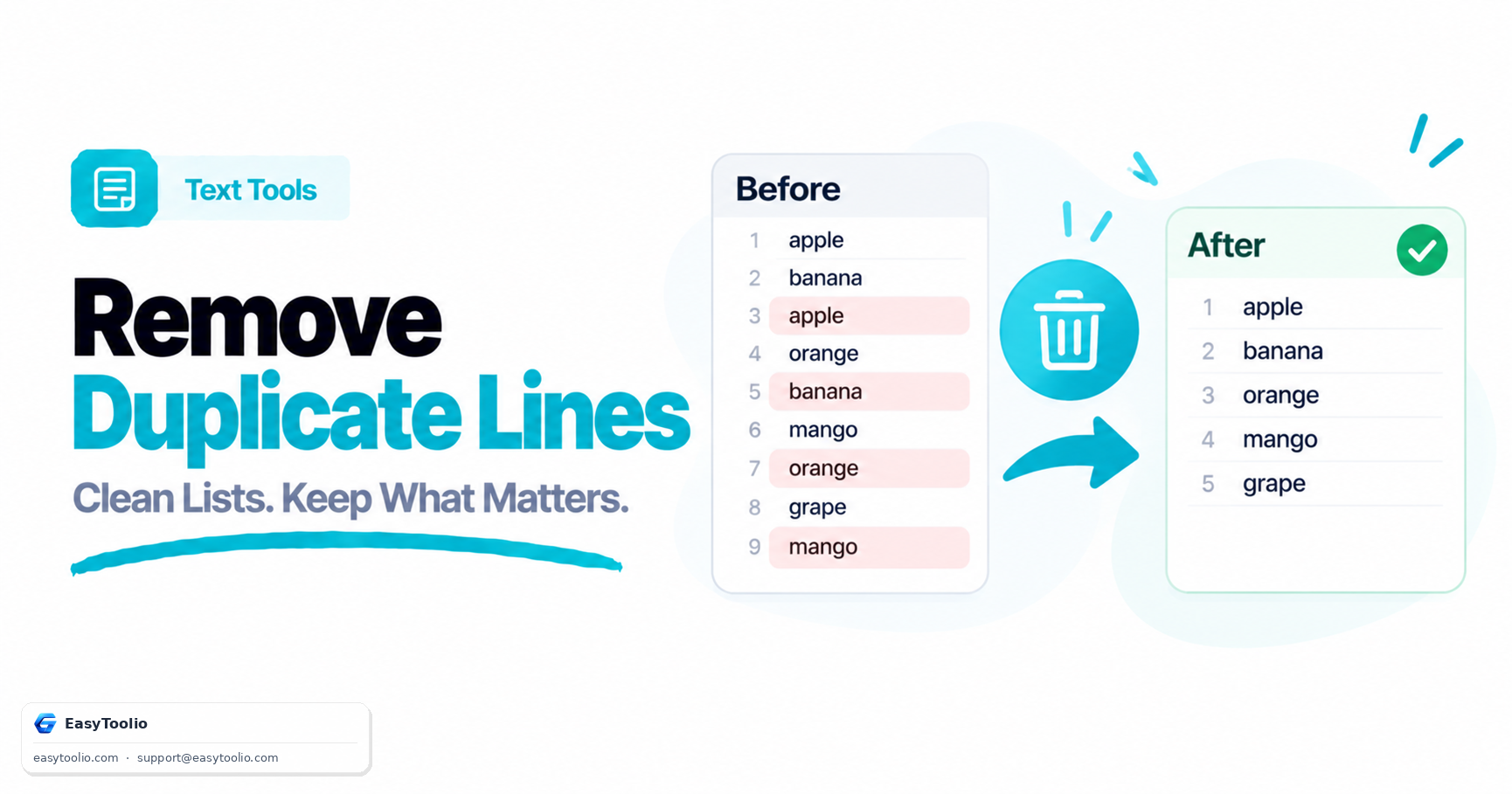
Remove duplicate lines from any list while preserving unique lines and original order, with case-sensitivity and whitespace controls.

Input Text

Unique Lines

Statistics

Total Lines 0
Unique Lines 0
Duplicates Removed 0
Characters 0
Education

Cleaning Up Lists and Text Data

1 When Duplicate Lines Sneak In

Merged spreadsheets, combined mailing lists, scraped data, and repeated log exports commonly end up with duplicate rows. Removing them manually in a large file is slow and error-prone.

2 Keep First vs. Keep Last

"Keep First Occurrence" preserves your original line order and drops later repeats — the safest default. "Keep Last Occurrence" is useful when a later duplicate contains a corrected or updated value.

3 Case-Sensitivity Matters

By default, "Apple" and "apple" are treated as different lines. Switch to case-insensitive mode when comparing user-entered data like names or emails where casing is inconsistent.

4 Runs Entirely in Your Browser

De-duplication happens locally in JavaScript — your list is never uploaded to a server, so it's safe to use with private data like email lists or internal records.

FAQs

Frequently Asked Questions

Paste your list into the input box and click "Remove Duplicates". The tool scans every line, keeps only the unique ones based on your chosen options, and shows the cleaned result in the output box, ready to copy or download.

"Keep First Occurrence" preserves your original line order and drops every later repeat of a line — this is the safest default for most lists. "Keep Last Occurrence" instead keeps the last time a line appears, which is useful when a later duplicate contains an updated or corrected value.

By default, comparison is case-sensitive, so "Apple" and "apple" are treated as different lines. Enable Case-Insensitive mode to treat them as duplicates instead — useful for lists like names or email addresses where casing is inconsistent.

No. All comparison and de-duplication happen entirely in your browser using JavaScript. Your list is never transmitted anywhere, making it safe to use with private data like email lists or internal records.

Workflow Suggestions

Recommended for Your Workflow

Category Showcase

More from Text Tools

Platform Spotlight

Popular Tools on EasyToolio

Explore More Tools Like Remove Duplicate Lines

Loved Remove Duplicate Lines? Explore our suite of related utilities to boost your productivity even further.