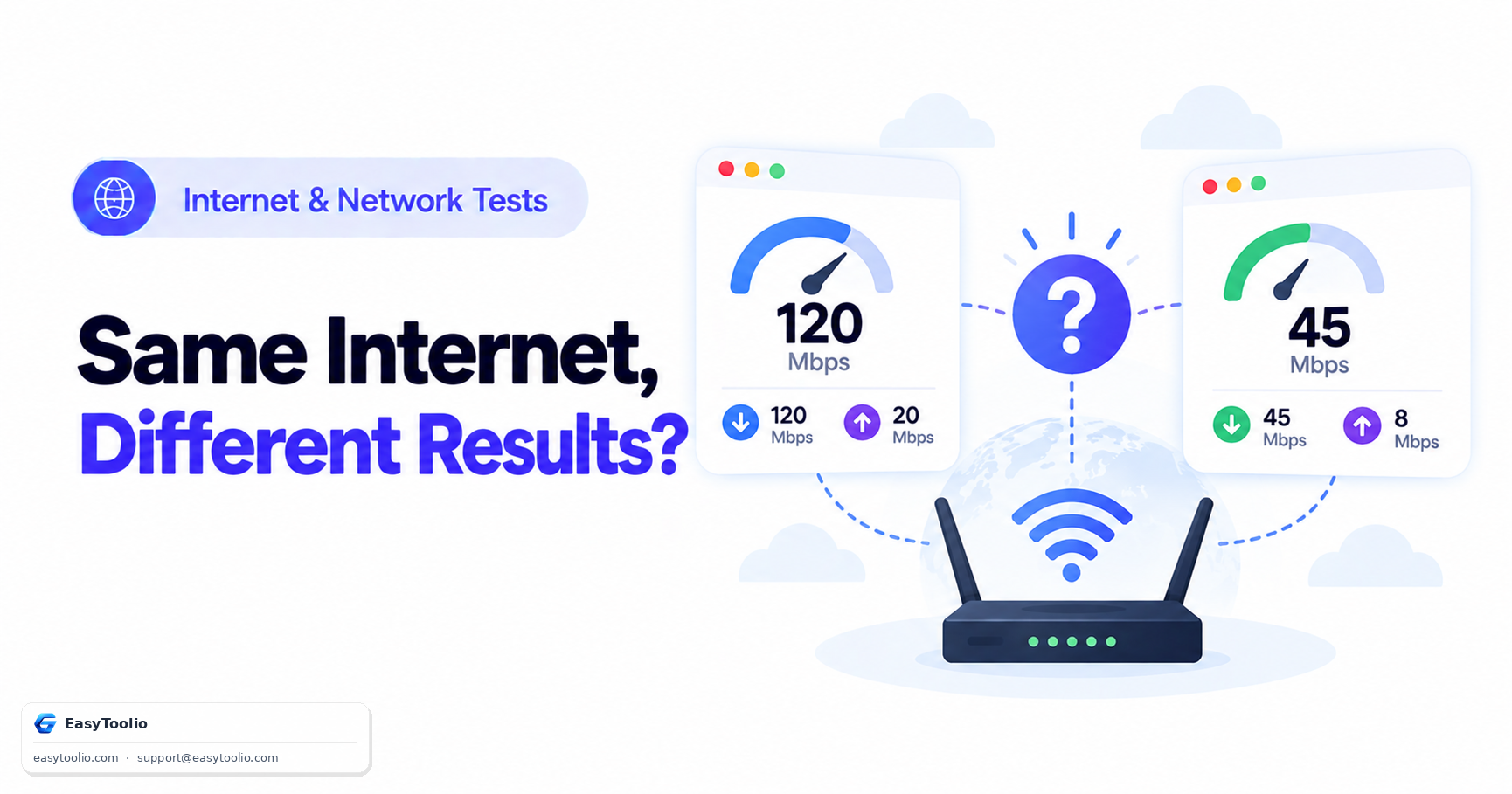
You close one browser tab showing 340 Mbps, open another site, run the exact same test on the exact same connection thirty seconds later, and it reports 190 Mbps. Nothing changed in your house. No one started streaming, no download kicked off in the background. Your instinct is to assume one of the two tests is "wrong" or that your ISP is throttling you inconsistently — but in most cases, both numbers are honest measurements of two genuinely different things.
Direct Answer: Speed test results differ between sites because each test measures something slightly different, not because your connection itself is unstable. The test server's physical distance from you changes latency and achievable throughput; whether the test opens one connection or many parallel connections changes how "peak" the number looks; some ISPs recognize and prioritize known speed-test traffic patterns, inflating results above what a normal download would see; and the length of the test window determines whether a brief dip or spike gets smoothed out or captured. A ping test and a bufferbloat test alongside your internet speed test will usually explain the gap better than the throughput number alone.
Server distance changes the physics, not just the routing
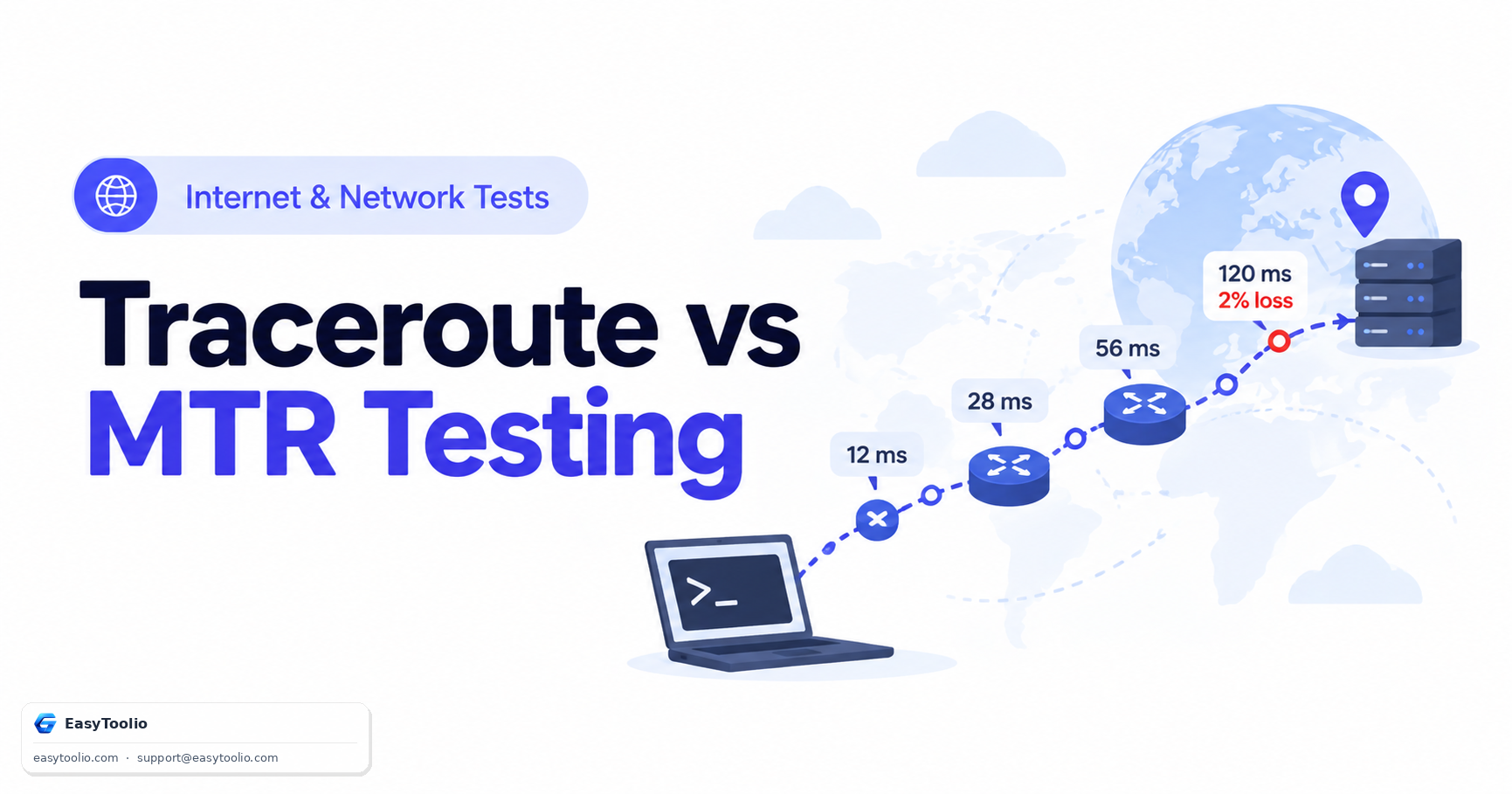
Every speed test needs a server to push data to and from. That server sits somewhere — a data center in your metro area, a regional hub two states away, or occasionally a continent away if the test provider has thin coverage in your region. Distance adds propagation delay, and propagation delay caps how fast a single TCP connection can ramp up, because TCP's congestion window grows based on round-trip acknowledgments. A server 8ms away lets your connection open its window aggressively within the first second of the test. A server 45ms away spends noticeably longer ramping, and on a short test that ramp-up time is a bigger fraction of the total measurement.
Test A: your PC ---- 6ms ---- test server (same city)
        window ramps fast, full throughput reached in ~1s

Test B: your PC ---- 55ms ---- test server (across the country)
        window ramps slowly, full throughput reached in ~4-5s
        on a 10s test, that's 40-50% of the measurement at reduced speed
Neither result is fake. Test A is telling you what your connection does to a near server; Test B is telling you what it does to a far one. Real-world sites you use every day are scattered at all these distances, so both are partially relevant.
Single-stream vs multi-stream: the number that isn't a download
This is the single biggest source of "my two speed tests disagree" complaints. Some tools measure one TCP connection's throughput — closer to what you get downloading a single file. Others open somewhere between four and thirty-two parallel connections and sum their throughput together, then report that sum as "your speed."
| Measurement approach | What it captures | Where it misleads |
|---|---|---|
| Single connection | Real single-file download/upload speed | Can look "slow" compared to multi-stream tools even when the line is fine |
| Multiple parallel connections | Aggregate capacity of the link | Reported number can exceed what any single download will ever achieve, because most downloads use one or a few streams |
A gigabit plan tested with 16 parallel streams might report a number close to the advertised rate. The same plan tested single-stream might land at half that, purely because one TCP connection can't always fill a very high-bandwidth, higher-latency path on its own (a limitation of the TCP window size relative to the bandwidth-delay product). That's not throttling — it's an artifact of how many simultaneous conversations the test opened.
ISPs sometimes recognize speed-test traffic specifically
Some networks apply traffic shaping or QoS policies that prioritize traffic to and from well-known speed-test providers, either deliberately (because the ISP is graded on those numbers) or incidentally (because that traffic pattern gets treated favorably by congestion-management systems). If two test sites use different underlying measurement networks, one might land on a path that receives that favorable treatment and one might not, producing a gap that has nothing to do with your home network at all.
Test duration and sampling window
A 5-second test and a 30-second test sample different slices of a connection that is never perfectly flat. Home networks fluctuate — a neighbor's peak-hour usage on a shared node, a brief Wi-Fi retransmission, a router doing something else for half a second. A short test can land entirely inside a good window and report a high number, or entirely inside a bad window and report a low one. A longer test averages more of that variance out, which is one reason results from the same tool can shift run to run even without touching a second website.
What to actually check instead of chasing a "true" number
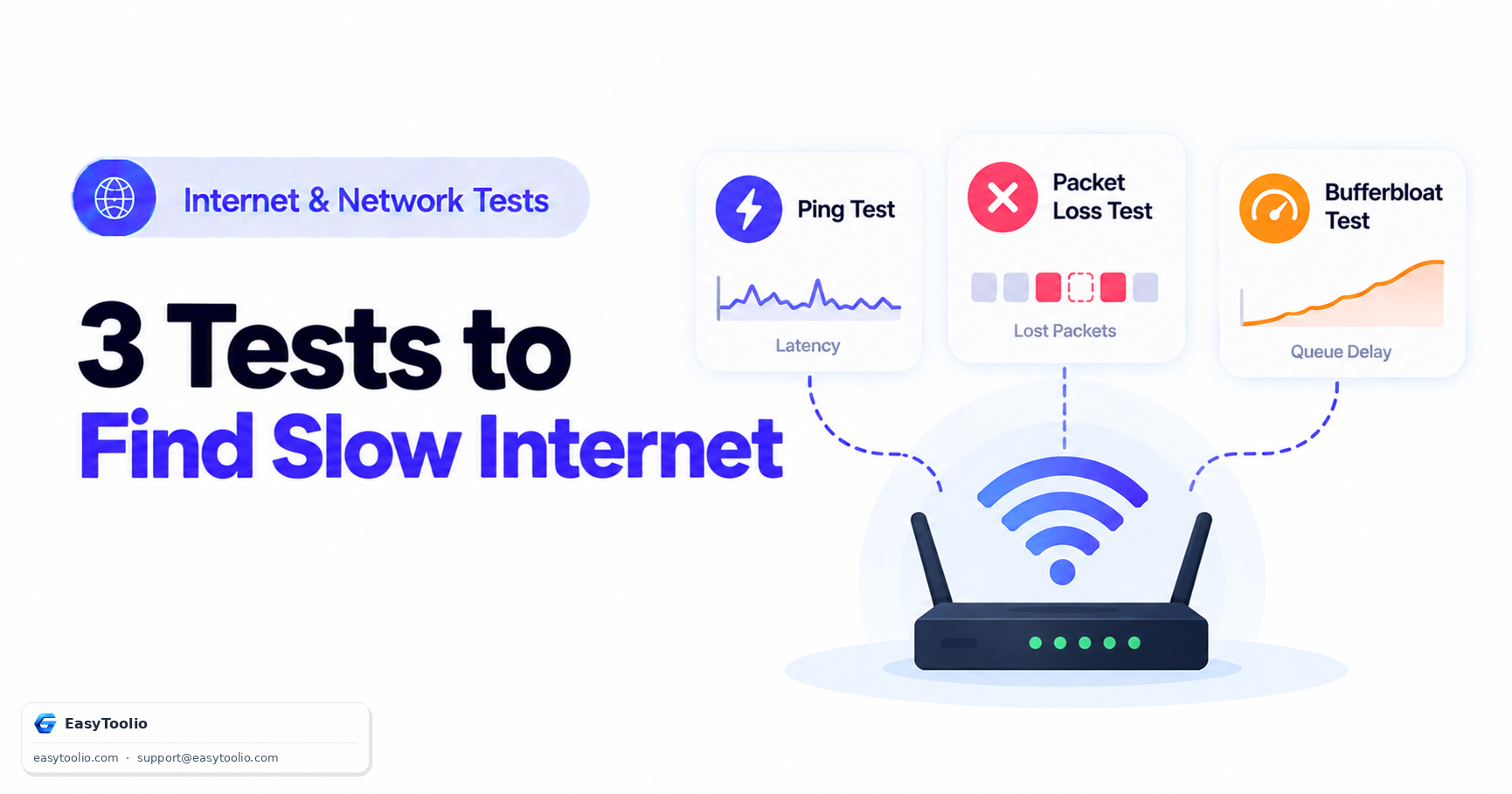
Rather than treating any single speed number as ground truth, pair it with a ping test to see baseline latency, and a bufferbloat test to see how much your latency spikes under load — that spike is often the real cause of a connection that "feels slow" during video calls even when the throughput number looks fine.
Frequently Asked Questions (FAQs)
Which speed test result should I trust?
Neither in isolation. Trust the pattern across several runs at different times of day, and pay closer attention to latency and bufferbloat under load than to the single peak throughput figure, since day-to-day browsing and calls are far more sensitive to latency spikes than to raw megabits per second.
Why does my speed test show much higher numbers than what I get downloading a large file?
The speed test likely used multiple parallel connections to reach that number, while your download used one connection (or a server that itself limits per-connection throughput). Both are accurate for what they measured; they are just not measuring the same thing.
Can my ISP really tell it's a speed test and treat it differently?
Yes, this is technically feasible through deep packet inspection or simply recognizing well-known speed-test server IP ranges, and some networks are known to apply favorable queuing to that traffic. It is not universal, but it is a documented reason two tests against the same connection can disagree.
Reference: IETF RFC 9097, "Metrics and Methods for One-Way IP Capacity."